It will, but worth noting any standard PoE switch ie Netgear or Cisco will work. Ubiquiti use standard PoE protocols now, in their early days they didn’t.
I power my Unifi Wireless Access Points from a Cisco Catalyst PoE switches… and even power one of my Unifi edge switches (USW-Flex-Mini) via PoE from an upstream Cisco 2960 PoE switch… it certainly keeps thing neat and cuts down wiring and electrical noise on your Ethernet wiring and generally. If you can’t use wifi for clients, then that is the next best thing in my opinion.
Talking about noise, some people and low brow products get confused by the term galvanic isolations. This does not mean hf noise suppression at all, it means a DC and low mains frequency isolation break exists to prevent earth loops and other earthing issues. It is these earth loops that can produce induced electrical noise. You use galvanic isolators when you are connecting circuits together with different ground potentials, or to break ground induced loops.
I used TP Link ethernet over power and it caused a humming on my Superline. The more I turned up the volume the louder the hum, so it was definitely not transformer hum it caused. Unplugged them and all was back to normal.
Ubiquiti WAPs come in two forms, without for use with PoE switch or with power injector (plugged into the mains for each WAP). You need the later if you don’t have a PoE switch.
Really you need a UniFi server running somewhere to get the most out of it. Not sure if it can run on a pi but does not need drastic amounts of power. I think once set up the server does not need to be running
The main function of these devices (at least when used in domestic LANs) is to break ground loops (principally for screened Ethernet cables & switches).
The ‘filtering’ of EMI, reducing system noise and jitter, is a side effect of the frequency dependent insertion loss of the device - i.e. it isn’t intentional, just inherent in the design that they only pass through certain frequencies, with the lowest losses occurring in the main frequency range of 100base-T and 1000base-T signals. Note that this is the lowest losses, and even at these frequencies there is significant loss of Ethernet signals through these devices.
This loss can reduce the transmission quality of an Ethernet signal and actually increase jitter and corrupted packets needing to be resent.
These are NOT a universal ‘fix it’ solution.
We use them to isolate / filter the main non-grounded Ethernet devices in our network from the ‘last switch’ that connects to the streamer. When we tried one between the last switch and the streamer, it degraded the sound.
Exactly… I think you and I have both said this now using slightly different language, so hopefully people start to understand galvanic isolation does not in itself provide HF filtering.
The main point of galvanic isolation is to break earth ground potentials and protect against electrocution where very high (1.5kV) or greater could be present in a fault scenario.
Indeed, you configure the Apps from a PC or Mac, or other small computer using their controller software.
A video guide.
You can also buy a tiny little server that looks like a USB memory stick, called UCK (UniFi cloud key) and this runs in the background collecting logging info and avoids having to run the controller software on a PC or Mac when you want to make changes.
But this is optional, once setup they will just work, but if you need to change you will need one of the controller methods.
I do use a UCK and is powered by a PoE switch(it just plugs into and hangs off one of the the RJ45 PoE sockets)
I’m not sure who you are responding to, but I have already explained the “Unifi Network application”, available for Mac and Win and the iOS app in my post 57 above to @toscana.
Unifi do not refer to it as a server afaik.
Just wanted to clarify a minor point, which can cause some people to be confused.
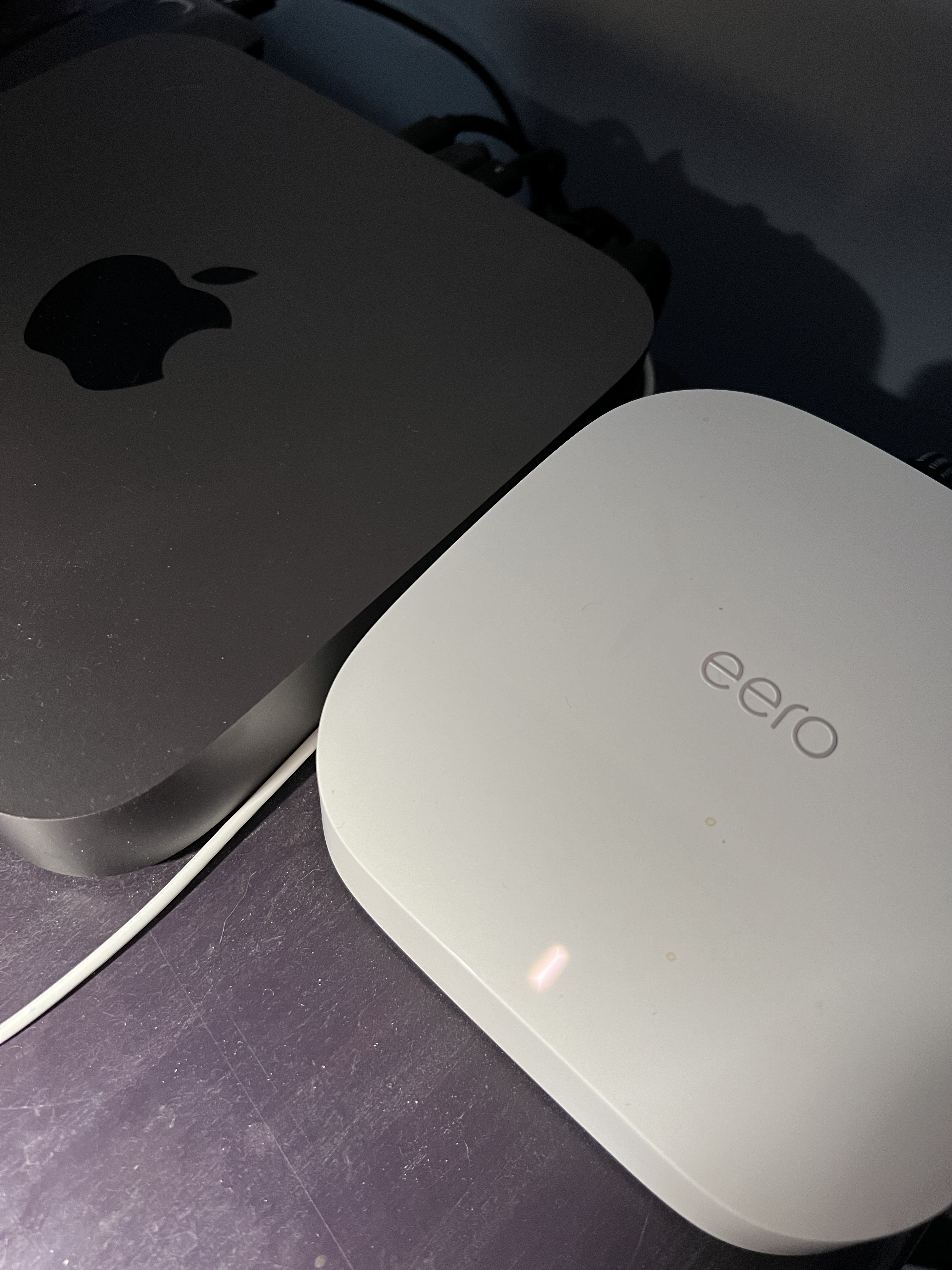
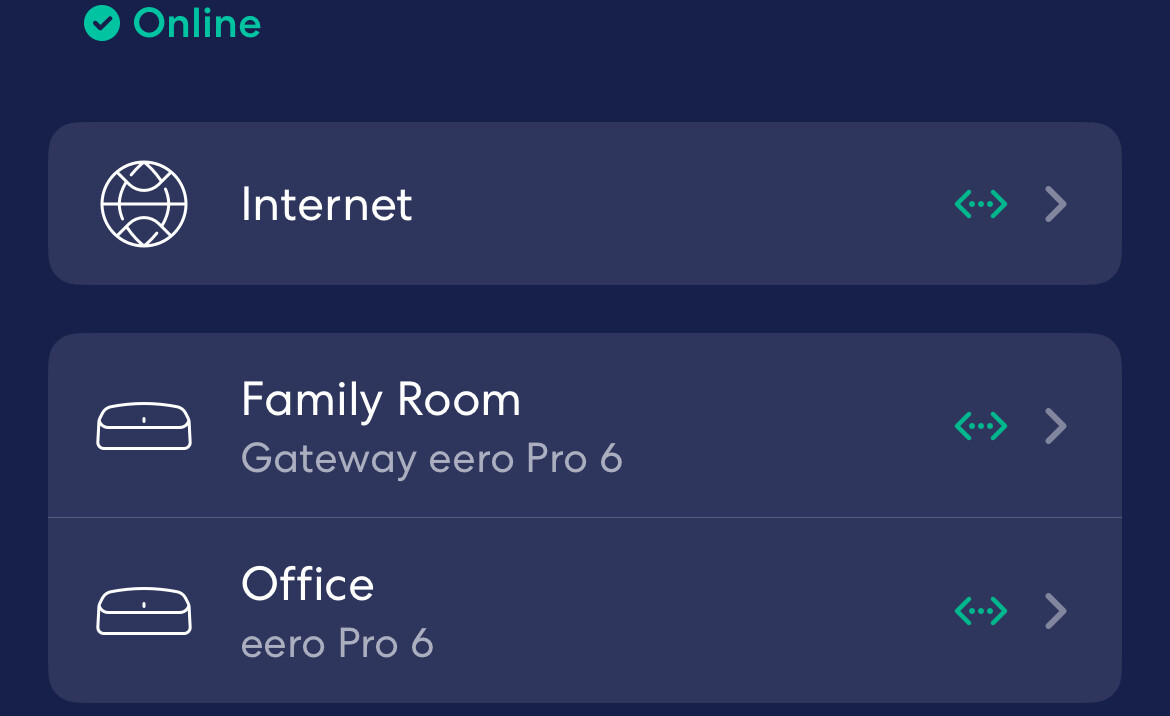
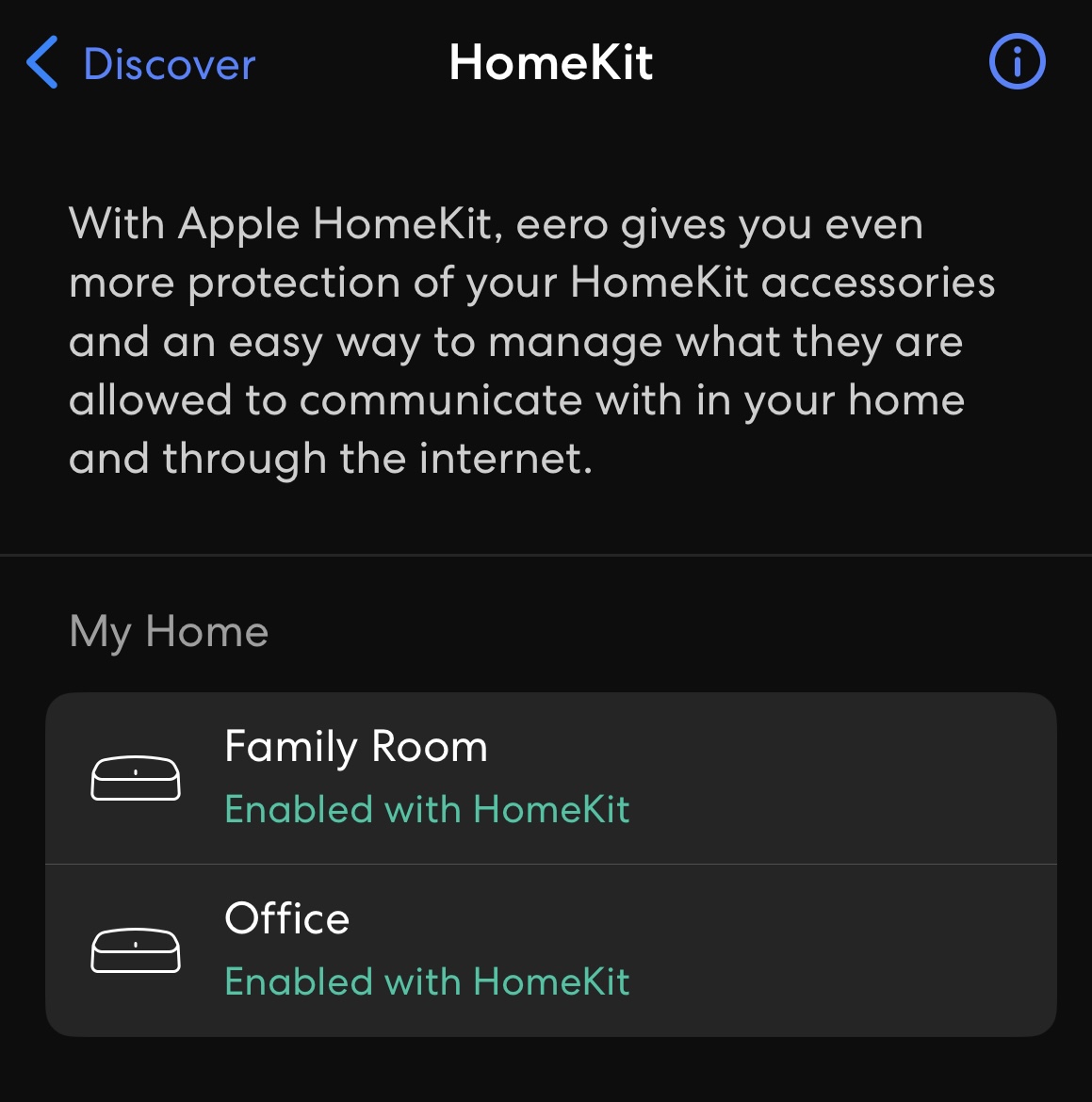
As Simon pointed out, your mesh WIFI devices are just APs, I think in your system the fiber optic access point is the router, which is also the DHCP server. My system is a bit more complicated, but the network layout is intentional for my purposes.
Also, I configured a Guest Network setup through the Eero for guest and friends.
I’m satisfied with my hardwired uploads and downloads at 1Gbps and WiFi between 400 to just over 700Mbps anywhere in the house.
Note
I was going to get all “enthusiast” on my network and buy Ubiquiti equipment but watched the youtube videos and came to the conclusion most of these people were always fiddling with settings to customize. I went with Eero for ease of use and stability. Considered the Apple of WiFi Mesh routers.