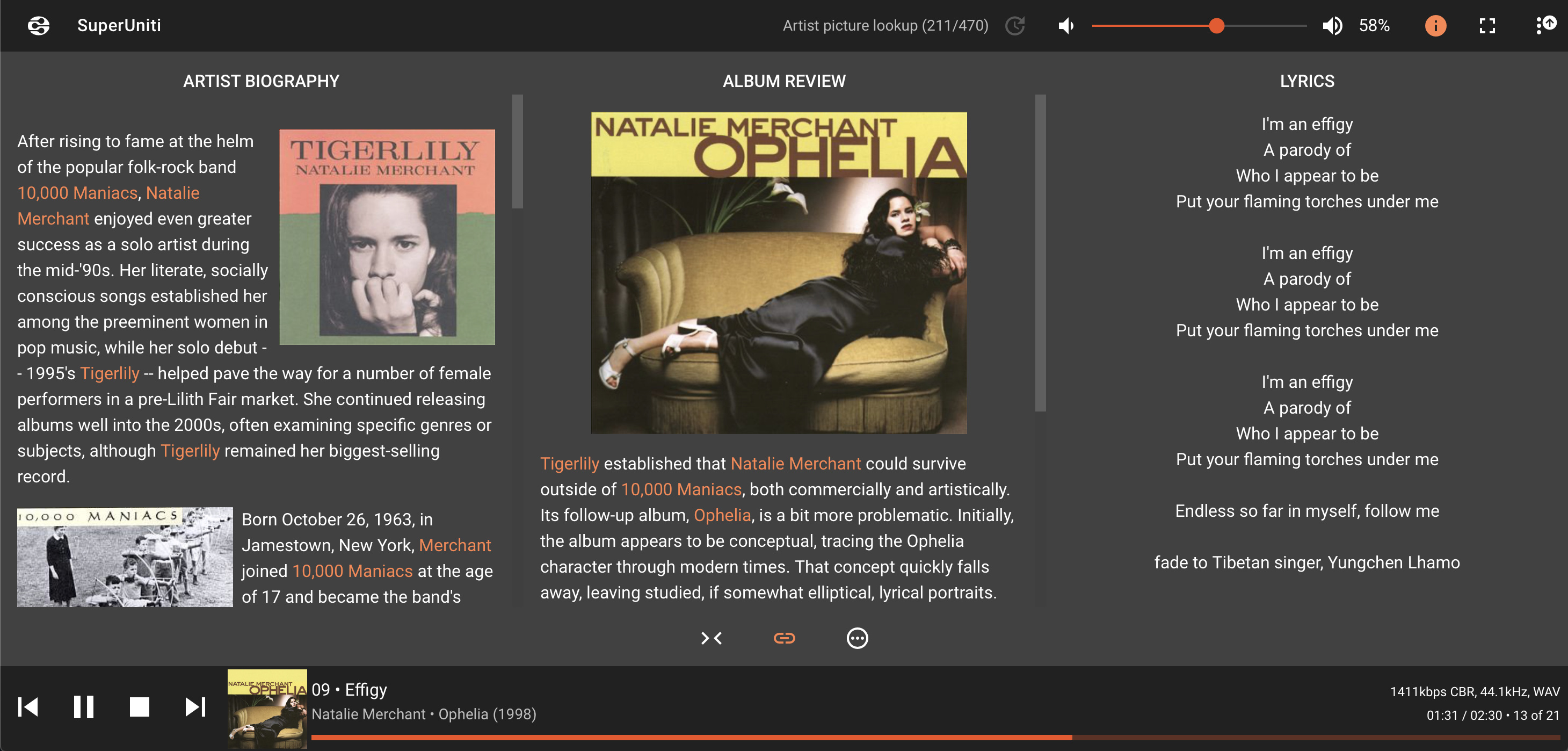
It’s similar to iPeng, but because it’s browser based can be used on iOS, Android or any computer really. I think what you need to do is type in the address of your Zen server in the browser along with :9000 at the end. This should open up the LMS controller. It controls the Zen, but if you go into server settings and browse around you will find plug-ins you can install. One of them is the UPnP/DLNA bridge plug-in. Once installed and configured you will see your Naim streamer in the list of players. Choose to stream to it and a way you go. I did all the set-up on my MacBook, but mostly use the iPad as a controller. Or you can go from one to the other without any issues. The app is customisable and has artist and album info along with lyrics. A bit like a simple version of Roon. Best plug-in is the “don’t stop the music” which creates a playlist of music similar to what you’ve been listening to after an album finishes.