Asset uPnP - how to use custom image for Genre image?

I use grid view on the Naim app and I can’t stand one of the album covers chosen for one of the genres (JPop in this case).

I have used uploaded many images for artists so I know basically how to do it in the Asset uPnP menu. In this case, it doesn’t seem to work. I have uploaded an image with the filename JPop.jpg but it doesn’t do anything.

So my question is can custom image be used for genres? If yes, how should I be doing it?
Thanks

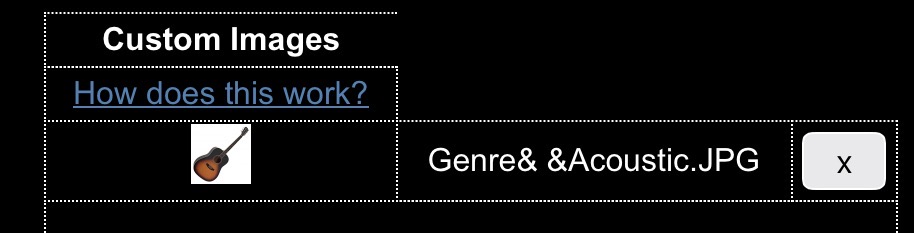
Should just work if you upload image file via web interface (Advanced/Custom images) with name matching genre.

But that sounds like what you’ve done?

Just tried a browse tree specific one…

Filename Genre&+&Acoustic.jpg

Shows in web gui without plus…Asset automatically restarts on submit.

Then browsing via VLC or mConnect shows it has taken effect in Asset and these clients instantly show updated image:

With the naim app it seems you have to go into app and choose Reset App to clear the uPnP cache.

1 Like

Thanks!

Using Reset App worked! I did try clearing image cache but that didn’t work.

1 Like

Great news! :+1: