dBpoweramp (Illustrate) have released an update for Asset UPnP
R2026-07-13 is the first new release since March '25
A fair few changes & new features - see the dBp forum for details
dBpoweramp (Illustrate) have released an update for Asset UPnP
R2026-07-13 is the first new release since March '25
A fair few changes & new features - see the dBp forum for details
Thanks! Will wait and see how this goes for a few others first. Nothing much on the forum yet, aside from one guy with problems installing…
Updated Asset on my QNAP a few minutes ago. No issues.
Same for me on Synology DSM-7.
I always install and check functions first before I post news of an update release advisory on this forum.
Might want to hold off, just about to post on the Asset forum :-
[19:17:08] Library debug log opened
[19:17:08] R2026-07-13 [Linux-x64]
[19:17:08] Asset install location: /volume1/@appstore/Asset/bin/
[19:17:08] Asset data location: /volume1/@apphome/Asset/.AssetUPnP/uMediaLibrary-r8
[19:17:08] PID: 928
[19:17:08] Linux nas 4.4.302+ #86009 SMP Wed Nov 26 18:19:20 CST 2025 x86_64 GNU/Linux synology_v1000_1821+
[19:17:08] Free space in profile folder: 8229692678144 bytes.
[19:17:08] Library Contains 0 Tracks, 0 Albums
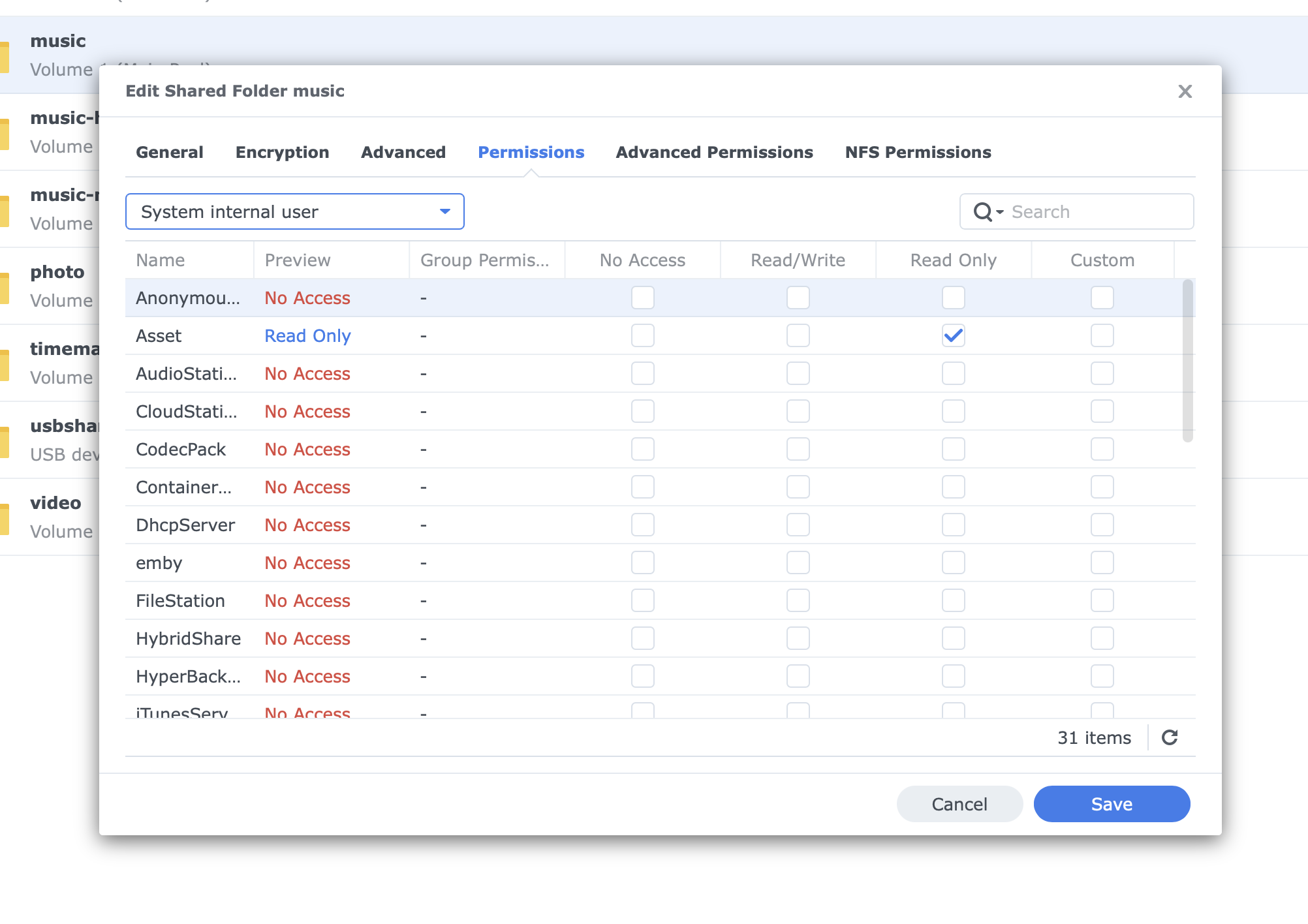
I did an update, then removed it, installed a trial, removed the trial and a then a fresh install and popped my license in, same issue with all.
Argh can’t log into the support foum, I’ll have to connect up my ssd drive to the 222.
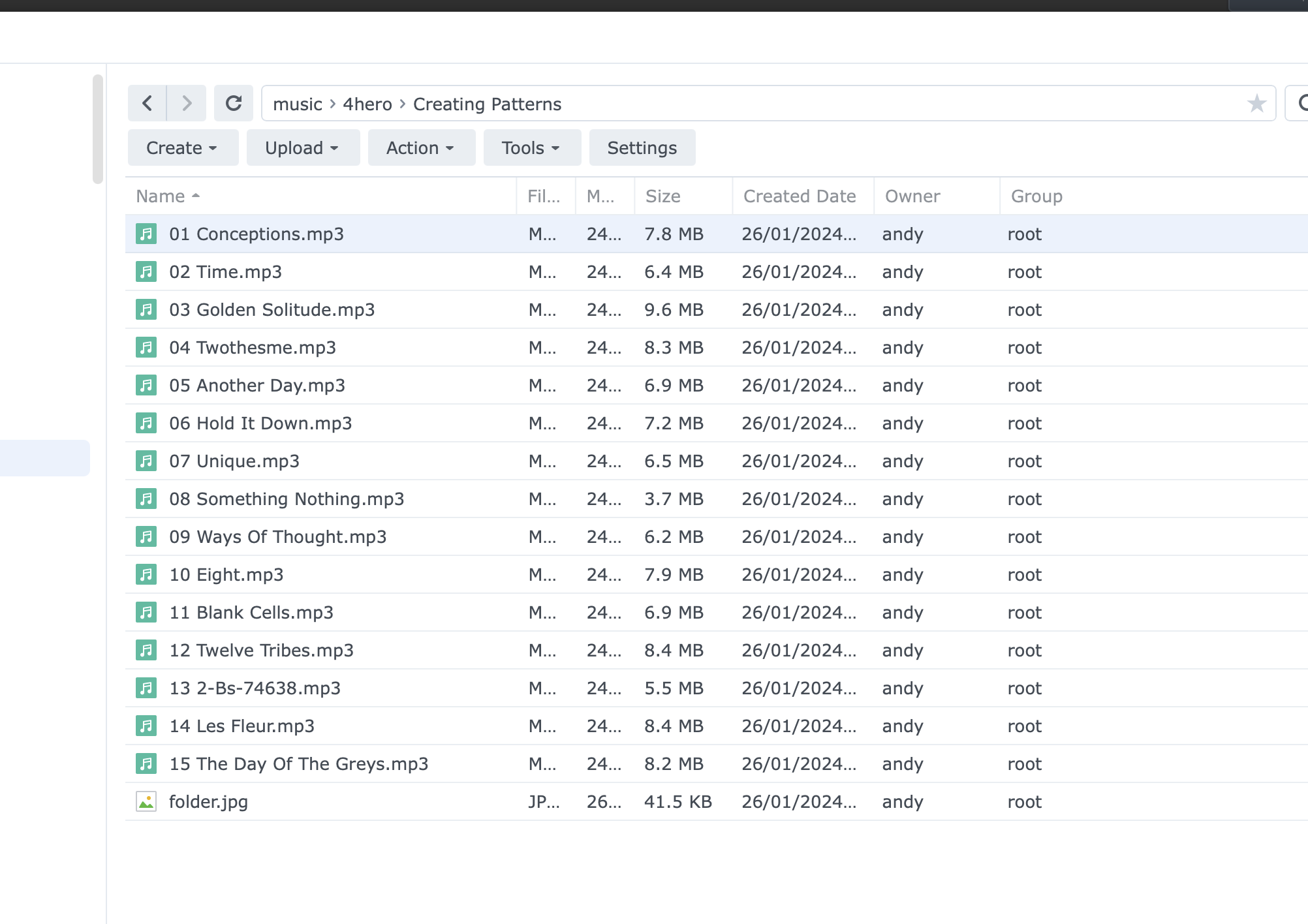
I’ve just updated and after 12 years of faultfree updating it won’t access my multimedia files.
Will try installing an older version …if I have it (QNAP)
Same error as me then on different hardware ?
Just installed the previous version and all ok.
You need to go talk to Spoon and Peter, my install (Synology DSM-7) worked with no problems
Indeed I do, but it doesn’t like my login that I know is correct, maybe they have changed the forum password rules since I logged in last.
The only way of getting support is via the forum 
There’s no change with password, I’m still using the same one i started with.
Failed to install on my Synology DS214play. Reverted to previous version working fine
I don’t know what’s going on, my Syn DS214 install went just as all previous have done.
Install with Win-11 download to Synology GUI.
Then as I’ve always done, power cycle the iPad, open iPad, see the new Asset logo and away it goes
Glad it worked for you. I’ll wait a few days and see if there’s a revision.
No problem with my Synolgy update
My upgrade on a RPi2 so the Linux-ARM32 version, took a couple of reboots to get back going.
The configurations directory seems to changed from ~/.dBpoweramp to ~/.AssetUPnP
However the configuration data is preserved, along with the database and image store.
I was worried, as the RPi2 is a low power device on a 100Mbps connection and a database rebuilds takes a few days (108k tracks in 8,000 albums or so).
I also overide all the icons with a custom library.
OK it looks like there’s a glitch.
Peter the guru on dBp (& Asset) says ……
There’s a glitch in the install script, that causes it to get stuck waiting for Asset to finish starting (script not updated for changed configuration data location).
You can safely stop the script with Ctrl+C or equivalent at the point it prints “Starting Asset”, it’s installed and running.
So that’s the workaround, or wait for a new error free version.
I suspect it‘ll be hours rather than days to wait.
Updated earlier I use the windows version it’s now called asset upnp configuration (legacy) for some weird reason. Had to restart asset a couple of times for the naim app to see it but I’ve been having that problem for a few weeks I was hoping the new install might fix whatever’s happening.
Thanks Mike. I will wait until the revised version appears.