Hi, I rip the occasional cd using Windows Media Player and have recently noticed that Media Player is not accessing the internet for the ripped cd information, name of artist, album tracks etc. Has anyone else noticed this?
I am unable to solve this issue having spent time looking at settings etc. Has anyone a solution to this within Media player. I have no intention of buying a product so that is not a resolution.
We use a Mac now but I’ve used WMP extensively in the past. It sounds like it could be a settings issue. Have you done any updates recently - sometimes these can result in changes to settings. I suggest you go into the settings menus for the player and check that you have granted permission for it to access the internet. IIRC there is a setting for this that needs to be ticked. Likewise check all the media settings. I would guess it’s almost certainly some obscure settings issue and I agree that these can sometimes be very frustrating to get to the bottom of. I see you’ve already spent time on this but have another look in case you’ve overlooked something which is easy to do, especially when you’re frustrated. If it’s definitely not a settings issue then provided you can otherwise access the internet OK from your PC then I can’t offer any further advice I’m afraid but best of luck.
Just did a quick online search and apparently from late 2025 to present Microsoft’s data servers are for some reason not able to supply the required metadata so users must edit it manually. So that’s the answer - nothing to do with your settings or PC.
Based on my experience, I agree. Even CDs with that rather odd early-2000s copy protection cause EAC no issues, whereas ITunes and WMP don’t (didn’t) seem to be able to cope with them. Also, having the ripping report to pore over afterwards satisfies one’s inner geek/obsessive.
MP3Tag’s work even satisfies my car’s rather fussy requirements.
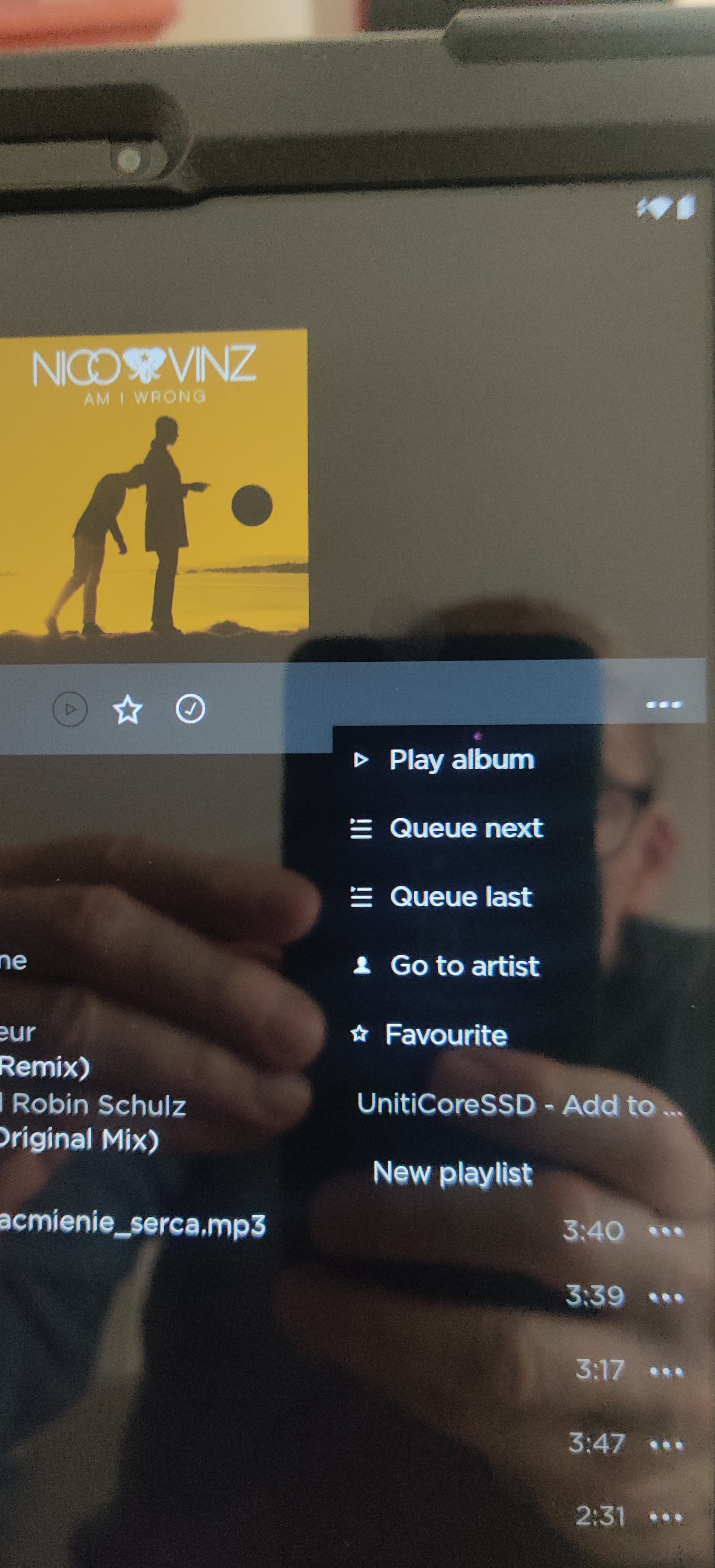
I’m organizing my music library (ripped CDs) into hard SSD drive of Naim Uniti Core now. While updating, I came across a Nico Vinz “Am I Wrong” CD previously recorded / ripped in MP3 format. Most CDs are in WAV format.
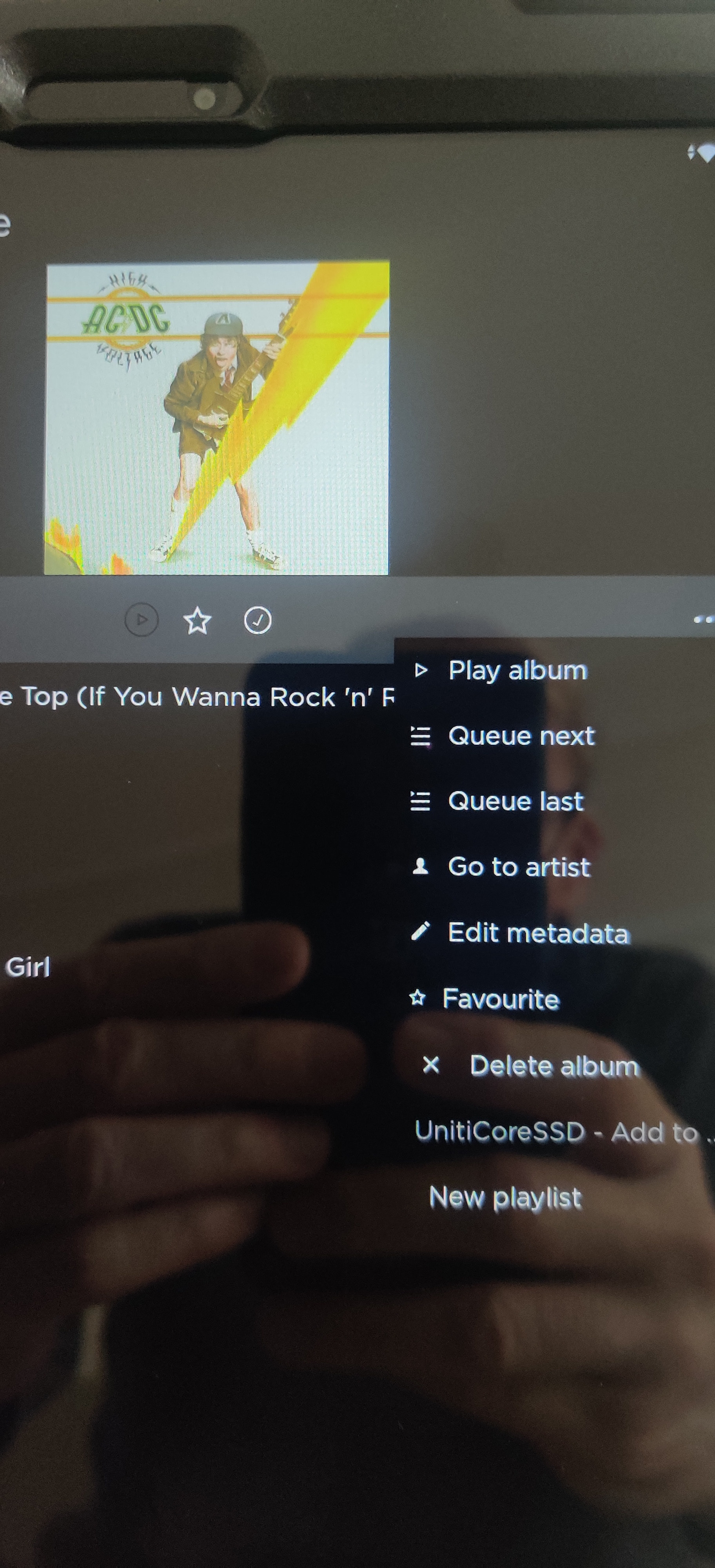
The attached photos show that the “edit metadata” and “delete album” buttons are missing (Nico Vinz MP3 format). So, my question is, how can I delete the Nico Vinz album from Uniti Core SSD drive?
That means it’s probably in the Downloads folder on the Core and that you ripped it on a computer rather than on the Core. If so, you will need to access the Core via computer and delete the files from the Downloads folder on the Core.