Our Sony TV has a variable analogue out available which I want to connect to our Nait5si to save having to use a DAC. Is there likely to be any issue here, ground loops for example? Has anyone else done this successfully - or unsuccessfuly?
Hi
I keep my telly “Sony “ separate from the hi fi but I’m sure you can just linkRCA cables from the telly to an input on the amp.
Keeps it all analogue.
I only use RCA for everything.
CDP into Supernait etc.
1 Like
Be very, very careful.
It’s not immediately obvious but your Naim system can sound undynamic and ‘sat on’. It’s not obvious until you disconnect the offenders.
You need to avoid mucking up your signal earth, ground earth and avoid taking electrical noise in from the TV. Highly recommend an optical connection from the TV.
3 Likes
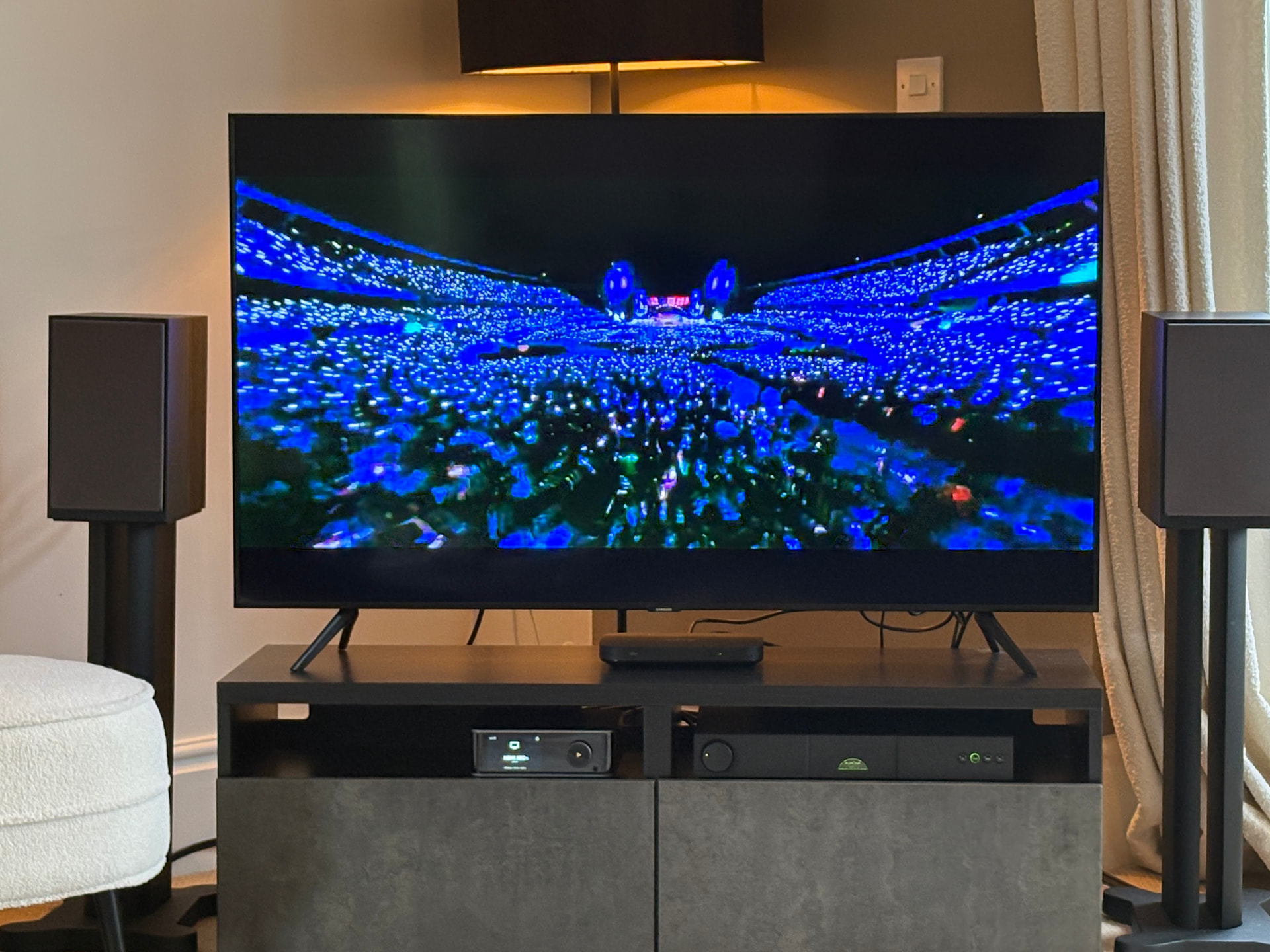
I have run my TV through my 5i, the forerunner of the 5si. My TV doesnt have rca outputs so I run an HDMI cable from the TV to a WiiM ultra and then from there to the 5i. It has really improved the TV sound and also lets me stream music. It’s a really simple and musical second system. As I have described elsewhere, unfortunately I initially got a terrible hum which I eventually resolved by earthing the aerial coax in on the TV.
2 Likes
I would not think that an a analogue output from a TV would be very good sound quality, especially if your also using a Blu-ray Player for movies etc, I would think you would want the best sound quality which would normally be optical digital out from TV to your Qutest DAC, also if your Blu-ray Player has coaxial digital out then that can also be connected to the Qutest to get maximum use of the Qutest, which would also optimise the sound from the Blu-ray Player.
Alternatively, HDMI from Blu-ray Player to TV and then Optical to Qutest should also give you the best sound quality from movies etc as the TV should pass through the digital signal.
2 Likes
Tried this in the past and it resulted in lip sync issues on some Blu rays.
With most Blu-ray Players you can adjust the audio output to resolve lip sync issues.
True but it wasn’t with all discs. I find it a pain to have to keep adjusting this depending on disc! But the optical connection from the TV has no such issues so that’s what I prefer to use. Disposing of the DAC would mean one less box which would be nice but I can see it’s just going to lead to problems so best keep the Qutest I feel. OTT to buy one just for video sound, but as we’ve already got it…..
1 Like
If you think the Chord DAC is more than you need for the TV you could use a much cheaper one. You can buy basic DACs for under £100 that are very small and easily hidden.
4 Likes
This topic was automatically closed 60 days after the last reply. New replies are no longer allowed.