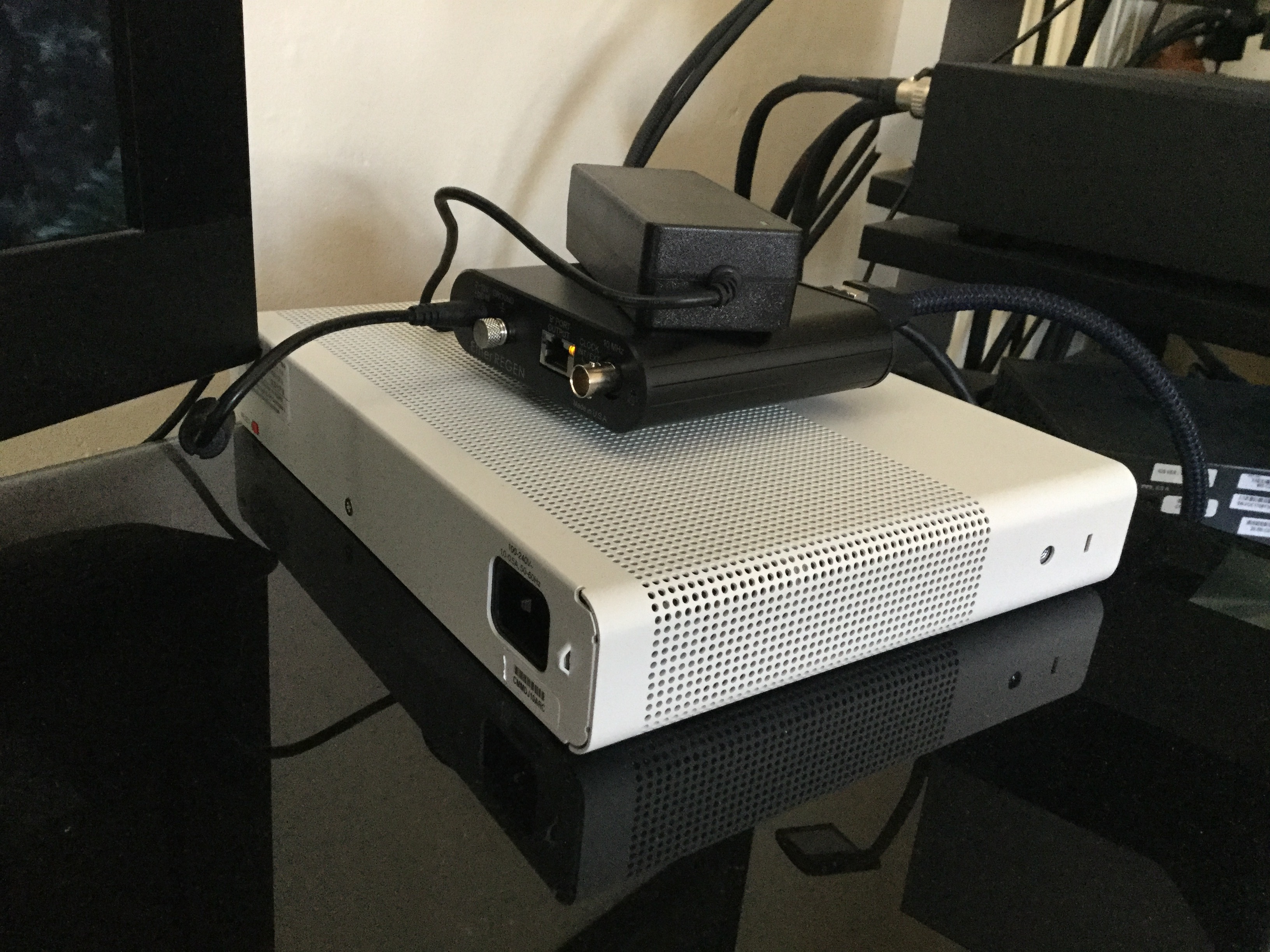
Managed switches do (e.g. Cisco C3560) . That IP address is provided by a DHCP server on your network. Usually the one running on the modem/router provided by your internet service provider.
The Cisco 2960 and 3560, with default factory config, should work seamlessly out of the box. Cascaded or not.
Correct, you only need to sign an IP address to a switch if you want to connect to it using IP. This address is called a ‘loop back address’. This is typically used to configure the switch and collect management information remotely.
You can configure and manage the switch independent of IP as well, by using its serial console port.
These catalyst switches will default to standard operation and will provide core switching functionality out of the box. Core switching works on network addressing (MAC addresses) and not IP addressing.
However with Naim there is a configuration that is recommended, cascaded or not, to set the ports between the dhcp server (likely your router) and the Naim streamer to fastport. This turns off loop detection but speeds up enabling the port… this way the DHCP routine on the streamer can work more reliably after a general power cycle/ power cut.
Thought i would post the Signals post, they are on lockdown,and have been trying some Plixir power supplies on Melco products including the new Melco ethernet switch. Interesting read, usual Signals straight talking banter.
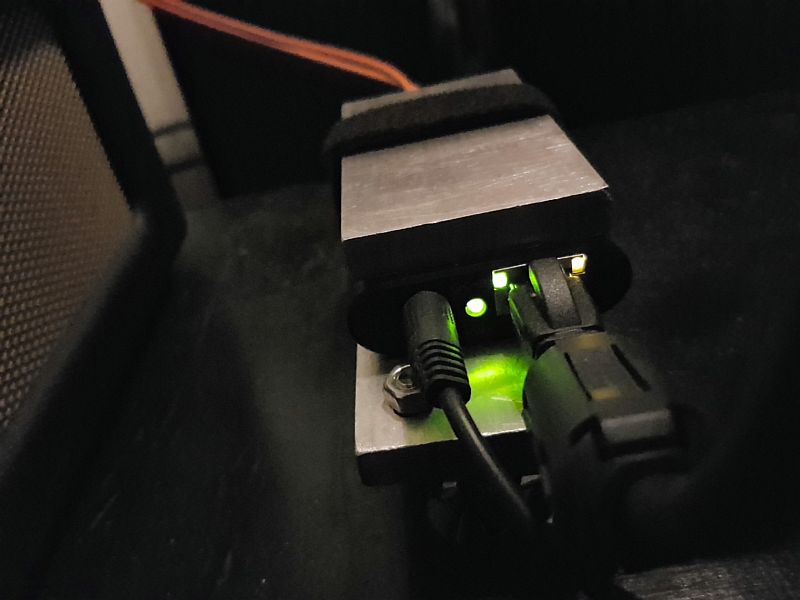
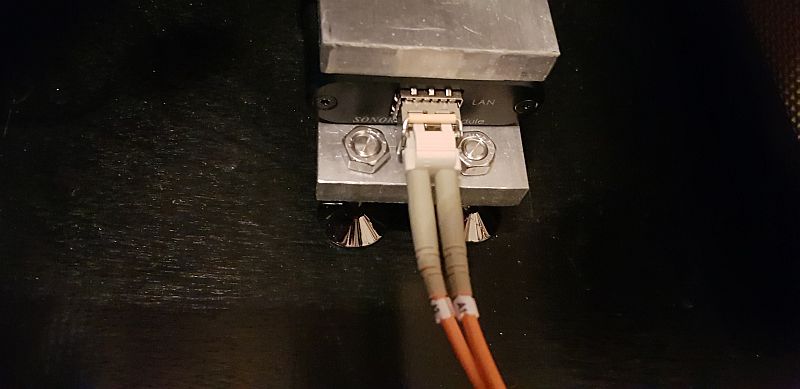
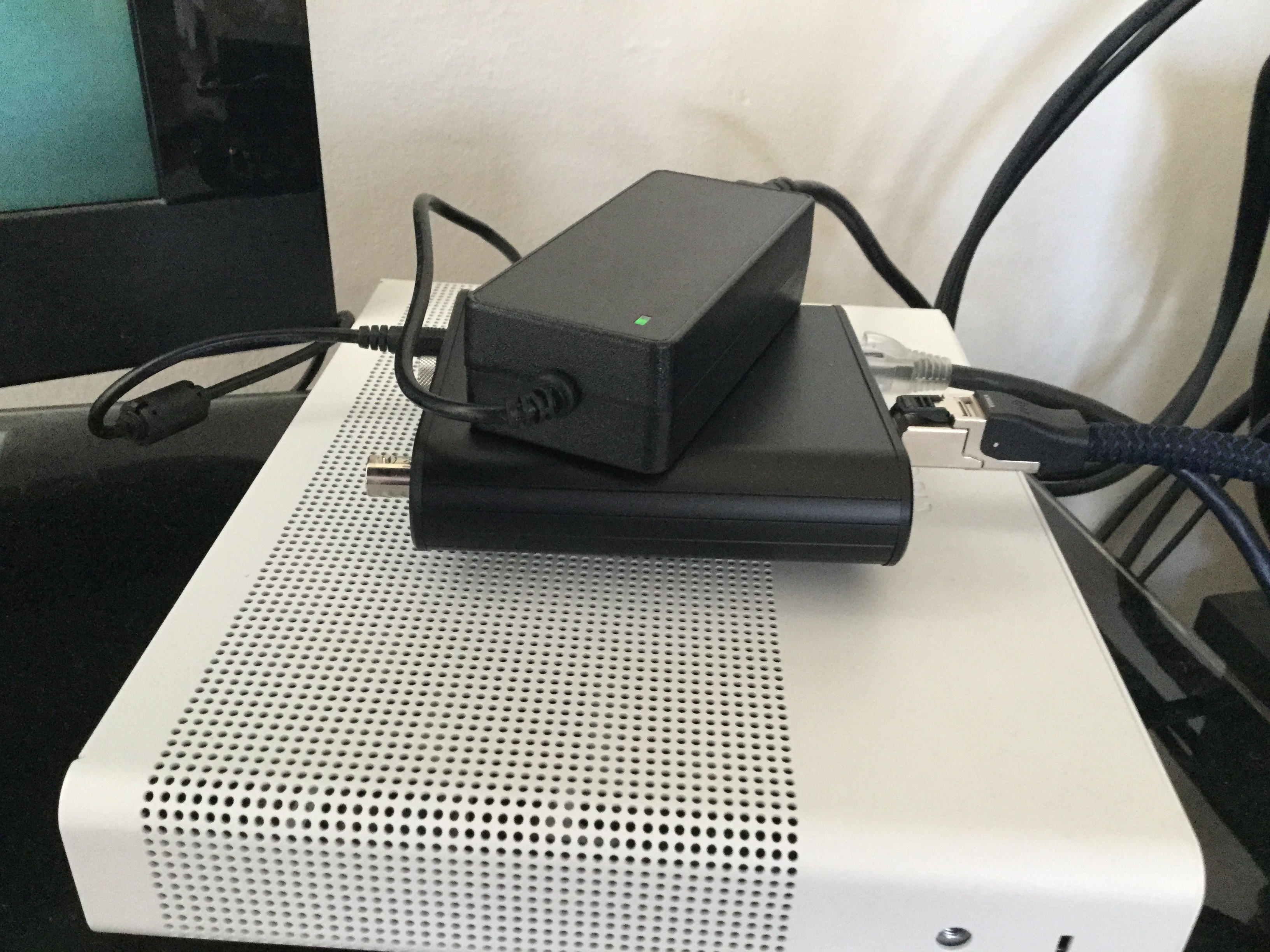
Here is mine sitting on a aluminium billet on spikes for no real reason other than it keeps it in one place, it’s quite light. It’s powered by a HDPLEX powersupply. The ethernet cable has a ferrite on it.
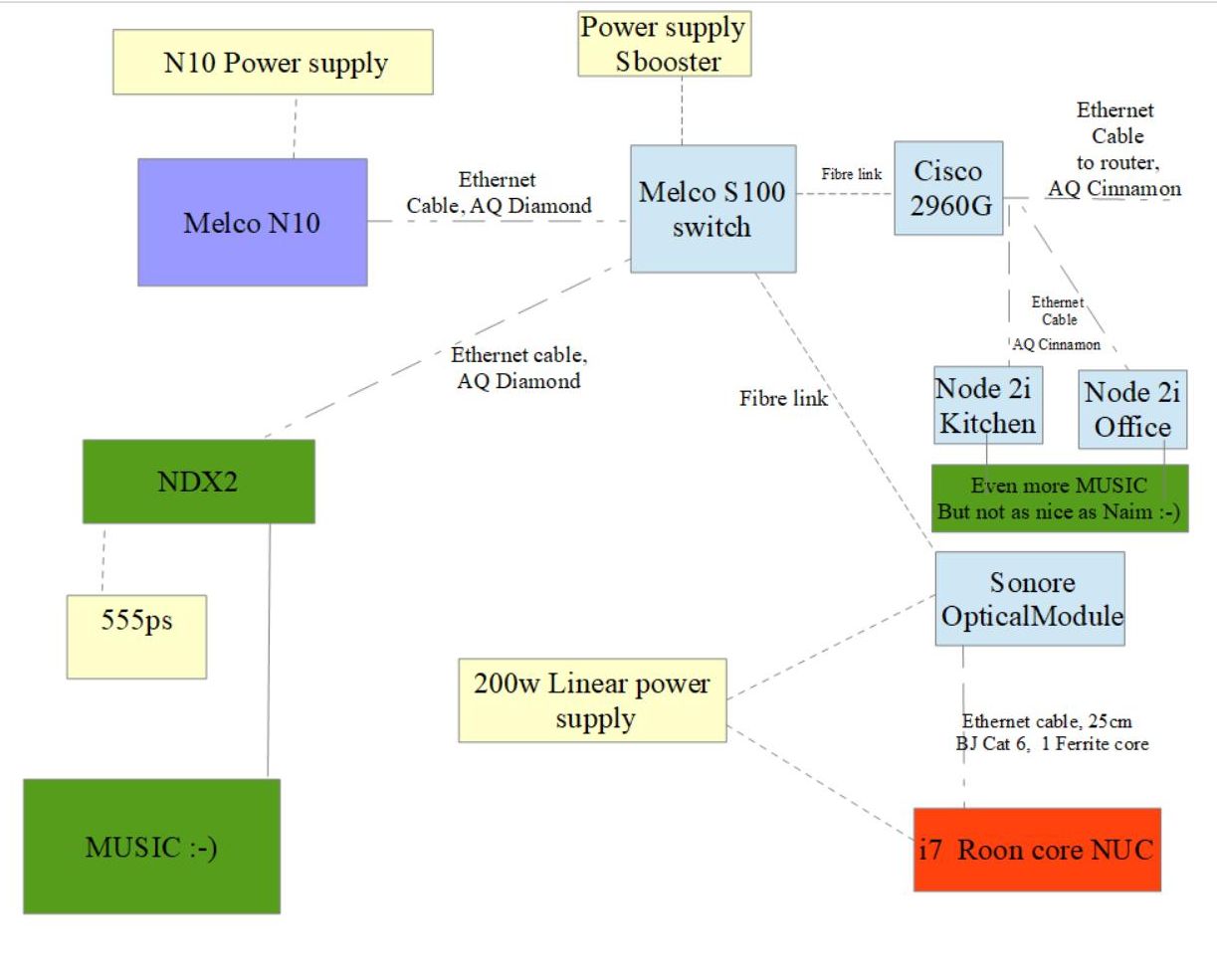
Peter, the Melco S100 is a switch, right? I thought it had already linear ps in it. But you connect an Sbooster to it ?
On your profile you wrote Melco N10 ( Sbooster). The N10 has already a big external ps.
I don’t understand your set up. Can you explain me ?
Just remember from an ‘audiophile’ perspective fibre can have some big disadvantages, it is very prone to audio based feedback jitter… so in essence as you turn up the sound in the location where the fibre lays, it will undo the effects of clock stability in your network interfaces.
So for optimum results keep your fibre away from where you will be listening to music, if you can’t do this then best use twisted pair that doesn’t suffer from this.
A few years ago I spent some time looking into this professionally, where this side effect was actively used as microphonic tamper detection systems is digital distribution networks.
Yes, it’s trade off, no RF interference but potential for audio based feedback. I’ve been experimentsing with damping where the fibre enters the S100. I know of one PIDS that is based on fibre for that very reason.
Just an update on the SOtM clock installed with the ER switch. I don’t think 2 ERs sound any better than one with the clock connected to both ERs. Although, previously, I found the extra cable connecting the switches was a big influence on the having 2 switches which some felt was the improvement.
Very interesting to hear your findings. I should be able to get demo SoTM and Mutec clocks to compare. Nice to know I may be able to swap one box for another (albeit larger one). Space is tight…