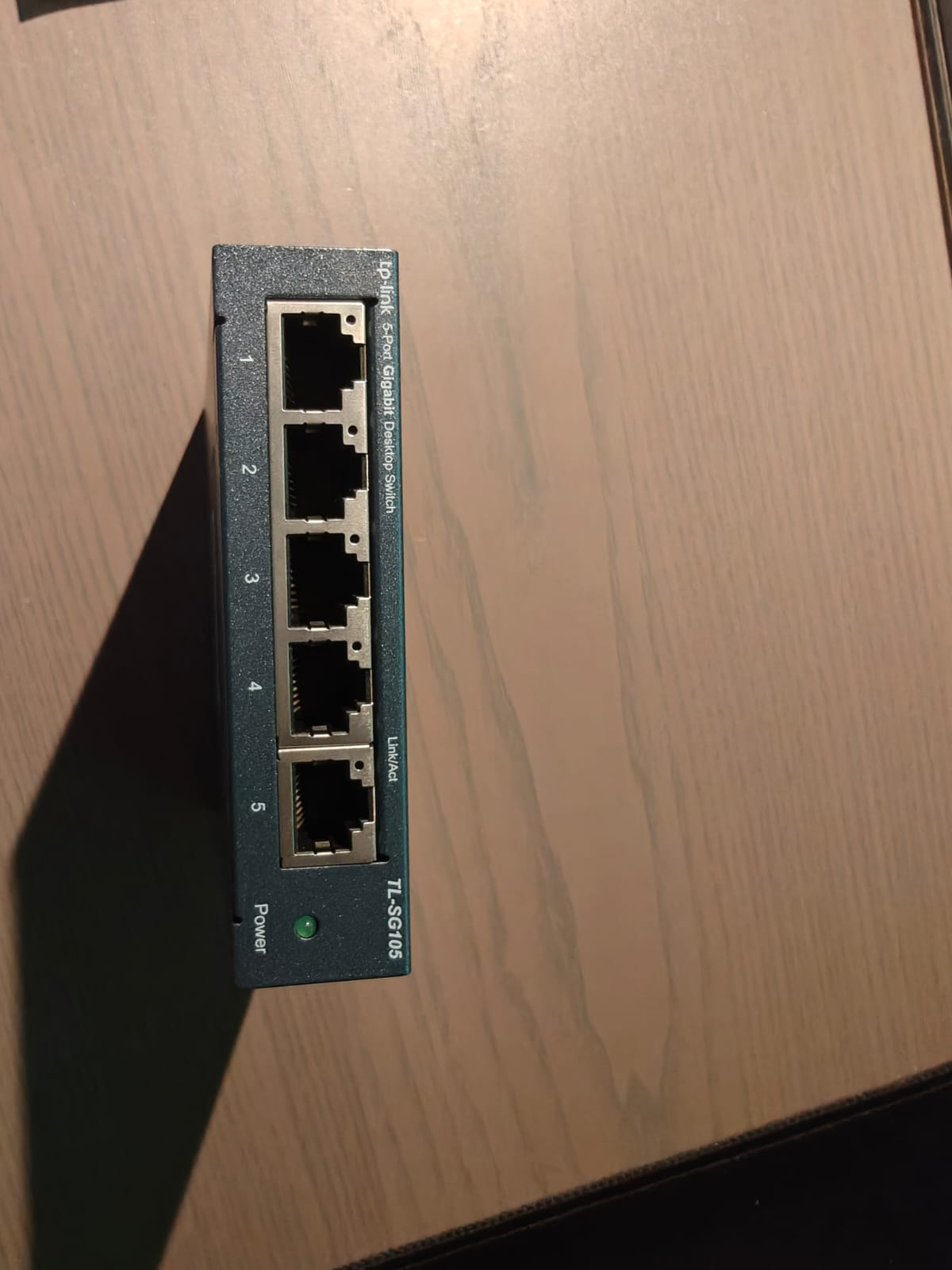
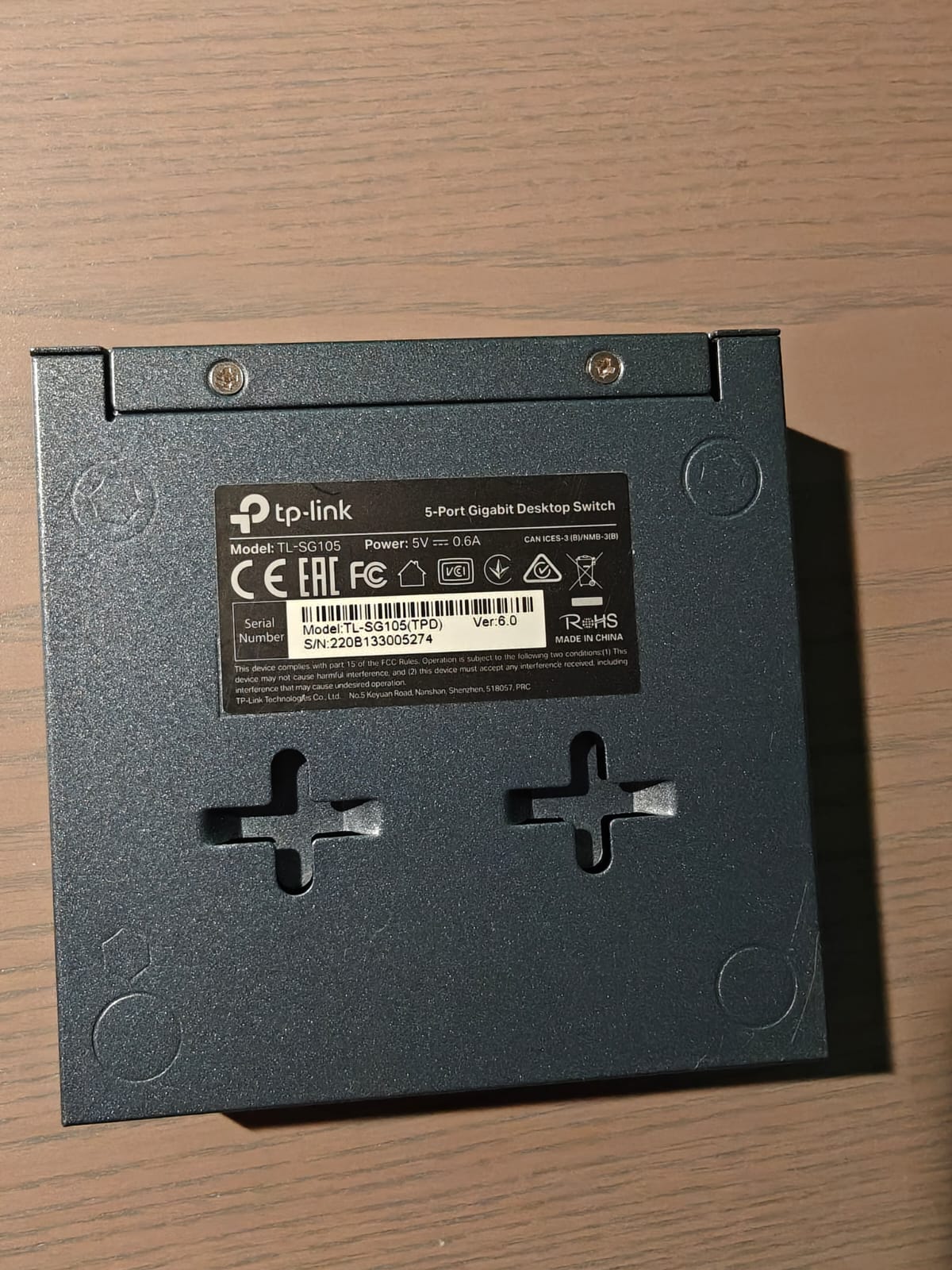
I do sometimes have a loss of the wired connection indicator falling away in my home office (port 4) and a dip in the bedrooms as well (port 1). Both the @ homecharging wall box for the car as well as the solar panels to my knowledge do not require a constant connection. So probably would not notice a loss of connection other than a prolongued loss.
i have not named the devices, they are both similar (see picture)
No, it’s a mere mather of bandwith allowance i believe.
Contacted the supplier today on the issue and they said that 825 Mbit download wireless on my phone in a 30 cm range of the router is well within the acceptance range of above 80% of the subscription bandwith sold… So nothing was wrong with the internet connection according to him. He even stated that if i removed all the switches, i could reach above 1 Gbit download at the end of the day… It puzzles me how those two things relate, but then again, there is much more i don’t know than that i do know.
Have you tried going to the BT website and seeing if fttp is available for your address. I like you was waiting to be contacted but went via the website which said I was in an area that could be upgraded. Placed the order and was up and running with fttp within 2 weeks. Whilst BT fitted the fibre connection I went with a different provider for my actual broadband service as they were cheaper, smaller annual increments and allowed me to keep my phone line (albeit digital/voip as opposed to copper/analogue) for free.
I don’t see how your issue could be related to bandwidth. Your internet speed has more than doubled, so if you’re really using your full bandwidth to the point that it becomes congested, the problem would surely have been much worse before you upgraded.
Start with the basics:
Given that you are using the same router, have you restarted it? Try rurning it off for at least half an hour.
Check your cables. Buy a cheap long Cat5e cable and use it as an alternative to your current cables to eliminate any defects as the cause.
Can you please describe what you mean by a stable wired/Ethernet connection please, and why do you think that is not the case. What do you mean by ‘dips’ and ‘falling away’. How are you determining this.
I have read your posts unfortunately it makes no sense… so best start from basics..
Also why are you additionally talking about your broadband connection speed.
Thanks, with that I might be able to help.
Hm, sounds like nonsense to me. I would be concentrating on your router and the cables that feed your switches. Going back to basics as @ChrisSU has suggested, with a long shutdown of the router, disconnect all router ports, then use a long cable one device at a time, testing at each stage. Start with the device that in your mind exhibits the fault the most.
Another question if I may, what Cat cable is being used between router-switches, and switches-device. Ideally you would want 5e at a minimum.
Indeed. My provider terms this link speed as “best effort” only.
Also worth noting, tools like Speedtest may give inaccurate results due to factors such as distance and third party endpoint load.
Telcos increasingly provide more robust tools for measuring the connection which can be accessed if you know where to look. These will give you a remarkably more detailed analysis including jitter in milliseconds, compensation time cost, and all while selecting your local line’s regional hub in your municipality for the test.
I typically get 800Mbps down and 350Mbps up. In my previous city, the balance was more like 600Mbps in both directions. For a commercial connection, those numbers might be meaningful but for a domestic connection, even with several users concurrently streaming 4K content, a fraction of the above is more than sufficient.
It’s probably better to evaluate how good a connection is against what you need rather than against how good it could be at best effort.
Some applications are more bogged down by things at Layer 3 like TCP resets or layer 2 out of order segments so I would consider those (among several other aspects) as more meaningful if not moreso in terms of end user application experience.
If you want to measure the speed of your broadband connection, always do this using a wired network and ideally remove all other devices that may be using bandwidth.
It is a complicated area in detail.. but the vast majority of consumers don’t need this detail.. so your suggestion get what you anticipate you need with some headroom.. rather than be fixated at throughput at a point in time… as there there are literally hundreds of options that will affect that, is spot on.
Useful to remember:
Broadband is shared access infrastructure… that is why it’s generally very cheap.. but the more people using it and creating traffic within an area or district typically the lower the performance for everyone… albeit may not noticeable for home use and might only be temporary..
Internet itself is a public set of many thousands of interconnected networks, that talk to each other through a hierarchy. There for the best performance and the only performance your network ISP can define is for its network, or so called autonomous domain. Anything that is reliant on a connection path (which will likely be most things) outside of your ISPs network will be outside of thier control..Most larger ISPs will have stated latency targets say for the UK and transatlantic traffic.(within thier network).
So things like public speed test can vary more widely with higher broadband speeds, particularly when the speed test server is on a different ISP network to the one you are using,.. if you want to use a speed test with better accuracy use one provided by your ISP or uses the same ISP as you,
With regard to your final point.. on TCP resets and packets out of sequence..
TCP resets are issued by peers.. so client or server or perhaps VPN proxy.. so nothing directly to do with the internet or your ISP. Usually caused by an unrecoverable error in the associated computers/servers or devices that can’t be recovered… like a process crash… and/or stalled connection.
Packets arriving in not the same order that were sent is acceptable and normal. The TCP mechanism is designed to handle that.. clients can negotiate smaller window sizes so there is a smaller time window for out of order packets or even send immediate (Push) packets for immediate processing, by defining a smaller window size one typically reduces application latency… and where not appropriate at all then one uses the alternate UDP transport protocol instead of TCP. Many realtime applications use UDP. Again this is not typically down to your ISP on fixed connections, other than possibly more likely with ISP mobile connections when fast roaming… this choice is determined by the application.
But in short your advice is good get you need with notional headroom… and expect relative throughput variations and then don’t worry about it… the public internet is designed to be robust and handle variations commensurate with a public network… there is far more to throughput than your local ISP broadband access sync speed.. and this comes more into focus with higher broadband connection speeds.
Agreed. I’m on a Zen ‘fixed price’ contract so can’t upgrade without exposing myself to annual price increases. I’ve found the 40 mbps is easily sufficient for Tidal, Netflix/Apple and the usual everyday uses.
I find it best to ask your ISP what speed you need:
ISP: Do you have email?
You: Yes I do
ISP: Well that 20Mbs. Do you ever watch YouTube?
You: Yes I do
ISP: Well that 100Mbs. Do you ever watch Normal Def Netflix/Disney etc?
You: Yes I do
ISP: Well that 400Mbs. Do you have a child in your house?
You: Yes I do
ISP: Well that 1Gbs. How would you like to pay?
For me that would be: “All of the above” so at least i am on a solid subscription… Finally got notice of a repair slip, so i can send in my (new to me) Uniti Star to have the issues fixed.
I am suffering from highly pixelated TV signal at times, and a great variance definition. This seems to occur more (including the sound shortly being interrupted on the Uniti Star) when the playstation is working hard on a server side played game (which i assume requires significant traffic).
Secondly there is the situation that my workoffice appears to be offline at times during the day, it tries to switch from cable to wifi (but as the router is two stories down, that fails) and within say 10 seconds, the wired connection is restored. This happens to me more often when my child is at home, gaming (flightsimulator).
With my limited technical knowledge and sense of logic, i assumed it could be the result of the limited bandwith available.
no I very much doubt its anything to with limited bandwidth given the extreme scenarios you describe - unless you perhaps 5 to 10 mbps on ADSL with everyone on your network at the same time
You mention your workstation attempts to switch from ethernet to wifi = perhaps using MS teams? That suggests to me you likely have a fault within your home network perhaps with wiring or network appliances.. you might even have some sort of network loop. Assume you are not trying to use a VPN or anything like that.
Perhaps plug a laptop into an ethernet switch port on your router and run a speed test at regular intervals and see how it varies when you are having your issues.. perhaps unplug other ethernet patch leads from router switch port and repeat.
I agree with Simon - with a 400 Mbps internet link and a switched 1 Gbps local network, even an online playing session or downloading massive updates on a console should not disrupt TV or audio streaming.
Both streaming services have a few seconds of buffer, so when you run out (audio drop on Star) there must have been a multiple-second drop.
Unless there’s a setup in the router, where e.g. QoS (quality of service - a real-time streaming session for a game would like to get highest priority, because it’s very sensitive to delay/jitter) messes with the traffic, there’s a conflict with IP addresses (unlikely) or the router getting overloaded (unlikely again), there’s possibly something with the cabling or switches which is “not right”. Especially, when a PC detects “network down” - that sound like it detects the cabled link to be down, which points to the switches/cabling. If the link would be “just not sending traffic” (like with a problem with the router), I don’t think it would switch so fast and try to connect WiFi.
(Though it’s working most of the time, which makes it more tricky to trouble shoot.)
The gaming sessions do not get interrupted? Only the other devices?