I don’t understand what you mean by ‘Smart Thing’
I don’t know what you mean by ‘It didn’t work with just Artist either’
You need to tell me or show me a screen shot of your browse tree
I’m talking about the ‘The’ Album and Artist handling option. You know, where it is supposed sort Artists that start with ‘The’. Like The Allman Brothers. They should be under A, not T.
Why ???, completely unnecessary (IMO), Minimserver does all that for you from just the ‘Music’ share, its what metadata does. You are adding complications to your setup that will do nothing to help your shortage of computer knowledge
I wanted to create these few simple folders so that I can navigate through Folder, so I immediately find what I want! Bear in mind that I also have a Marantz NA7004 that does not read aiffs (that’s why I separated them). In the old nas it was already so divided. If I see that Minimserver will have problems it will take very little time to delete these folders and put all the musical works under the single shared folder Music!
1 Like
I changed that option from Smart to [value], The. Now it works. So Smart has a bug or doesn’t work like I expect.
OK now I understand, but Smart is in the Configure screen, I thought we were talking about the lower level Edit Browse Tree.
I’m still uncertain what you have or have not done, have you changed A to Z checked to unchecked in the browse tree.
Artist & Alum handing in Smart or Value or Leave has no effect on A to Z display for me. Did you run a rescan as I advised ???
Yes, I unchecked the A to Z. That screen was so annoying.
When you change that sort option, it does a rescan for you. I set it to [value], The. That works, so I’ll leave it there.
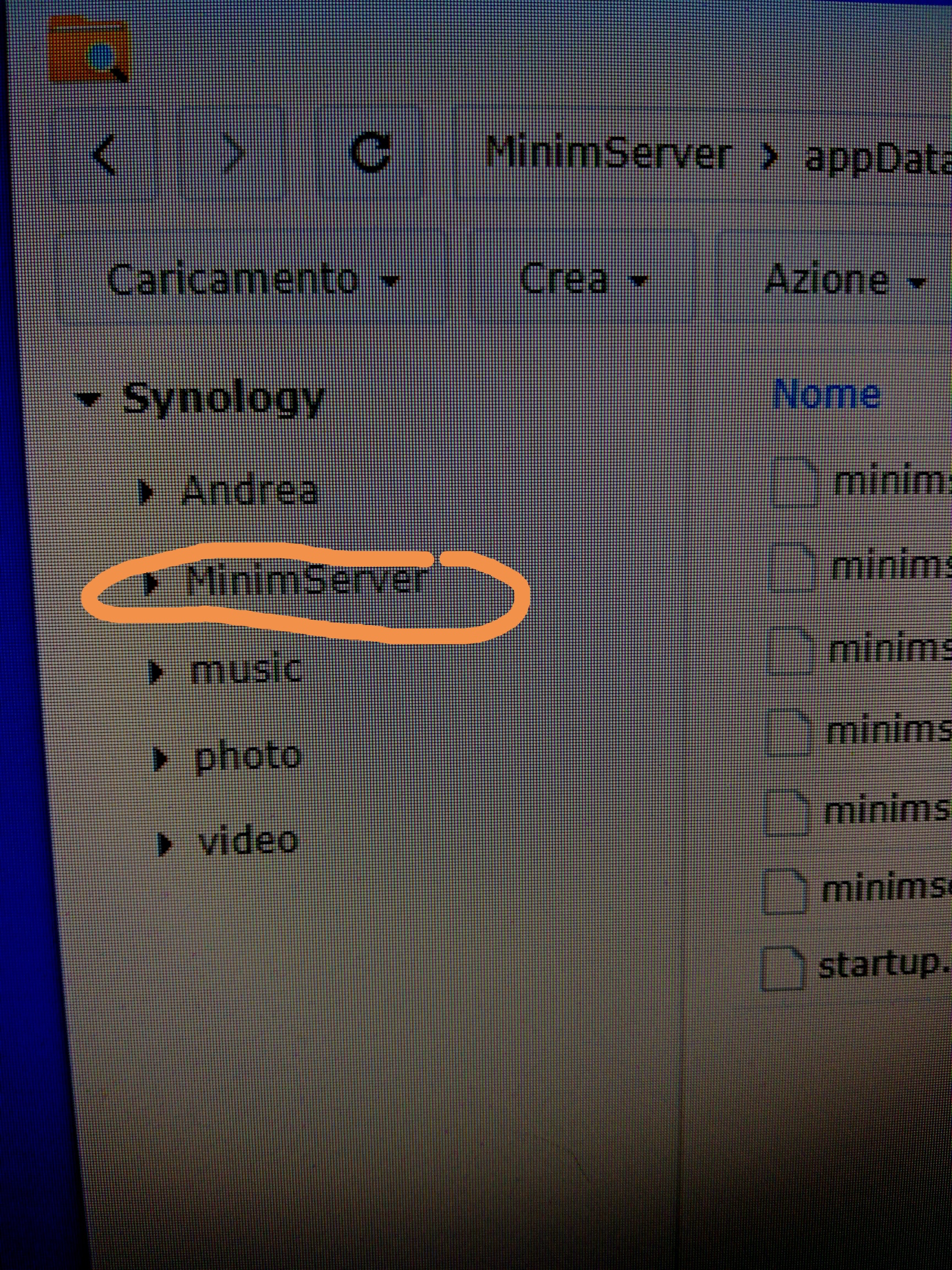
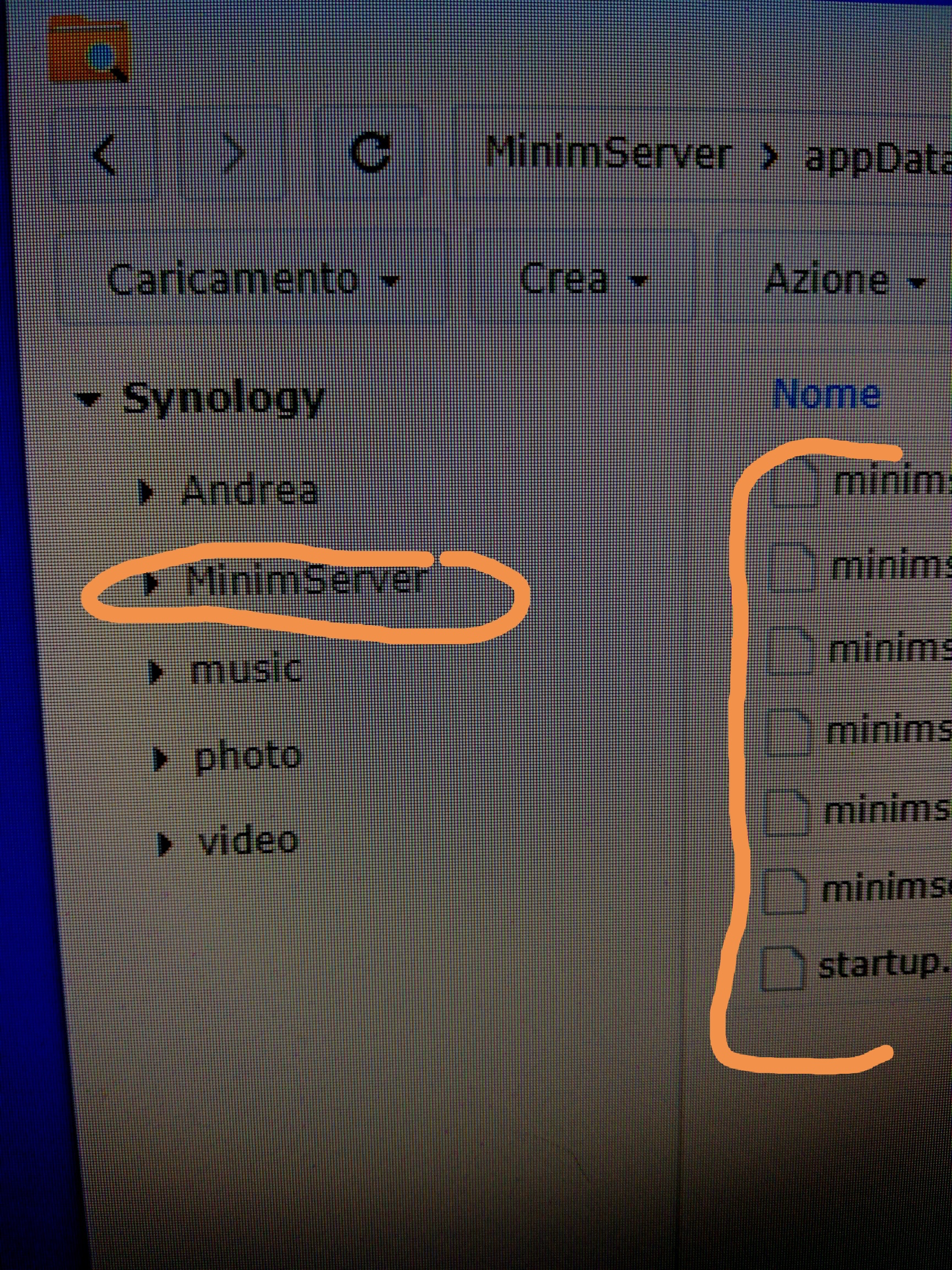
Ciao Mike, una volta installato il software Minimserver deve comparire sulle cartelle " file" anche questa evidenziata sulla foto?
Prima della installazione non c’era!
Ciao Andrea, come ho detto durante il fine settimana, sto viaggiando in questo momento,
I don’t recall the details of how it was exactly in the time I used Minimserver, I have been using Asset for a long time, I hope someone who is using it now can help you.
Ok. What are the best apps to keep in the iPhone smartphone to check synology? Only the fundamentals, however, and the most useful!
I do not check/adjust Synology with smart phone, I use a Windows laptop or PC computer.
In addition you do not use an app to do this, the Synology is on your LAN (local network), you assess it from URL NAS IP address
1 Like
I have only downloaded DS finder and DS files
If you really want to make adjustments to the operational settings of the NAS using a smartphone, you can use the smartphone’s normal internet browser to do that; however trying to adjust the operational settings of the NAS using the small screen of the smartphone will be much more difficult than using a PC or a Mac.
If you really want to do this, load the setting screen of the NAS onto your computer, then copy the uri from the address bar of the browser into the address bar of the browser on the phone.
1 Like
Maybe you didn’t understand correctly. To do this I can do it with quick connect synology and an internet browser … I meant app to see internal folders and files and consult them away from home …
But the two downloads work only on my home network!
Inexperienced question: can video station, media server and Minimserver be kept in nas synology at the same time?
can anyone advise what type of antivirus to put in synology? antivirus essential or Mc Afee?
Andrea, please slow down, learn how to do this one step at a time. But please learn each step carefully.
No you do not need antivirus
2 Likes
Indeed, I misunderstood your requirement.
However I agree with Mike, please keep it simple and keep all access on your own network for now. Exposing things via the internet makes problem finding a lot more difficult.
Once the Minimserver software is installed, does the user have the possibility to choose between this and the basic mediaserver?
Yes you do both servers will show on the Naim app and you can use whichever you choose.
Yes if that’s what you want, you have have 10 if you want, but I cannot understand why you would want more than 1 (one) program to do the same job, its just taking up CPU resources unnecessarily.
I advise to keep the installed programs to a minimum until you understand what you are doing. So just focus on Minimserver, plus Hyper Backup, Search & File are factory installed without the choice.
Look in your Package Center > Installed to see what you have installed.