Andrea, I posted about this before; Synology Media Server is very basic, I’m not sure what Synology does now, but when I used it, it did not transcode 24 bit, I believe it had other limitations also that I can’t remember the details of.
Minimserver is so so much better, and for me ( rock, folk & jazz ) Asset UPnP is even better ( Classical music metadata is better with Minimserver )
1 Like
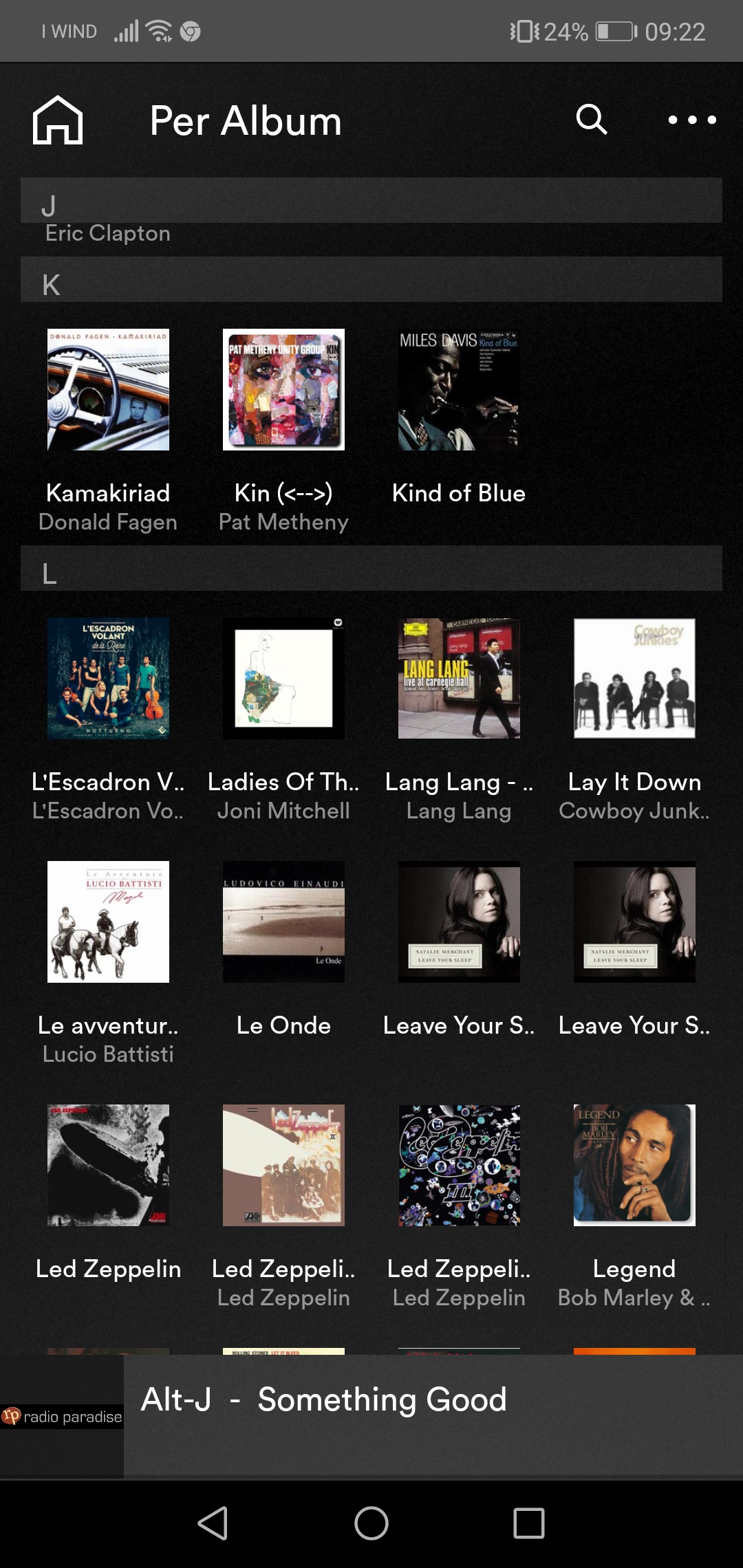
I hate Qobuz or his digital download boutique. I don’t understand why the album of L’Escadron Volant _ Notturno (17 tracks) in wav once copied on unitiserve divides it into 3 CDs each of 15 + 1 + 1 tracks. The same for the Teleman album (20 tracks) which is always purchased in wav is divided into 4 CDs of 8 + 1 + 4 + 7. On my other NAS of Western Digital and Synology, however, everything is ok. I hate Qobuz. For my part, I will always buy from HD tracks and as a streaming I love Tidal very much.
However, the problem is with naim unitiserve. The same record feels great on the synology nas! Identical, it was only copied to the unitiserve download folder. It is not at all fair that the naim company abandon and neglect the old equipment in this way. They didn’t cost 2 money! I don’t like this policy at all! May they also update old equipment! If you are an engineer you can do it well, or correct by sending a CD rom like the old 1,7c which apparently does not work very well! Excellent amplifiers and streamers but otherwise NO.
It is indifferent, I browse by folder, by album or by composer. Even now I am listening and feel good. Only in Unitiserve does it NOT feel or rather go to annoying jerks. I wish a naim technician would try to download this album to verify.

I am not the person to answer that, I used Minim for a while but not consider myself to be so knowledgeable in its use & programming. What I can say is I found Asset so much better suited to my music genre & so much easier to set up than Minim. However Minim does have more user options in the browsing configuration settings that are ideal for Classical, with various options for composer, orchestra, soloist, sub-genre & more. As I said my experience with Minim is limited, but its the preferred software with people I know who are real Classical music buffs with large classical libraries & frequently with more than one version of the same work.
Regarding transcoding: I have always stored music in WAV (or DSD) so transcoding was not an issue, I made that choice because Synology’s Media Server was so bad at transcoding, it played 24-bit as 16-bit, it would not play gapless & other issues I can’t remember, so ripping, buying & playing WAV fixed that.
However because Asset does such a good job with transcoding, over the last weeks I’ve converted all my WAV files to FLAC (5) & with Asset set FLAC to “play as WAV” & there is no difference in sound quality compared to ‘straight’ WAV
Although I have never had any issue with metadata editing in WAV, some of the www vendors seem to either have incorrect or no metadata in WAV or no longer sell WAV, so buying WAV was becoming an irritant & as Asset does such a good job, I had the time, so I converted.
1 Like
From the MinimServer main features page:
Classical music doesn’t fit well into the conventional Artist/Album/Track hierarchy. For a classical music collection, the music server needs to handle full composer indexing for albums and individual tracks, musical works with multiple movements, and artist information that can include a conductor, an orchestra, and one or more soloists. MinimServer does all this because it was designed with classical music in mind. The simple and powerful browser interface enables you to index your music by composer, work, genre, conductor, orchestra and soloists so that you can explore all aspects of your music collection and quickly find what you’re looking for.
The only bit of that with which I would disagree is the term “simple”, it’s certainly possible if you read the manual, and it works, but setting it up takes a bit of hear scratching and a bit of work.
One of the design goals of MinimServer 2 is to retain the flexibility and power of the current version while improving usability. It will be interesting to see how the author achieves this.
I wanted to ask if to make a back up with an external HDD it is indifferent whether the connection on the front or rear USB port … Always using the synology software. Thank you.
I can’t answer as I always use the rear USB, but the instruction manual says all USB ports are OK
My NAS front USB is occupied with the UPS comms connection
The front one is also used to make copies on the fly but must be enabled by DSM! At least I think so
I use the front on my Synology. No need to do anything special. Just plug it in.
Hi Mike, today I got the external HDD of the WD. Is it easy to install hyper backup from dsm synology? After clicking on the + at the bottom left, does the procedure do it all by itself? Do you have any info and photos to show? Thank you
I did this a long time ago, it was so simple i have forgotten. Just “install” the program from the Synology ‘ Package Centre’, plug in the USB drive, open the program & follow the screen instructions.
Here’s from my notes
Hyper backup
Put external drive in usb
Should show up in Control Panel under External Devices
Go to Package Center open Hyper Backup
First time
Hit + sign at bottom left and select data backup task
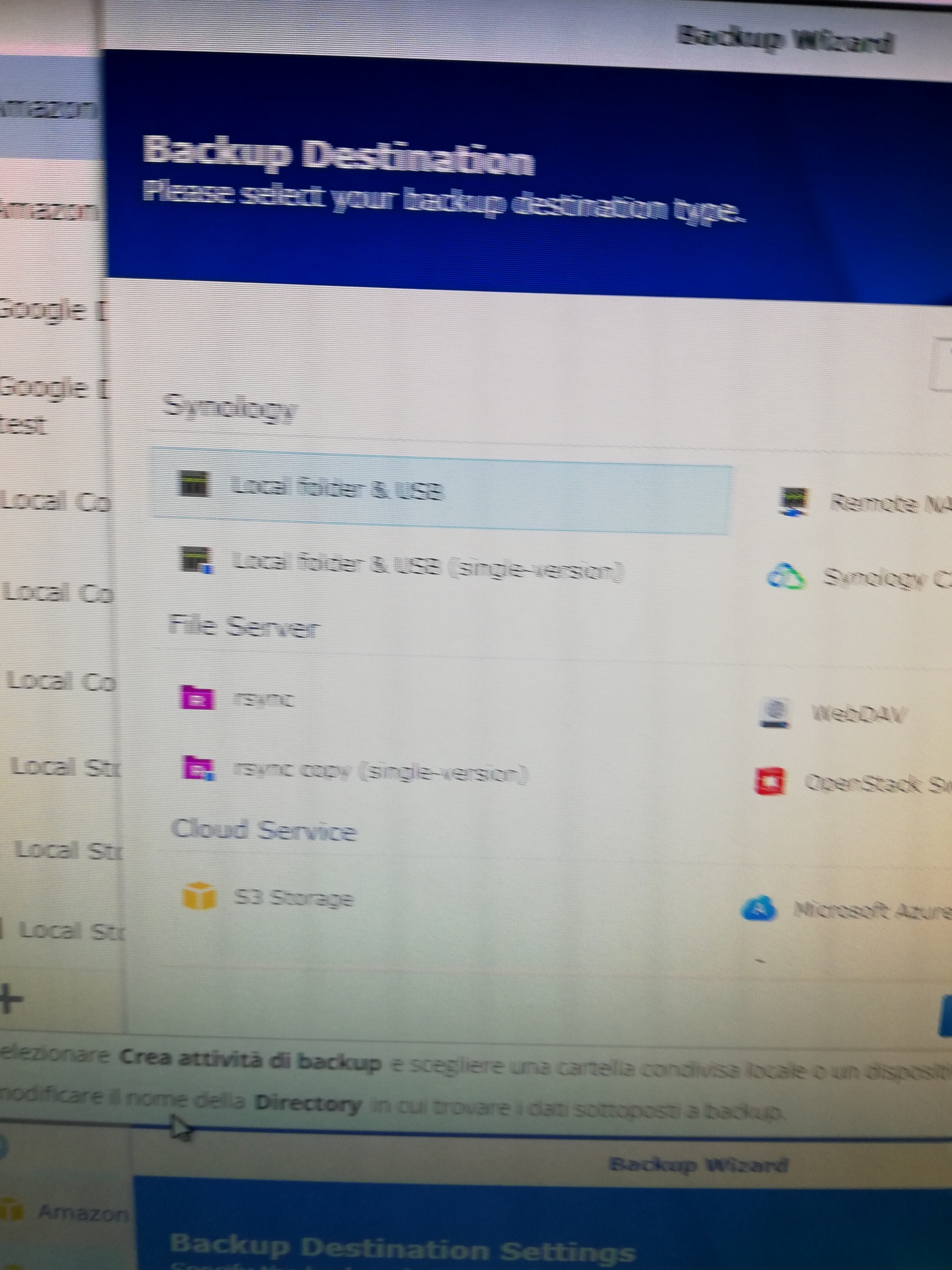
On backup destination page select local folder & usb, next
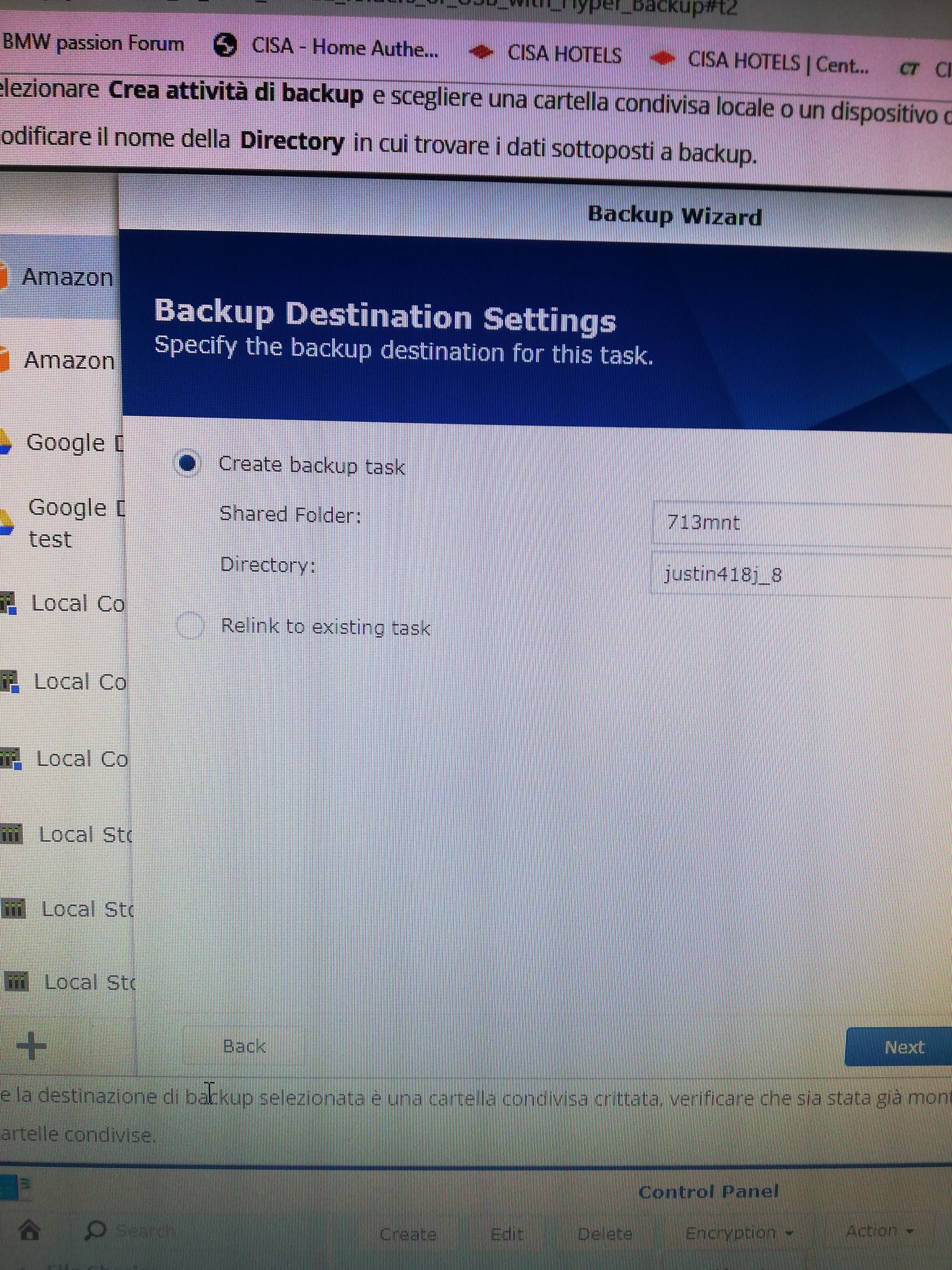
Select Shared Folder usbshare1, next
Select folders to back up.
Select applications to backup.
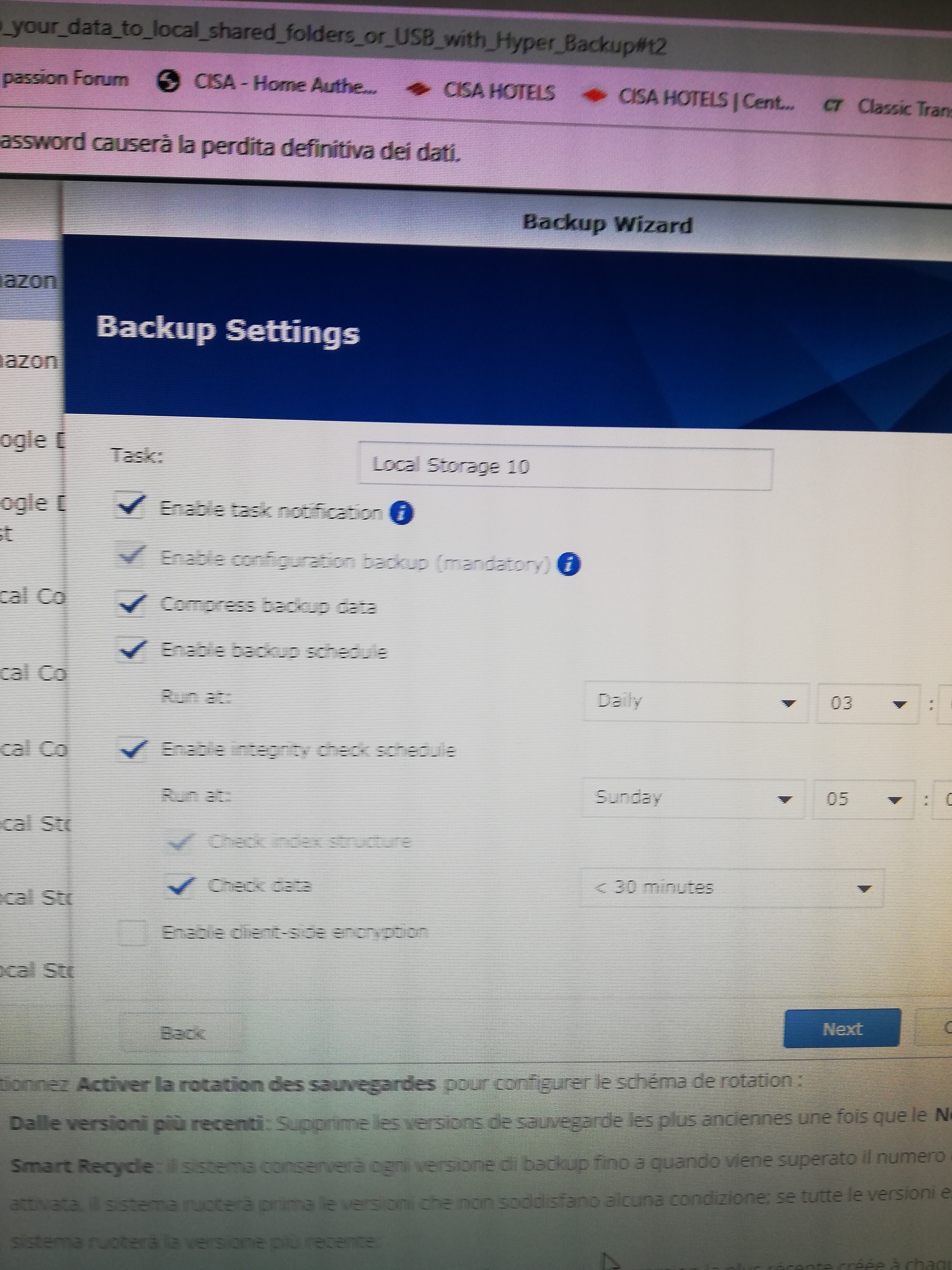
Don’t enable backup schedule
Don’t enable integrity check
Next
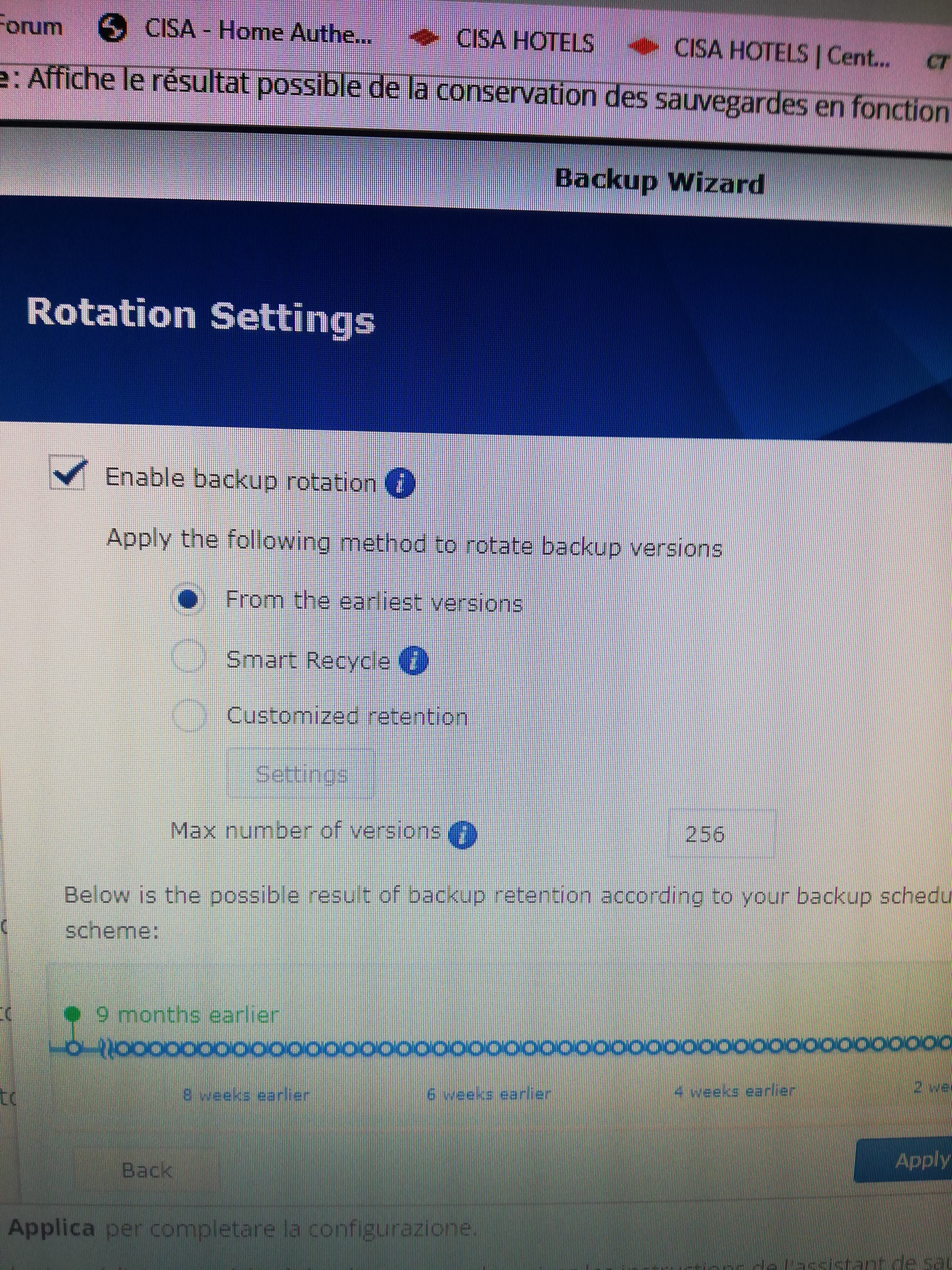
Enable backup rotation
Backup now
Subsequent times
Select backup task in left window (Backup All)
Backup now button
When done
Go to Control Panel External Devices and eject the disk
1 Like
I’d like to do all the NAS. In this case too, is it necessary to select the folders to be backed up?
I’m not at my Synology, but i think you have to select the folders.
No not each of all the individual music folders, just the first folder or share in the folder tree. In my case it’s just the ‘Music’ folder. I no longer use ‘Photo’ & ‘Video’ on my music only NAS.
1 Like
Return on this topic of back up with hyper backup. Can anyone guide me, since in this period you have to stay at home, on how to do the first back up? I can’t understand the first steps, that is where the back up destination should be selected (see first photos). In my nas Ds 718 + I have folders of music, videos, photos and a personal one with my name. Is it preferable to create a new backup folder or to use one of these? Can you insert photos on the procedure? The first steps or screens are enough. Thank you