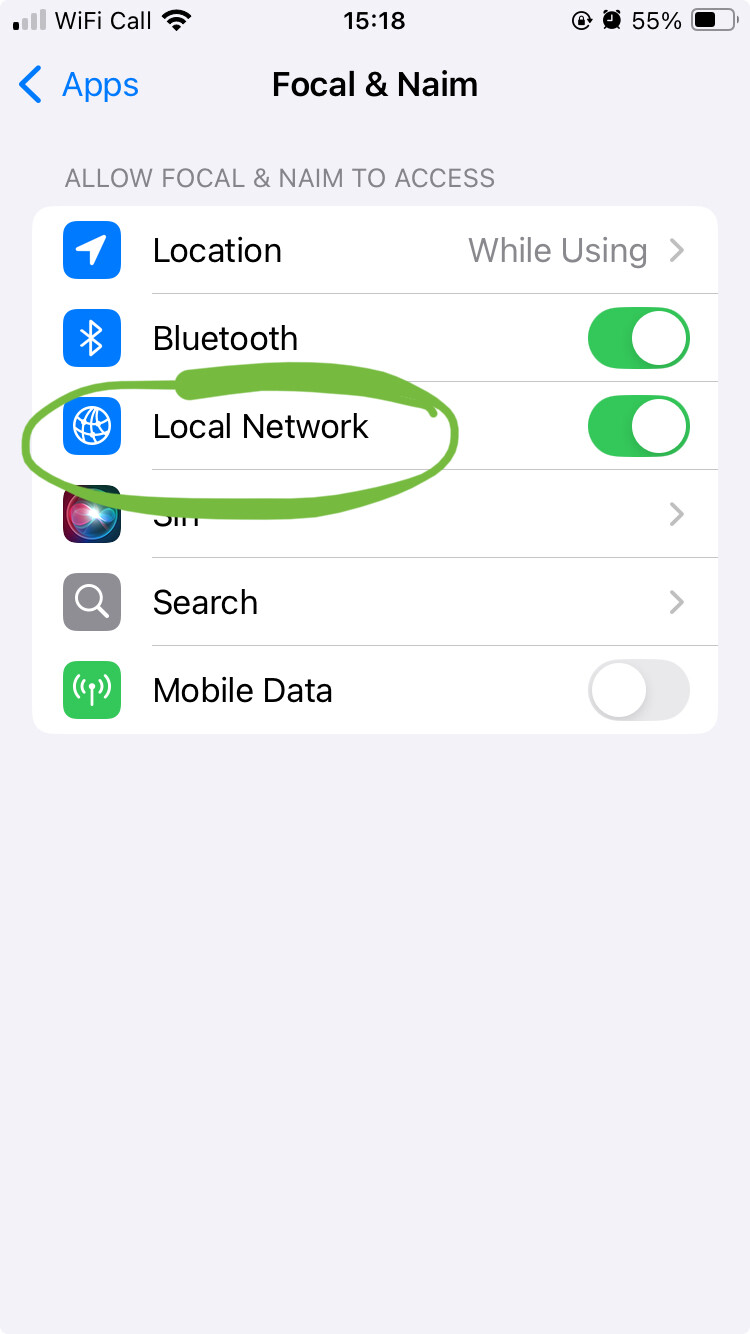
I’m posting here because I don’t have permission to do so in the help section…
I have a Uniti HE, which I drive from my iPhone 15 Pro & my iPad Pro, for some reason the Unitif HE has disappeared from the iOS app on my iPhone, I can’t add it anymore.
I had two SSIDs, I switched back to dual-band, I deactivated iCloud Private Relay, nothing helped.
I’d try powering down and restarting the Atom if you haven’t already done so. ( Disconnect from the mains electricity supply, not just switching to standby mode) Also close and re start the app and make sure both the iPhone and Atom are connected to the same network.
Simplify you network to the bare minimum by removing anything such as Ethernet extenders ‘Ethernet’ over power adapters etc., and set everything to DHCP.
Power down the Atom HE, the iPhone, the iPad any switches and the “router”.
Restart the ‘router’ & allow it to boot up.
Power up any switches,
Power up the Atom HE
Power up the iPhone