I first posted this rant on another thread, but I realized it wasn’t truly relevant there.
I recently did my first overhaul in more than a decade of music on my iPhone (from iTunes in Windows 11 to the Music App). What an antiquated, buggy system! I have several third party apps, but I decided it would be nice if Siri could find my music and I couldn’t get her to work with them.
Most notably, of course, my FLAC files, now the majority of my collection, were unavailable. Fortunately, I still have a satisfactory selection of music in ALAC to choose from. In some cases I used JRiver to convert my FLAC files to ALAC, downloaded them and then deleted the ALAC versions. (That will probably screw me up in the future, although I’m not sure I will ever go through this again.)
The artwork remains all over the place - seemingly. And my first attempts at correction failed. So I can’t be bothered.
Also, every so often iTunes would choke on a transfer. And once it has choked it will refuse to retry the transfer. I would have to change the name of the file in order to get it to try again.
I seriously disliked iTunes from my first contact, and found other ways to manage music on my phone and iPad. MediaMonkey is one that works. Some time ago IIRC I did some file managing using Windows on connected laptop, but offhand I don’t recall details.
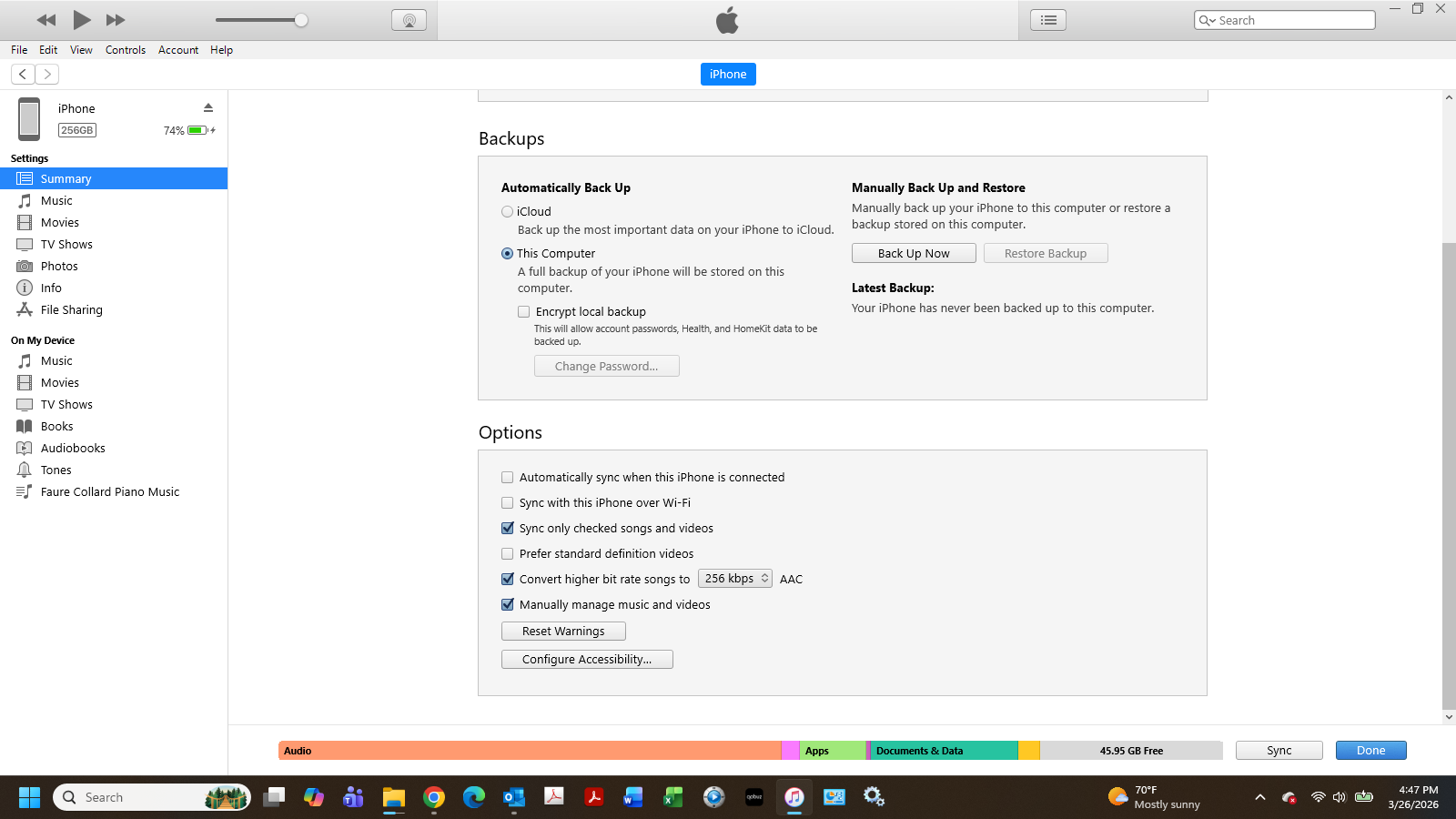
Download a cross-section of my 2TB music library onto about 125GB of my 256GB iPhone (converting to AAC along the way).
Let me be clear - I’ve done it. I still need to do some tagging, mostly for classical music, which makes up about 50%. And I refuse to waste time sourcing the artwork, where (in maybe half the instances) iTunes screwed it up. This is a matter of convenience.
I don’t have Media Monkey, but I have nPlayer, FlacBox, and Onkyo HF, each of which has specific features as well as shortcomings. But to my knowledge Siri cannot control them. And that was the point.
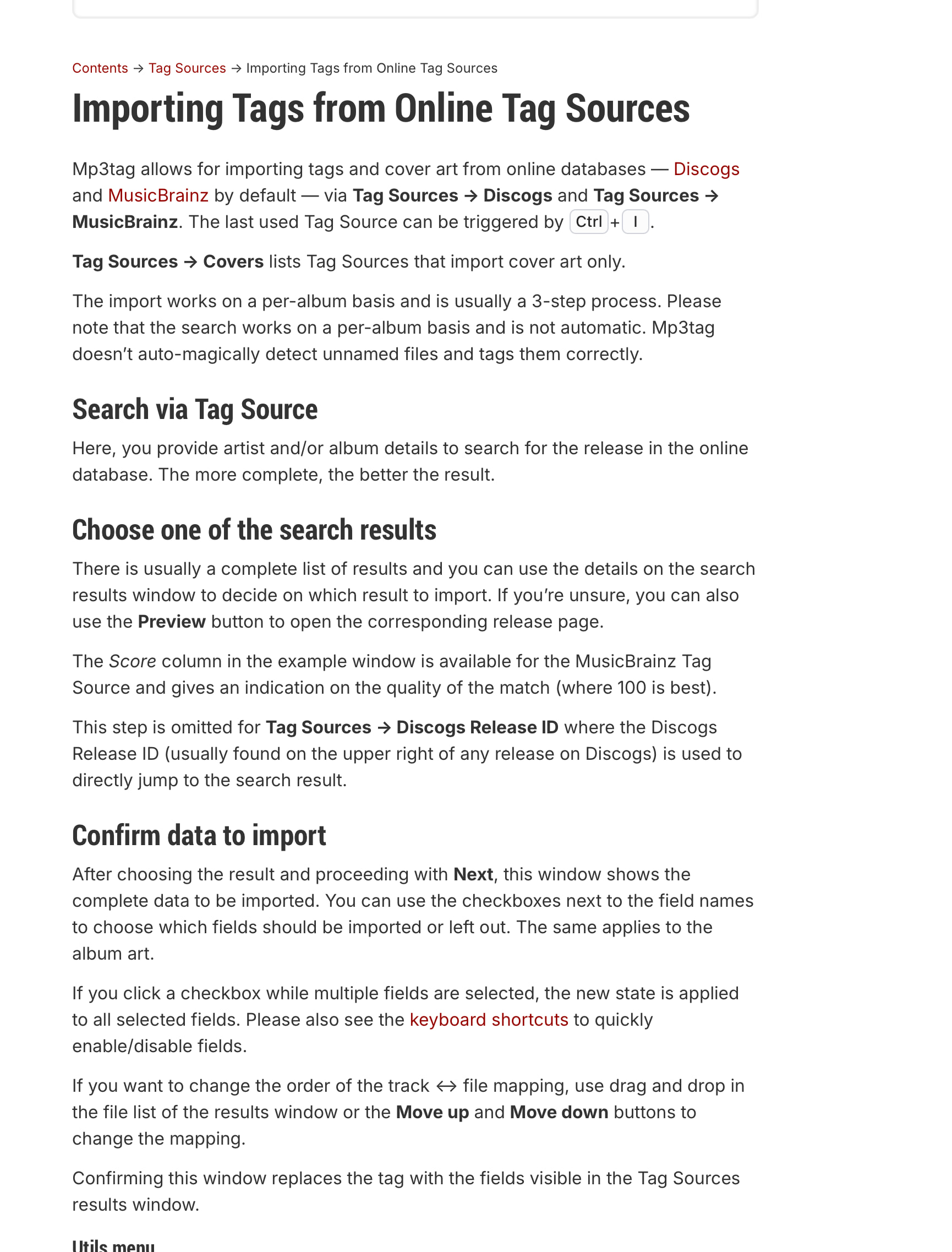
google mp3tag discogs the first link, there is a download link at the bottom.
I’d also have a look at the tags on the FLAC files before and after converting them to Apple Lossless mp3tag will read the tags from both, maybe it’s JRiver that’s stripping out the tags on the conversion.
Tags aren’t being ripped out. I just need to change my tagging strategy for classical on my iPhone, so Siri knows which Symphony No. 5 by which conductor when I call it out.
Also, will mp3tag on Windows edit tags on my iPhone? I don’t want to change the tags on the files on my Windows computer. I think I need an iPhone tagging app (and one that works easily with my clumsy thumbs.)
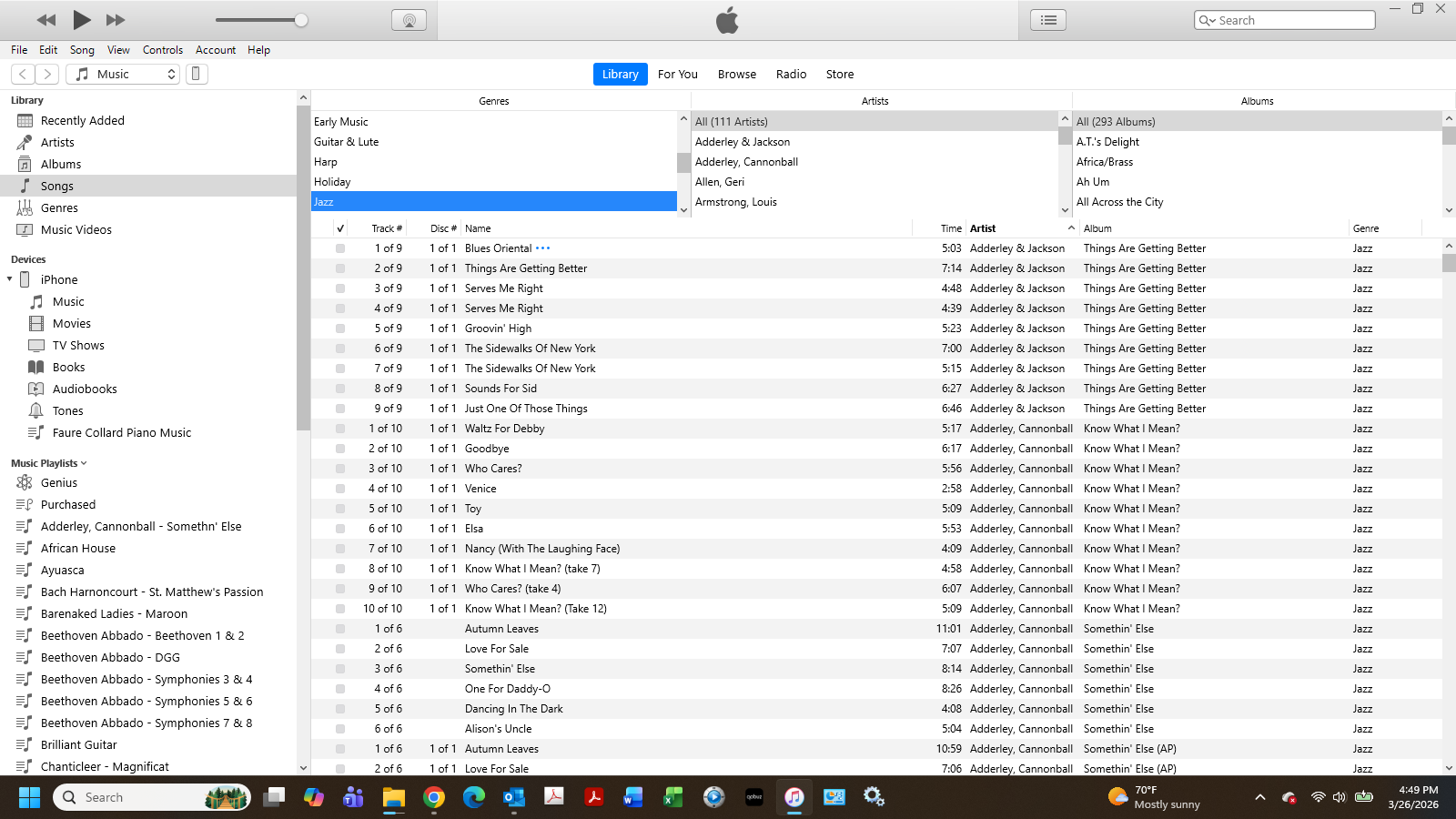
Actually, tagging my iPhone files in iTunes for Windows is not a huge problem. But if mp3tag can help me with the artwork on the music in my Apple Music app, I’d give it a try.
If you think about it doesn’t make sense what happens if you change the tags on the iPhone then resync the same files, the tags on the iPhone will be overwritten.
There are some - I checked. And in my case, I want different tags on my phone.
I never sync; I copy files manually. And I hope never to have to do any more copying. During the past 10+ years, I only once added files from my computer, when my storage went from 64GB to 128GB. Now it’s at 256GB, so I decided to start from scratch and build a new library. If I want to do it again in 10 years, I assume AI will do the whole thing for me.
Then go back to the main music library screen. You can drag and drop artists, albums, or individual songs. Probably genres too, although I never tried that.