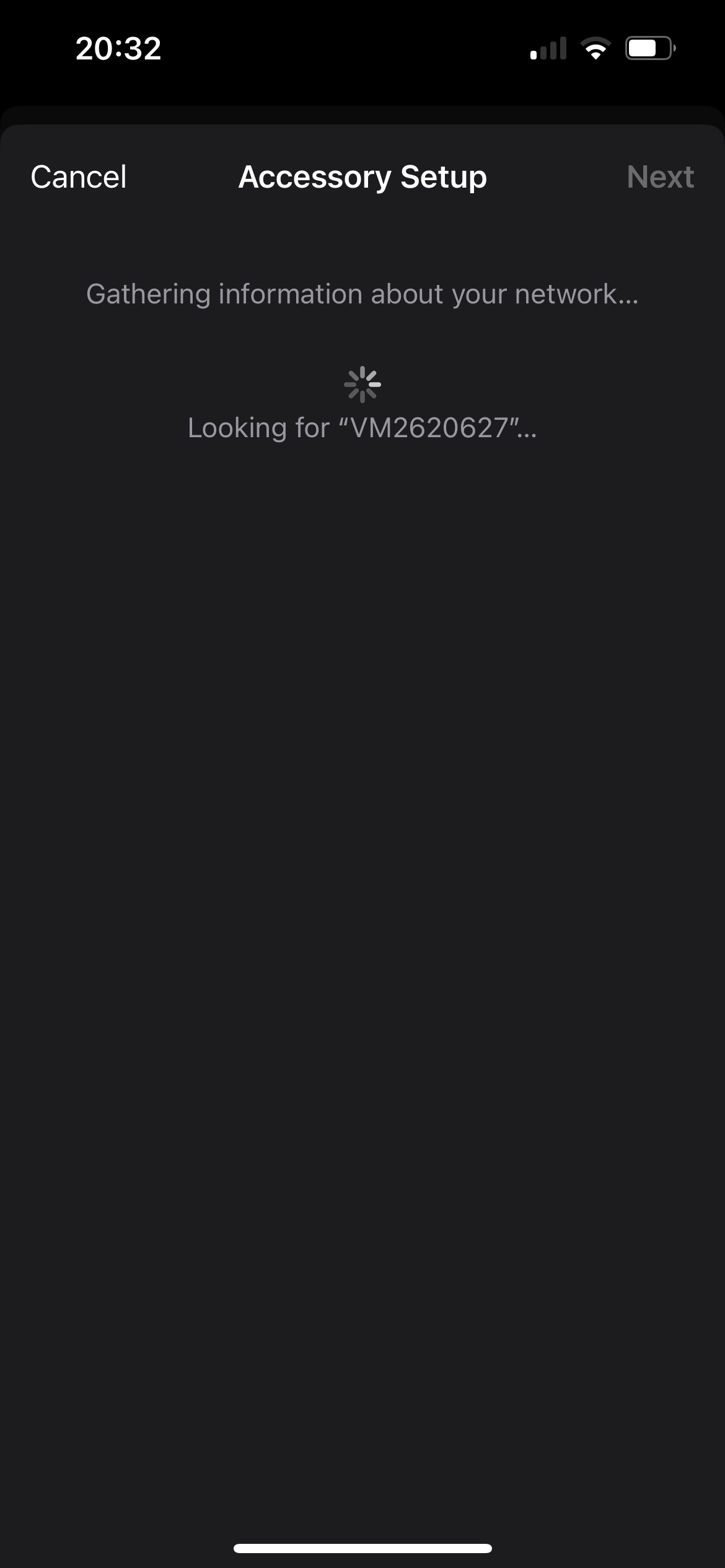
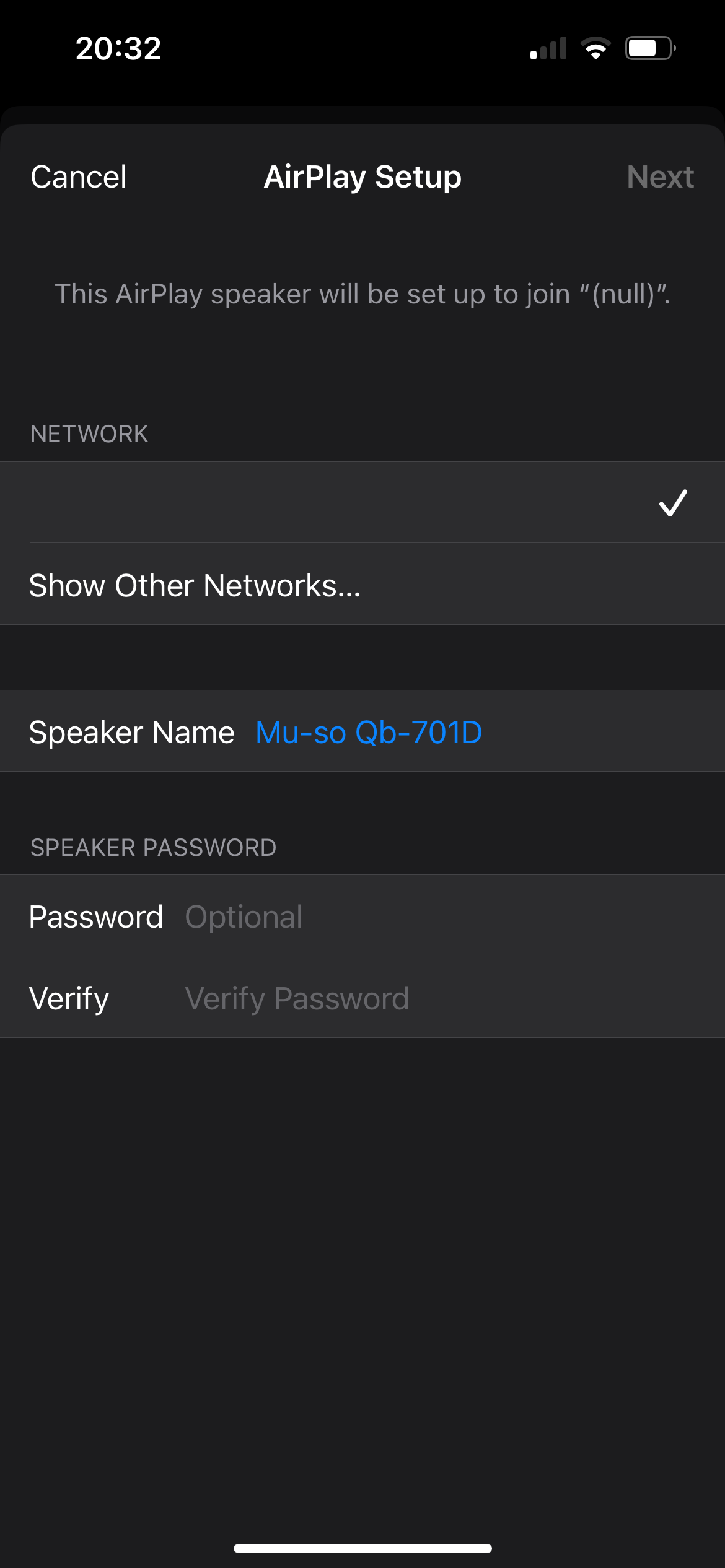
And if that doesn’t work it may be time for a reset to factory default, though you’ll lose various settings. Procedure is in section 6.6 of the manual.
I had to reconnect mine to WiFi again on Saturday. Like you, this time it didn’t mention AirPlay. Up to now it has stayed connected. This is the longest time in a while. This might just save it from the bin !
QB1 had a bit of a reputation for iffy WiFi. QB2 is supposedly better.
That said, our QB1 has been flawless on WiFi whereas our QB2 does occasionally lose connection and needs a restart, in spite of being closer to the router. I put it down to luck of the draw.
I am by no means an expert on this. What i do know is i was using a BT router and “those” black disks. I was permanently “losing” in the app our Gen 1 QB’s & Muso. I then got rid of BT router & black discs and replaced with a Unifi” network thingy ma bob! All my problems went away. I’m still running x 2 QB’s & Muso and they have never missed a “beat” since… go figure!!
I’ll second that. No end of trouble using a BT router. Changed to EE, with their router last year and not had a single issue since. Not being overly technically minded I wasn’t looking forward to setting up the new router, but it really was very easy for all the various devices.
If it’s dropping out etc. in most instances it’s down to flaky wifi implementation. Yes in theory it “should” work but many, even new routers are simply not very good.
I have several QB’s, all MK1 and they connect and are found right away.
I hope you can get your issues resolved as they are an amazing piece of kit.