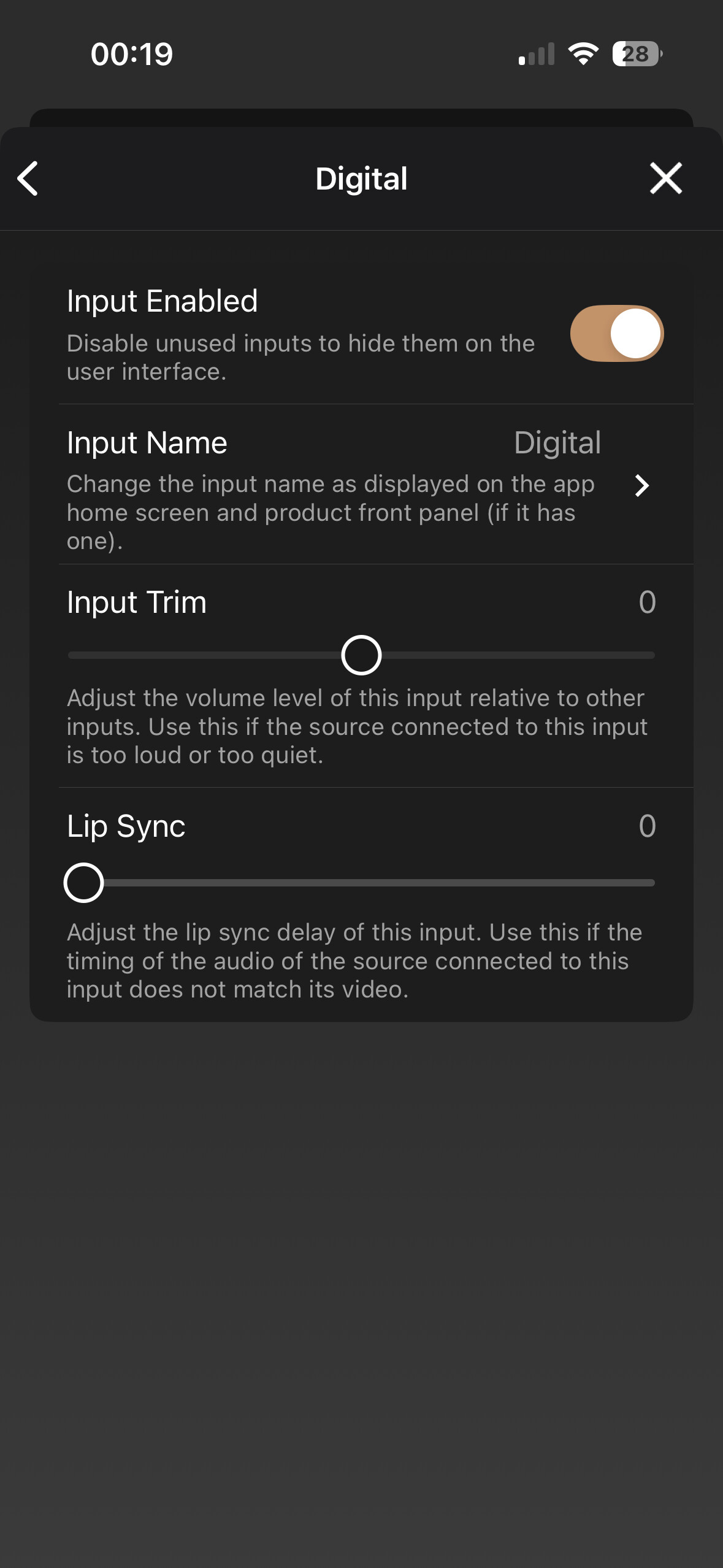
I read about adjusting optical input trim to +10dB.
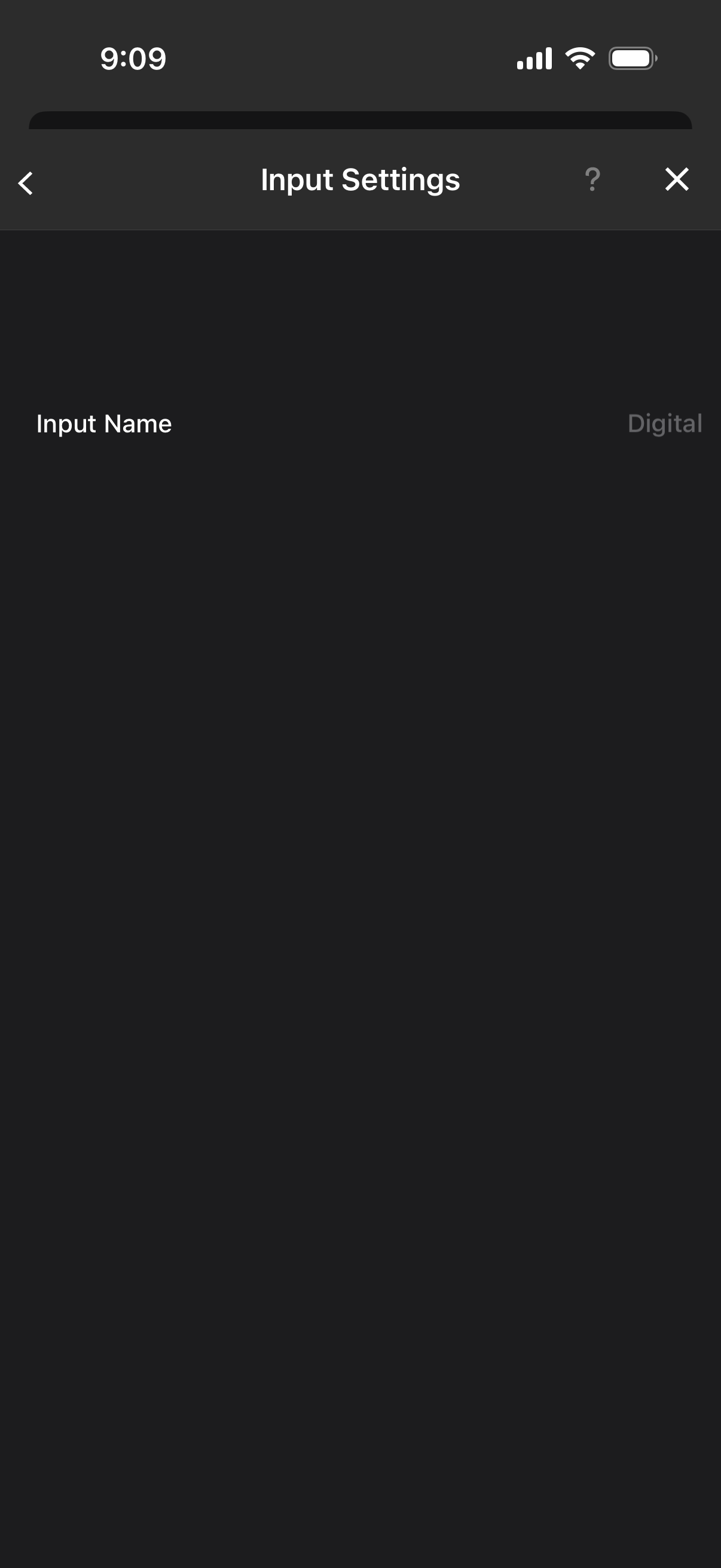
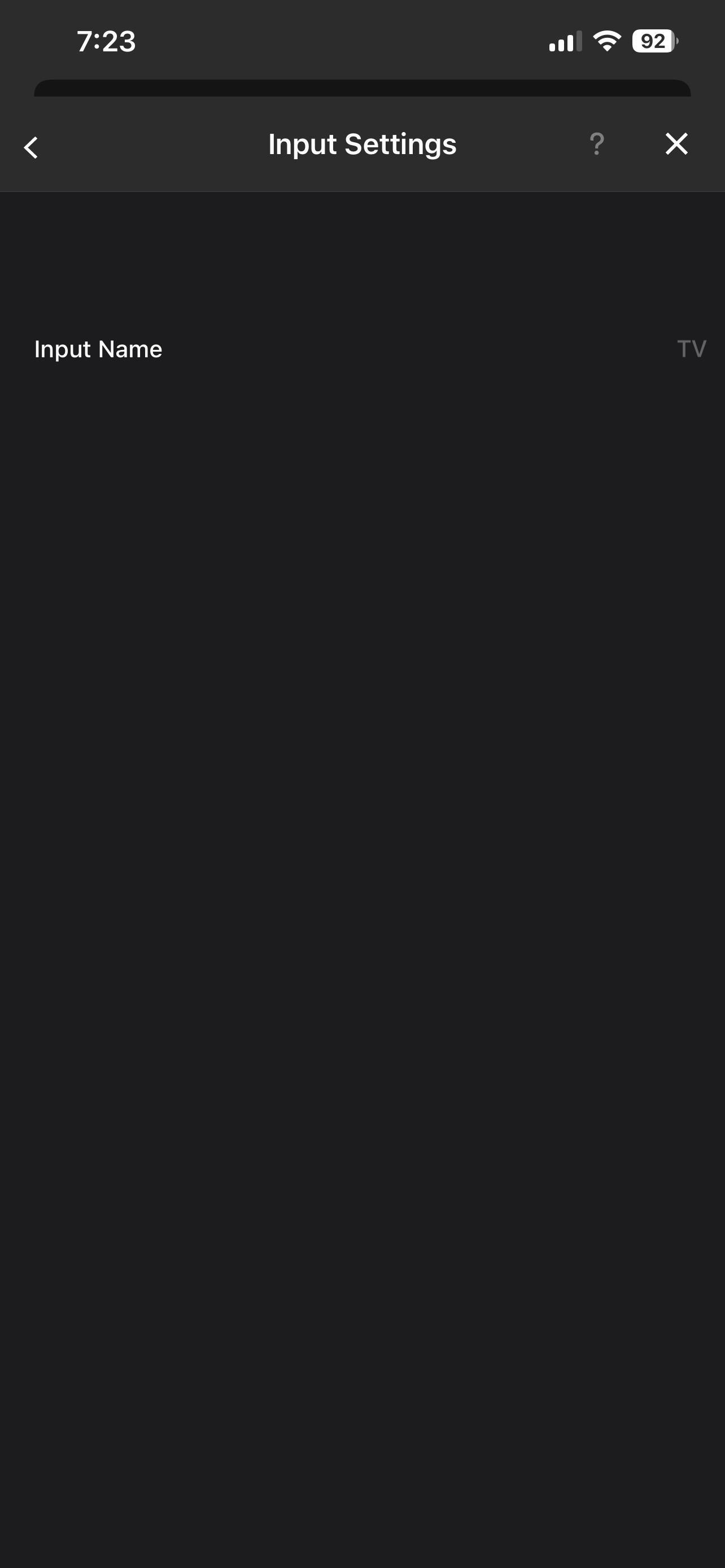
I have a naim muso 1 gen. Does it have the optical input trim option? I tried looking for it under setting, input and then optical. Well i could only rename the input but there is no option to increase the 10dB option.
Hi, I recall having a similar issue either my QB2 where options (other than renaming) were missing from the Naim app settings. Try closing and reopening the menu a few times and see if they appear - that worked for me last time I had this problem.
I’ve messaged Naim about this as it seems to be a glitch in the app, so maybe needs a fix from their software developers.
All I did was close the app, then reopen it and return to the Settings and the options mysteriously reappeared. I didn’t delete and reinstall the app. No harm in trying though.