Preamble:
I’ve recently upgraded from a NAC 282 to a NAC 332 and have one aspect of the old system that I’m really missing…
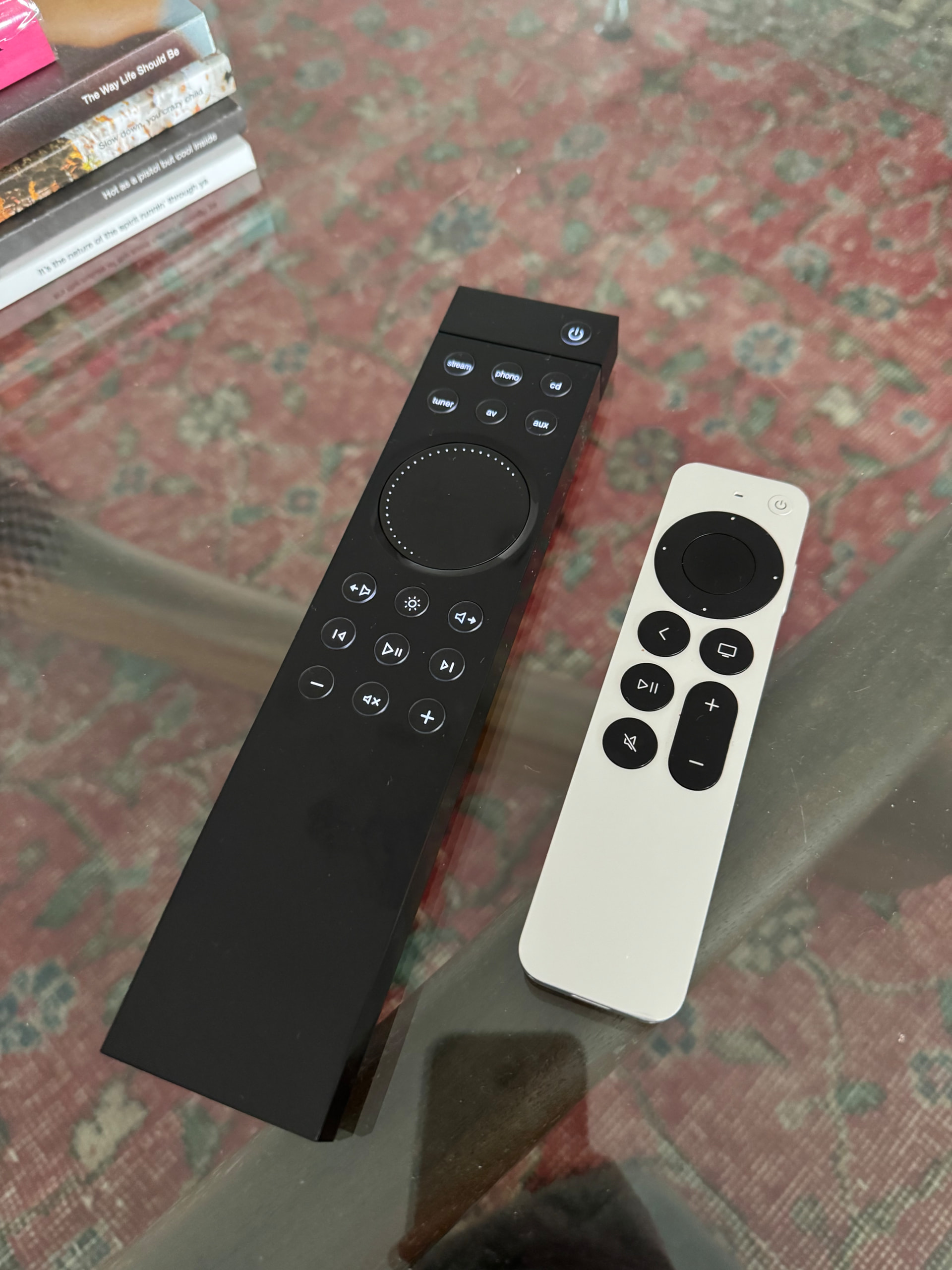
For the past few years the brilliant Gen 4 Apple TV remote has been my single point of system control. It’s a beautiful piece of industrial design, rechargeable using USB-C. Most of all, keeps the coffee table tidy.
While the supplied Zigbee remote works fine, albeit not especially smooth or special. It’s more remote than I really need for my use case. I’m hoping there’s an elegant way to regain that simple, one-remote experience.
My 2channel “AV” system is quite simple. Apple TV is my only video source, its remote handles LG OLED TV power on/off via HDMI-CEC.
Streaming via ND5XS2 is managed in iOS apps - NaimFocal and Qobuz, etc.
With the NAC 282 and other OC pre, I taught the Apple TV remote the Naim IR commands, so the same remote controlled volume up/down and mute. Since I only have a single audio source (nDAC) into the preamp, those are effectively the only functions I ever need.
To my questions:
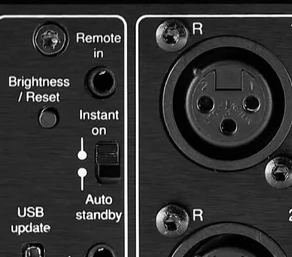
Looking through the documentation, I noticed the 3.5 mm Remote In / System Automation connection and references to RC5. That got me wondering whether there’s another path besides Zigbee.
A few questions for those who understand how Naim implemented this interface:
-
Does the Remote In on the NAC 332 accept standard RC5 commands from an external device, or is it intended only for specific Naim system automation products?
-
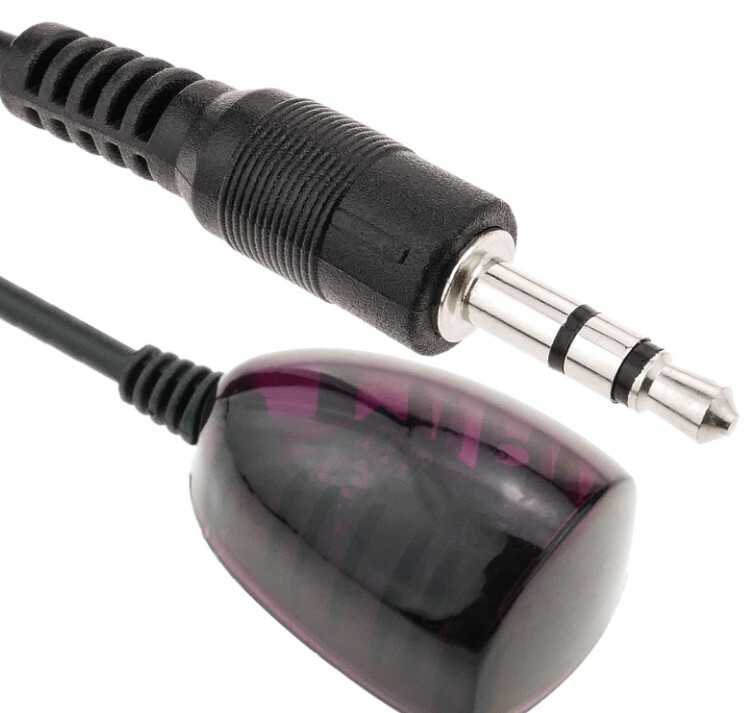
Has anyone successfully connected an external IR receiver or third-party controller directly to the Remote In?
-
If the goal were simply to translate IR or Bluetooth remote commands into wired RC5 control, would a small microcontroller (for example, an ESP32 or similar) be a realistic approach, or does the Remote In require proprietary signaling beyond standard RC5?
-
As a related question, would this potentially allow use of legacy Naim IR remotes (It’s been a longtime goal to have an R-COM) with a 332, assuming the appropriate RC5 commands were generated?
-
There’s not a hidden IR receiver in NC preamps that just isn’t mentioned in the manual? That backwards compatibility would be so nice.
I’m not really interested in full Control4 /Crestron/ Home Assistant integration and focused on finding a clean solution that restores my very simple “universal” remote control.
I’d appreciate any insight into the electrical/protocol side of the remote wired interface, or pointers to service documentation if it’s publicly available.
Thanks in advance, wise ones