Hi - I stream most of my music from ROON, either from my Nucleus One, or from TIDAL through ROON.
Occasionally, I want to stream direct from TIDAL
Within the NAIM App under “Settings” I have selected TIDAL and then under “Sources Layout” I have moved TIDAL to the top position.
The Sources Layout screen says, “Using the 3-line reordering controls, drag and drop sources to adjust the order on the Home screen”
However, having done the above, TIDAL does not appear on the NSC 222 Home Screen as a selectable Source?
Am I doing something wrong here?
Please see photos attached of “Settings” and “Sources Layout” screens within the NAIM App, and the NSC 222 HOme screen after setting the NAIM App up as per the photos.
Any help would be greatly appreciated.


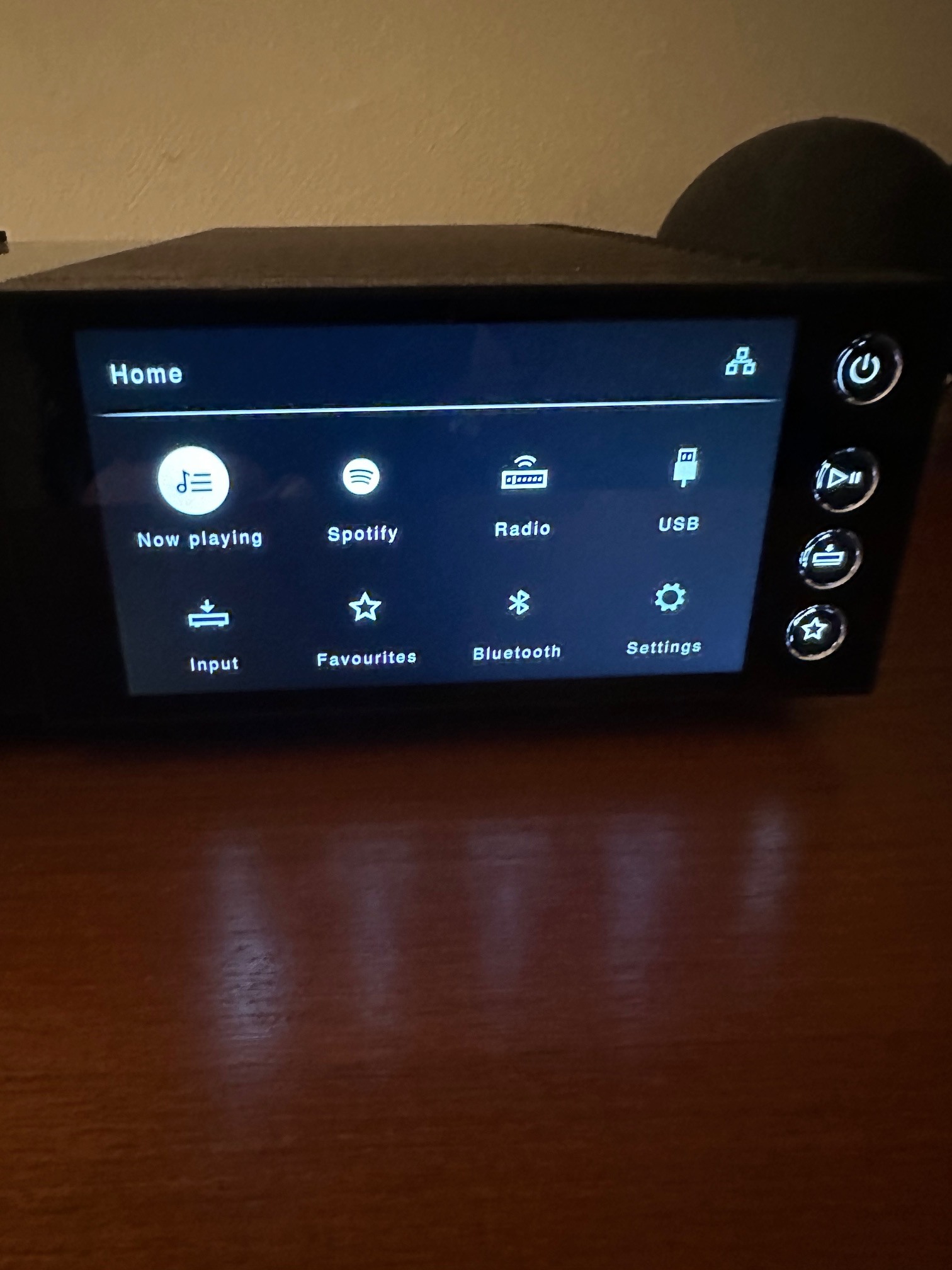
I’ve done similar. The reordering only affects the app display. Tidal doesn’t appear on the NSC 222 display. Why I don’t know.
Edit: The settings in the app are labelled App Settings.
Thanks for your reply.
It is confusing when the wording in the Sources Layout screen clearly states -
“Using the 3-line reordering controls, drag and drop sources to adjust the order on the Home screen”
Why have this wording if in fact the order on the Home screen does not change - apart from TIDAL not showing, my other selected priorities of CD and Favourites do not move on the Home Screen either.
Same on NDX2 - Tidal not displayed.
I think the logic was Tidal can only be controlled by app, not device, so hence only app can trigger switch into that input.
It refers to the App Home Screen. The order on the player itself will never change.
Thanks for all your replies.
However, the wording in the App**, Sources Layout screen, clearly refers to the order being changed on the** Home screen.
It is just misleading to have this wording if it is incorrect.
As a newish NAIM user, I find these “quirks” qite odd.
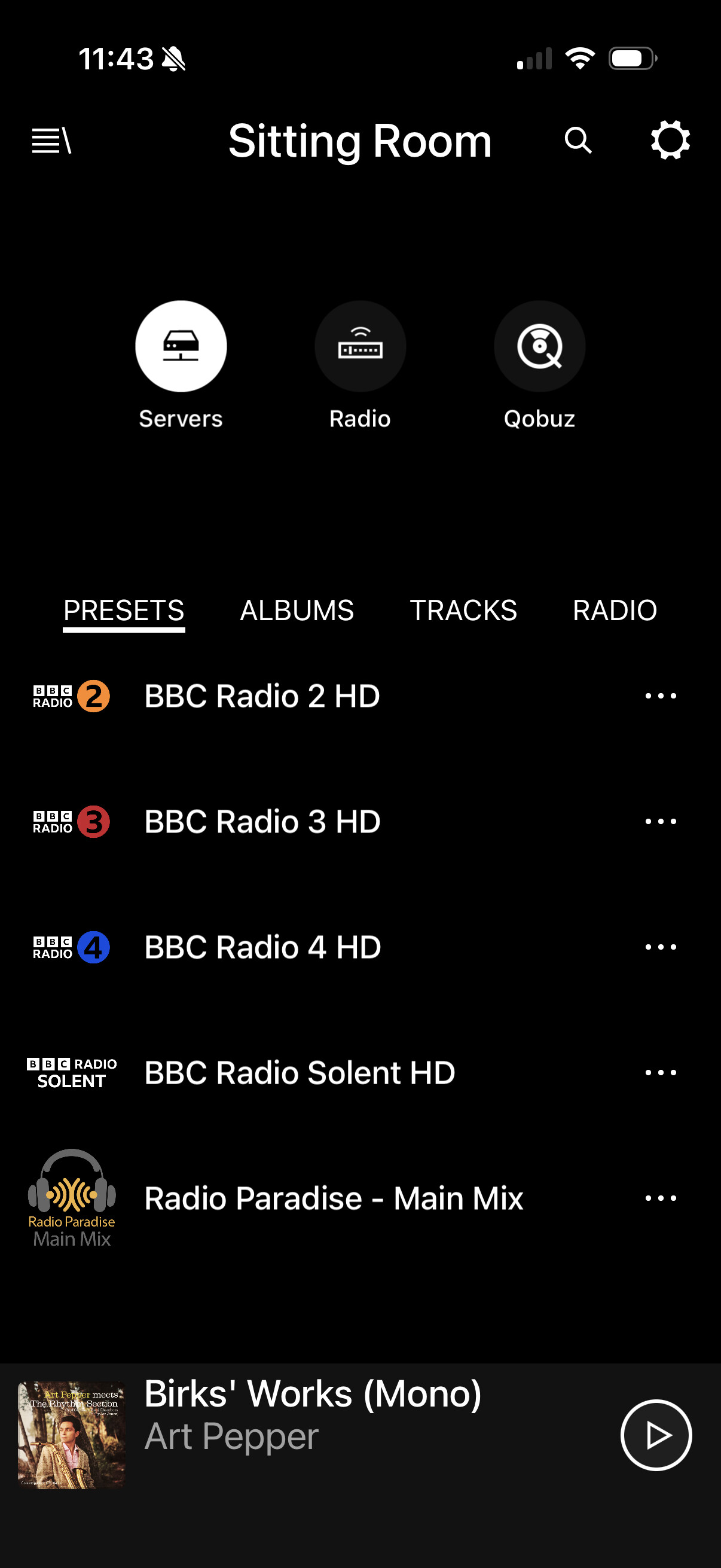
The wording can be a little confusing when you’re not familiar with it, but as you now know, the app home screen is where the input order can be changed. The 2nd gen. Naim streamers differ from the old models in that all comms with the server (Tidal, Qobuz, UPnP) are solely with the app. The streamer itself has no part in this until you hit the play button. That’s why the remote control and front panel display make no mention of them.
But Spotify is shown on the device screen ……..
Yes, because the only option is Spotify Connect, so the Naim app doesn’t get involved in the way that it does with UPnP, Qobuz and Tidal, where the Naim app is used to browse their servers.
Indeed, but it’s still inconsistent/confusing from a UI design standpoint. But not something that actually bothers me that much (I use Tidal Connect mainly).