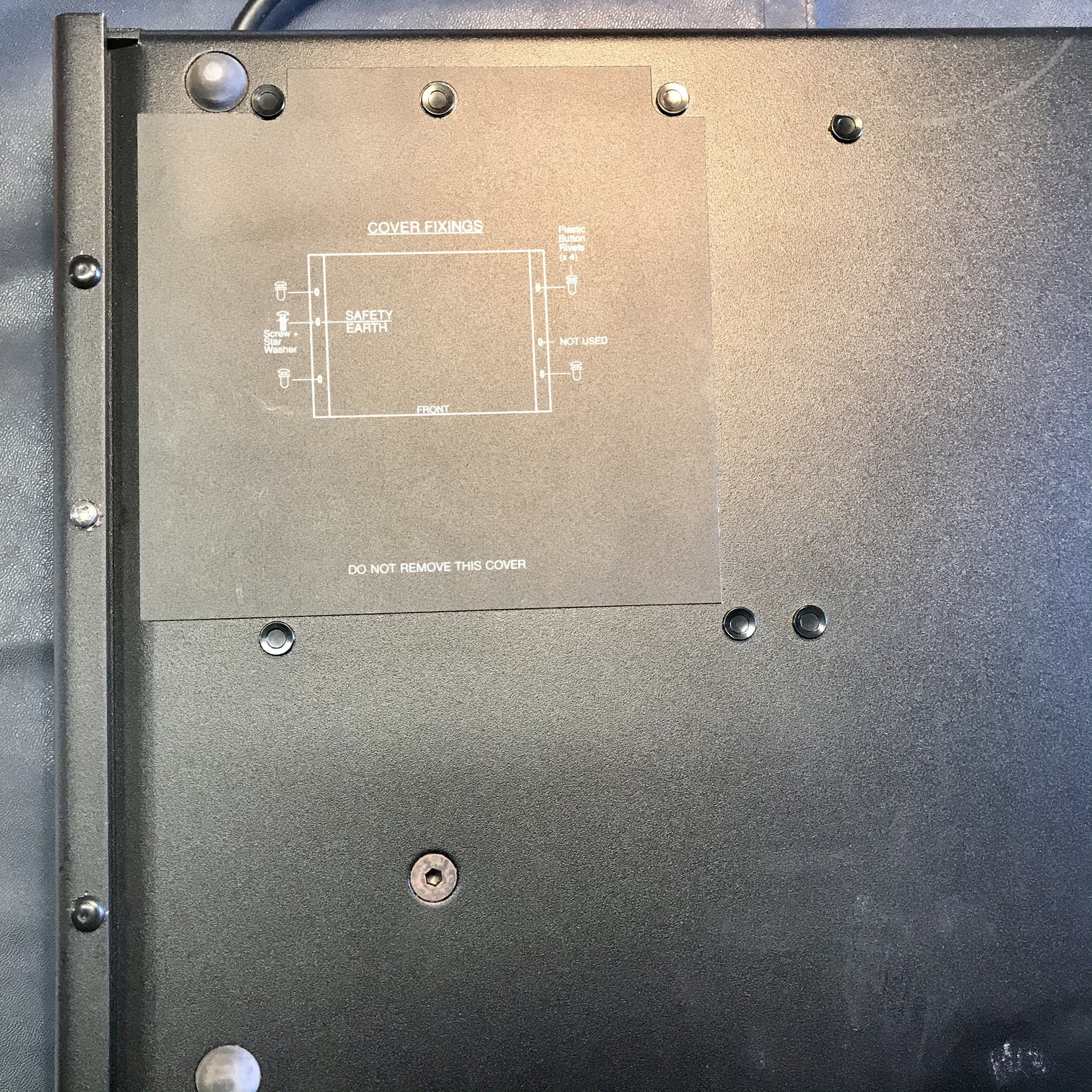
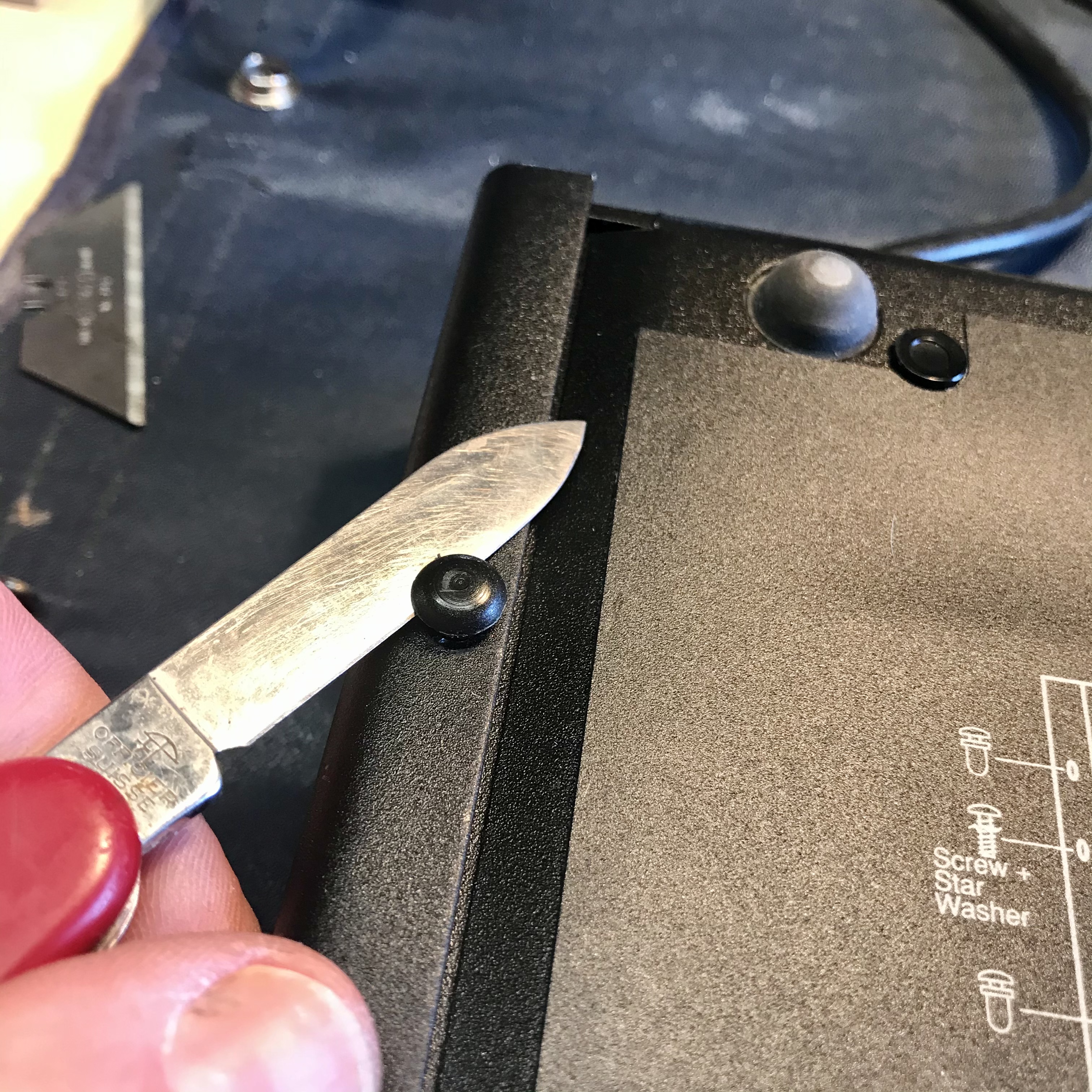
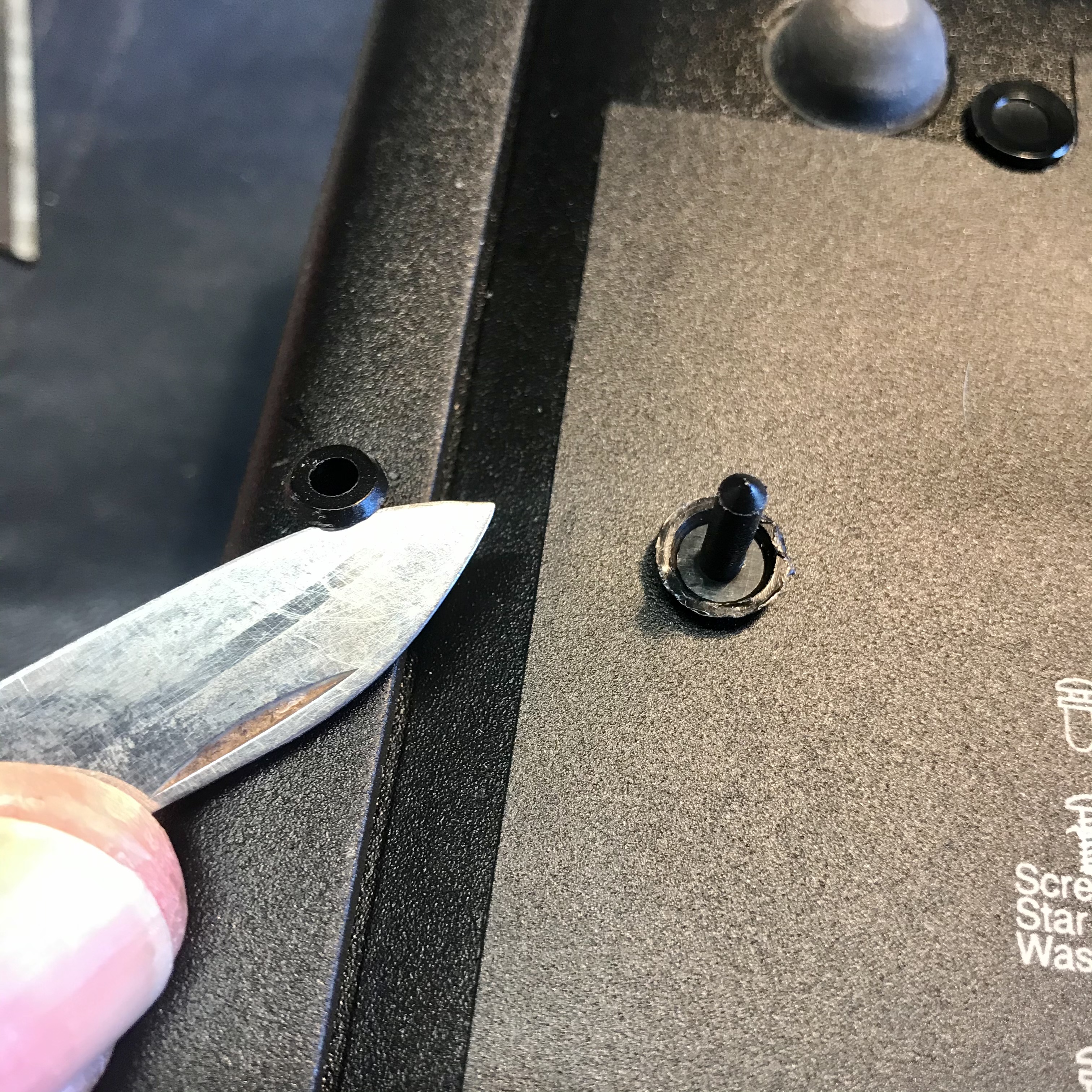
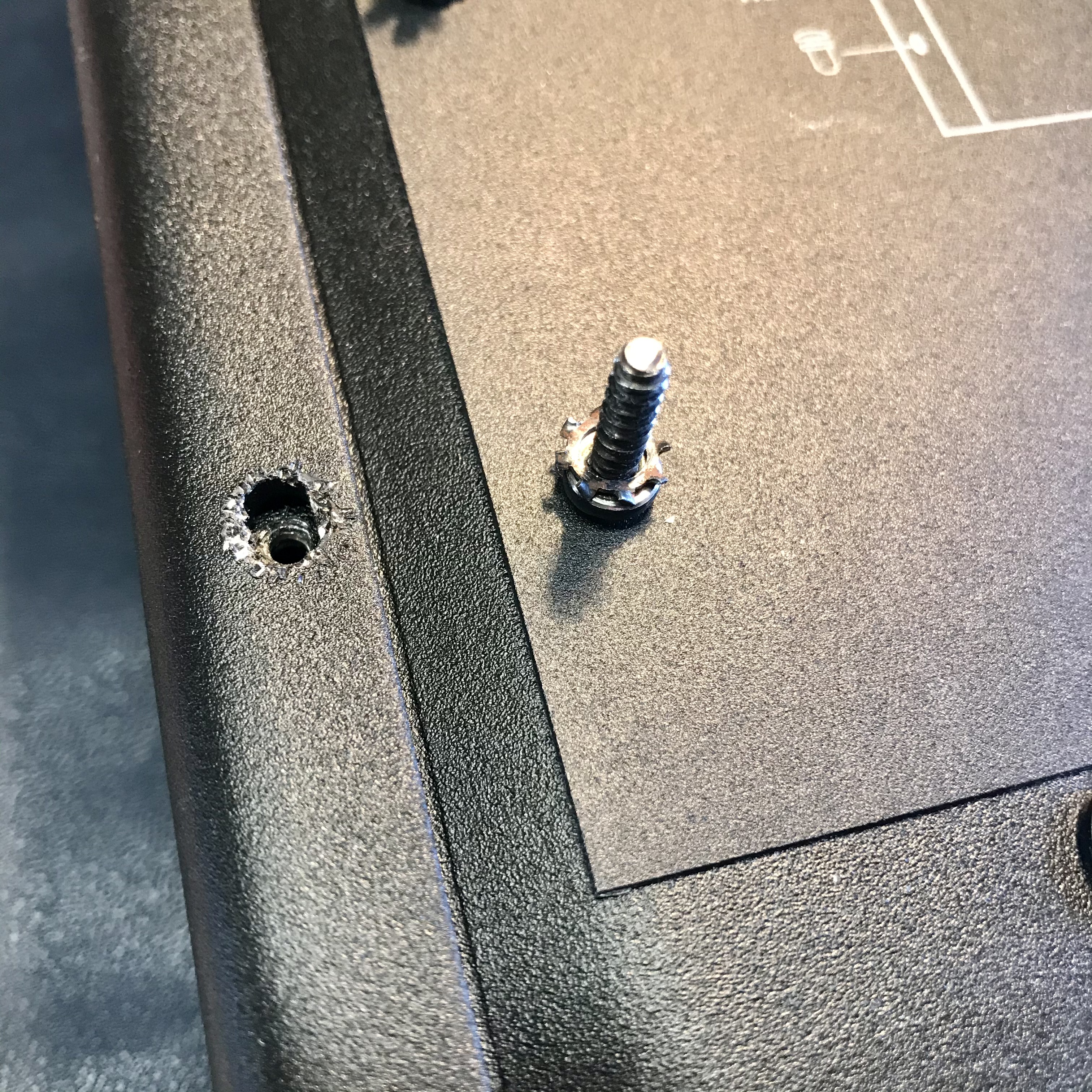
Some pics to hopefully help show how to remove the outer case then install the phono boards.
First remove the 4 plastic rivets using a small pocket knife or similar implement. Gently slide the blade in between the case and rivet, then lever the rivets up and out. Do the same to remove the 4 plastic grommets (which are under the rivets). Then loosen and remove the case grounding screw. The outer cover should now be free to slide off.
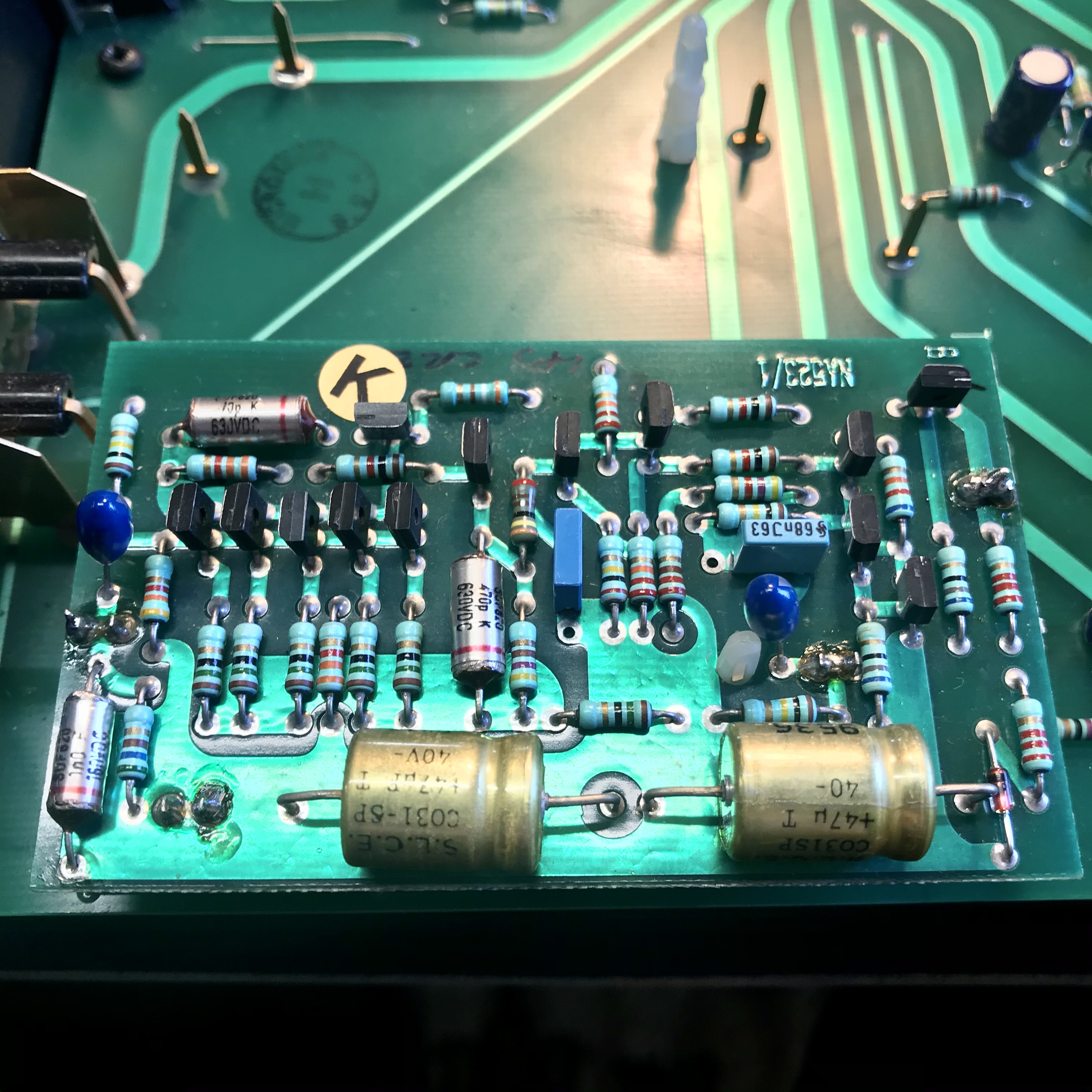
The phono boards are ‘mirror image’ so each will only fit in one location on the main circuit board. You’ll notice one phono board is marked T and the other B and also the main board has corresponding markings so it’s easy to locate their respective positions.
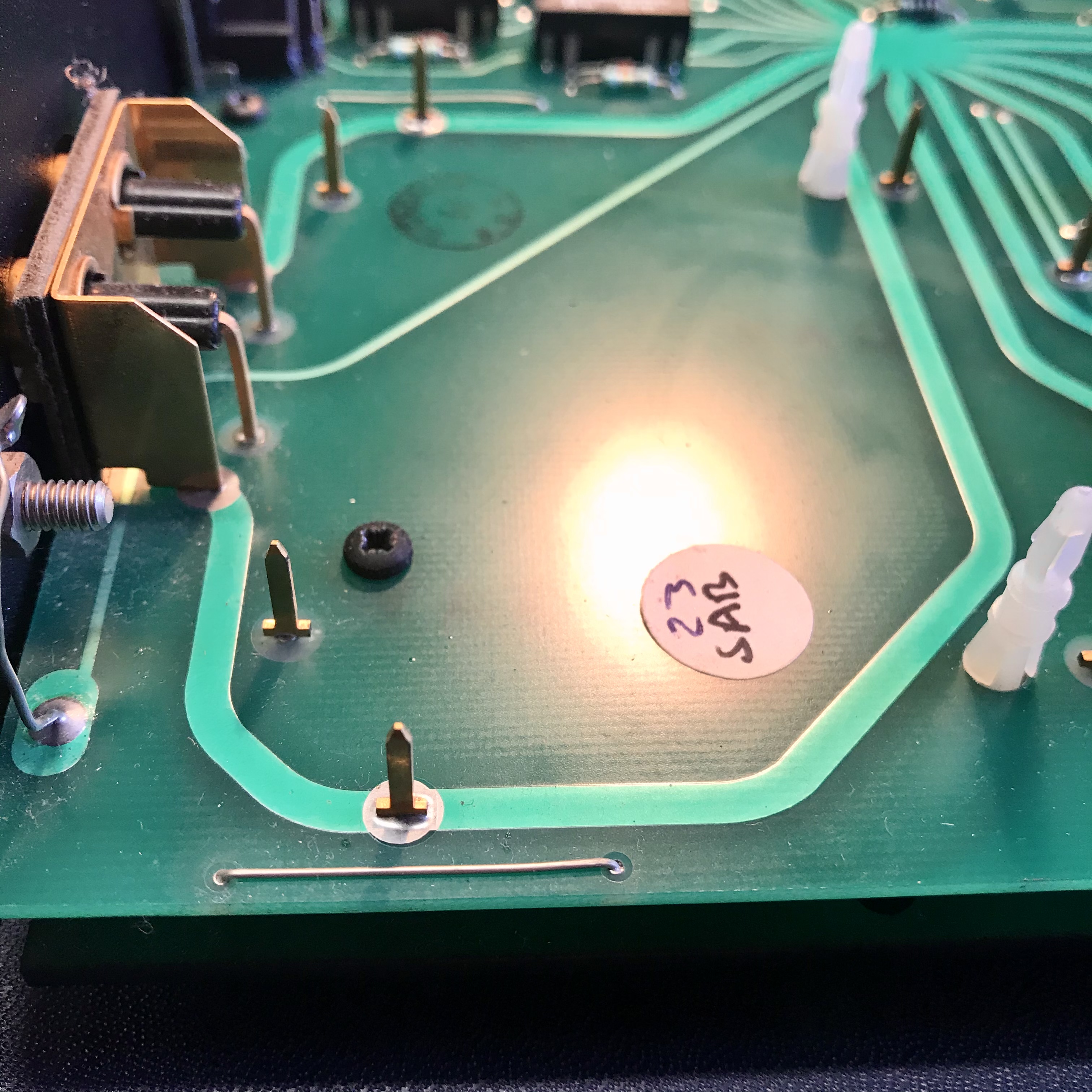
Before inserting the boards you’ll need to cut each of the 2 wire links which are located on top of the main cicuit board on either side of where the phono boards will sit.
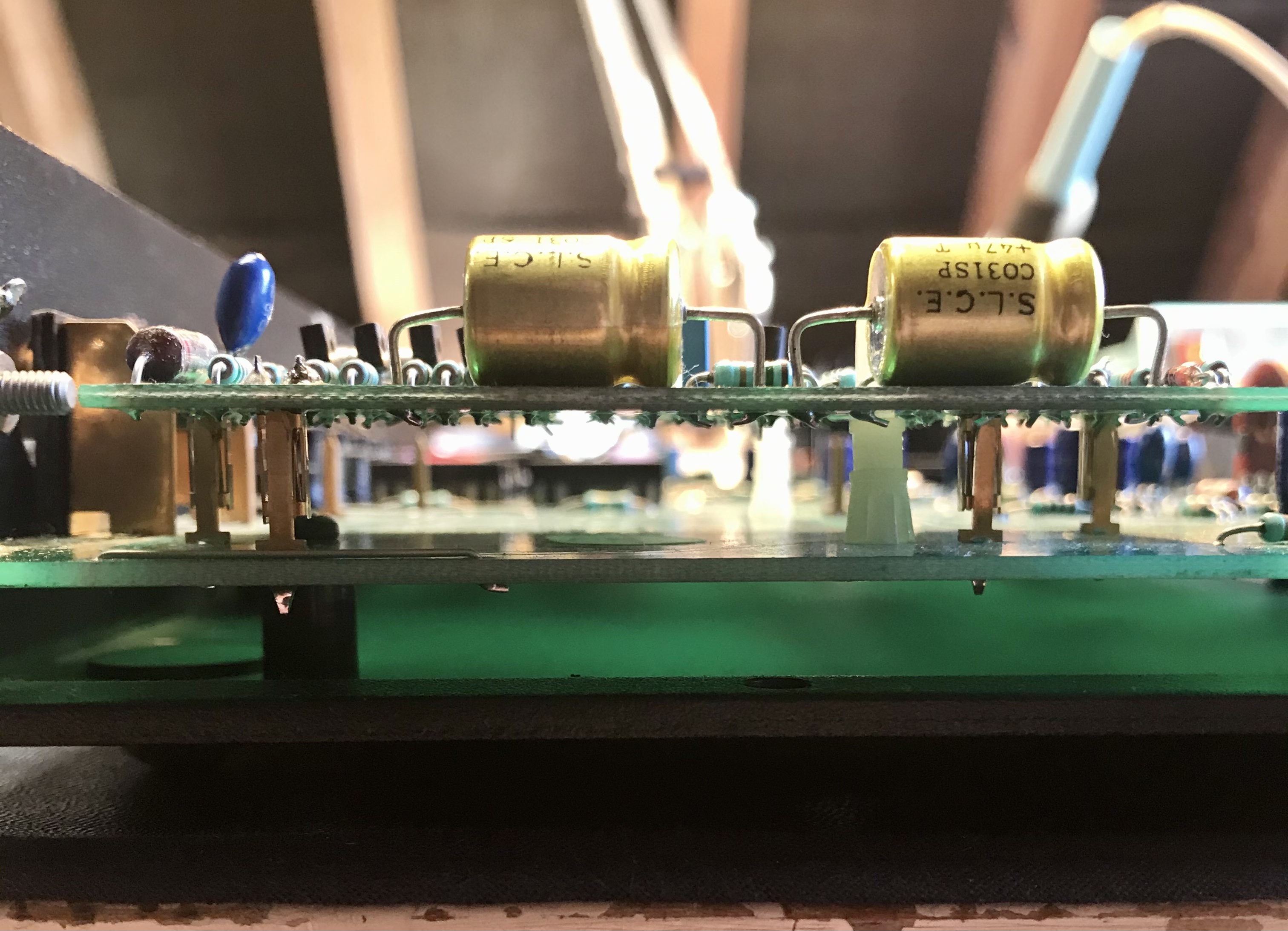
Carefully line up each phono board with the gold plated pins and sockets underneath, before pressing them down firmly to fully engage the white plastic retaining post near the centre of each board. Press evenly on the board edges, not on the components!