Hopefully this is a simple request (from a simpleminded user!)
I just acquired an HDX SSD and had my repair shop: install new caps, fully clean, update and test the unit (so I know it works properly). I’ve read the owners manual thoroughly. What I initially want to do before any ripping or storage is just to listen to some CD’s. I cannot find a way to just listen to a cd via the manual, everything relates to storage.
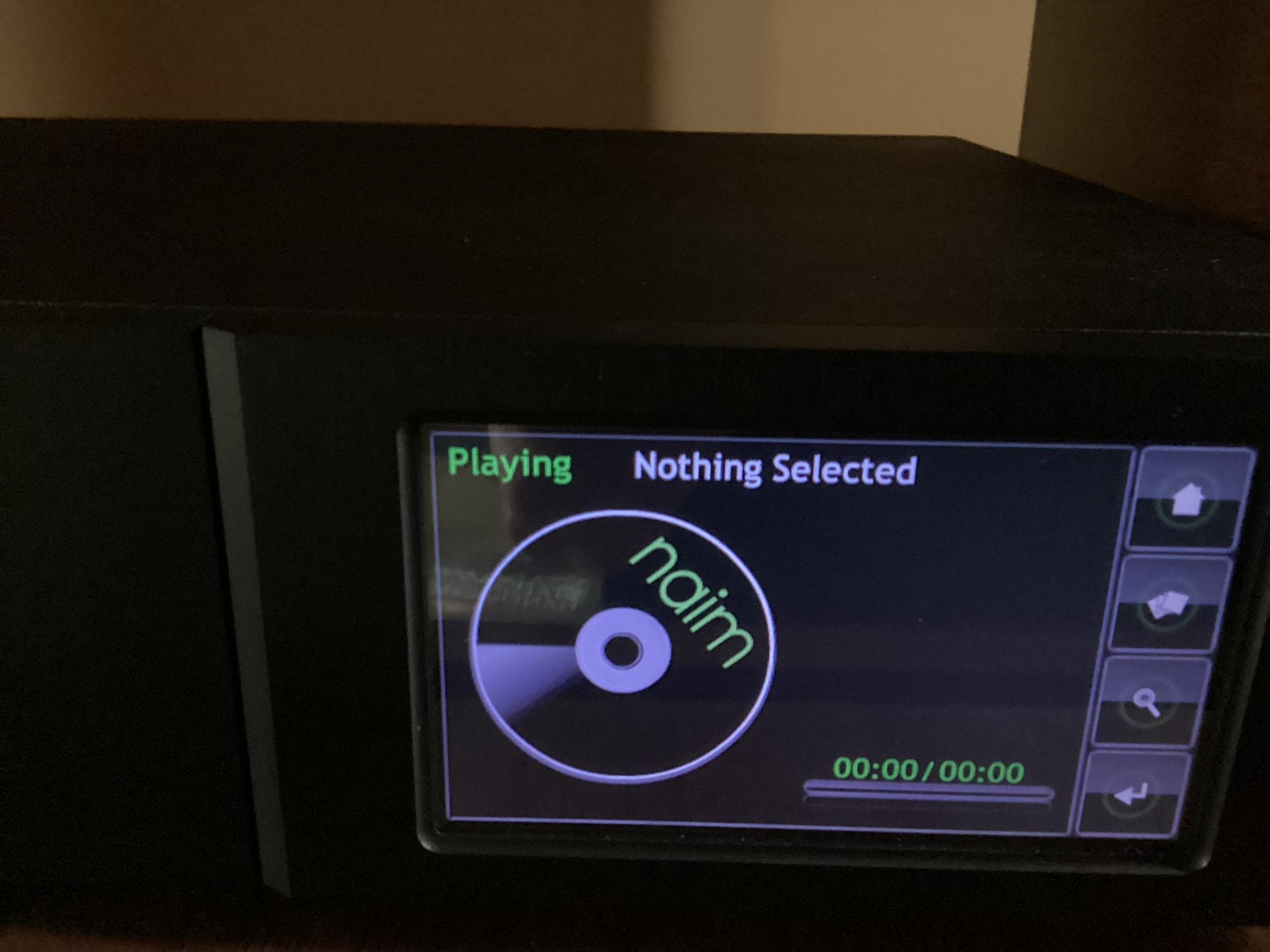
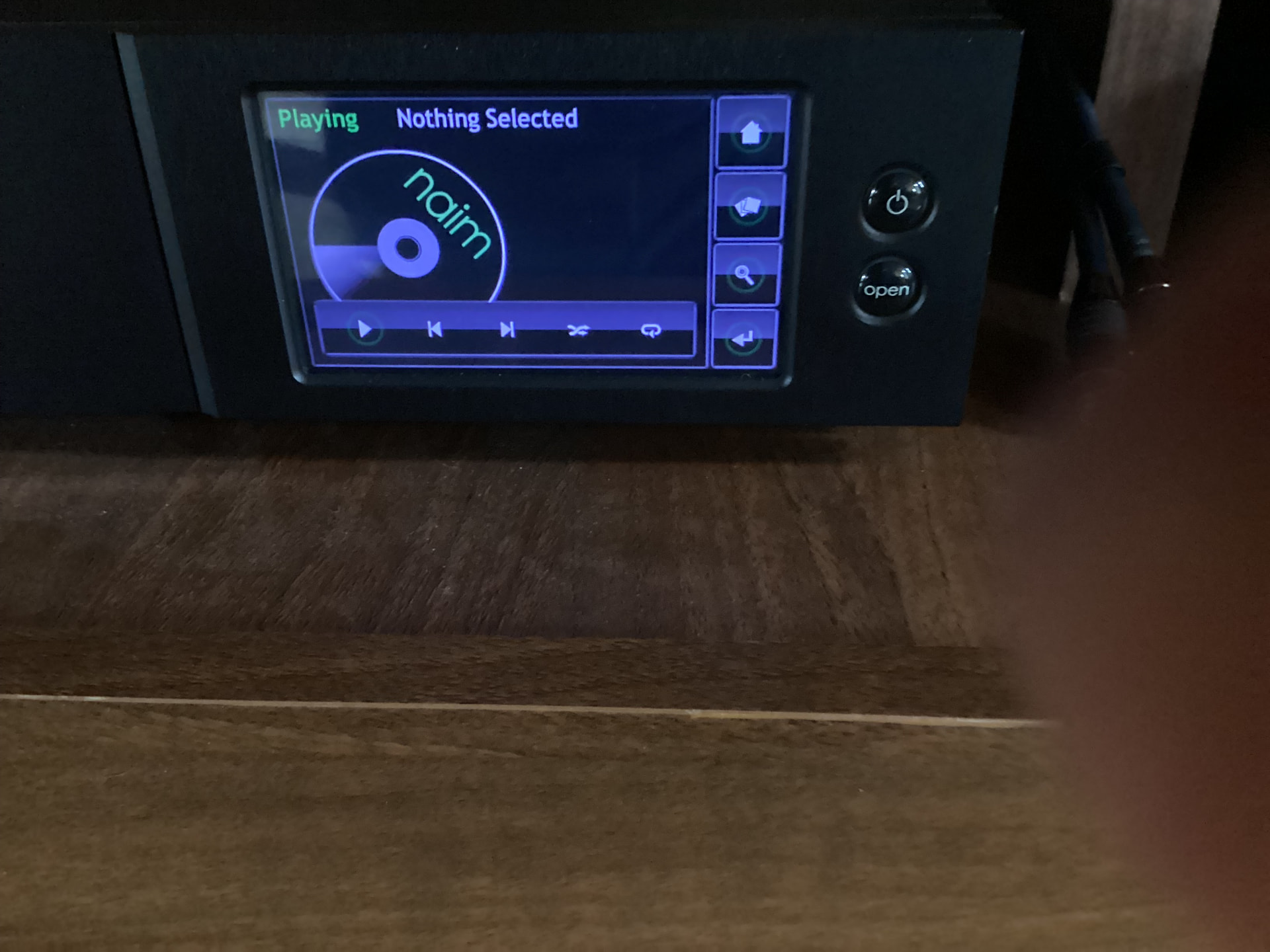
I can load a cd, hear it spinning but the screen says “nothing selected”. I do see options at the bottom of the screen showing a “play” button and track forward and reverse but pressing them does nothing. All other options on various screens seem to “work” (I.e. pressing them moves from option to option) , so the front panel works fine.
Anyone who can advise on how to “just” play a cd would be a life saver!
On screen 1 … nothing is showing the time played or total playing time.
On screen 2 … I get no response trying to press play, forward or reverse … however the other 2 buttons for random play and replay do respond and show when activated.
I have a Uniti Serve, having similar functionality as the HDX, and run it on the older n-Serve app on iOS iPhone/iPad. Another option I use is the ‘Desk Top’ view on a Windows computer. These two normally depend on connecting the HDX or UServe to a router. Finally, you could physically connect a monitor, keyboard and mouse to the back of the HDX and hopefully (as I can) control cd play and many other functions.
Edit: Looking at your pics above I see and am reminded that there is near full functionality without connecting keyboard, etc.
Hmmm, rather perplexing and I’m out of ideas except to suggest that you try a few different CDs and also as a test try to rip one and see if that is operational. I’m sorry not to be of more help.
Thanks for all the replies. I talked to a naim dealer and he recommended doing a complete factory reset MULTIPLE times, back to back. Guess what … it worked!!