Spotify Loss on Atom

Have an issue but it’s probably not the one you’re thinking of :grin:

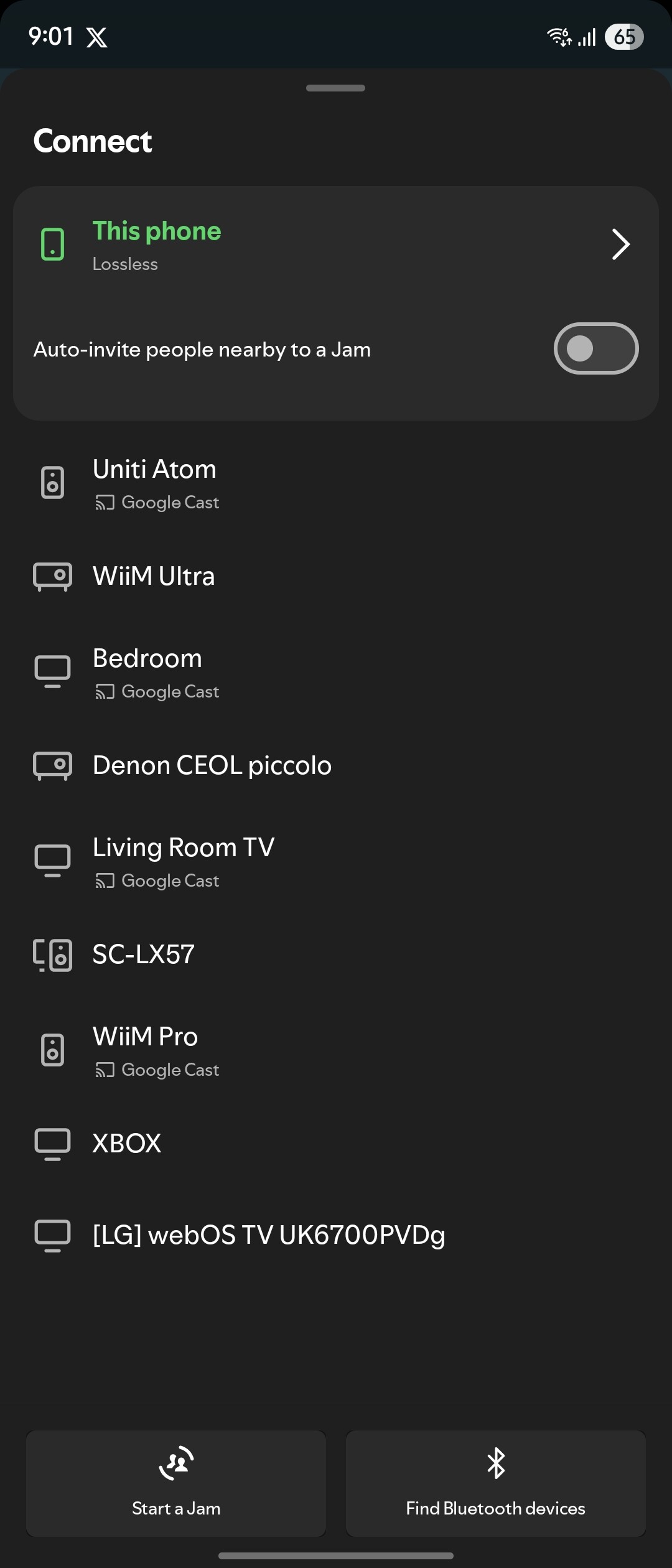
I don’t have the Atom turning up in the Spotify Connect list as the Atom. I have the Google Cast option but not the original entry.

It’s very strange and obvs stops me from connecting for lossless.

Any thoughts.

How does Spotify Connect usually make the connection to the Atom?
I thought using the “Connect” version of either would communicate using Cast or AirPlay (depending on what system IOS of other phone/tablet you’re using)

No, Connect does not work like that. The device being controlled connects directly to the streaming service. Your phone, tablet, whatever becomes a remote control. Nothing is streamed from phone/tablet directly.

1 Like

Thanks for explaining.

That probably explains why I’m still using the Naim app as a remote control.

I have it working from an iPhone, so perhaps it’s an android issue.

Did it work before?

Is this a new problem?

Has definitely worked in the distant past, but perhaps not since the intro of lossless.

I thought I saw the Atom listed for a moment, before disappearing.

Have you tried powering down from the wall socket your router and Atom and shutting down your phone. Reboot the router before switching on the Atom and phone?

Thanks. Yes I have tried that. Changing wifi and ethernet too.

The Atom will turn up in the Spotify Connected list for the iPhone but not my Samsung Z Fold 7 or the Samsung tablet.

My guess is that it hasn’t worked since the intro of lossless, but I might be wrong as I’ve only noticed since changing the Atoms location.

It’s weird.

Sorry, can’t help now. That’s my limit of I.T. expertise- switch in off and then switch it on :rofl:

:+1:

Has me stumped too.

I followed the instructions for setting up lossless, logging out of Spotify etc.

Connected a stream with my iPhone and then checked the Samsung Spotify app and yes, it shows connected to the Atom. Yay. I can pause etc.

Tried this morning from the Samsung and no, not there, just the Google Cast option again.

Interestingly it had logged me back into Spotify in the Naim app.

Are all apps and firmware up to date?

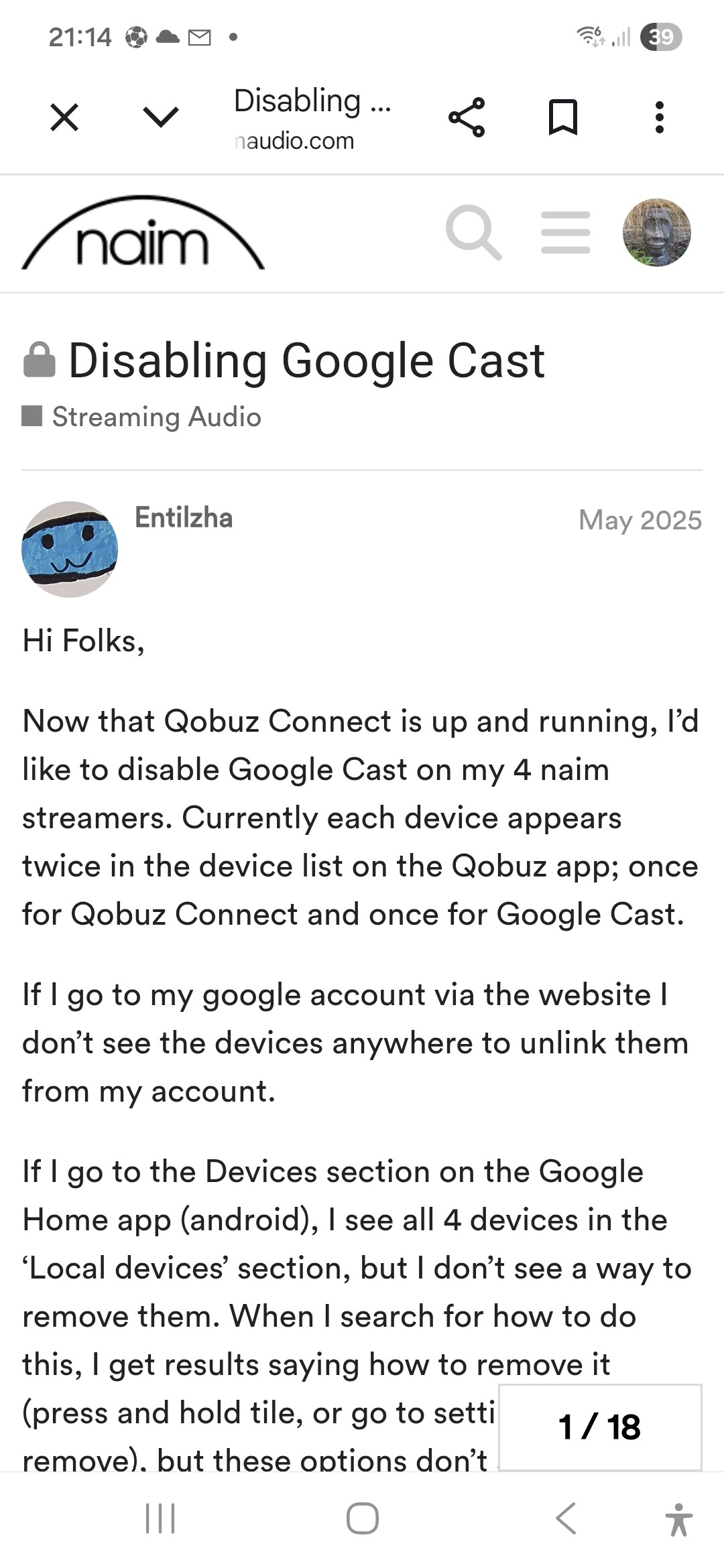
My memory has been jogged. I think this is some sort of conflict between Spotify and Chromecast. Have a look at thread, I think it’s the 15th post that gives instructions to disable chromecast and then Spotify should work. However, not much good if you use chromecast.

Good luck!!

1 Like

Legend!

Fixed.

Thanks so much :+1::+1::+1:

:+1:

1 Like