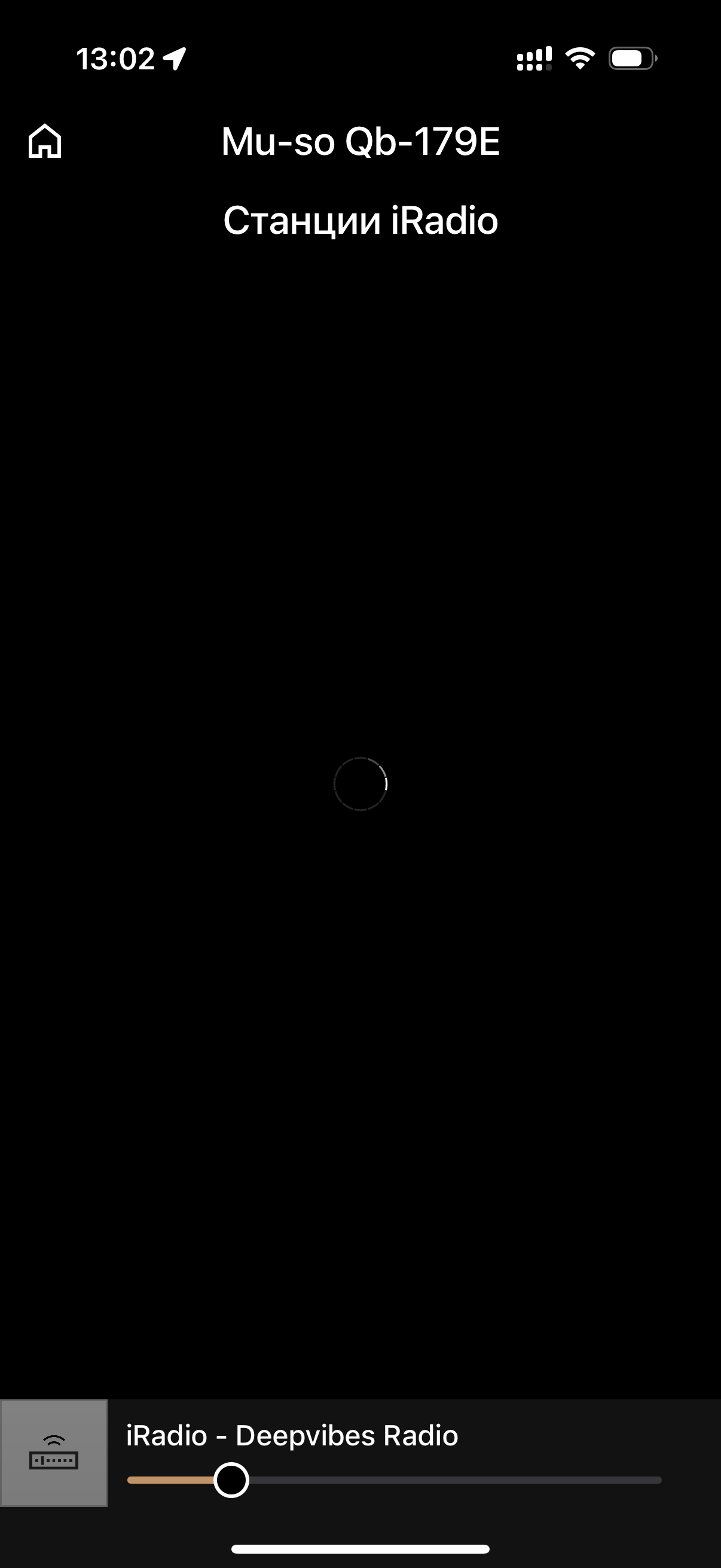
Hi to everyone ! Sorry maybe not such an important issue for all but 2 days ago Naim streaming stop working on my MU-SO QB 1st GENERATION. 100% problem is not at my side. Yesterday midday it tried to play my radio stations for 1 hour or so and again cannot connect. Seems VPN does not help too. Could you please try to investigate the problem and maybe any advice how to fix it. Many thanks in advance!
Tagging @Stevesky
Was it really 2 days ago? Or is that just when you noticed after an extended break?
Because several months back vTuner for all Naim streamers was effectively disabled and internet radio requires a new firmware update in order to work (and old presets will not work either so you’ll have to delete them and set them up again after the firmware update).
Ergo, did the problem really start 2 days ago or did you just notice 2 days ago?
Thank you for your feedback.
Sorry should make myself more clear.
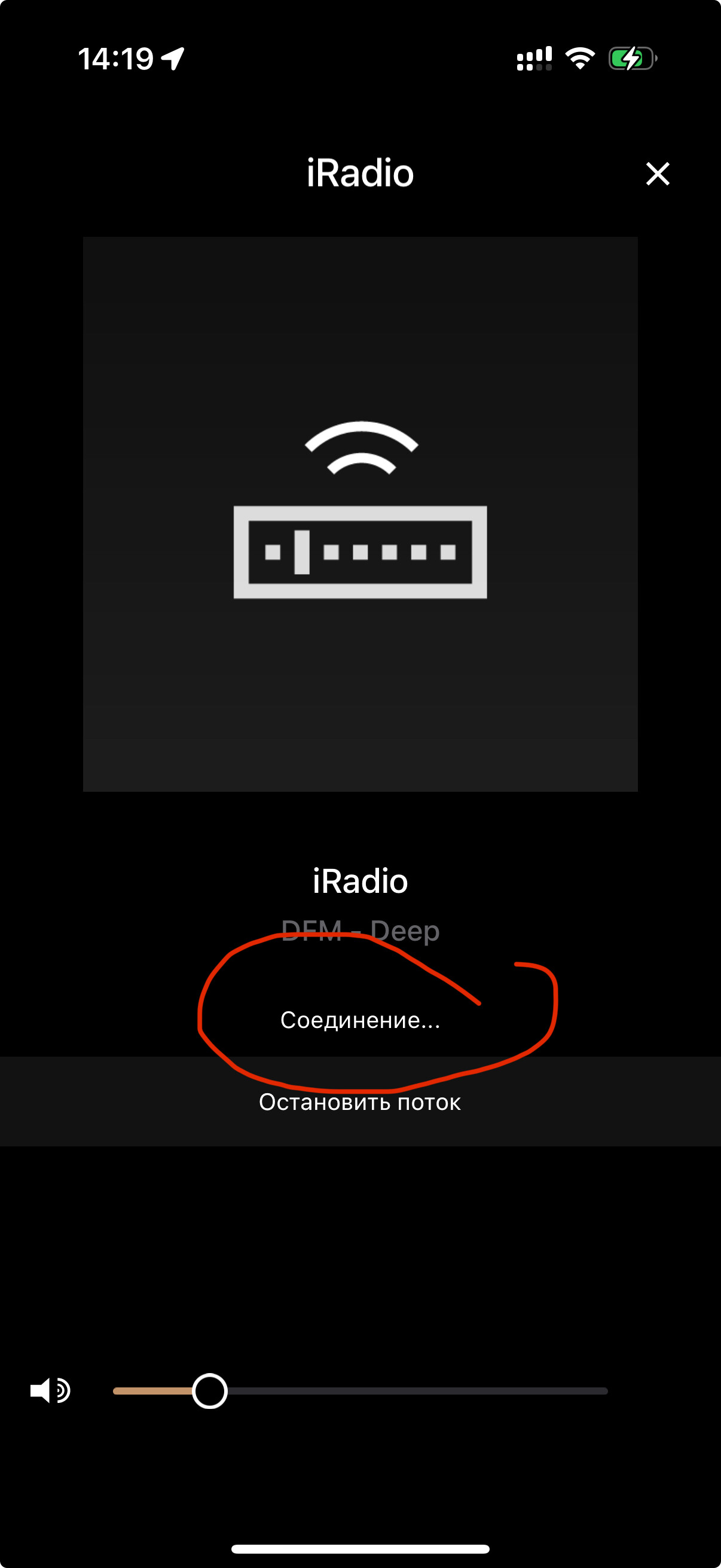
Of course I know about the major update and did it months ago. Everything worked perfectly and stopped streaming around 22 of June (I was out of how for some days so cannot determinate exact timing) but for sure for 2 days (except some minutes yesterday when it tried to play) there is no more connection to your server. The the update application works properly itself - just showing - connecting … the MuSo itself also works for instance Spotify source playable etc
All the time “соединение» means trying to connect in Russian
BTW - some other services like Apple TV or Spotify work ok via my WiFi network so for sure it is not problem at my side. Also could be proven that my Naim worked again for some time (1 hour) yesterday morning and I even was happy that the problem gone itself but nop ( not working anymore since yesterday alway on but no connection. My personal opinion is that probably some internet interconnection was affected somehow - maybe you could try to reconnect Russia to different IPs and it helps. For sure it is not my local network problem otherwise nothing works … and again I do confirm that many months after the major update I never had problems with connection my Iradio always played
Hi @AlekseiA
I’ve moved Russia over to the Australia server.
Turn the product off from the mains power, restart it, and see if it’s any better.
The radio service is hosted in Amazon data servers and we have seen some blocks going on between Russia and Amazon now and then.
Regards
Steve
2 Likes
Many thanks for your effort, Steve
I have tried a few time restarted etc.
Unfortunately did not work ;(
Probably those server in Australia has the same problem.
Really strange and annoying especially that all worked very well always never any blocks.
Thank you again.
Sincerely,
Aleksei
Russia might be the problem.
3 Likes
Hi @AlekseiA
I asked the devs to check if we are getting any comms from Russian customers and we’re seeing enough of suitable comms from various unique IP addresses in Russia. It shows there is some hope for this to work.
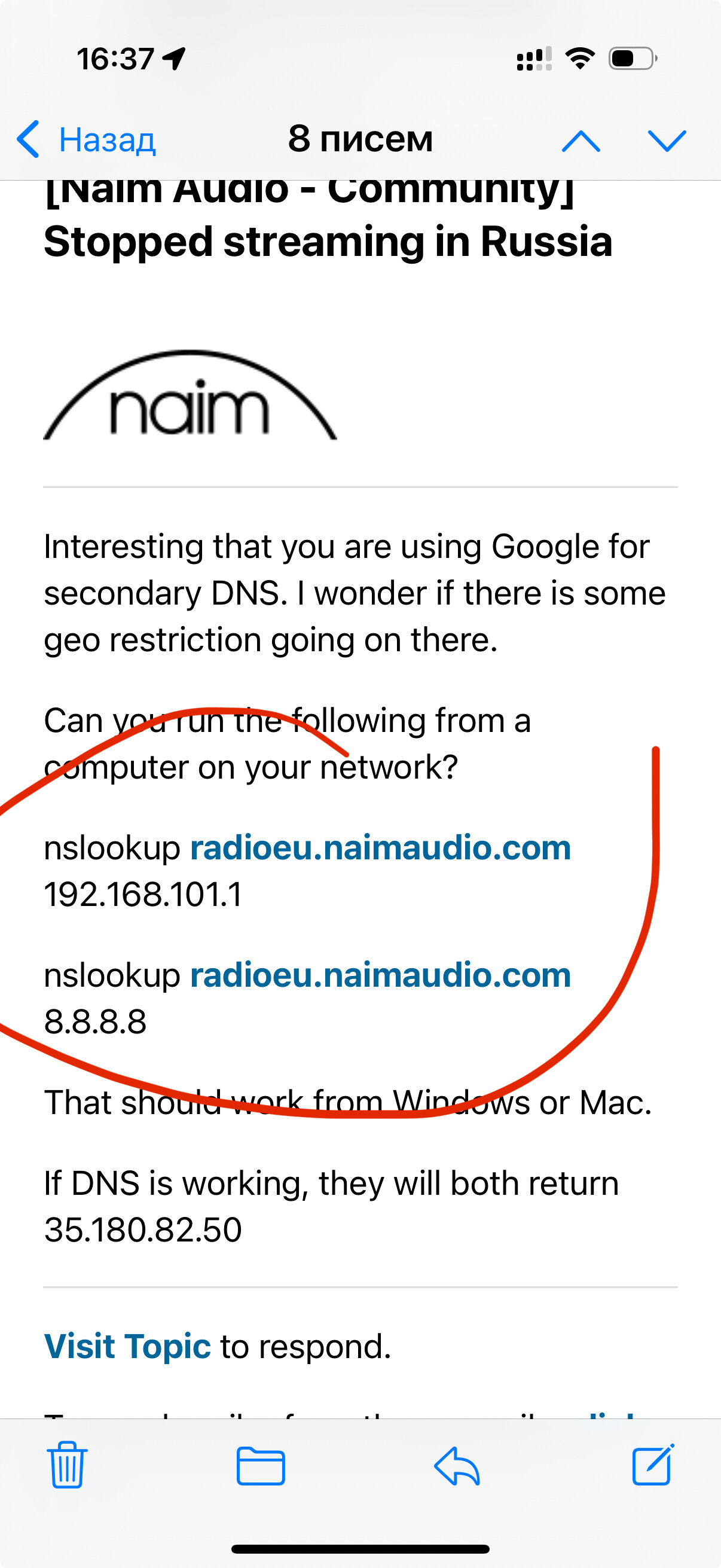
I’m wondering if the ISP has had a DNS issue and the address for the radio service is not resolving.
Regards
Steve
1 Like
Same problem on NDX.
Are you able to provide the customers with some hostnames involved in the radio service so that they can manually check that DNS resolution is working with nslookup and hosts reachable via traceroute as opposed to a protocol level failure?
Hi all,
Regarding details of hostnames. The first one to try via CMD shell in Windows is:
C:\Users\gu48b>ping radioeu.naimaudio.com
Pinging lb-external-naimradio-746572128.eu-west-3.elb.amazonaws.com [35.180.82.50] with 32 bytes of data:
Reply from 35.180.82.50: bytes=32 time=18ms TTL=243
Reply from 35.180.82.50: bytes=32 time=10ms TTL=243
Reply from 35.180.82.50: bytes=32 time=10ms TTL=243
Reply from 35.180.82.50: bytes=32 time=10ms TTL=243
Ping statistics for 35.180.82.50:
Packets: Sent = 4, Received = 4, Lost = 0 (0% loss),
Approximate round trip times in milli-seconds:
Minimum = 10ms, Maximum = 18ms, Average = 12ms
That’s going to Amazon in Paris. However, when government level firewalls are at play it may ping, but it still may not transfer actual traffic. It’s a good starting point though.
Regards
Steve
1 Like
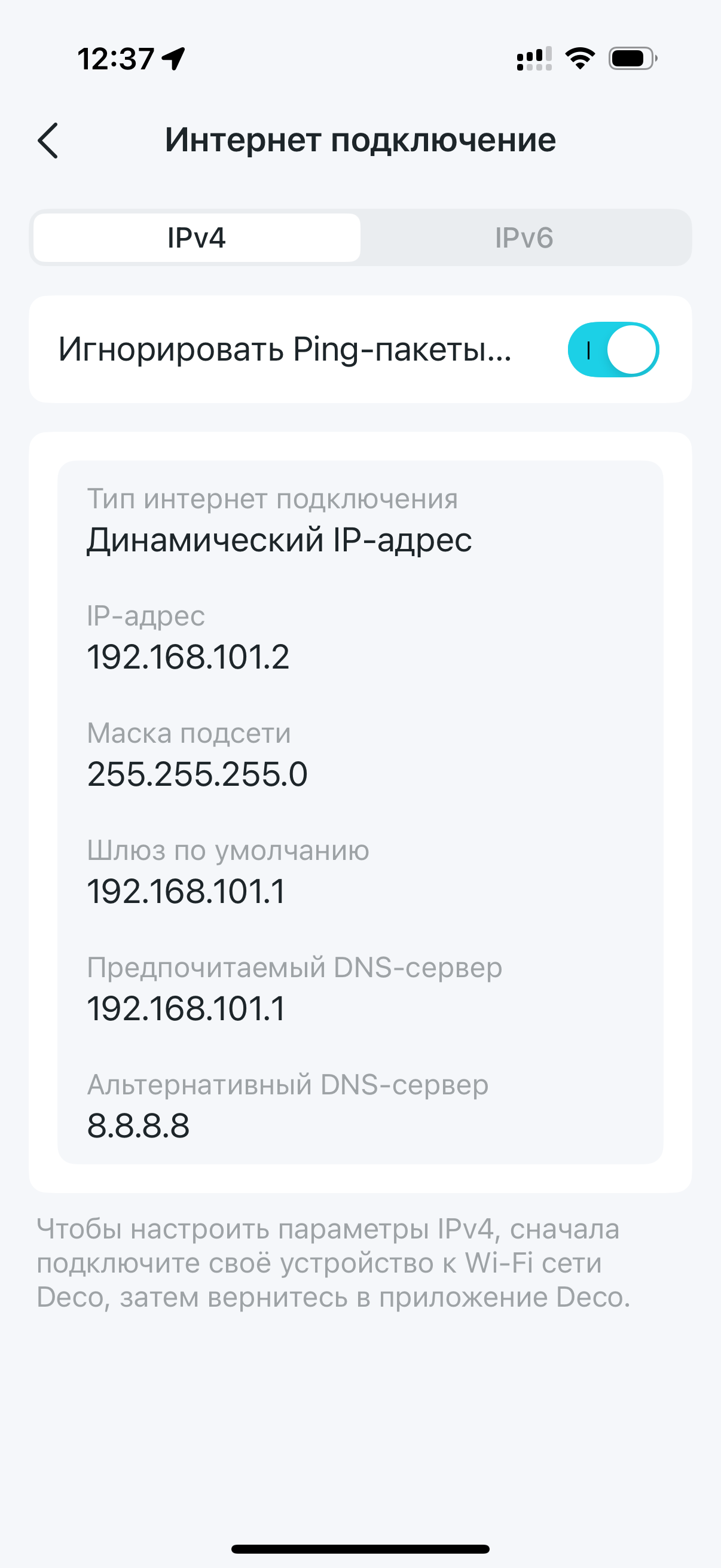
Interesting that you are using Google for secondary DNS. I wonder if there is some geo restriction going on there.
Can you run the following from a computer on your network?
nslookup radioeu.naimaudio.com 192.168.101.1

nslookup radioeu.naimaudio.com 8.8.8.8
That should work from Windows or Mac.
If DNS is working, they will both return 35.180.82.50
1 Like
Many thanks will do my best asap and revert
Hi sorry could you please send me more step by step instructions how to do it on computer I tried but seems got something wrong
He means copy the first instruction into the command prompt on your PC and press return. Note the answer.
Then repeat with the second instruction. Note the answer, which should be the same.
You can get the Command Prompt by typing that in the search box on the task bar of your PC.
Search Google for something like
How to Open Command Prompt in Windows 11
It should look something like
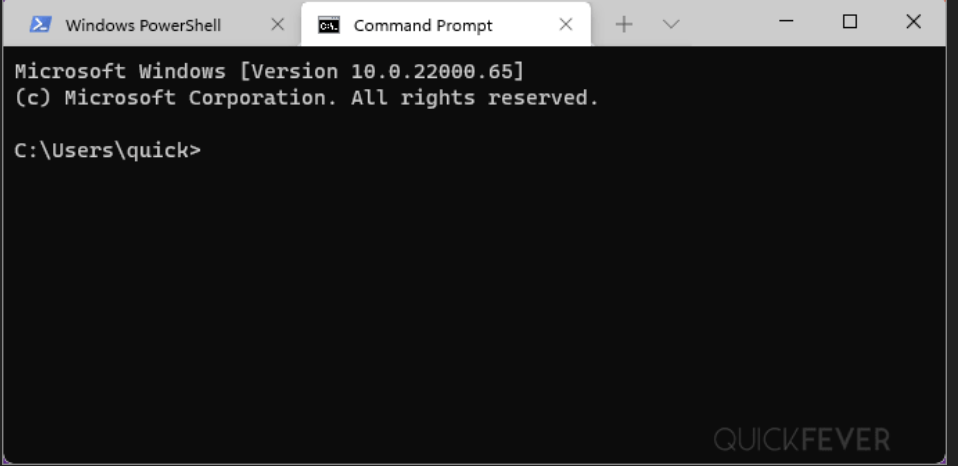
Then enter each of the commands
nslookup radioeu.naimaudio.com 192.168.101.1
nslookup radioeu.naimaudio.com 8.8.8.8
Many thanks
But how to do it on Mac ?