Hi @pete84 …… as you have the time until March 2027, think about and pre plan for where you would like the fibre to enter the house.
But remember the ONT box will need a 230v power supply.
A number of years ago I had BT move the old copper entry point from near the front door to a position where I wanted the router to be.
When Openreach came to install fibre they talked it over to be sure it’s what I wanted and it fitted into their work contract scope.
They routed the pole to house fibre to a new point on the corner of the house that is more adjacent to the existing entry point.
Neighbours have had Openreach change entry points or keep the same, so I don’t expect it will much different when it’s your time.
My thoughts are that they should be able to basically replace the old telephone cable with fibre.
I had a new TV aerial installed when refurbishing and that follows the same route so hopefully they can do the same with fibre.
I will also have pole to house fibre so at least the drive won’t be dug up and I can’t see why it shouldn’t follow the same route as the no longer needed existing phone cable and TV aerial cable.
It means the router will still be in the hall which is in the middle of the house and not near my streamer which is only 6.2m away from the router in the hall, but behind a wall.
A wifi analyzer indicates a 2.4Ghz signal strength of -60db at the streamer and -30db right next to the router.
Openreach did not remove the old copper wire on any houses in my area.
I’m told it will be removed, but only when all properties have changed to fibre.
Openreach also wouldn’t remove the old BT Master Socket, so I’ve done that, pulled the old copper wire outside, insulated the conductors and have it coiled up ready … as & when.
You shouldn’t need to boost anything get a signal such a short distance. WiFi or an Ethernet cable should cope easily. Modern routers supplied by Fibre providers are generally more capable than they were years ago when slow copper connections were the norm.
I suggest that you wait until your fibre has been installed and get things up and running before you throw money at a solution to a problem that may well not exist. Then, if whole house coverage is a poor, start looking for solutions to known problems.
All internal walls are some sort of heavy duty breezeblock.
All outer walls are brick cavity on outside and the hd breezeblock inside except in the extension walls which are plasterboard.
It’s just a typical 3 bed semi house with ground floor and 1st floor.
I’ve extended the house back and front and the floors in the extensions are concrete - the rest of the house has the original wood floors that I’ve had amtico laid over.
My streamer and listening area is in the extension with concrete floor and plasterboard walls
Mesh wifi can mean many things technically - and is often used more in a sales sense.
So the key thing is to use multiple overlapping Access Points (those are the radio and receivers), but have a single management unit configuring and controlling all the APs, and use structured wiring/ethernet perhaps with PoE for the main APs… and indeed is the best way to go.
Now some systems rely almost totally on a wireless uplink from each Access Point - one should use this only for more occasional use or APs that won’t be heavily used.
The main APs are best ethernet enabled on the uplink to a switch. This will give the best performance and is usually considered best practice. A typical house may have two or three APs with say a wireless uplink of APs into the garden etc. So use a network switch to mesh the main APs and use wireless link for APs to mesh to other APs for more remote and occasional use APs…
The the main consideration is to ensure that each APs overlaps with another AP, although one may be much stronger than the other - and that is fine.
Modern wifi protocols are designed to work optimally in that sort of environment.
Same here, and we are in Hertfordshire, only 30mins from London. But still only have OpenReach from poles or Virgin in the ground.
I’m waiting to get Hey! Broadband (Or similar) as it has the same upload as download speeds (which is important to me as a video editor that works from home) but so far they’re not in my area.
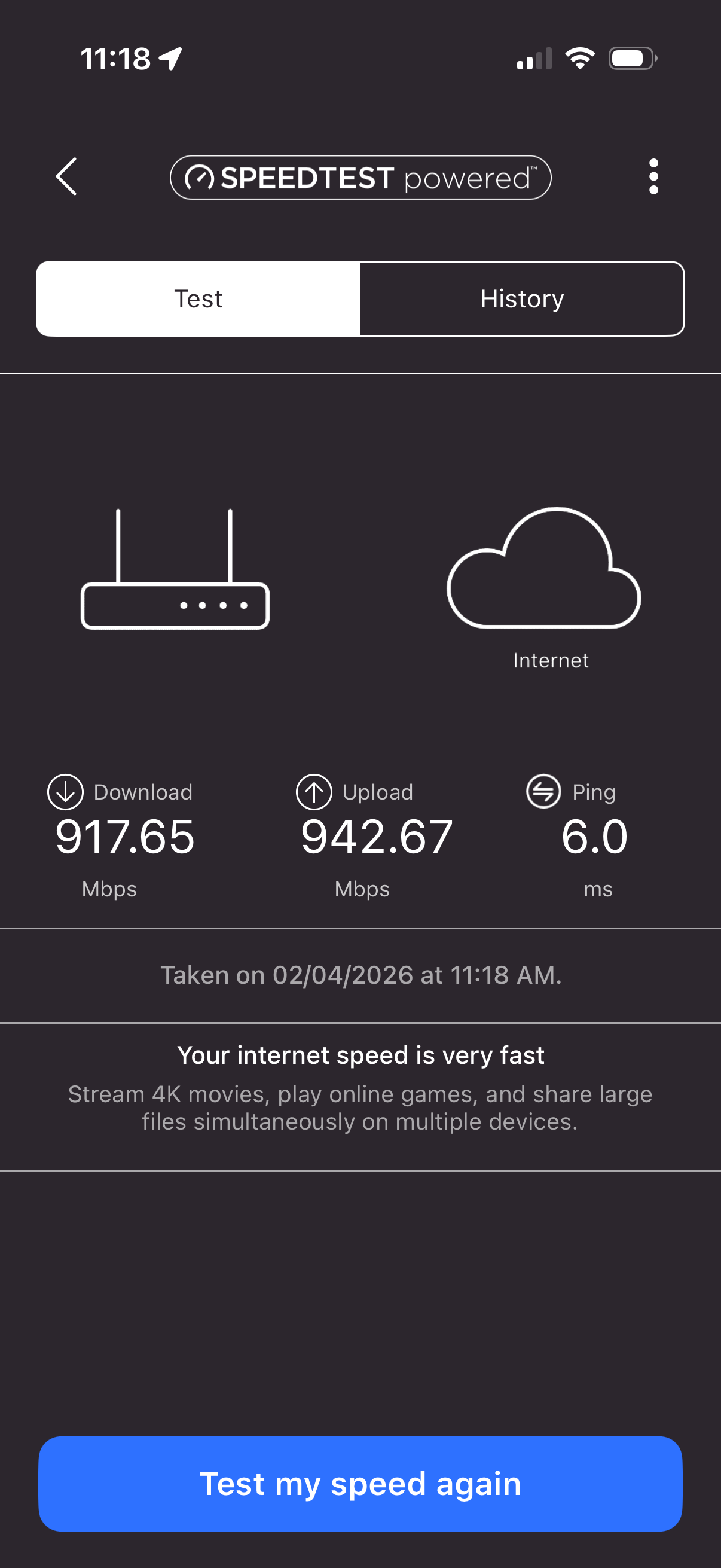
Don’t forget that PlusNet increase their price by £4 each year, so £24.99 now becomes £32.99 in March 2028. So maybe not such a good deal. We have Toob, which gives up and down at 940Mb and costs £29 a month with no in contract increases. That’s gone down to £25 since we signed up, and is hopefully what we will pay when we renew in September. They offer one speed and one price, which seems a good way to do business.
I just checked and Toob is not available here in Essex, but seems like a very good deal.
I only stream from Qobuz and the 40Mbps I currently get seems to be plenty for my needs, I just need better coverage which I may get with a fibre router - we’ll see.
I don’t have Sky, Netflix etc etc and rarely even watch TV these days so near GB speeds will offer no benefit to me.
I’ve been with Plusnet for about 5-6 years and had no significant problems other than with my unused landline, so fir the time being I may as well stay with them unless there’s a completing reason not to.
We had FTTP installed recently. Previously we were using 4G broadband with a TP-Link Deco mesh system comprising six units (one used as the master, which was connected to the router, and five others distributed round the house). The router and master Deco unit were in the loft. When FTTP was installed, we chose to go with Plusnet, which was significantly faster than the 4G, but about the same starting price. I plugged the master Deco unit into the new router and it all worked seamlessly.
Sure, though remember routers and WLAN are two quite separate functions - so you can deploy a separate performant quality wifi/WLANsolution with your existing router if you dont have one already.
Most domestic consumer and some small office devices combine the router and wifi into one product for convenience as opposed to neccessarily performance. You can always disable the WLAN on your existing router and use a more suited wifi solution/product separately. There are many options, I have used Ubiquiti products for many years now - affordable and perform rather well within their capabilities. I use a BT router for my VDSL service (FTTC) - but disable its WLAN in favour of the Ubiquiti WLAN and LAN switch functions - I have one Cisco LAN switch as well). It all works very well and has done for several years.
(I have two ethernet meshed APs and one wireless meshed AP for the conservatory/garden all cooperating together providing the wireless fabric of two SSIDs. All APs are PoE powered).
Toob not available here. But we are on Zen’s price-for-life contract, which, perhaps unsurprisingly, they no longer offer. It is another reason for not wanting to switch to Virgin fibre.
TBH for hifi purposes the speed we get is adequate. It’s only 4k TV that struggles if we use wireless and I suspect generative fill in Photoshop, which I’d like to explore, may run very slow. I’m just hoping Openreach get round to us soon.
I have heard / read good things about the TP Deco. Conversely, I have a Netgear Orbi (Gen1) router on the ground floor, RBS50 in the basement, RBS20 in my 1st floor office, an RBS50 on the 2nd floor, and an RBS20 in the garage.
Hassle full for the past 8 years. Maybe time to upgrade.