I have for years a 1 T WD Red Pro in my Core, you need to be at 20cm/8inches to hear something…
Jumping on here as this seems to be the most recent UnitiServe thread.
My old PC died, and with it did the desktop workaround that is described here: UnitiServe Web Interface After Adobe Flash? - #7 by RichardAD (links to Adobe only show Flash retirement info)
Does anyone have an alternative? It was so very convenient to control the US from my PC.
The browser interface still works for me (on a Mac) but as far as I can tell, it’s no longer possible to use the workaround explained by @Stevesky in the thread you reference to access it. I wonder if Steve has any other ideas on how this could be accessed?
The Desktop Client presumably still works on a PC? As a Mac user I can’t verify this but it could be an option.
N-Serve still works fine, but if course it’s Mac only, although I dare say there is probably a workaround that would allow PC users to run it?
2 Likes
I would rarely counter the very informed view of @davidhendon but on delivery of my Core we did a straight comparison between Powerline lite and PowerLine and the latter had it, very obviously clearly, even when replaying through the Qb2 in my back room.
1 Like
I’m still running a Unitiserve SSD, however I do keep getting warnings on my Mac that a future OS update and NServe will stop working. In the short term I have an old intel based Mac where I can still rip the odd CD.
Tim.
Desktop Client works for me 
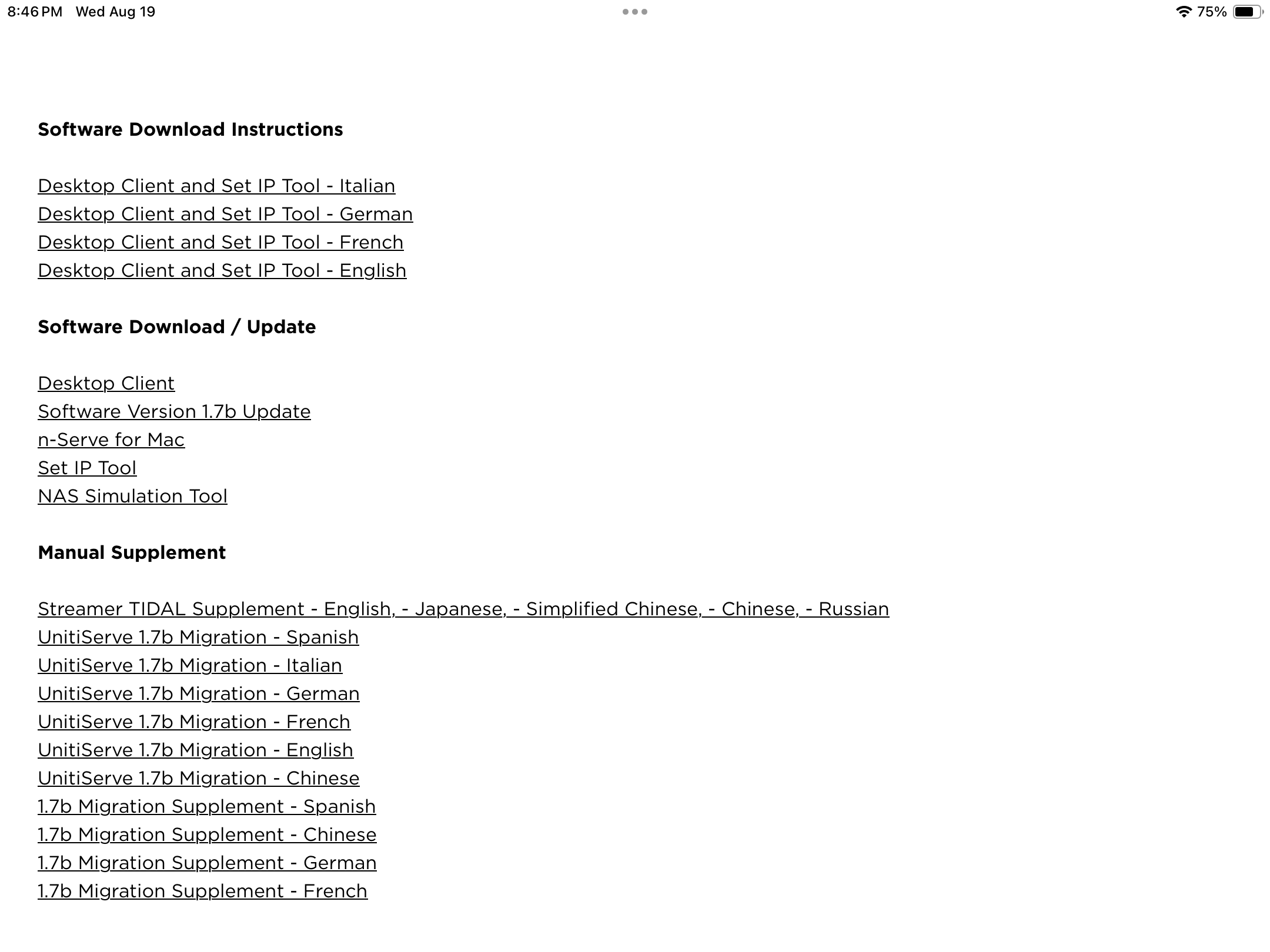
Yes, I managed to get the Desktop Client back, it is available on the Naim website. However, it is apparently an older version (B or 2), my US runs on 1.7C. Consequently, the client prompts me to “upgrade this application to the most recent version”. Any chance to get that “most recent” client?
You will have to ask Naim Technical Support for it. For some reason that I have never understood, they never did put it on the download part of the website. But it does exist!
1 Like
When I needed to install the Desk Top Client on my pc I found it using the Naim website search bar.
Not sure if this is what you already did. If not, this worked for me and I have 1.7C on my UnitiServe.
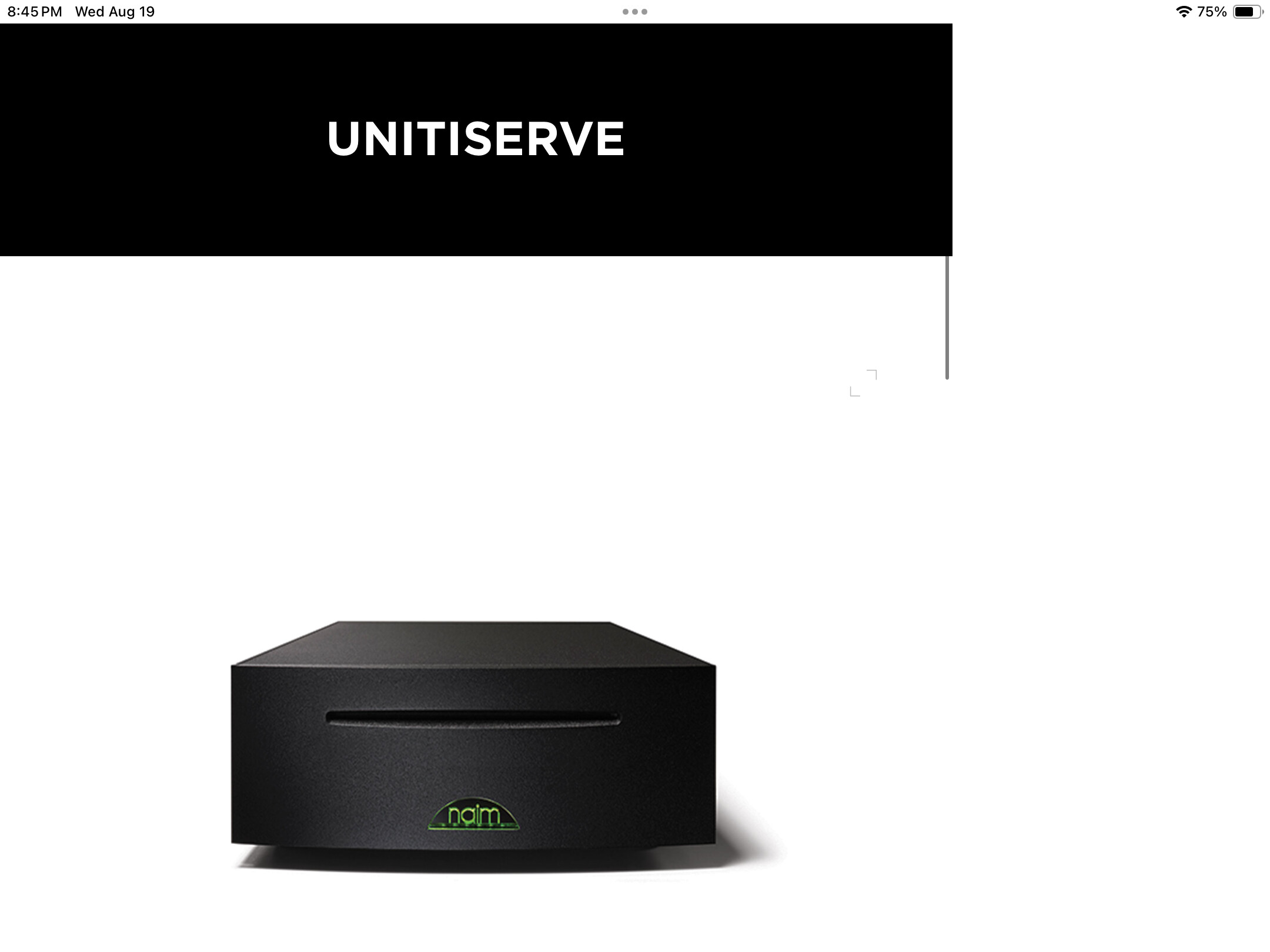
I just did it now. First, find the search bar. Type in UnitiServe (one word). Click the UnitiServe picture. Scroll down to Desktop Client, and migrate the file to pc and install.
Once on the Desktop client I just hit “ok” whenever when I get the update notice. And it all works fine.


1 Like
Thank you, this is what I already found. But I’d like to get the version that fully complies with the US’s software (1.7C) so I do not get the prompt you are showing. I’ll try to get it from Naim support as suggested above.
1 Like
To finish this off: Naim Support was kind enough to send me the respective download links plus a detailled instruction. All on 1.7C again.
A big cheer to the team, really great support for a very, very old product. This is what I call legacy. Thank you Naim!
4 Likes