Sounds like I was lucky. I followed the instructions to the letter … deleted all the old stations, and after the firmware update, a factory reset of all settings which deleted all vestiges of iradio. Then a search in iradio kicked the new streaming software into action. Did same on all 3 streamers, a 272, Unitilite, Unitiqte2, iradio worked straight away.
1 Like
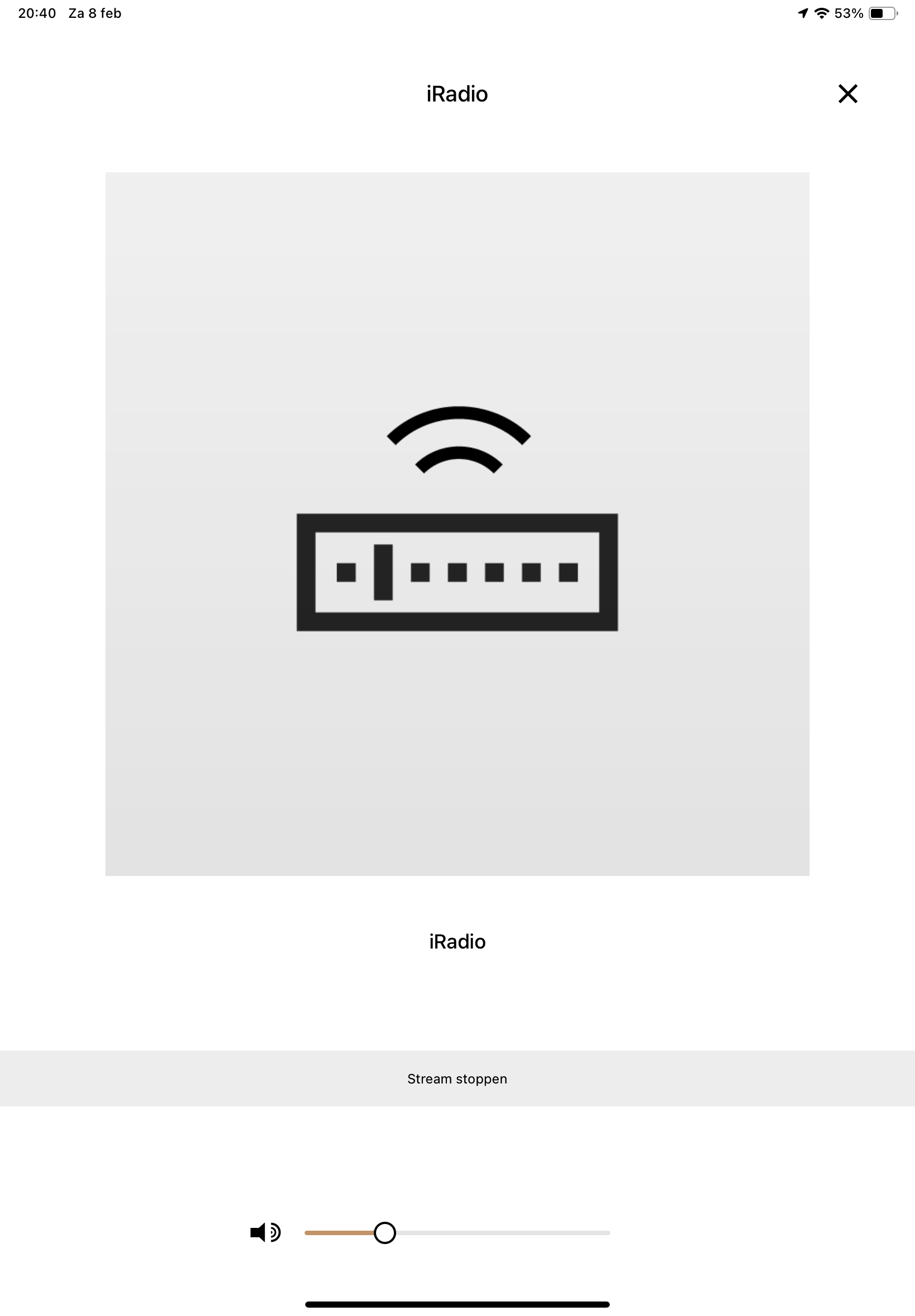
Nothing seems to work of all the kind advice given here. Still no I Radio. The app says stop stream, but there is no stream…
Should I install the firmware again? NaimUniti 1.
That’s what I did; followed the instructions. Deleted all the old presets, did the upgrade, restore factory settings, …., But when I start iRadio I got the “old” preset list, Naim, Radio paradise, KRWC,….;like you get when you start the system for the 1st time. And the streamer is trying to connect with one of these presets. I didn’t manage to stop this. Again reset, power-off, stop the streaming, remove presets, waiting overnight. It all did not help. Last try will be to do the update again. But all suggestions are welcome.
Regards,
Gerard
(Uniti 1)
Updated yesterday mu Muso and QB … but still no internet-radio on the Uniti2.
Very very bad service … very disappointing ! 
it wont let me stop the stream
I would suggest to anybody who is experiencing any issues with the update and not finding the answers on here from any of the members to contact Naim support. Hopefully in the meantime some members who are really good on this sort of thing might offer up some useful advice.
Have you tried pressing the stop button on the remote control?
stop button is on frontpanel uniti1 only,not on remote
update process was easy, thx to perfect descreptions.
after upate did factory reset - 5 webstations are on shown on display, I have cleared all 5, no more presets visible then.
naim app - webradio says “connect new”(neu verbinden)- nothing happen.
press “stream beenden”- nothing change
wait for solution ,same problem as other users here
Successfully updated firmware 4.9 to NDX.
Thanks to the Naim team.
Gerard,
Mine did the same after I installed the firmware. The instructions say check everything out, then full reset and cycle on and off. On the initial check it was ok on UPnP from my NAS, but on iradio it got stuck, it looked like it was trying to connect to the last station it had used. The reset cleared everything out then it was OK. I’d look at that for starters.
Cheers, Alan
1 Like
Alan, do you mean you ran the 4.9 FW upgrade again? I tried several times to reset factory settings but that does not help. I even get the five old Naim presets back then.
Thanks, Rob
No. After the firmware installs you get the box with a big green tick. The streamer should work fine then apart from Iradio, where yours is stuck, I presume because it is looking for a station using the old system that is no longer there.
I think you need to do this, to clear out the old station stuck in the streamer
“Once the update is complete then you should perform a Factory Reset of your streamer - this is done from the IR remote using the Tools → Factory Settings → Reset All Settings menu option.”
After that, cycle the streamer off and on. Then there should be nothing in its memory, a blank canvas (You’ll need to reprogram the stations, and any other settings had entered).
Once that’s done, in IRadio you should now get a menu to look for radio stations - genre, BBC, etc.
Hope this helps. Good luck !
1 Like
Thanks, but that is exactly what I have done (multiple times) to no result. I keep getting the same messages: No Station, Press List To Select and then followed by IRadio Empty.
Will ask Naim support for help.
Alan, thx for your help but I’m not there yet.
I did the whole update process again. After the update finish, the settings reset and power cycle. I did get the 5 old naim presets again and the Uniti was trying to make connected with one of the stations. Then I selected another input e.d. CD., removed the presets and did the reset and power cycle again. Now the iRadio preset list is empty and no station trying to make connection. But I don’t get a menu to look for radio stations. What next ?

Regards,
Gerard
Gerard
Story to hear that. Sounds like Rob is having similar problems.
I have three streamers, a 272, a Unitilite, and a Qute, it worked on all 3 first time. On each, once old stuff had been cleared by the factory reset, in IRadio hitting OK on the remote then left arrow to go back multiple times brought up a list of station types, BBC, genre etc. Clicking those brought up the stations. If that didn’t work for you, not sure what to suggest other than reaching out to Naim.
I have had issues with stored stations dropping out, but managed to get them back, so there seems to be a glitch or two.
Good luck, Alan
Was just going to suggest Audirvana, which has a modest cost, but I’m really enjoying the software having been a user for many years with old perpetual licence versions and resubscribing to the subscription version a few months ago.
I’m not a big internet radio user though so can’t comment if there are boxes it won’t tick or if you can easily add stations not present by default.
did a factory reset right after update and also delete all stored stations, webradio it just keep trying to connect naim radio station.
seems the update was a bit rush,it just dont work
jowl, I would suggest contacting Naim support to resolve.
Quick update for anyone using the original MUSO QB.
Updated to 2.1 without any issues, removed the old radio presets then applied the new 
pls how to contact with support - you need a receipt, date of purchase ,…
both my unitis are used,I dont have such