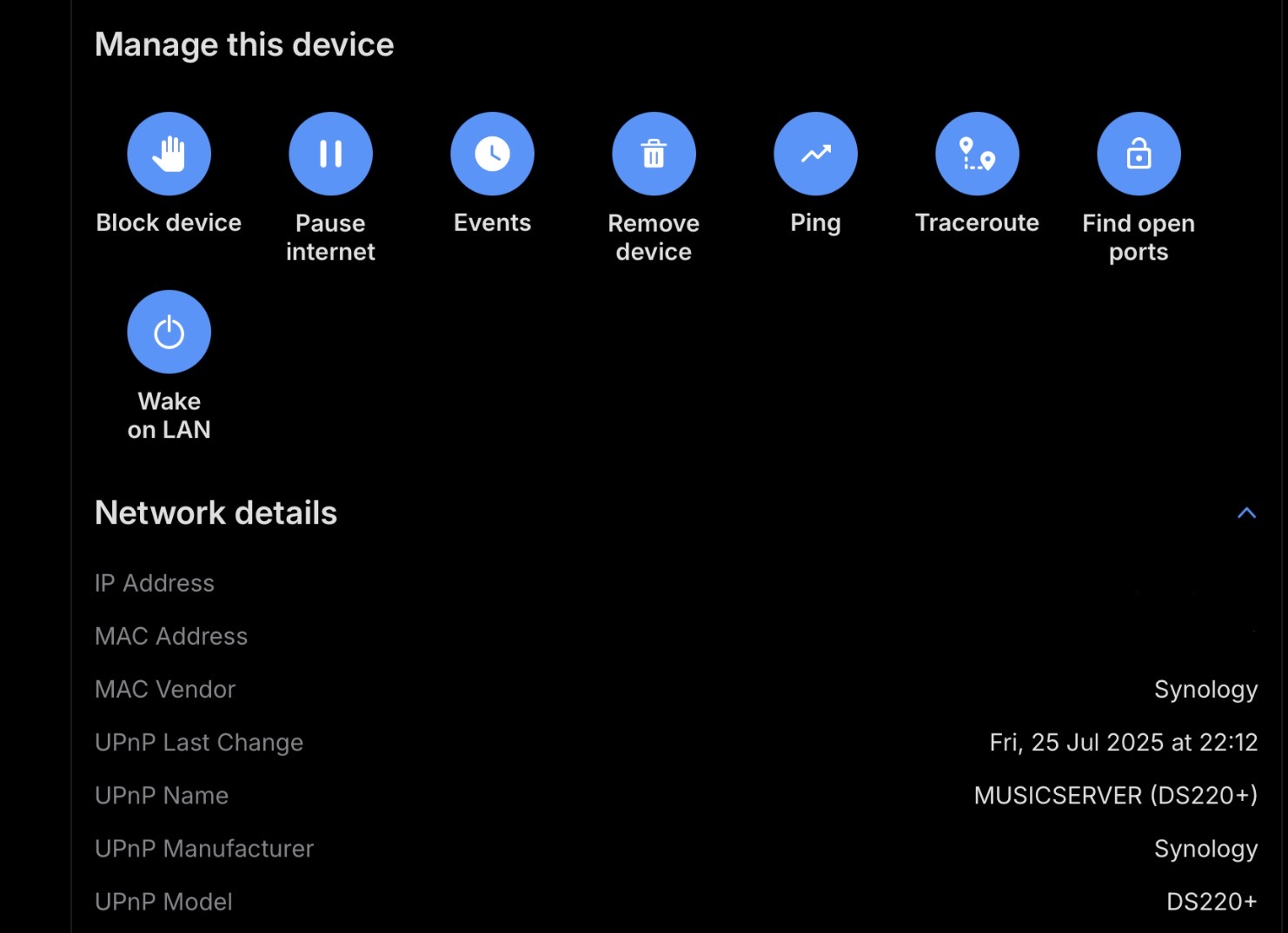
I have recently run the Fing App on my PC - to gain a clear overview of my home network. My Synology 214+ll NAS shows up, my NDX2 shows up - so in addition to everything else in the house, these two components ARE visible on my network. I have no issue wirelessly accessing the NAS from say; my iPhone, an iPad, or my PC Desktop. The only issue I have is with my NDX2, actually acknowledging its existence - even though it has a hard-wired ethernet connection to the Synology - via a Netgear switch.
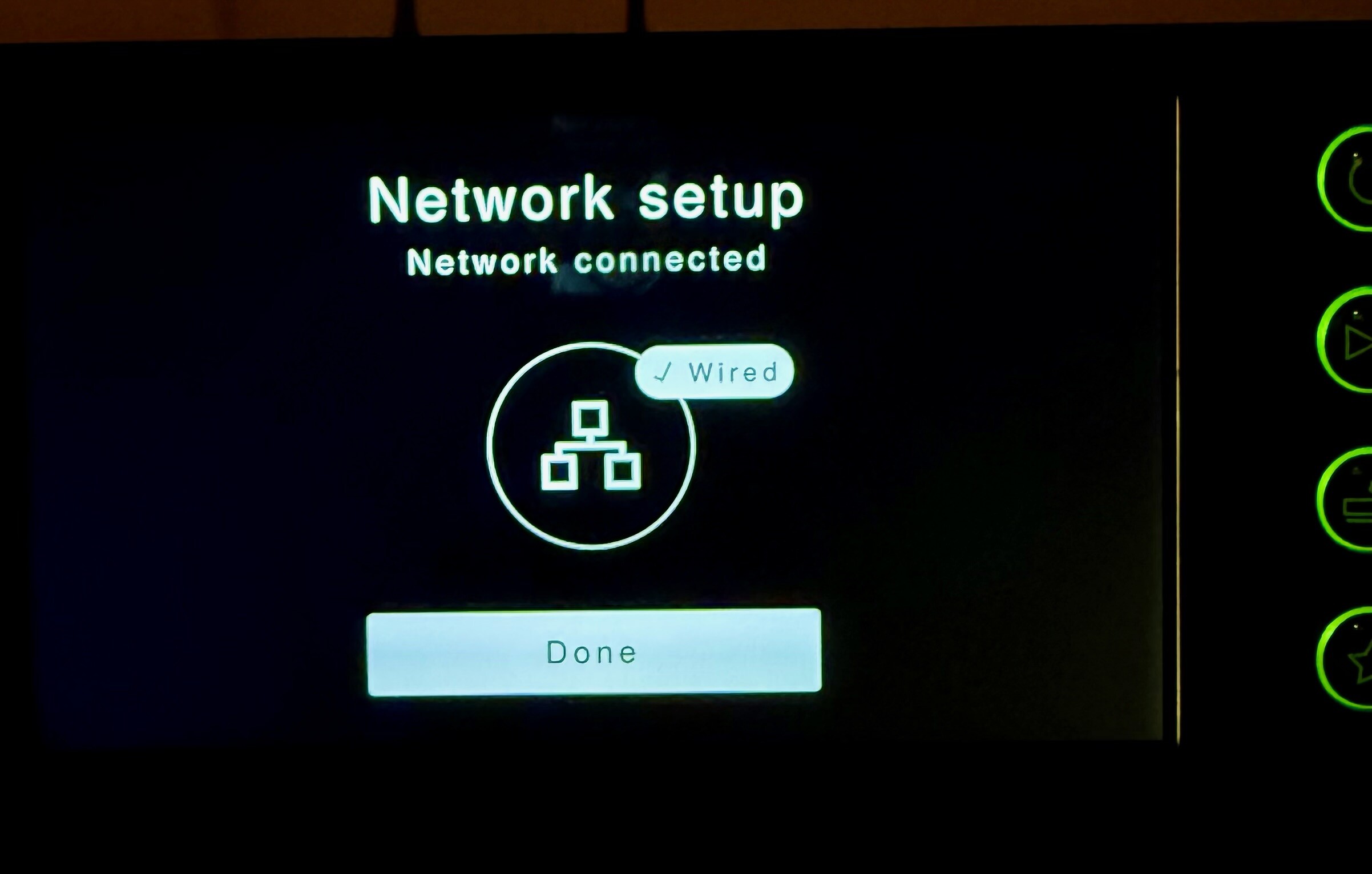
My Synology Server is wired into the Netgear GS105 switch - see below. From there, the adjacent ethernet slot goes directly into the back of my NDX2. The Naim streamer does appear to see that it has a wired connection, via the screen - please see below. But the NDX2 just doesn’t see the Synology at all in the ‘Server’ section for Inputs, whether inside the Focal/Naim app, or from the unit’s screen. Ironically, on my old NDX unit - in exactly the same configuration, it worked flawlessly.
I fully appreciate that there’s a fair few moving parts in any networked chain of communication like this, and everyone’s setup differs to varying degrees. My hope is that someone out there has a similar setup, and has also faced a similar challenge. In that the two components I need to talk - or be visible to each other, aren’t playing ball for some reason. After looking at the Forums here, and delving into both Naim and Synology documentation today, I’m at a loss as to why this particular unit will not play nice with my NAS? Any insights would be greatly appreciated.
Thanks for replying. When I mentioned connecting through other devices, I meant that it was possible to open Synology apps and play music. Regarding the Fing results, I don’t recall seeing the Synology as a UPnP Server specifically. I simply meant it was visible as a connected device on my home network. Hope that makes some sense.
I suspect you are seeing that the UPnP network protocol is shown as running on the NAS, which is not the same as it running a UPnP media server. Logging into the NAS will show if the media server is running.
On your Synology you can install from the package center the Media Server. When this is running your NDX2 will see the Synology server. You need to copy your music in the music folder on the Synology to play it from the NDX2.
I have a very similar setup, though I use Asset on my Synology rather than their own upnp server. Bear in mind that the NDX2 doesn’t ‘see’ the Synology as such, rather it sees the upnp server, or in your case it doesn’t. That suggests to me they the server may be switched off. Have you tried going into the Synology to check it’s running. Maybe it had an auto update that has stopped it. Try stoping the Server via the control panel and then restarting it. Once that’s done it will hopefully appear. Once you are confident it’s running, if it still doesn’t appear try unplugging the NDX2 at the wall, which will give it a full reboot.
Check out this old thread, especially the point about IGMP snooper settings in the router - I had this issue a few years ago with an ISP-supplied router and a streamer.
Has anyone ever had any issues with their NDX2 not recognising their NAS properly? I’m currently experiencing an issue where my Synology NAS is seeing my NDX2 as a listed device, and has the ‘Naim n-Stream’ profile within the Media Server settings. I also made sure I selected that I wanted to use a UPnP connection on setup.
But even though I can see ‘server’ as a source, I can’t see any content for it in the Naim app? There are folders, but they’re all empty! It was setup and working on my NDX - so I assumed it would be plug-and-play of the ethernet cable, after setup? I’d appreciate any insights, because beyond restarting; my router, NDX2, and NAS, I’m now a little stumped here?
If it’s working properly the Naim app and NDX2 should find the media server on your NAS automatically. This does work a bit differently with the NDX2 compared to the old model in that until you hit the play button, all network comms are between the server and the Naim app, not the streamer.
If the app can’t see the content of the UPnP server it may simply be a network discovery issue. First try Reset App on the Naim app in the App Settings section of the menu. If that doesn’t work you may need to dig a little deeper.
Thanks for the info. I’ve tried resetting the app - to no avail though. I’m currently digging through the Forums, in case the answer lies somewhere there.
Sadly, this did not work for me. I have since ran Fing on my PC - to gain an overview of my home network. My Synology 214+ll NAS shows up, my NDX2 shows up - so in addition to everything else in the house, these two components ARE visible.
My Synology Server goes into a Netgear GS105 switch, from there the adjacent ethernet connection goes directly into the back of my NDX2. The Naim streamer just doesn’t see the Synology at all though. Ironically, on my old NDX - in exactly the same configuration, it worked flawlessly.
I fully appreciate that there’s a fair few moving parts in any chain of communication like this. And everyone’s setup varies to some degree. So I think I may have to start a new thread on this. In the hope that someone out there has a similar setup, and has also faced a similar challenge. In that the two components I need to talk - or be visible to each other, aren’t playing ball for some reason.