That might actually be an interesting test. Stand up a Roon server (on a desktop computer, for example). It should reach the NDX2 as an endpoint with no problem. Then point Roon to the NAS as a music file source and see if that works.
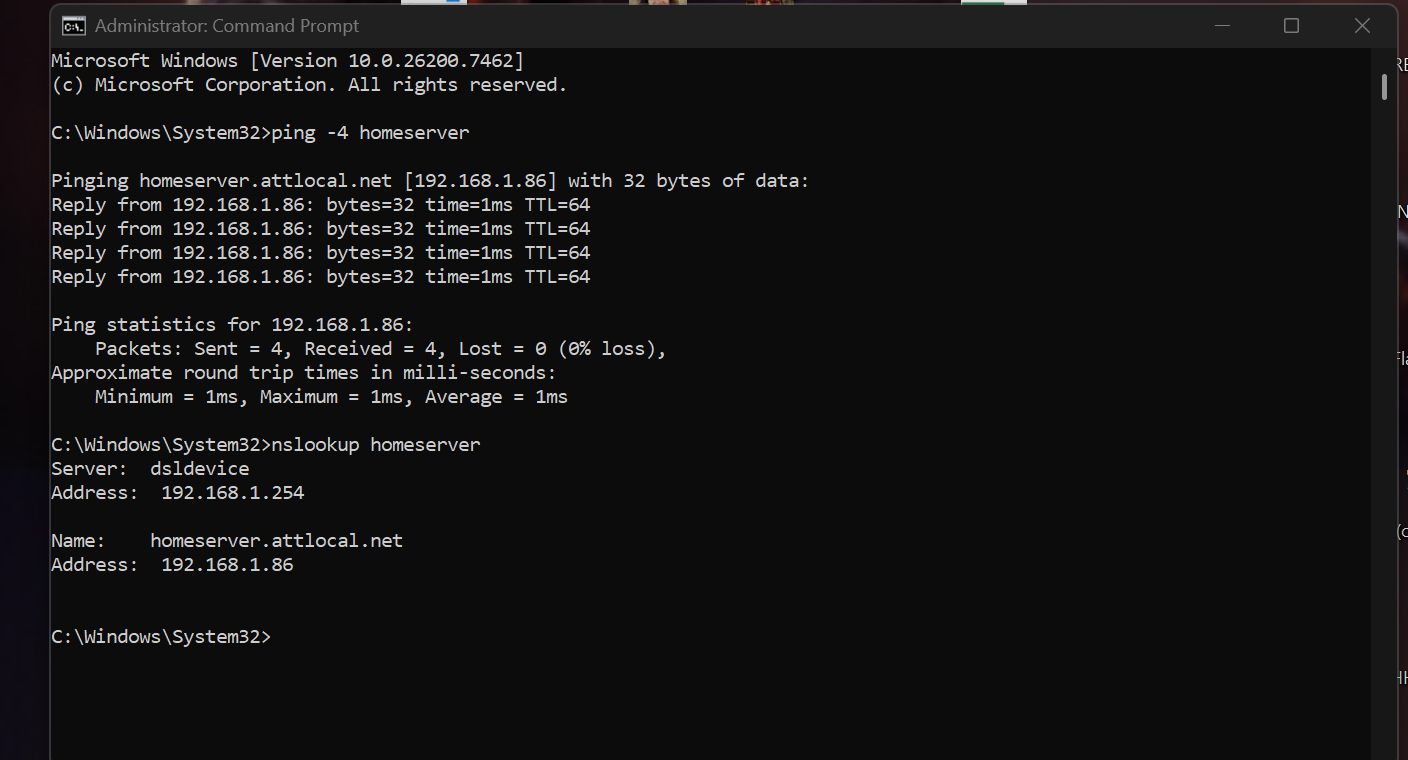
On your PC desktop what happens if you open a Command Prompt and run following commands:
ping -4 homeserver
nslookup homeserver
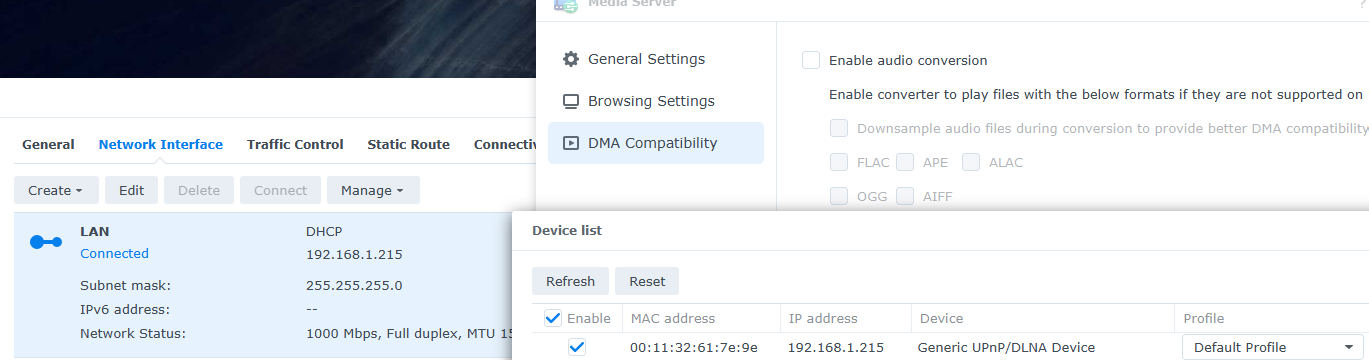
I suspect things might be resolved by turning off the DHCP Server package and setting your NAS to get the IP from DHCP and restarting it. Might need to restart networked devices to ensure they get DHCP from router.
Totally agree with others. Run the DHCP server in your router and turn them off everywhere else (I.e. NAS). That could very well be the issue. You can not have multiple DHCP services running on the same LAN.
Restart everything! Otherwise you might have to wait for devices to renew their IP addresses from DHCP before conflicts/mismatches, etc are resolved.
Now I’ve stopped the DHCP service on the NAS, performed a full power cycle on; the router, the NDX2, then the NAS. Now I can see the NAS is connected, with a newly appointed IP, running on DHCP from the router.
When I look at the Naim/Focal app now, there’s still no hint of the Synology! It never shows up. I’m getting to the point where I’m wondering if it’s just best to negate the Netgear Swtich entirely, and just hard-wire the NAS straight into the rear of the NDX2 - even though it’s to the detriment of every other device that actually can connect to the Synology. At least I’ll be able to access the content of the NAS from my NDX2 - which is all I wanted to achieve. I had this working on my old NDX, so I don’t understand what’s so different with this model?
I also worked through every suggestion from the Synology Knowledge Center link, you kindly provided, My DLNA player cannot detect Synology NAS. What can I do? Nothing in there seemed to improve the situation either, sadly.
Pardon my ignorance if I’m wrong, but isn’t it the case that if you directly connect a NAS (or an USB drive for that matter) to a NDX2, you can put the latter into server mode so that other devices on the network can see the files to play via UPnP?
But if you’re using the NAS for other things I agree that’s a problem. But maybe worth trying just to see if you can get the NDX2 playing files from the NAS.
Maybe time to change the Nas. I think I would give up at your place.
You can put some favourite albums in an USB stick, to connect to your Ndx2. The sound may be even better.
And if you resolve finally this problem, you will receive the medal of patience.
Your network is in a better place than when this thread started, but the problem hasn’t been resolved
Since the Synology doesn’t appear in multiple clients (naim, VLC) we have established the issue must be with the NAS.
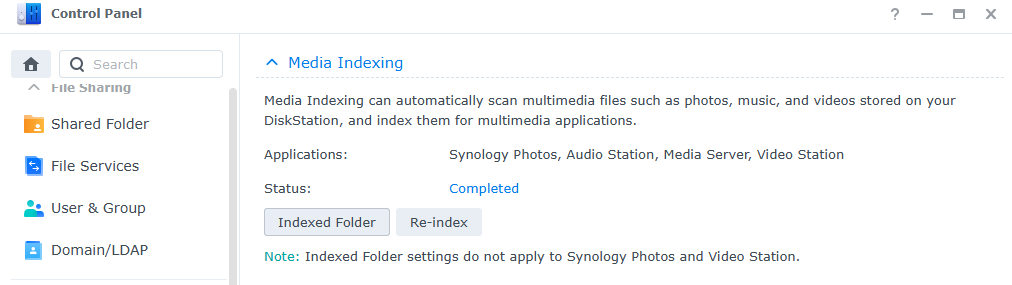
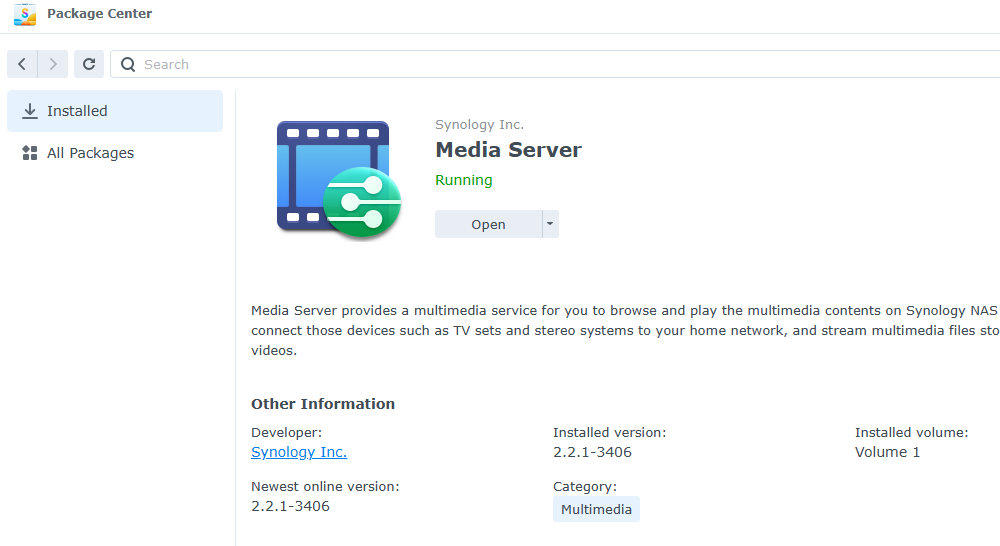
My next step would be to open package manager and stop then uninstall Media Server. Reboot NAS and reinstall, setting up afresh. If you want to check what folders are indexed before/after install use Control Panel/Indexing Service.
There are also reports of similar issue where DSM needs a mode 2 reset but that is quite involved. The MediaServer does log to /var/log/packages but you need SSH enabled to view that.
As a last resort I might also try NAS cabled directly into ISP router setting discovery period to something like 10 seconds (resetting to something like 180 after) at Package Center > Media Server > General Settings
There is a trial version of Asset uPnP Server for Synology which you could try installing.
Appreciate your advice in this. I’ll work through as much of this as possible today. I agree though, it feels like a NAS-specific issue. Failing that, I may have to raise a ticket with Synology, and see if they can assist in finding a solution.