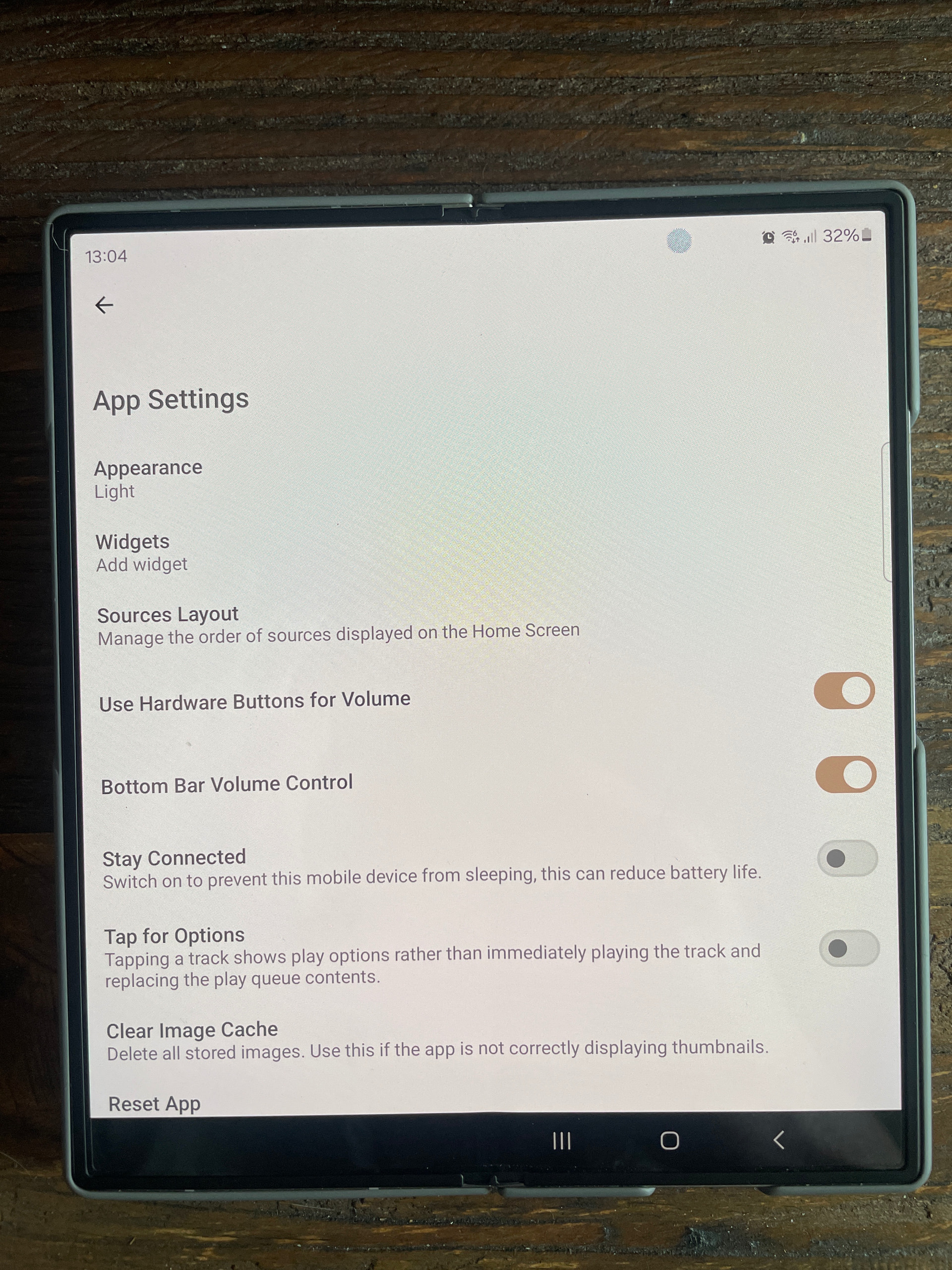
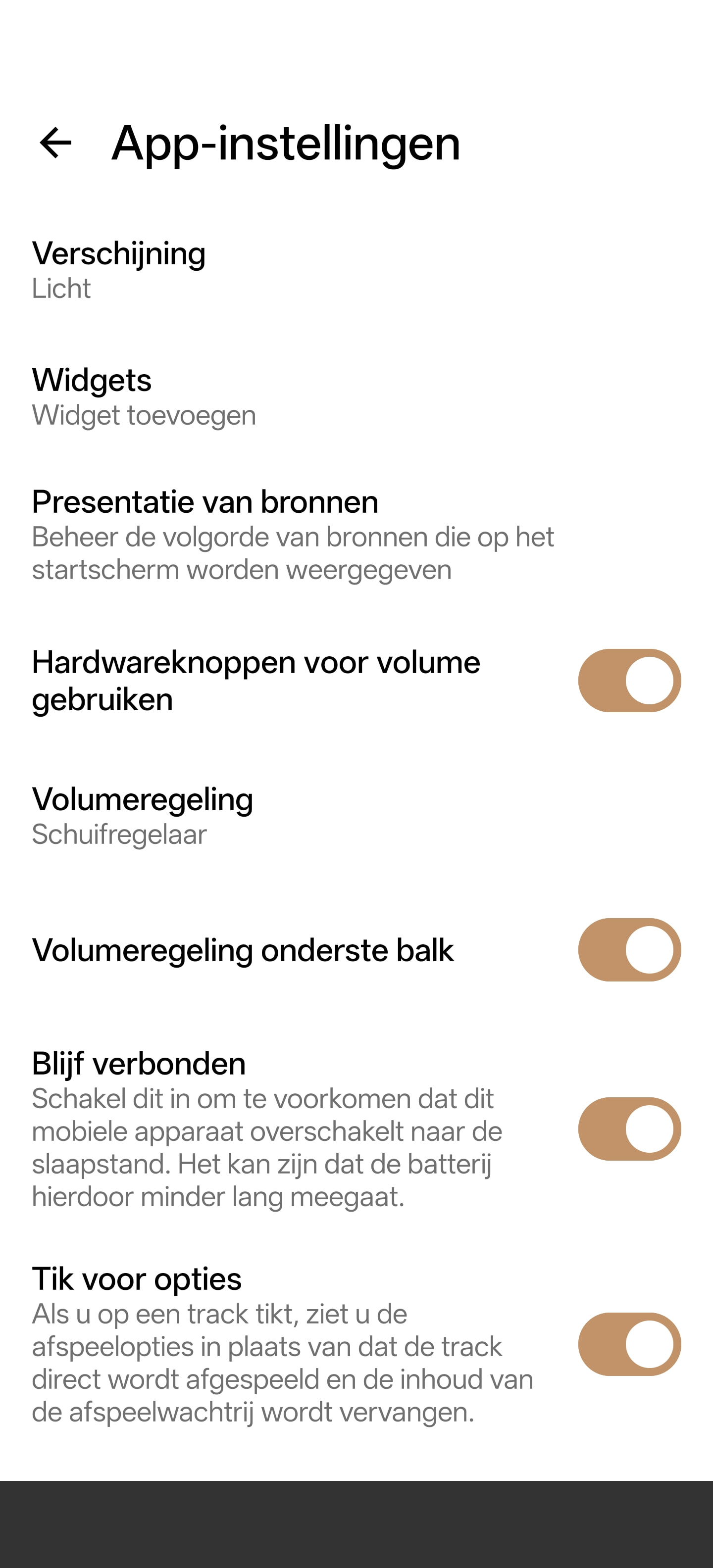
in between the “use hardware buttons for volume” and the Bottom Bar Value control” ther is another setting
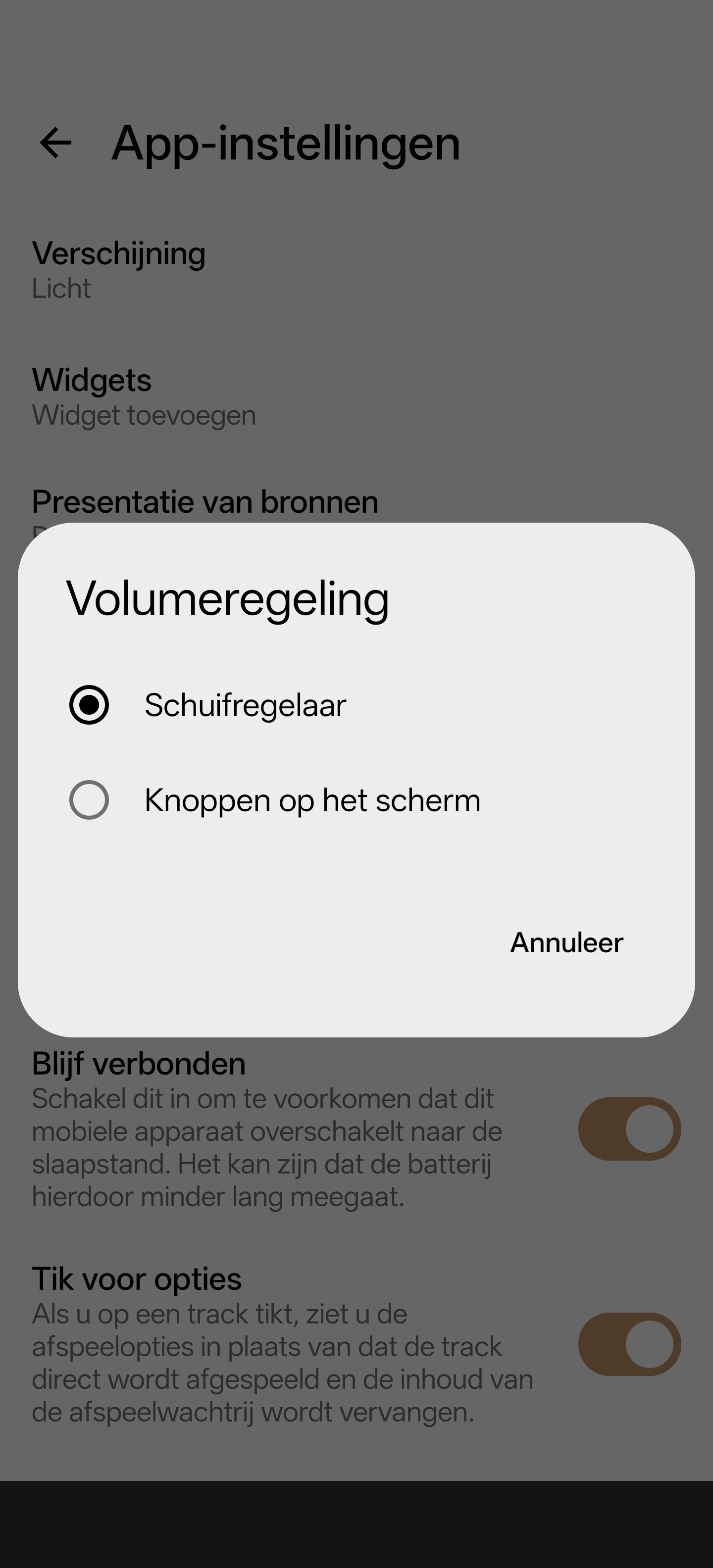
Select it, and a pop-up shows:
in between the “use hardware buttons for volume” and the Bottom Bar Value control” ther is another setting
Select it, and a pop-up shows:
I guess you can always use the remote control to adjust the volume?
Wrong Guess, app appearantly continues to send oud the either ‘volume up’ or ‘volume down’ signal to the streamer. Only mute wil have a remaining effect on the streamer.
That’s not good  . I always use the remote control to adjust the volume.
Well, if you only use the remote, you will not be having this issue…
I honestly have no clue where my remote is… I’ve been using the mobile phone to fully manage my Nova from day 1.
Nope… Not on my app. Just has bottom bar option directly beneath hardware option? I’m wondering if the app for the Z fold is slightly different?
presumably…
For volume adjustment I use just remote control.
I noticed tonight that even a single press of the + or - can get the volume pot continually driving. So watch out. When having pressed the - “ button” on the app the 252 pot kept driving to minimum.
No idea what is going on with this functionality on the android app. But right now it is best avoided. Let’s hope the patched app it in Play store ASAP.
A while ago Naim “automation” took out my SL2s with a volume increase, I use Android devices.
@Richard.Dane , there are reports on here of reports that the +/- vol control increasing volume to 100% also can affect the iOS version of the app.
Is this true and, if so, are Naim working on a fix for the iOS app?
It would be nice if Naim could release the apk for those comfortable with installing apps from apk files

I thought I would try that but no option for slider volume on my ndx2, there is on my mu-so2 though?
I don’t know Nigel. One for @Paul.B
No, I have the same issue using a Motorola phone, I have the slider option on mu-so2 but not ndx2. Something wrong with ndx2?
Guys, this is a serious defect that can cause considerable damage to your speakers. Who will compensate for a faulty update, causing blown up speakers? Why is there radio silence from NAIM regarding this malfunction?
Welcome to the forum Ajumaboy-1971. No “radio silence” from Naim - see the posts from Naim from 3 days ago linked below - and apparently it’s already fixed;