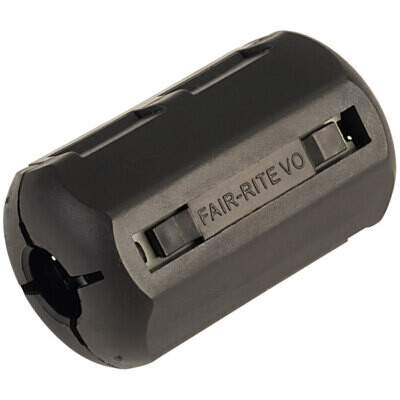
All SMPS units emit some level of switching frequency noise and the switching frequencies typically range from 150 kHz to 2 MHz, some go up to 3 MHz.
The non-specific general purpose ferrites are for higher frequencies with an effective range around 100MHz up to 500MHz, no good at all for the low fs of SMPS.
The only ferrite suitable for SMPS supression is “Fair-Rite 75”. This is a MnZn formula that has an effective impedance range from 150 kHz to 10 MHz with its peak at 2 MHz and is the best there is for suppressing SMPS switching noise.
Ferrite effectiveness can be increased by winding multiple cable turns around the ferrite core. This significantly multiplies up the impedance, e.g. the impedance of Fair-Rite 75 at 1 MHz changes from 87 ohms with a single pass to 790 ohms with 3 turns and 2200 ohms with 5 turns. Additionally multiple turns move the frequency peak to lower MHz point and with the Fair-Rite 75 mix this makes it even more effective at the lowest SMPS switching frequency.
How many turns obviously depends on the ferrite core size and wire size, I just go for as many as possible.
I plan to use my BT SmartHub 2 only as a modem, and add a Ubiquity router (plus some kind of Ubiquity kit of distributing wifi better around the house).
There are 2 reasons for this:
To get better internal wifi in my 4-bedroom detached house that currently has numerous bad wifi spots.
To (perhaps) get a marginal reduction in router created EM noise entering my hifi system via the ethernet cables from the router via EE8 into my streamer.
As recommended just make sure only one router hands out IP addresses to all your devices to avoid network issues due to different subnets or clashing IPs.
I have the BT SH2 ‘Complete WiFi’ (black) disc to fill in the longer distance dead spots around the house ( all my internal walls are brick or block and a problem for longer distance wifi propagation )
It also opened up the external garage and side garden patio.
Like everything with the BT Smarthub2, it’s just so simple to set up and is continuously reliable.
Looks like I might have mislead you, its not called “Whole /HouseHome”
The BT name is “Complete WiFi” (I’ve edited my post)
You can add it to your BT contract, tell BT your SH2 has dead spots and they give you one for free.
Or you can buy it. Amazon have them for £60.
But keep in mind that BT might ‘force’ you to go over to EE when your contract is renewed.
I’ve just checked out what BT are currenly saying about moving to EE
BT is consolidating its consumer services under the EE brand, so all new and renewing residential customers are encouraged to move to EE.
They are saying that if you’re in a fixed-term BT contract you stay with BT until the contract ends. Its a bit vauge, but it looks like a renewal is with EE
No it doesn’t unfortunately - you need a BT Business Smart Hub for commercial use to act as a modem only I believe.
The consumer BT Smart Hub2 is a router and modem combined (plus wifi and switch ports). The router is a fundamental part of that product. The BT Smart Hub2 router also has key functionality to help DLNA (Streaming UPnP) operate efficiently.
A Ubiquity router would add no value for most networks and indeed add unnecessary complications in your use case, as you would need two routers to interwork - and I am not sure you could get the BT Smart Hub2 to do that as I can’t remember whether it supports static routes or routing protocols on the LAN.
Your are better of connecting Ubiquity switch to one of the four switch ports on the BT Smart Hub 2 router - and connect your Ubiquity wifi (if using that ) in to the Ubiquity switch. You can then disable the BT Smart Hub2 wifi is using an alternate wifi solution. That all works perfectly.
Possibly but I read that policy might be changing or has changed with a promotion on the UK BT brand for consumers along with EE. The brands I understand appeal differently to different customer groups.
BT continue to develop the software for the BT Smart Hub 2
I was more or less pushed by BT to move my account from BT to EE a year or two ago.
They let me keep my BT Smart Hub 2, but the billing went to EE.
It’s been gladly uneventful since then.
I’d rather be with BT than EE, although not enough to find time to make that change because being with EE makes no practical difference now that it’s done.
Thanks, it surprises me how many consumer devices don’t allow DHCP to be disabled, resulting in double NAT, but of course the Uniquiti gear is configurable.
Is there an issue with the Smarthub switch ports that cause you to use an Ubiquiti switch instead?
No.. I did need more than four switch ports and require PoE. My WiFi is also ubiquity and so I get a nice holistic management and configuration screen.
Or very similar. To meet new UK cyber security recommendations it will be now an https connection to its management screen, so you may need to accept its local self signed certificate as trusted. Browsers usually only automatically recognize third party signed certificates. There is a help screen if you log into the management screen on the router. All easier done than said.

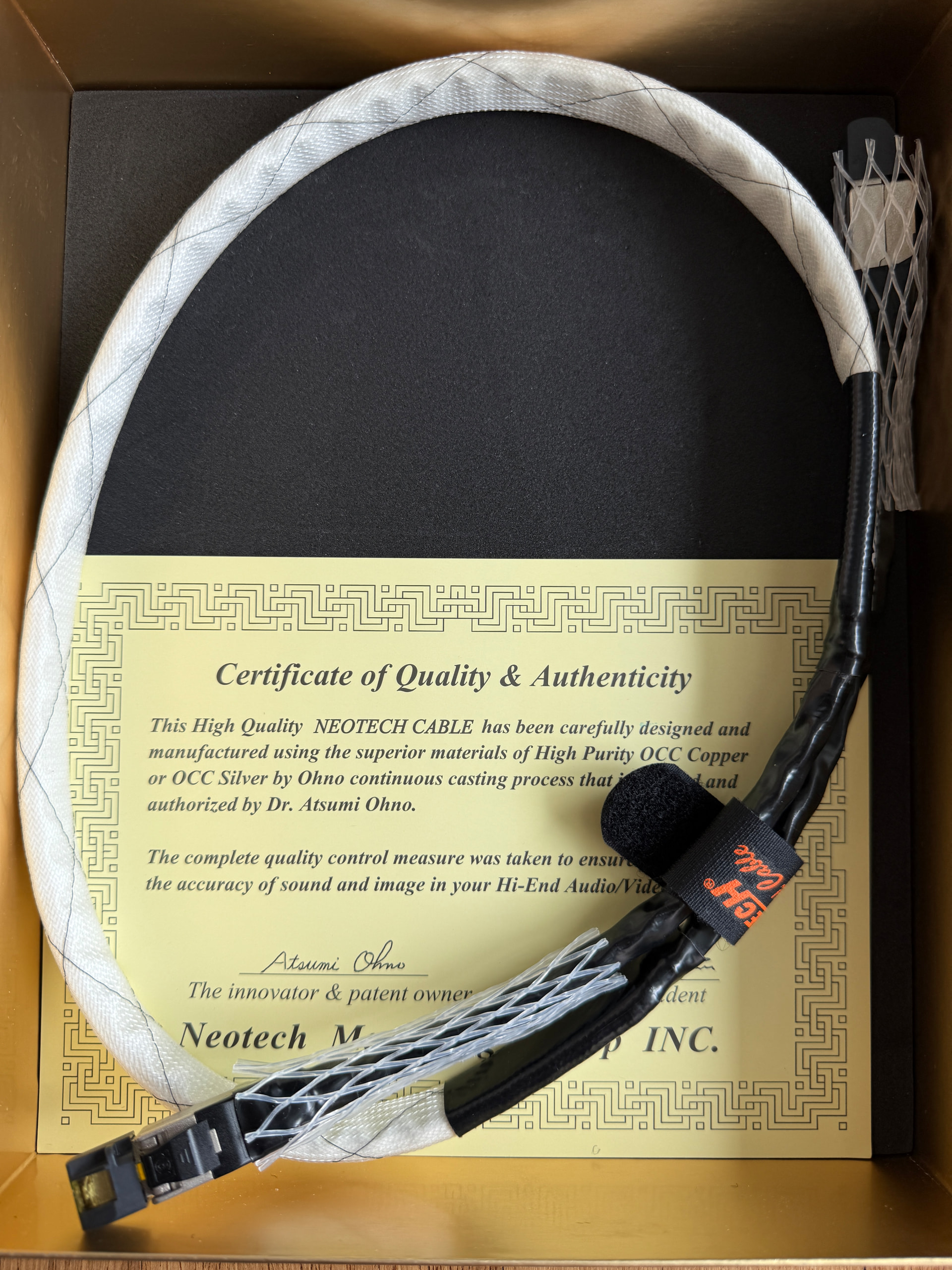
 . Moved the Sablon and Acoustic Revive Triple C Ethernet to Eversolo A6ME and Oppp 205 respectively. Neotech to NDX2.