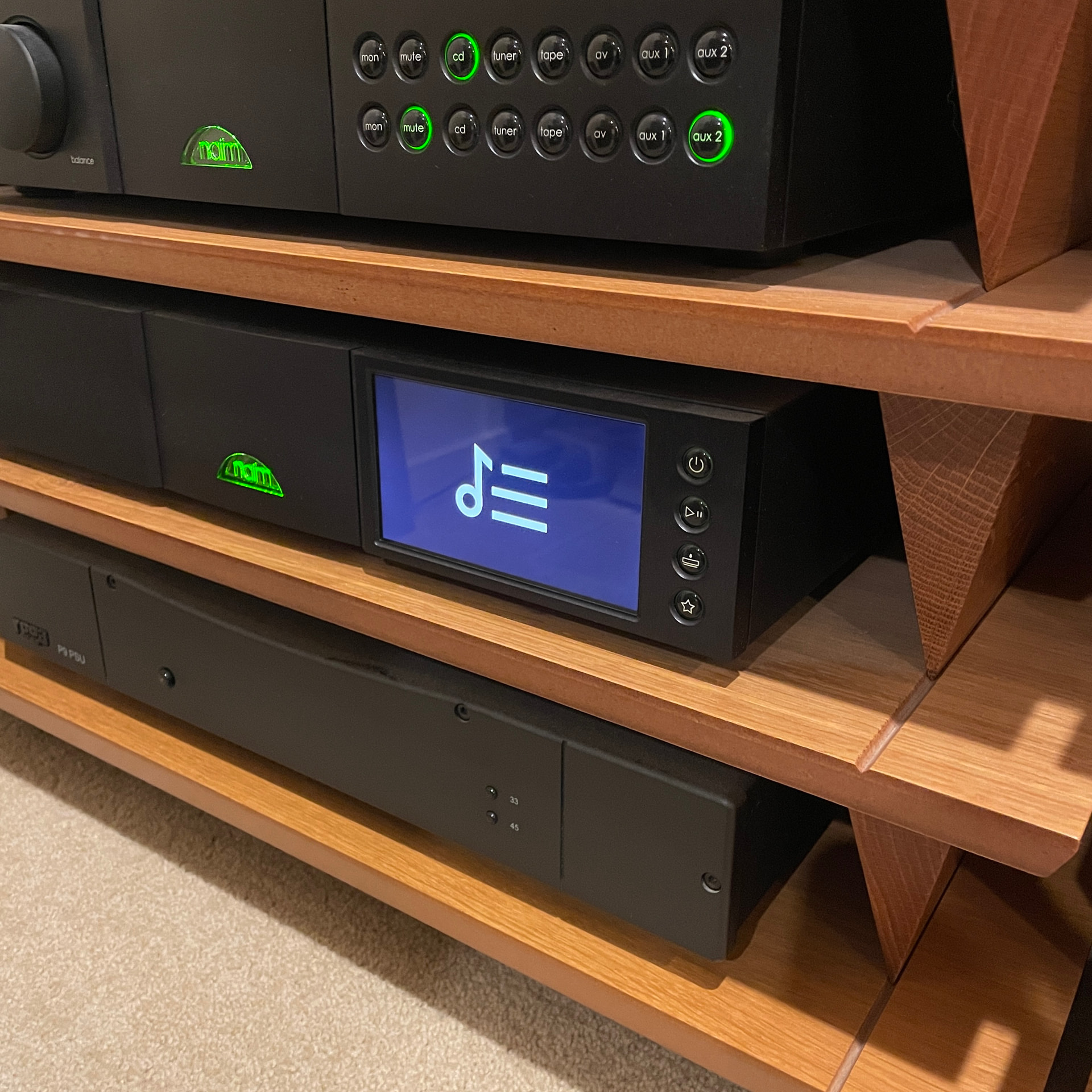
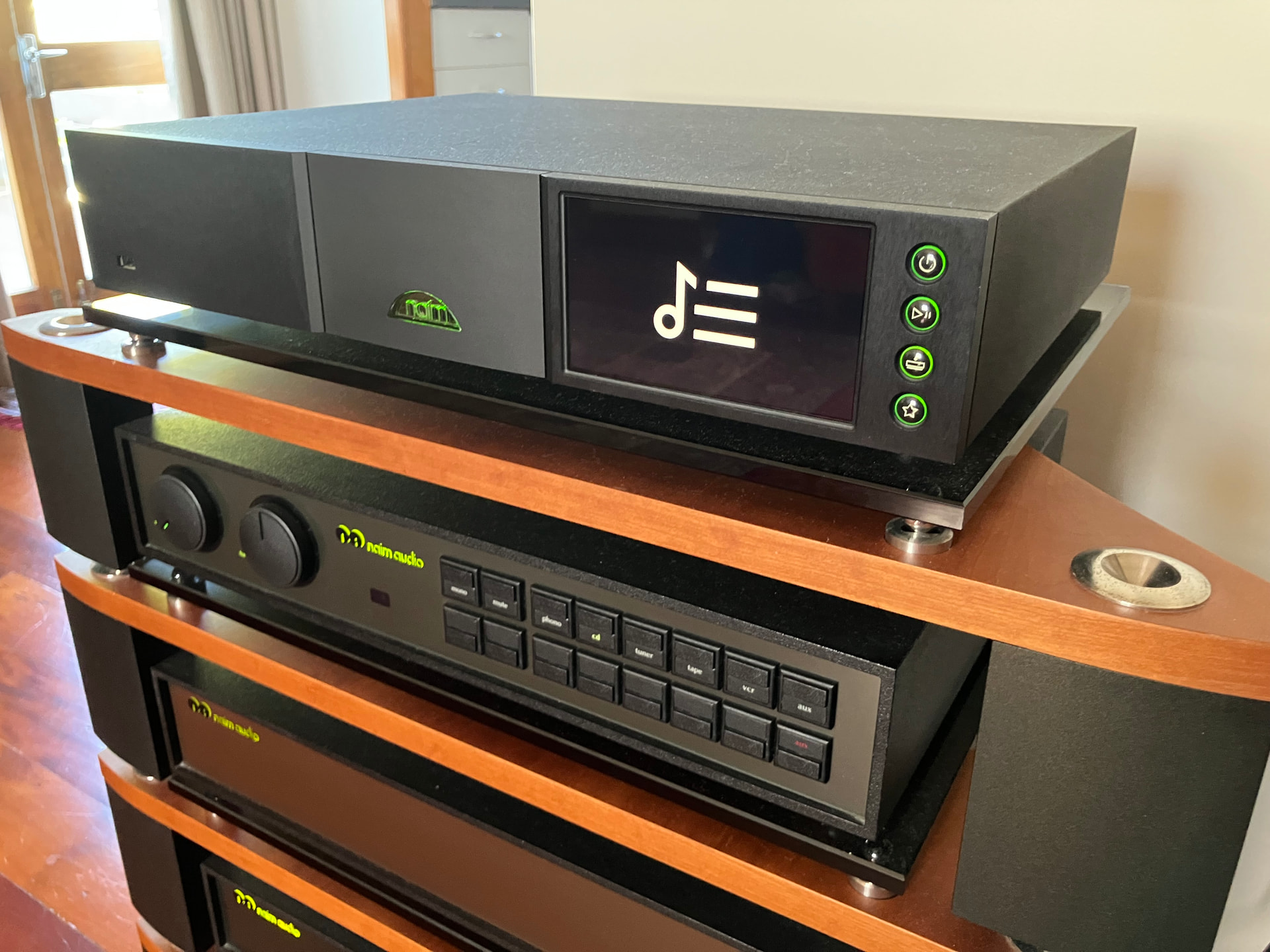
I uploaded some new CDs to the Uniti-Serve today and had to manually add the artwork, followed by the usual refresh of the “album art and image cache” for the artwork to show in the n-serve app. I then listened to the album on the NDX2 and discovered that all the tracks I played from the Uniti-Serve lack cover art. I checked other albums, and no artwork for any album I play from the Uniti-Serve is displayed. The art is visible in the N-serve app, as well as in the Naim and Focal App on my phone/tablet, but it is just on the NDX2 screen that the artwork doesn’t appear. When I select another source, such as Tidal or internet radio, the art appears, so it is just music on the Uniti-Serve that is affected.
The fact that it is just the Uniti-Serve (UPnP?) files that are affected suggests it is a Serve problem, but the fact that the artwork shows in the Naim and Focal App suggests otherwise. Could the Synology NAS be the culprit?
The only thing that has changed in my system is that I upgraded the NDX2 firmware last night. So maybe that’s it?
I’m genuinely confused. Any ideas on what the issue could be?
After re-scanning the store, rebooting the Uniti-Serve and the NDX2 multiple times etc. i’m pretty sure it’s a problem with the Uniti-Serve SSD.
If I use the Naim app to select the Synology DiskStation as the source then I see the artwork on the NDX2 and the app. When I select the Uniti-Serve SSD as the source and use this to serve the files to the NDX2 the artwork disappears on the NDX2 but is still visible on the Naim app.
To me, this indicates an issue with how the Uniti-Serve SSD serves the artwork files to the NDX2. I’ve checked the settings via the n-serve app, and they still say that reserved cover image names are “folder.jpg” and all the art is saved in that format, so I’m at a bit of a loss as to what is going on.
Probably your artwork files are too large. These days the artwork tends to be HD and ends up as a 3000x3000 pixel image or more. If you resize the image to 1000x1000 pixels, you will probably find it all works again.
This isn’t just an Unitiserve problem, it also affects HDX and UnitiCore as well.
Thanks, David. I had read about this issue, but am usually fairly careful about the artwork I upload (I usually source from one of the streaming services). I’ll delete the artwork for the two albums I added and see if it makes a difference. Do i have to reboot anything, rescan etc. Once i’ve deleted the new files? Also, will adding new artwork files affect older ones that were previously fine?
EDIT: I deleted the artwork I added earlier today. It hasn’t solved the problem. I’ll have to keep on trying.
Adding large files only affects the albums to which you added them. So deleting them won’t help if you are seeing other album artwork issues.
Getting Unitiserve to rescan after changes is really hard and unpredictable. I can recall having to wait weeks (really!) for the US to pick up a new album that I had added to the downloads folder. So the US may not have picked up that you have changed the files again.
And sourcing the artwork from a streaming service won’t usually help as pretty well all of them use at least 1400x1400 pixels. But you can resize it to be fewer pixels easily with an image editing program.
I have contacted Naim support here in NZ who are in touch with Naim about the issue. As the only change I made to the system prior to the issue appearing was the firmware upgrade of the NDX2 this could be what is causing it.
I have been contacted by a client who I recently sold an NDX2 to, who has just updated his Firmware to 3.12, and it is no longer displaying artwork when playing from his Uniti-Serve. So someone else has the same problem I do following the upgrade. He also mentioned that the volume control on the app is no longer working (I rarely use mine).
I am now confident that the new Firmware is causing the problem. @Paul.B it would be great if we could get a response to this. Thank you.
I’m seeing the same behaviour as you on my Atom, although not on my 333 which is behaving normally. I’m only seeing it on WAVs though. FLACs show artwork. It’s tempting to suggest that this is somehow related to Naim’s proprietary way of storing metadata for WAVs, but I don’t think that is the issue here as I’m seeing the same behaviour when playing downloads.
I suggest you log the issue with Naim support. I have done so, but am still waiting for a response. All signs indicate something in the firmware update is causing the problem. If I play wav files directly from my NAS the artwork is visible. The moment I add my Uniti-Serve into the chain, it disappears.
Is this in reference to the artwork issue that the thread is about, or Lister’s volume control issue? If the former, I have powered down and unplugged the Uniti-Serve, the Synology NAS, the NDX2, and rescanned the Store multiple times, with no joy. I have checked the album folders and album art is saved as “folder.Jpg” and “folder.jpg” is reserved for cover image names when scanning shares. The only change to my system was upgrading the firmware on my NDX2 the day before the problem started.
Thank you for clarifying. I have contacted Naim support about the missing artwork problem but am yet to receive a response. Hopefully, now that it is starting to affect more owners it will at least be acknowledged as an issue.