I wonder if you fried the Lumin with that aftermarket power supply?
As a long time music /audio gear lover, I have an entire box full of extra cables that I could swap in.
I wonder if you fried the Lumin with that aftermarket power supply?
As a long time music /audio gear lover, I have an entire box full of extra cables that I could swap in.
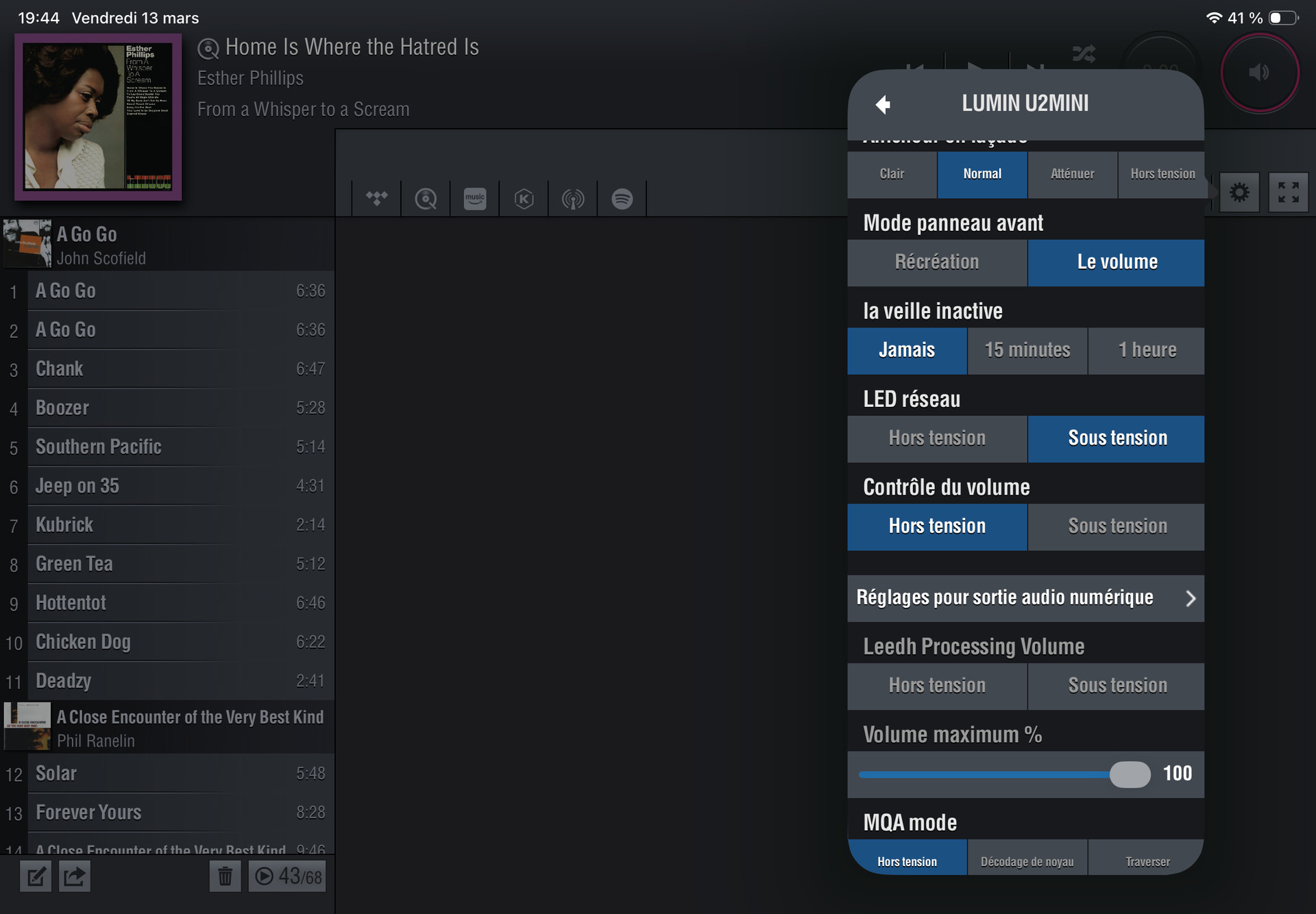
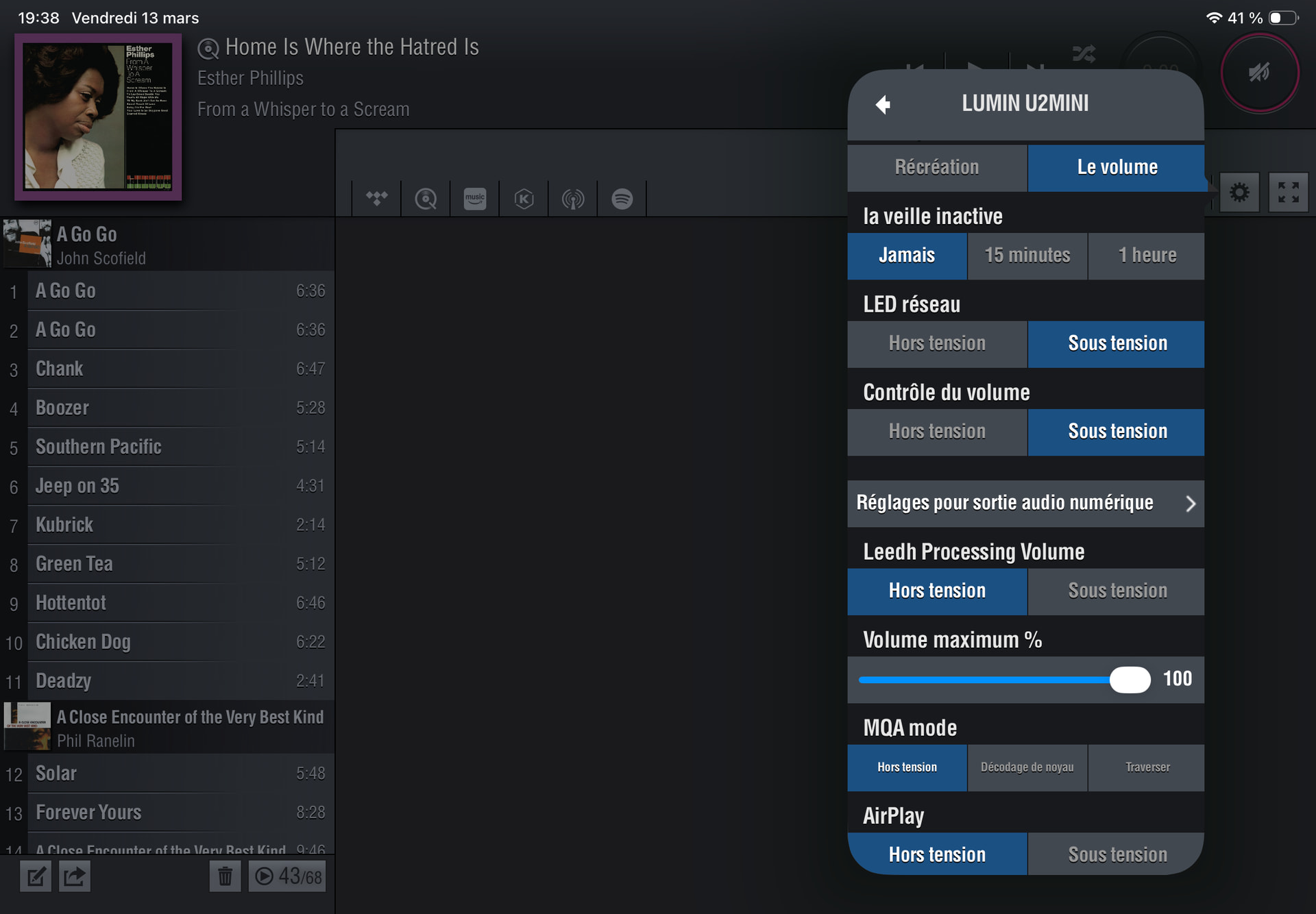
Your Lumin example photo looks like you have BNC on and RCA off?
The example photo of the Amazon cable looks to be a BNC to RCA cable?
So, are you using BNC on both the Lumin and the NDS, or are you using RCA at one end?
I’m wondering if you are using BNC to RCA cable (such as your Amazon cable photo) and have mistakenly enabled only BNC on both devices?
RCA is off on the Lumin, but I don’t think you showed the socket configuration of the NDS?
Although you did mention that you have used the BNC input socket on the NDS…..
So, if it’s a BNC to RCA cable, you must be using the RCA end on the Lumin?
But your Lumin configuration photo shows RCA to be off? (Only BNC is on)
He purchased a different config cable to confirm what is the problem. He could have used one of his rca to rca cables too to verify this since its such a short distance.
Oh ok!
I tried both, BNC from Lumin to Nds BNC imput, and RCA from Lumin to Nds BNC imput.
All required inputs and outputs enabled on both boxes.
The Lumin has no fried, it sees Qobuz and all my Melco albums.
No sound. I am now listening to bare Nds, all good.
So I have to return the Lumin.
Can the dealer you got it from come by your place? Or bring the unit to the dealer and have him hook it up there.
Try to toggle the inputs pressing the input button on NDS. I think it’s not NDS or Lumin hw fault.
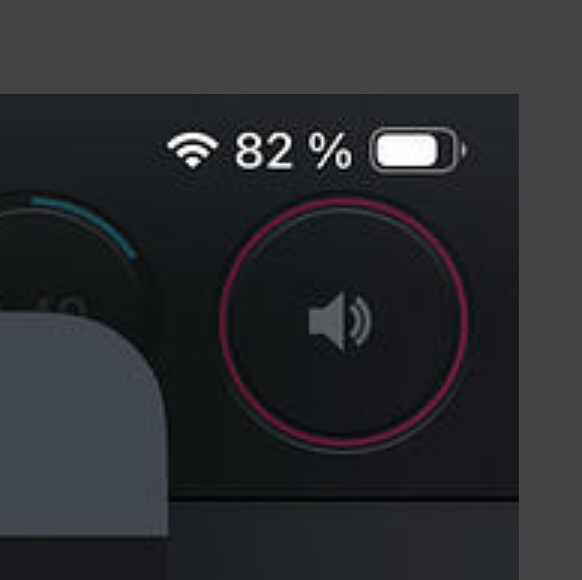
Is that really showing volume out is OK? It looks more like muted or something. Red is normally not “ok”. The lumin software is a MESS so it’s easy to set it wrong. Also try a connect service and see how it goes (Tidal, Qobuz etc).
Can the Linderman accept Ifi 12v power supply ?
No it’s 5V.
I think the red shows Leed Processing disabled. I will try tomorrow morning, but for now I am tired by that. I agree, the Lumin app is a mess. Very bad.
And you are sure you have chosen the specific input either in the naim app or toggle with input selector on the NDS? It’s not enough to turn them on.
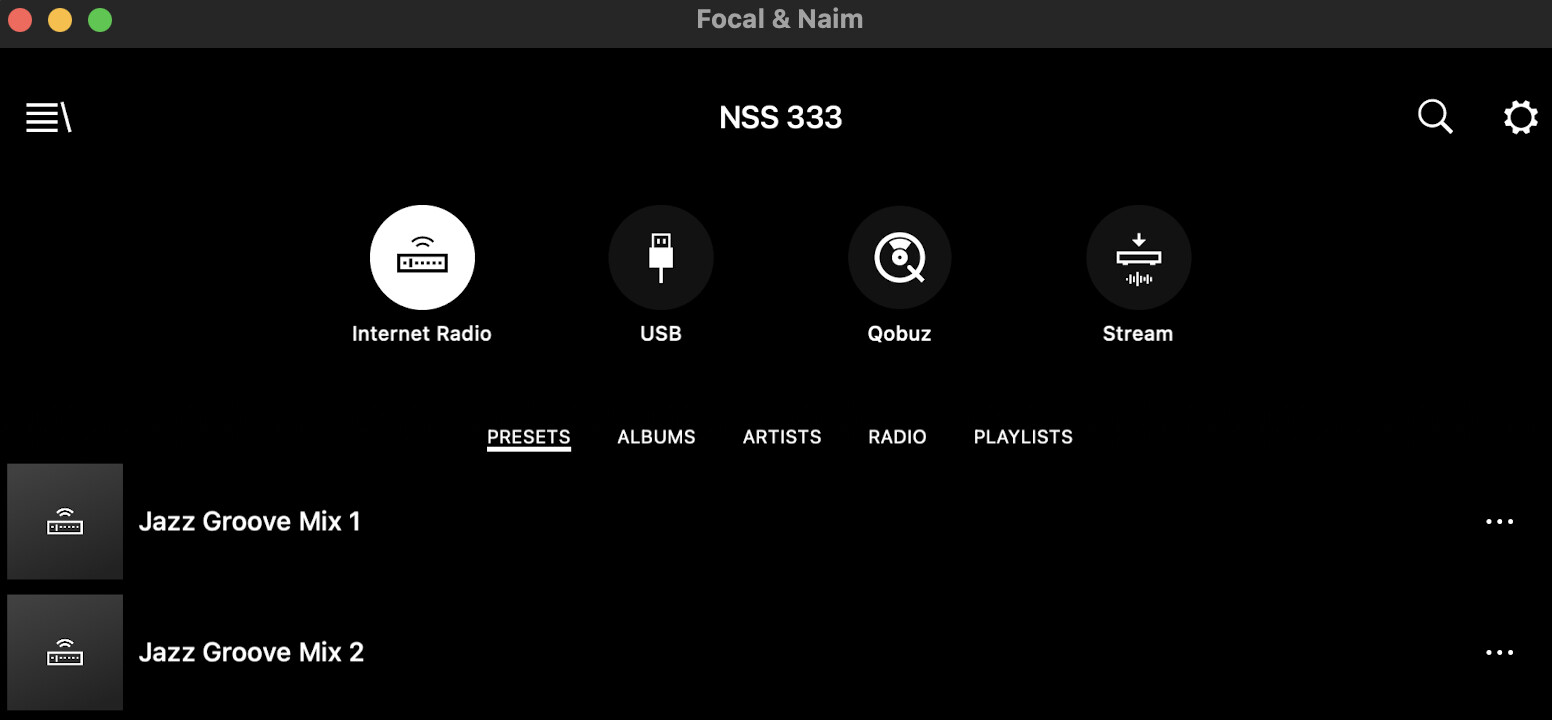
I enabled the 3 digital inputs on the Nds with the Naim app.
It isn’t enough ?
Is Input Trim on the NDS digital input zero?
Does app show the selected input with a digital signal rate?
Show us what you see in app when you select the connected input
You have to select the specific input to use in the app or via the input selector on the NDS (the upper icons). Just turning them on in the input settings menu will not be enough. That will make them visible on the selection menu but there you have to chose the input you want to use since you cannot have three digital inputs active at once. Rename them to BNC and RCA so you keep track of which one you activate. Then it will work for you.
Thanks thanks thanks!!!


I didn’t knew that I had also to click on the digital imput appearing on the app.
Enjoy 
Now he can’t go to bed Come on Rooster, first impressions?
Oh, good result. A very simple thing in the end, this is always been how the inputs work though - maybe FR overlooked it in his excitement. I have 3 digital inputs I’m using on the ND555 plus the Core via uPnP.