It correctly shows the correct home screen for that country, and most importantly radio plays.
I’ve also checked traffic from other customers in Malaysia to our servers and there are others using the system and no errors, so it has some chance of working.
As discussed above I suggest raise this one with our helpdesk as they have better diagnostics tools to help focus in on what the fault is.
Thanks Steve. Appreciate it. Just very frustrated that the iradio service is spotty. I have all the latest firmware and software updated. I have cleared all the preset radio favourites and update with those stations that are available. Even with that, after playing a preset and I switched channel, the iradio can sometimes completely freeze and no longer plays any station. Even the app appears to freeze as I cannot stop the stream and obtain a list of stations. That’s why I am so frustrated. The old iradio was flawless in operations but now it’s like playing the roulette. Sometimes ok for a while, sometimes not.
Most people are not seeing problems like you at all. And Naim’s iradio service is just a directory of iradio locations on the internet, not a server or anything like that.
That’s why Steve is suggesting you get Naim Support involved, because likely you have a fault somewhere that will need to be located and fixed.
I have to ask, is it worth trying your Muso-1 connected to a friend’s wifi or better still (it will not you require to reset the wifi) plugged into their router to rule out your own internet?
Thanks all. I have trouble shoot my network and tried all combinations. My WiFi network is Mesh based and I have even switched the Muso to connect to only one particular hub. The iradio is still acting up. Usually stuck even trying to connect to Naim radio. However, I do not think it’s a WiFi issue as Apple airplay to the Muso works. Just that when the iradio is stuck, then nothing and no other radio can play. The times when it can play, it’s ok but if I change stations again, chances are it will get stuck again. Then the whole app also becomes useless. Very frustrating. Guess I will have to file a report to check if the hardware is malfunctioning but if it is, it should not be so inconsistent as in one day playing, one day not.
I still suggest you try it on another router, perhaps at a friend’s on their internet.
Routers are not all equal and can deliver some very strange issues.
Just because you can play Airplay does not automatically mean that iRadio will work.
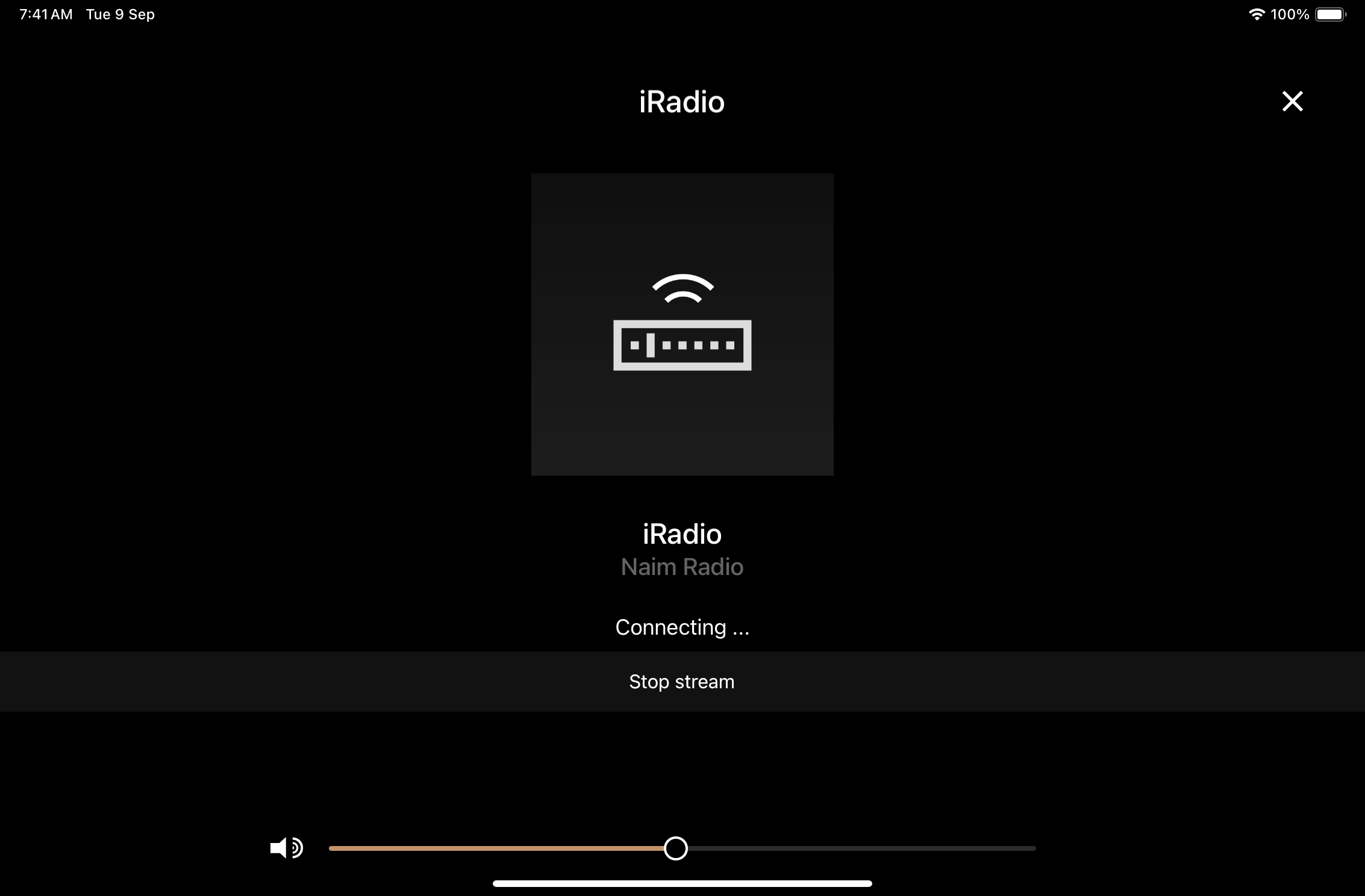
Now my Muso hangs at this screen despite reseting and rebooting the WiFi connection completely. Even using an Ethernet direct connection to main router does not solve my problem. Only thing is to try a different router brand completely. Very frustrated with the iradio connection still. AirPlay is working.
Yes David. I have tried all these steps. Most time if it hangs, nothing works and I just have to off the system and not use it at all. Playing it a day later may / may not work. No consistency at all. Usually it needs a total reset and I start configuring entire setup again and loses all my iradio preset stations. Have done it countless times. Regardless, the app and iradio is just not functioning well when such issues arises. Very frustrating
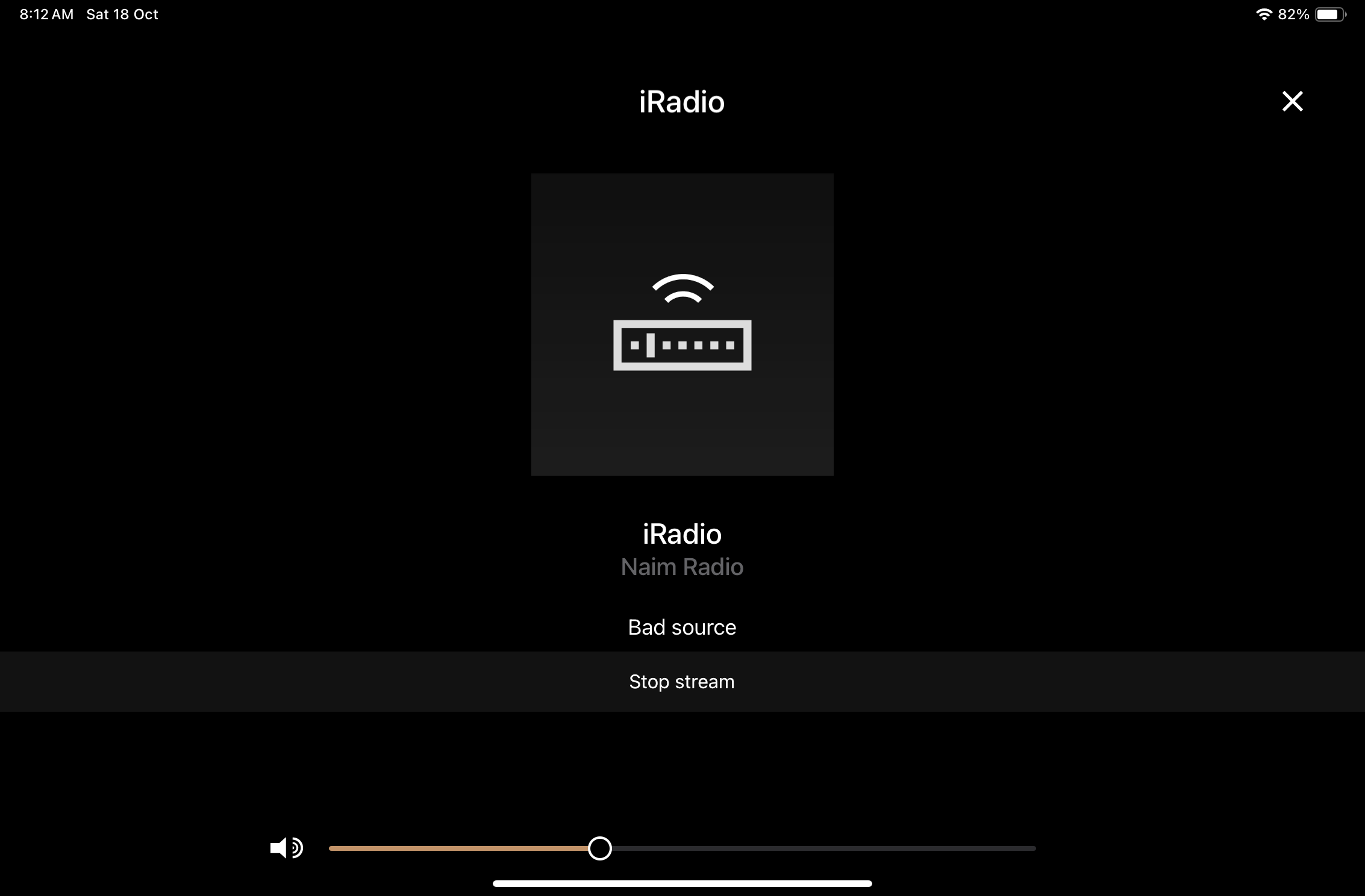
For many days now, I can’t get iradio working at all since one day of operation. Will need to reset entire system and redo all my saved stations again. Even Naim radio is showing as below
I haven’t read the whole thread, so you might have already answered. But have you updated the Muso the reg latest firmware. I had similar things with my first gen Qb until I upgraded, now it works fine.
I agree given screen shots this is unlikely wifi or broadband, and web radio is a trivial internet demand anyway.
Just make sure your wifi has 2.4 GHz AND 5 GHz enabled … buffering might suggest a poor quality wifi connection.
Every setting is updated. All possible testing done. Just that the system is erratic. One day play, next day it says bad source or iradio cannot be connected. I really wish Naim will revisit the app or iradio development as it’s so kooky compared to the original when I purchased Muso. It’s really a crappy experience these days !
It doesn’t seem to be a general experience. There must be something else going on here. Did you make contact with Naim Support, as recommended by @Stevesky ?
We already log malformed and errored requests and there are none incoming from naim devices.
This issue really is best handled by our helpdesk though. We have over 100000 users actively using the radio system daily, so this issue is not a common issue at all. This forum and our helpdesk would be on fire if it was.
Unlikely, DNS don’t tend to time out unless there is a fault which will likely be short lived. Best use your local ISP DNS for typically fastest response as it has shortest network route. Your ISP router will also typically cache often used DNS queries for a period of time. Quality ISPs tend to have robust security policies here. If you have a very cheap and cheerful ISP, then using a Cloudflare or Google DNS might be safer with the likely impact of slight performance hit.But yes to rule it out you can use a general public DNS service (Google) like the one you suggest, but I wouldn’t leave it there if there is no difference.
That’s your private IP address which is meaningless for Naim.. use the link that Stevesky supplied to obtain your public IP address.
BTW your private IP address although potentially valid looks unusual, are you sure the third octet is correct(68) and have you got your Muso using DHCP?
Thanks for the info, but as @Simon-in-Suffolk points out, that appears to be your LAN (inside the house) IP address, not the IP address exposed to the internet. Use the link that I supplied in my post to get this. You’ll need to do it on a computer that is not hiding behind a VPN, iCloud IP address hiding or similar tech.