This seems an interesting addition. Is there a way to sync the ones set as favorites on our device Into this new feature in the app?
1 Like
Apologies, I should have made that more clear. A password reset
@Stevesky
Steve, so I have to create a new account?
Not supposed to use the usual username and pw to log in?
David
Hi @davidf
This is a different account to the forum one, so yes, create one via the app. There is a link to the terms and condition on that account setup page as well.
Best
Steve
1 Like
As an aside, in setting up the new account and registering my 6 Naim items, I’ve found 2 (Muso Qb and 555PS) where the serial number is not recognised and will not allow registration. Seems a bit odd.
1 Like
Indeed it does…. How do you turn it off? 
ATB, J
I really don’t see the point of it. Specific apps for the stations I want are/will always be better. I don’t suggest for a moment that Naim should try and match them. Mine’s turned off.
Better that Naim deploy their resources elsewhere imo.
@Stevesky I get the message that my email already exists and I can’t proceed to create an account.
presumably that’s your Naim account that you previously registered - can you reset your password for that account
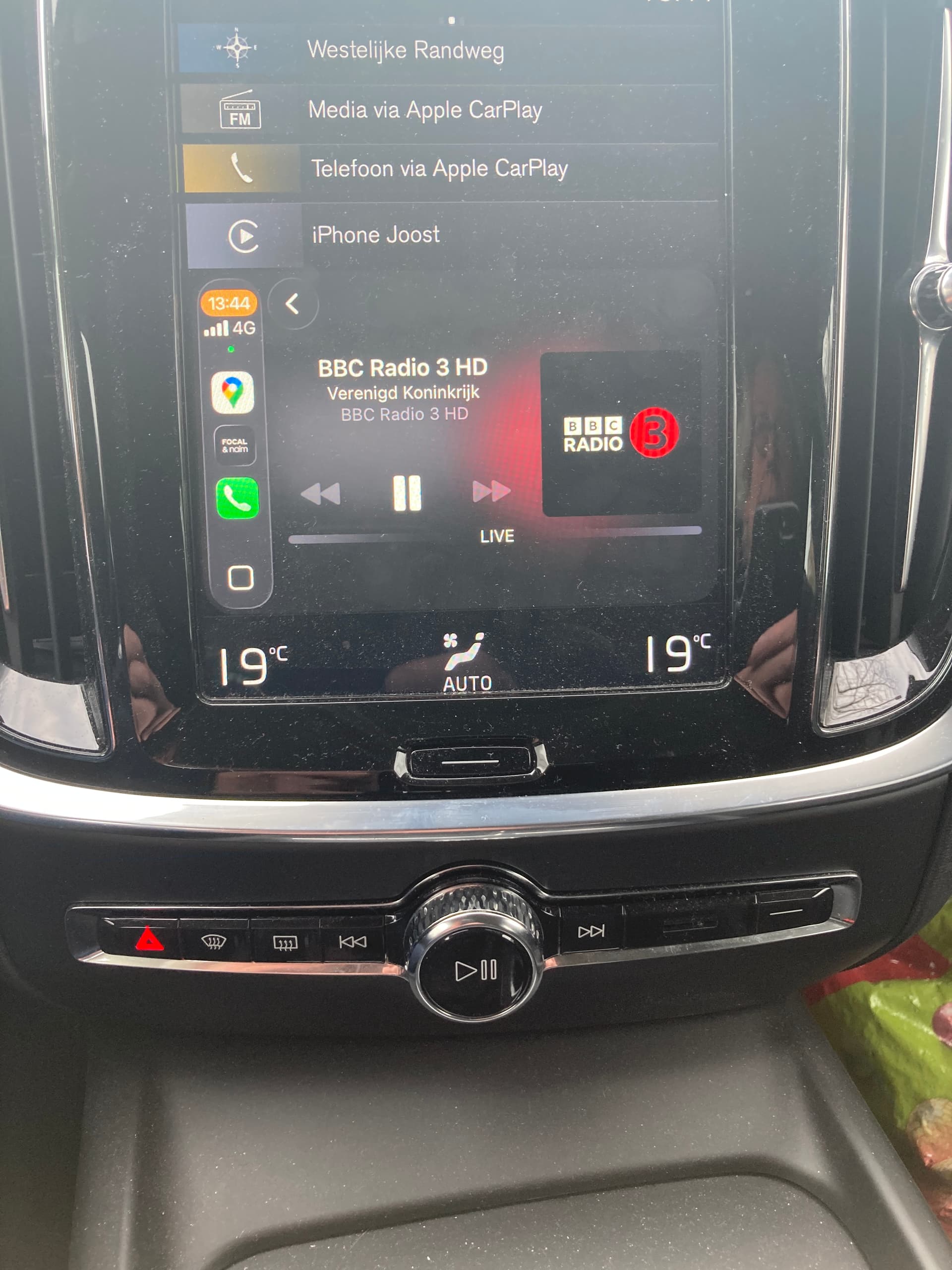
I can’t listen to BBC3 in HD in the Netherlands. The bbc website is lower quality (bbc sounds is not available outside the uk anymore). So I am happy with this.
Thanks for the suggestion. I did a reset but it didn’t help.
Fair comment! Glad it’s good for you.
I also got message to reset PW based on my email. No email was ever sent to me to allow me to reset the PW. This was when I tried to sign in as if I already had an account
I sent an email to Naim support but no response.
I will try creating new account later today and see how that works.
I am not sure I see the point of this. I already have the app for Radio Paradise on my phone and can listen in the car using bluetooth.
David
1 Like
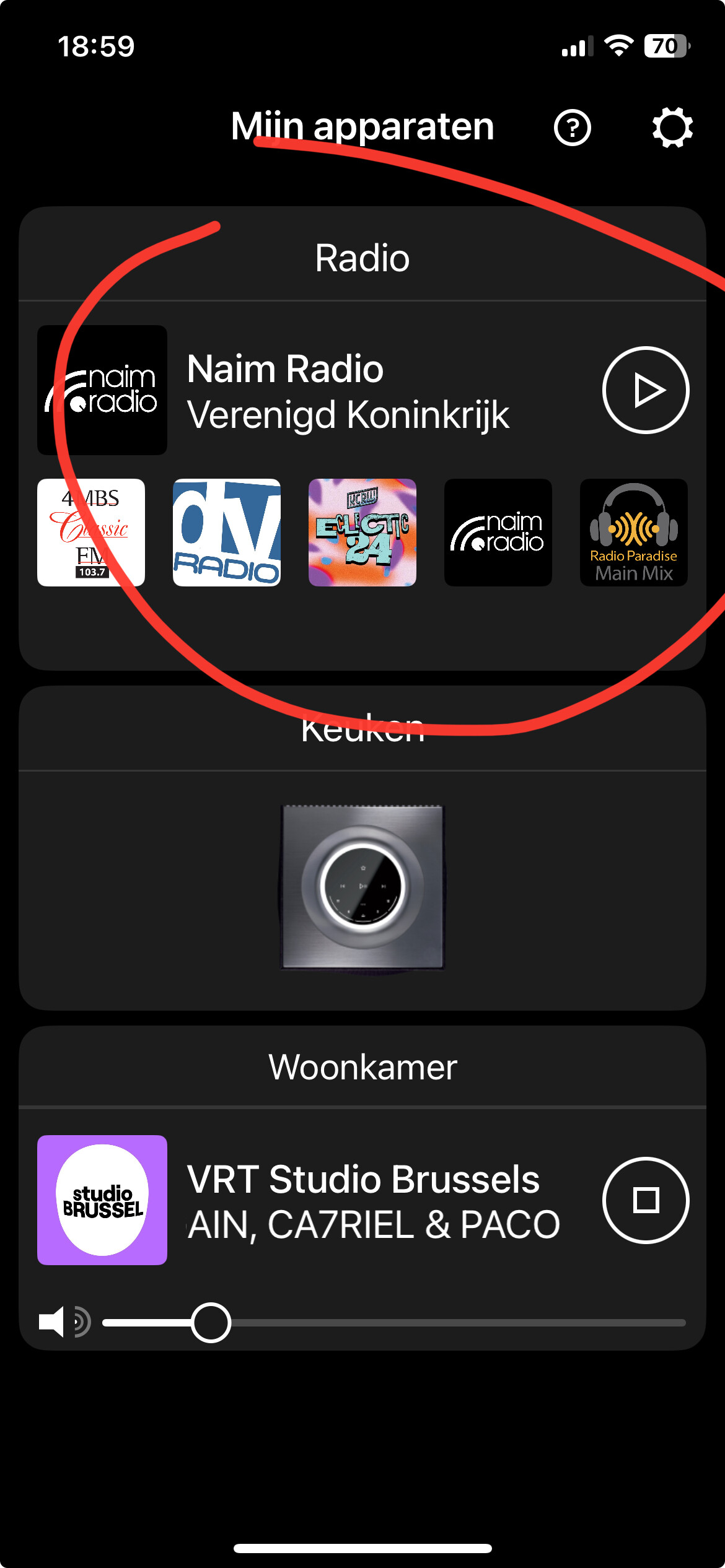
Very nice to see Naim developing things, but this one is not for me. Can I somewhere disable this option and have it removed from the startup screen?
Edit: found it!
1 Like
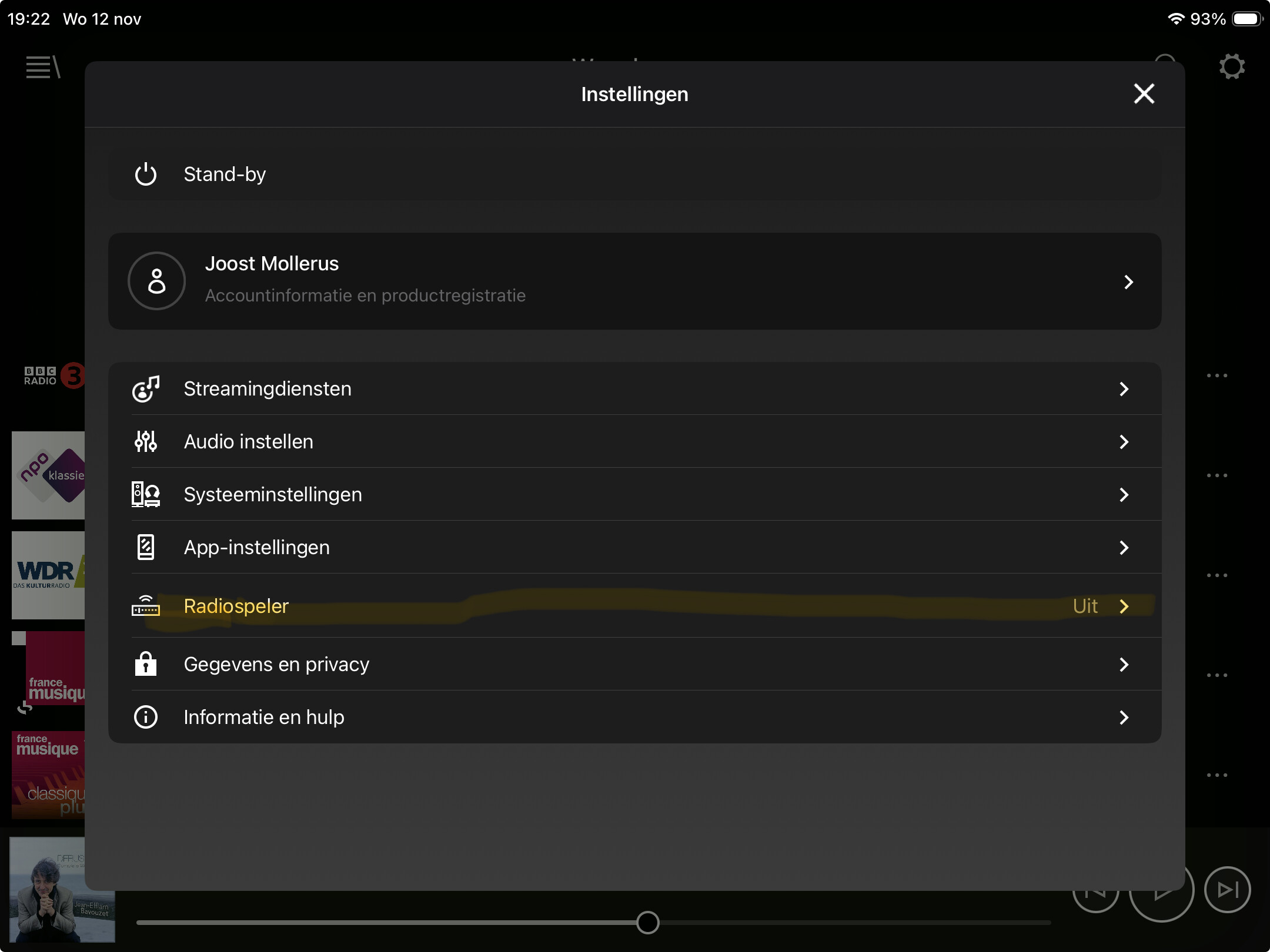
Yes. From the devices screen. Go into settings, radio player and switch it off.
1 Like
It works now.

For anyone who only listens to BBC or Radio Paradise stations, using their own apps is likely the best solution. If you use a wider variety of iRadio stations, I think having them all accessible through one app is a good solution. I used to use TuneIn for this, but ditched it some time ago. I like the simplicity, and the emphasis on access to the best available stream quality, that the Naim app offers.
Obviously if this isn’t of interest, you just turn it off and carry on as before.
1 Like