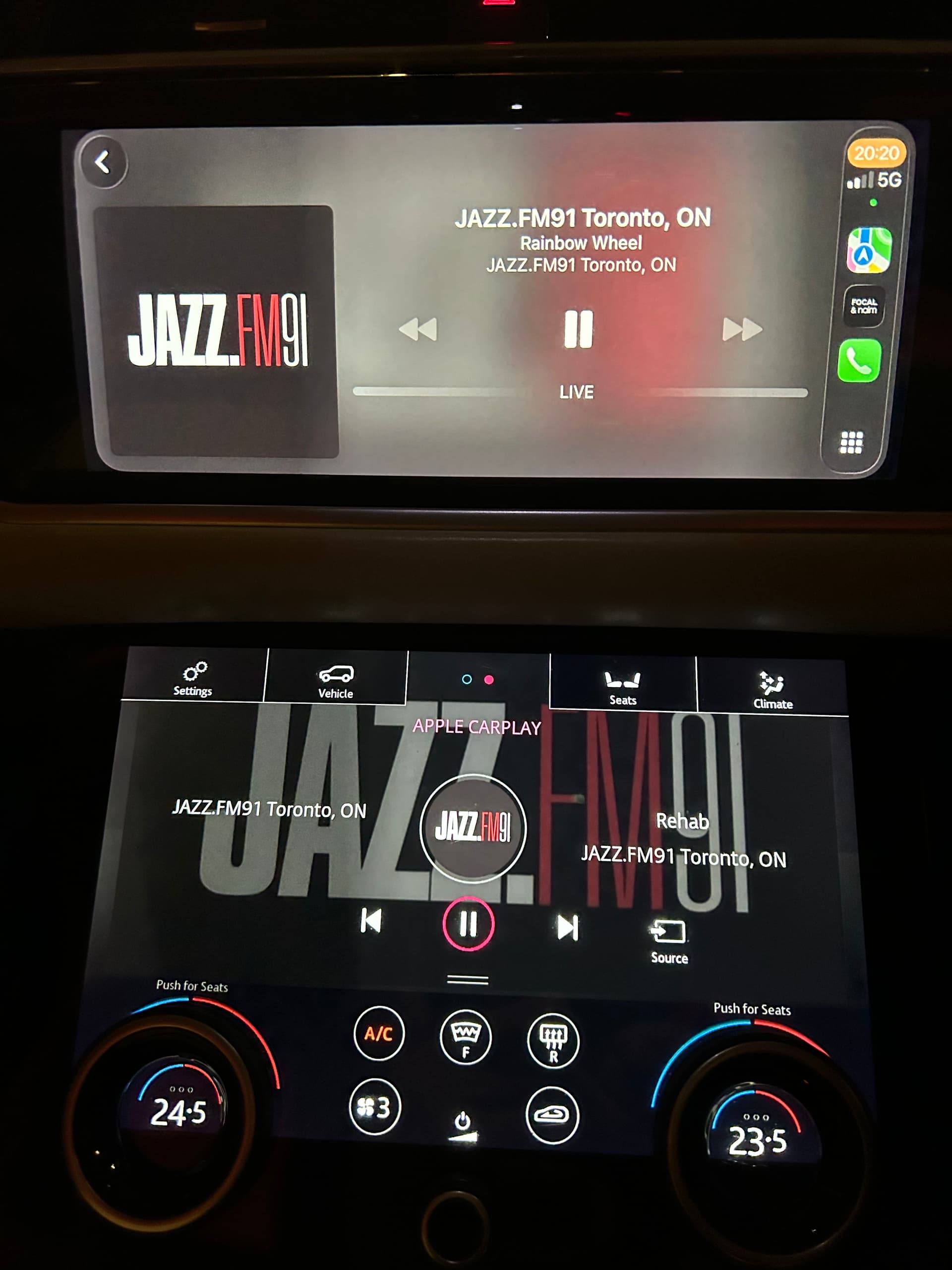
One issue is that if out of the house/away from wifi, then there is no way to control the amount of data being used, which is a feature of specific apps.
If listening with ear buds while at the gym or jogging, or even on a car audio, surely it’s pointless worrying about the highest quality streams as you won’t hear the difference.
Yes, but if you can’t use WiFi when you’re at the gym or wherever you can choose a lower bit rate version of the radio station. These options are more clearly presented in the Naim app than they are in some other iRadio apps.
Of course, if you really don’t want to eat data you might just download whatever you want to listen to, which BBC Sounds, for example, allows you to do very easily.
I really appreciate the new Naim Radio player in the app – it’s a great feature for listening to music outside the house and in the car.
However, I’ve noticed an issue: on device A (my mobile), I can see my pinned radio stations as favorites, but when I log in with the same account on device B (my notebook running Android), the favorites do not appear.
Do we really need to re‑create favorites on every device? That doesn’t seem logical if we’re logging in with the same account. Is this a known limitation or a bug in the current version of the app?
Saved stations are stored locally within the app in an individual device, as is the case for other stuff such as playlists. So no, they are not automatically transferred to other devices. This may not suit everyone, although multiple devices are sometimes used by multiple users, in which case keeping the favourites on an individual device would be preferred.
Whether an option to transfer such settings between devices if feasible I wouldn’t know, I guess you’d have to ask Naim if they would consider such a feature request.
I really appreciate the new Naim Radio player in the app – it’s a great feature for listening outside the house and in the car.
However, I’ve noticed that favorites are stored locally per device. On my mobile I can see my pinned stations, but when I log in with the same account on my notebook (Android), none of those favorites appear.
I understand from the replies here that this is by design, but for me it feels a bit illogical to have to re‑create favorites on every device when using the same account.
I will contact Naim Support directly and raise this as a feature request, asking if they might consider enabling cross‑device syncing of favorites in a future update.
I agree. It makes no sense to associate favorites with a device (only). They should be associated with a user.
For example, with Roon, my radio station favorites (managed as the “My Live Radio” list in Roon’s design) are accessible from all of my devices that have the Roon Remote app installed.
I just had a look at this today for the first time. When I initially saw it I thought it was another way to play radio through my streamer. Now that I’ve had time to fiddle about with it, I can see that isn’t the case: in fact while I was playing through the radio player app I switched on the streamer and the radio player interface disappeared, so I couldn’t stop the music until I restarted the app.
Personally I think it would be better as a separate app. I only regularly listen to BBC and Radio Paradise, and their apps do the job, so I switched off the Naim Radio Player showing in My Devices. I found it confusing that one app did two different things. I’m glad others are finding it useful.
All you needed to do was go back to the Rooms screen and you would have found the radio player was still there. I can see that this is more obvious if you have several streamers, but it’s true for just one as well.
You’re right, of course. I only have the one “room” so it’s a bit of an unknown for me. Even armed with your guidance I was unable, for a while, to find a Rooms screen. I clicked on the name of my current device, and there it was, as you said. Hardly intuitive though.
It’s an unusual UI approach IMO. Why not do it the way people are used to in choosing a device to stream to like in Qobuz, Tidal, Roon etc. It’s not even clear that you actually can press the top bar in the app. I’ve used this app for many many years and always thought it was just the product name that shows. Now the name also has a function. Weird.
It’s different from the streamers because it is a whole different player, nothing to do with the streamers. Its purpose is to deliver internet radio to your phone or tablet. Of course you could send it to a streamer from your phone, but that’s your choice, not really anything to do with the app.
Yes I can share with my phone but why not make it accessible within app in the way other apps do it? I guess the implementation is straight forward these days. I stream something in the Naim app, I press the list of devices and chose where I want to listen. It’s a very hidden feature in the Naim app and I wonder if it even follow the directions of how apps should manage this. I believe the majority of users never even will know it’s there.
I think that will depend on if they have more than one Naim streamer or not. If they do then they will already be used to switching streamers by taping on the name at the top.