How do you get Qobuz natively on the Naim App? I can cast via Chrome Cast but can’t see how to get the native icon like with Spotify and Tidal. I have a hardwired connection and casting hires via my phone seems a bit backwards!
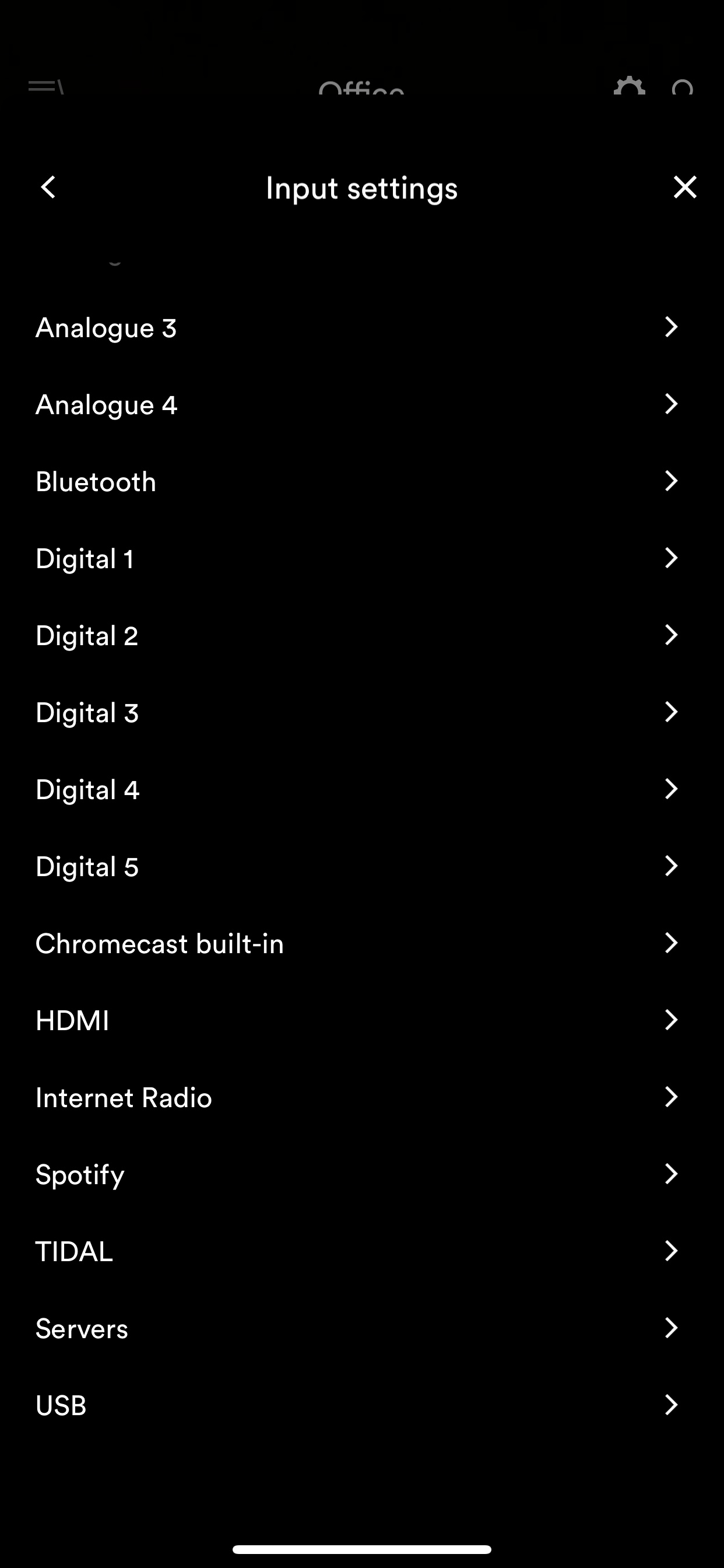
There is no option in the input settings for Qobuz. Everything thats available in the input settings shows in that swipable menu at the top of the app.
I do not have those same options, I attach my list. There is only 1 item difference in each picture as the list is annoyingly 1 item too long to fit in one shot!
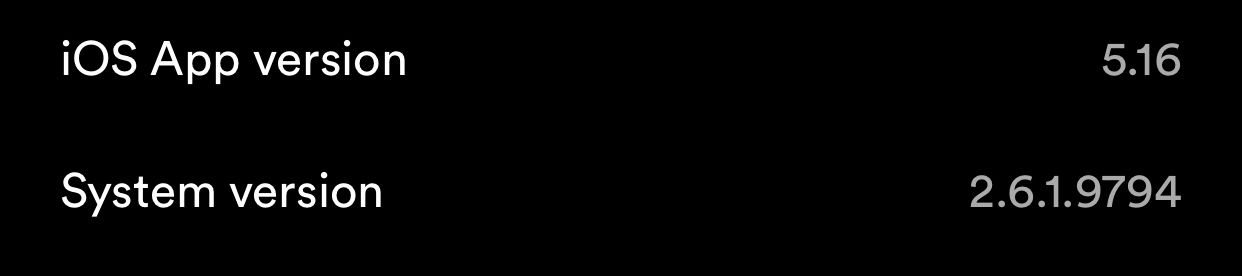
That’s odd, all the current Naim streamers support Qobuz now, so you should see it as long as both streamer firmware and app are up to date. Can you check which version of both you are running?
Your Nova firmware version looks very out to date. The Qobuz update was in version 3.4.
In the Naim app, choosing Settings - Check for Updates should offer you a download of the latest release.
If not, contact Naim support. My Nova and ND555 both stream Qobuz now.
That’s an old firmware version, if you go to Settings > Check for Updates you should see a prompt to update. If not, maybe a factory reset would prompt it.