Whenever I start Tidal Connect it always defaults to the device it’s running on (for me iPad or Pixel 7). I’ll admit I find that a little annoying, but we are all different  . So I would have thought that closing and restarting the Tidal app would switch back to playing on your phone. Is that not so? I’ll admit I have never found it a problem.
Not for me. It stops playback on my phone continuously, giving me an error about playing on another device, without any way to stop it. I’ve raised it with support multiple times, they imply it’s by design. Latest iOS and app, multiple different streamers.
Denon pushes firmware updates automatically I believe. So it’s likely that you’ve had the right firmware already. And then the update by Qobuz should do the trick
Hear that Atoll is ready as well?
Perhaps @RichardDane can help with this query.
I have read that the Naim devices are compatible with Qobuz connect since a 2020 update. I have tried to play music from the Qobuz app to my ND5XS2. Instead of connect, it is streaming via google cast (lower maximum resolution). When I disable Google cast, the Qobuz app does not ‘see’ ny MD5XS2. I have checked and the Qobuz and Naim apps are up to date and the ND5XS2 is running the latest version of the firmware.
Is there a future update required to enable Qobuz connect on my ND5XS2?
3 Likes
Yes, update of firmware is needed. It’s not there (yet).
Thanks @Amarok. I thought it might just be my usual technical incompetence
1 Like
That’s a shame. I’ll test it on my Pixel 7. Maybe it works on Android.
Edit: If I restart my phone (with Wi-Fi set to off) I can get it to play on the phone even though it’s still playing on my Naim streamer.
1 Like
We just have to be patient. It’ll turn up eventually.
My 3 year old, €170 WiiM Pro is already Qobuz Connect enabled! I suspect my Auralic is too. Naim is seriously lagging behind.
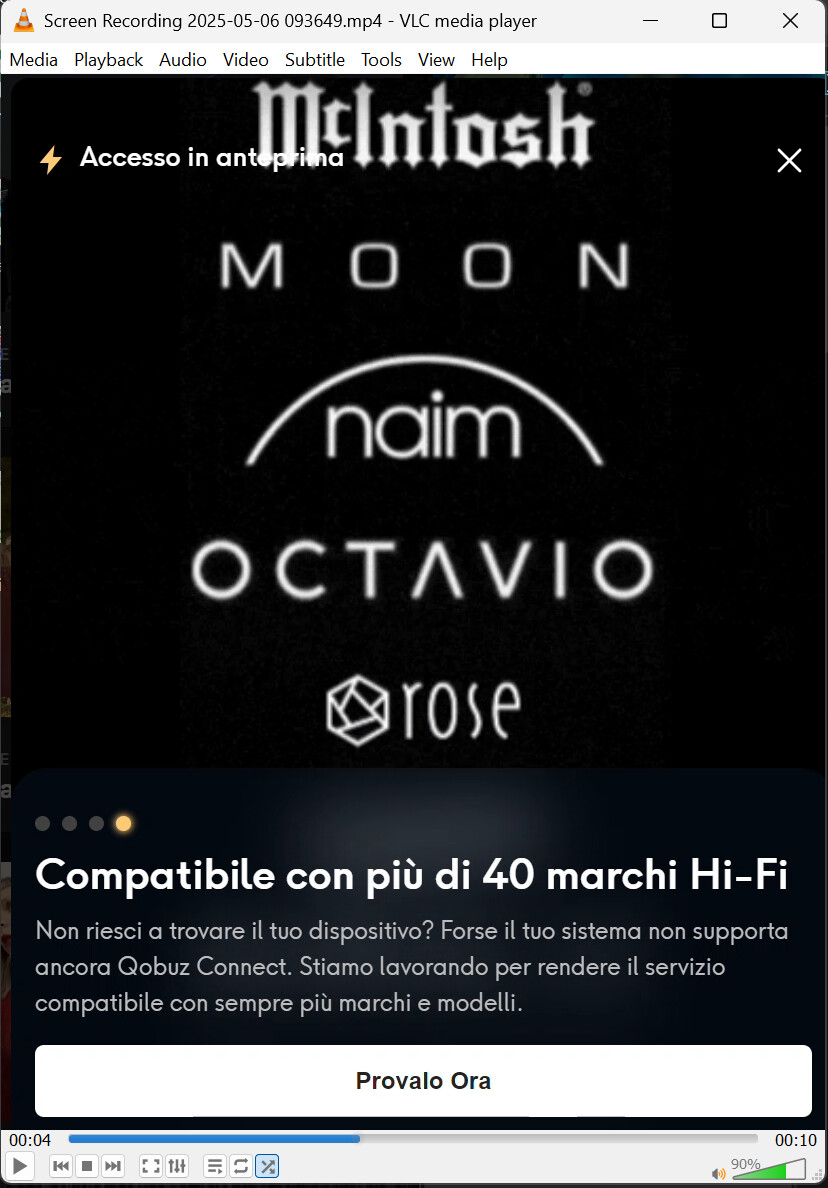
The windows app dialog states “Compatible with more than 40 Hi-Fi brands”, and then rolls the above logos as of today. 15 logos listed, 40 reported… there is a 1/25 probability it’s on the ones coming 
1 Like
Qobuz Connect was available May 05.
Today is May 06.
Wow
3 Likes
Full list just became available on the site of Qobuz. With the remark that if your device isn’t working to contact the manufacturer.
Link
And both my WiiM and my Auralic have it day one, along with many, many other makes. Clearly it wasn’t difficult for them to coordinate the release.
The Naim Tidal Max fiasco is still very fresh in my mind for some reason.
1 Like
Hi Mike, yes the UI is much better with Qobuz connect. I find it much more specialized when using the App. It’s kind of like downloading, let’s say the ESPN App. More options than say, clicking on Sports, under a local news App.Hope that makes sense.
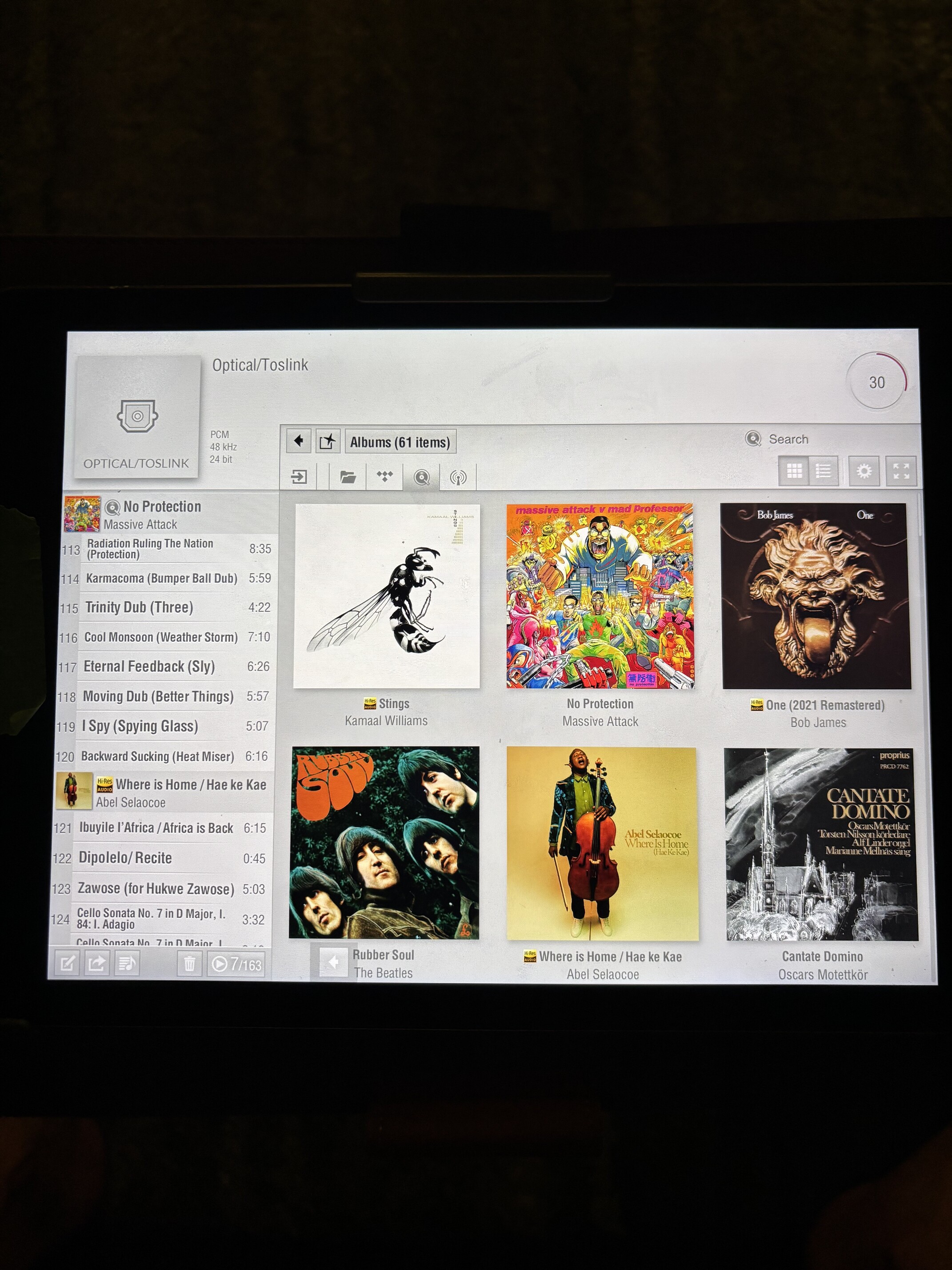
With my Lumin App, using Qobuz, whatever album you choose in the window at the right, gets inserted in the playlist at the left of the screen. It remains there until you delete it, with connect, it just plays instantly without populating the playlist to the left. It just gives you way more options instantly.
1 Like
The lag for Tidal Max was many months!
1 Like
I don’t see any indication that Wiim has it beyond Beta testing. I’d appreciate a link to further information.
How does Qobuz Connect work? Is it that you select a device on your network, Qobuz grabs the local IP address of that device, then streams straight to that device rather than the IPhone, iPad, etc where the app is running? Is this what is meant by ‘casting?’
The Qobuz Connect compatibility list I linked to above has been repopulated and now includes Naim.
Good Luck.