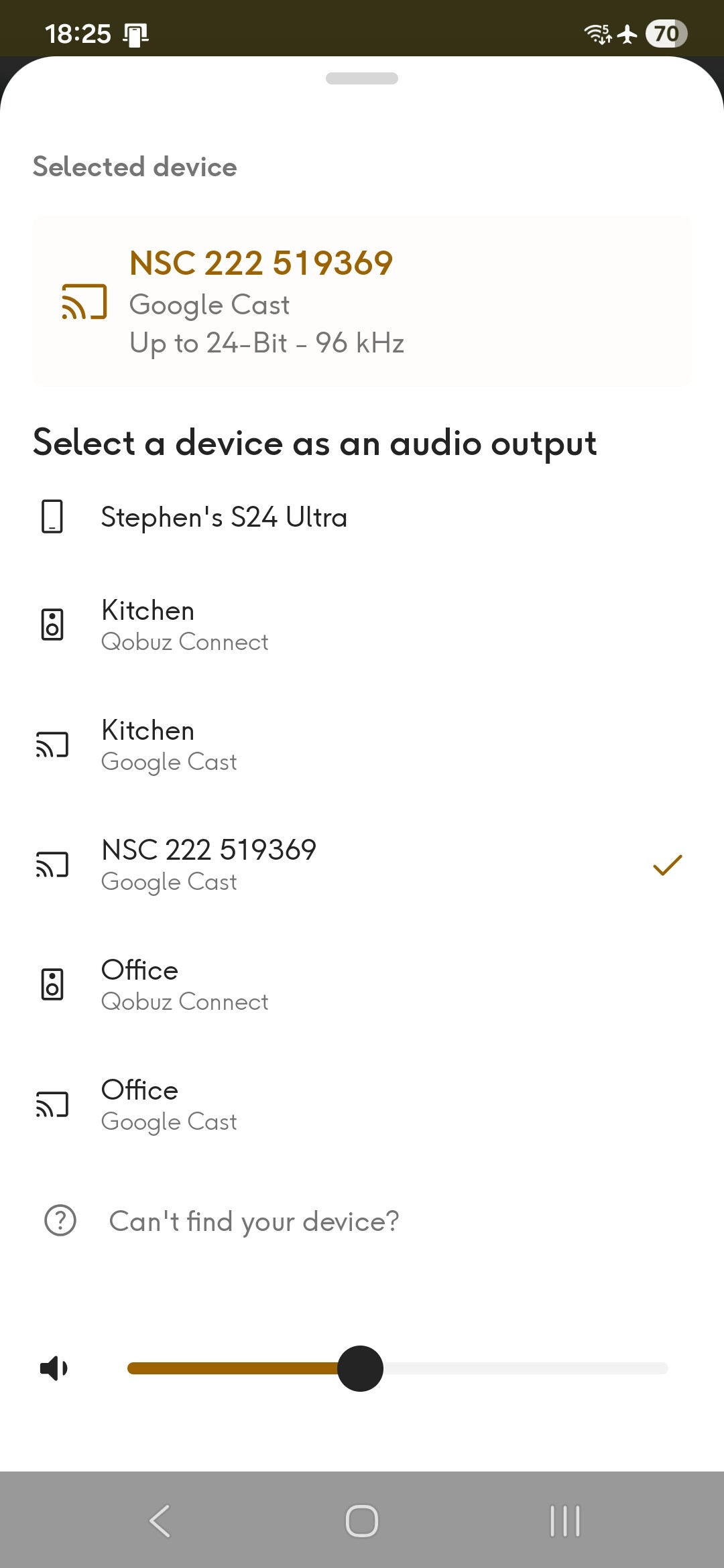
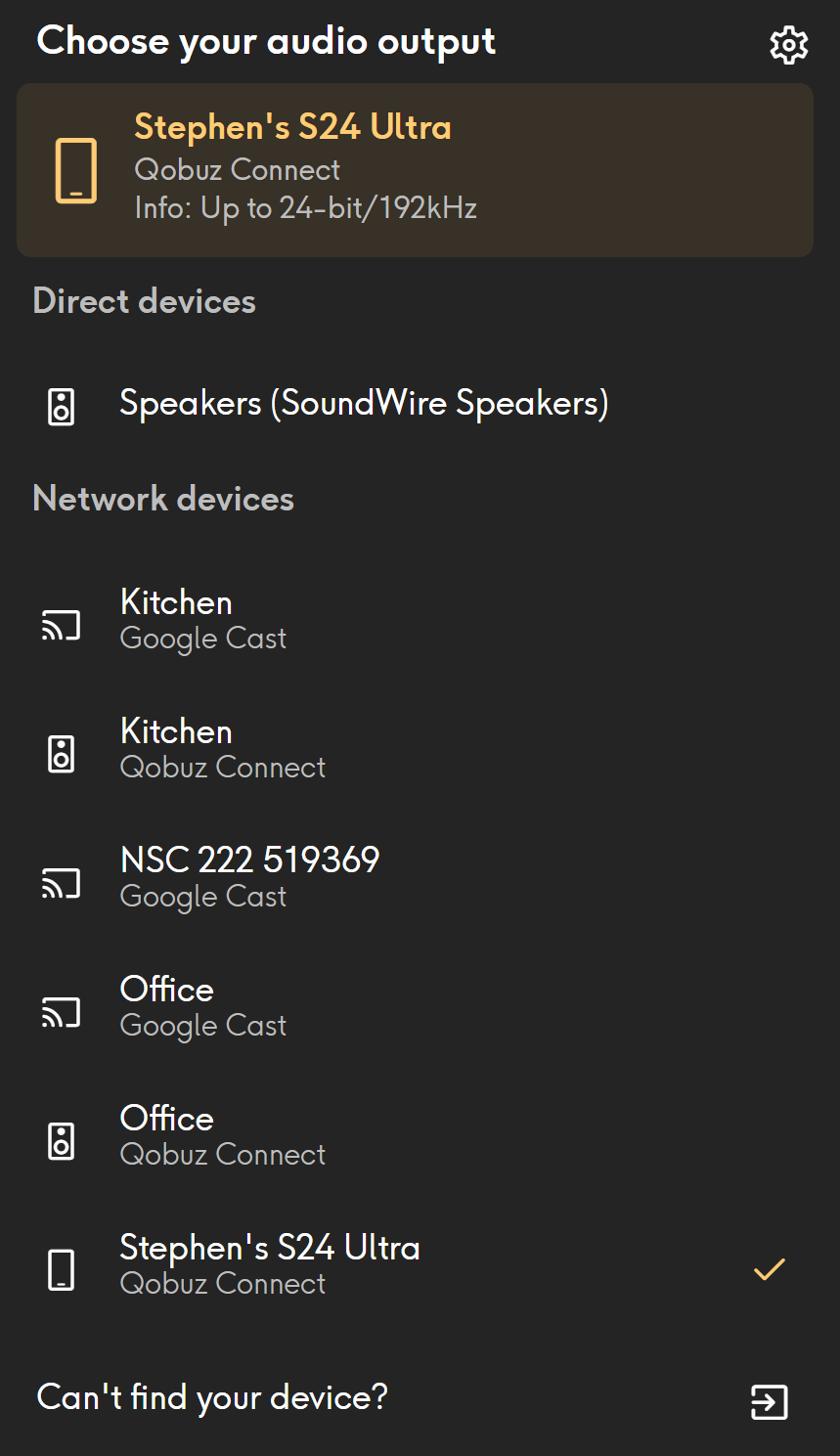
Kitchen and Office are both QB2 and Qobuz Connect is available for both of them but missing for the NSC222 where the only option is Google cast. What might the problem be?
Power off and back on.
Worked for me the other day on my 222.
I unplugged it from the mains and left it for half an hour. Still not seeing Qobuz Connect as an option for the 222 in the Qobuz app. I also tried force stop and clear cache in the Qobuz app and that hasn’t helped either.
1 Like
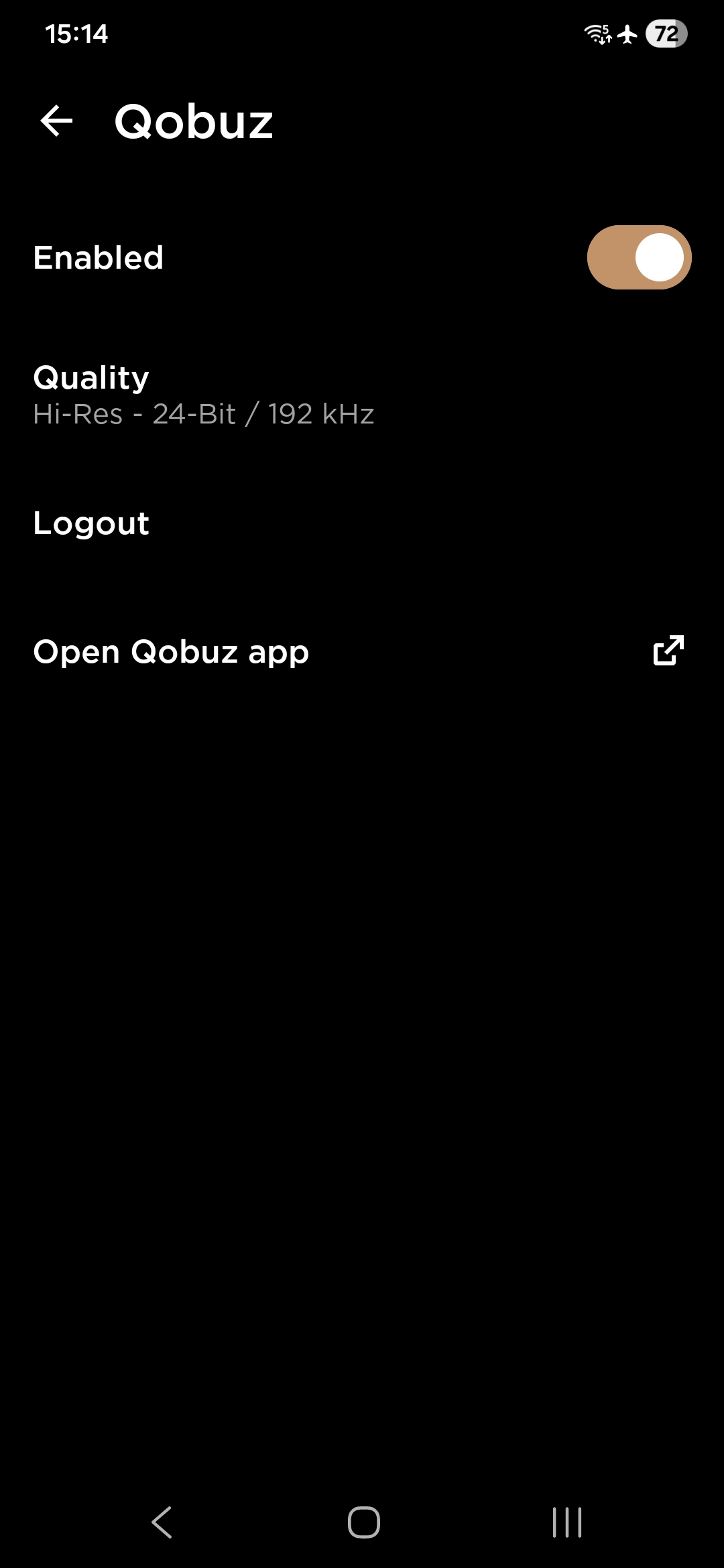
Is Qobuz enabled? In Naim app take a look in system settings/ streaming services.
In this case I have no idea. Maybe a network problem but I’m only guessing.
Something like this happened to me once. I switched from the “Selected device” to my iPhone. I then streamed some music, then switched back and my “Qobuz connect” device showed back up.
I just tried doing that but it made no difference. This one has me stumped so I’ve raised a ticket with Naim support. Let’s see what they have to say
1 Like
Over the last couple of days, my NSC 222 doesn’t show up as a network device when I use the desktop Qobuz Connect app, but it does when using Qobuz Connect on my iphone. It had showed up using the desktop app previously. I wondered if it was a problem with the app rather than the 222, but will be interested to hear what Naim say in response to your ticket @elverdiblanco
The fact that there is a Qobuz desktop app for Windows has completely passed me by so thanks for mentioning it.
Still doesn’t help with the missing Qobuz Connect though
Restart your router
That was one of the first things I tried but it didn’t cure the problem. Qobuz app is also on the most recent version.
This is what Naim support replied
Could I ask you to sign out of Qobuz from within the Focal & Naim App please? ( My Devices > Settings > Streaming Services > Qobuz ) and then sign back in ?
If this doesn’t prompt the system to present the 222 as a “Connect” target, could you Log out again within the F&N App, and then, on a separate device, Log in to Qobuz and modify your account Password?
Logging back in via the F&N App after this with the new credentials should resolve the situation.
I’ve tried both suggestions as well as resetting the streamer but nothing seems to make a difference. I’ve let Naim support know and i await further advice
Yikes. I’m rooting for you. Very odd behavior.
I worked out that my laptop had managed to connect itself to a different wifi network (I have a wifi extender at the back of the house which has its own network). Once I reconnected the laptop to the main network - the one the 222 is plugged into - the problem went away. So my problem is not the same as yours @elverdiblanco . Hope you resolve the issue though
Definitely not the same problem I’m having as all the devices are on the same network. The weirdest thing is that both of my QB2s work fine with Qobuz Connect so what’s different about the 222? So far Naim support haven’t figured it out either
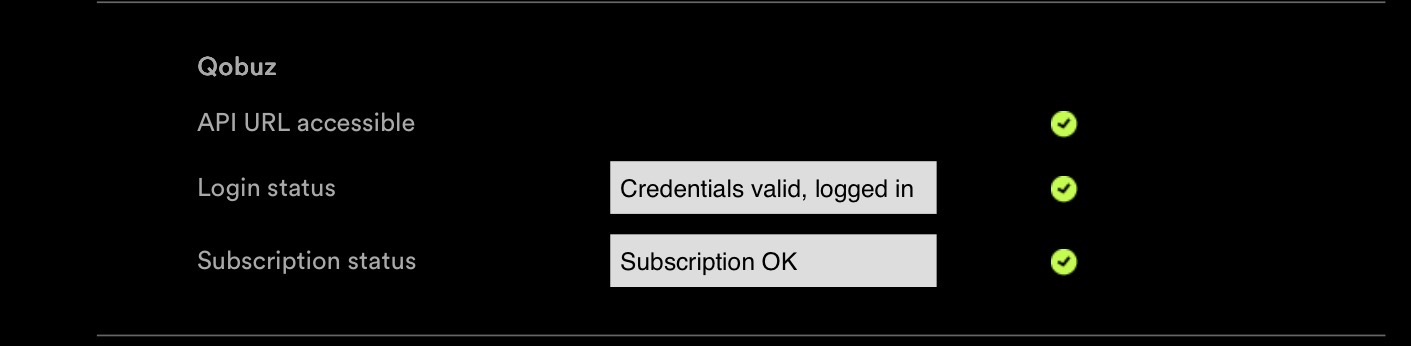
Naim support asked me to run the network diagnostics and I’ve given them the user id but I’m still waiting to hear back if they have spotted any issues.
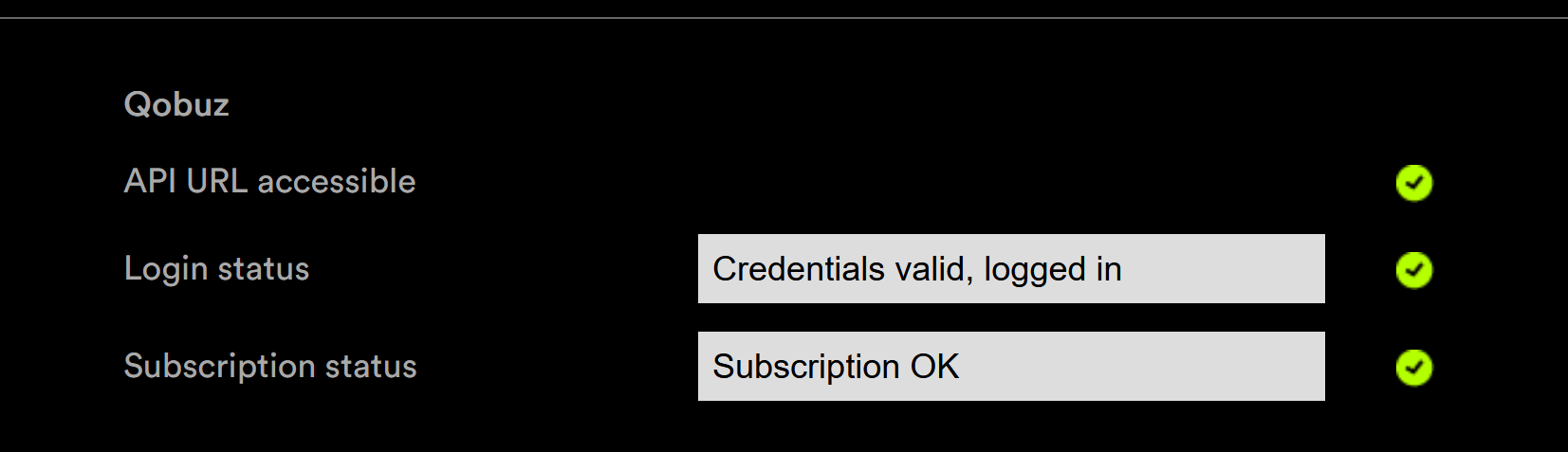
I already had a look at the diagnostics page on the 222 and Qobuz is showing as logged in. That’s no surprise as I can stream from Qobuz using the Naim app and Bubblesoft app, it is only Qobuz Connect that isn’t working and even then it is only on the 222 it is having issues, it works fine on my two QB2a
1 Like
probably no help - but i vaguely remember qobuz has a limit of 2 devices - but i never understood how that worked