‘Cisco Catalyst 2960 WS-C2960-8TC-L V02 8 Port Switch’ is the full spec of the one I have. It’s great!
G
‘Cisco Catalyst 2960 WS-C2960-8TC-L V02 8 Port Switch’ is the full spec of the one I have. It’s great!
G
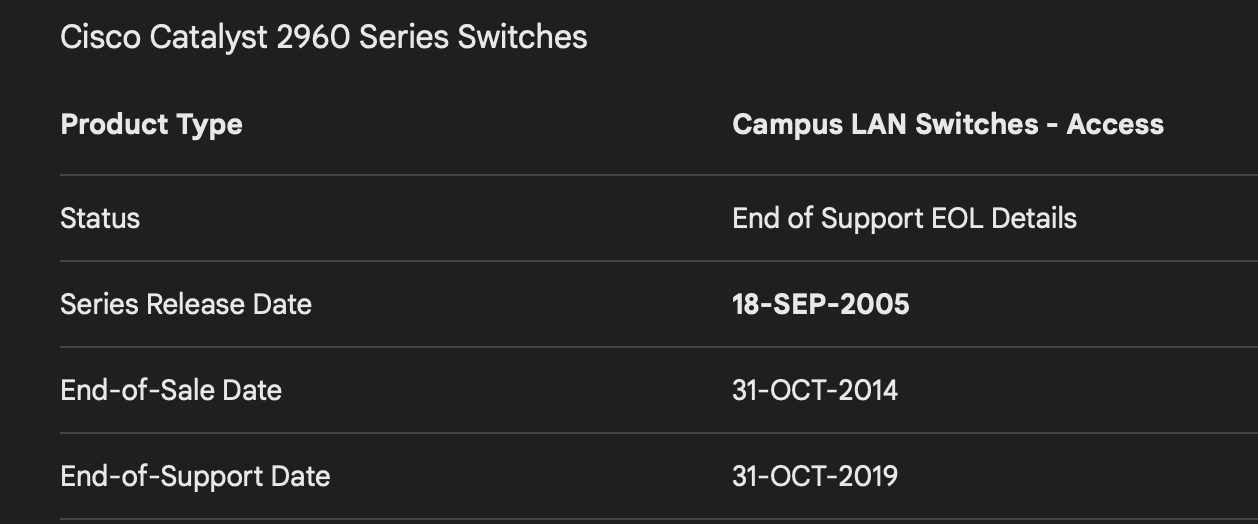
Cisco 2960 was released in 2005. They can be 20 years and minimum 6 years today. And their capacitors and such degrade just like in Naim boxes.
Not wrong. But there are still ones quite new. I had bought one white pristine condition.
Mine’s ancient, but it knocked the EE8 right out of the park!
G
My experience was the exact opposite. Mine was a recent one but was completely outclassed by an EE8. I subsequently gave it to a pal who has an all Linn system and set it up for him between his Nas and KDSM. In his system it worked a treat.
As ever, different systems, different results.
As others have said a used and reset Cisco 2960 is a good option. Plenty on the used market, as they have been superseded in commercial setups.
They are built well, most are mains earthed, and by default they support and have enabled IGMP snooping… all good for helping minimize network noise whether it be network traffic, or common mode noise in Ethernet leads. They also have good EM emission values, and a reasonably good quality clock.
If you buy a used one, do ensure the previous owner has reset it to factory settings, that way it’s simply plug and play.
You can also configure it to help UPnP perform faster, using an IGMP querier, but that requires a bit of configuration know how. Straightforward, but perhaps not for this thread.
Following a chat with SIS, I picked a Cisco C2960 from eBay. It was old, but new and the box was still sealed for a really good price.
It was a plug and play being new and when compared to other switches I have previously used, was much better.
DG…
In the last two years I’ve bought 4 Cisco products. 3 were second hand but appeared to be new old stock indeed. Great value for money.
I used a Cisco for a while, and had all sorts of problems losing streamers. It also used quite a lot of power. It was replaced with an EE8, which to me sounds a good amount better, as well as being much smaller, having much more discreet LEDs, and using a lot less power.
I run mine next to primary switch with the following set up.
Fibre Router —> CatSnake [7m] —> Mesh Node (only two RJ45 sockets) —> CatSnake [1m] —> NetGear GS108 (primary switch) —> CatSnake [1m] —> Cisco C2960 (Hi-Fi only) —> CatSnake [8m] —> Linn Selekt.
This configuration seems to work well for my system. Best configuration of the many that I’ve tried. Indeed, never really found any significant improvement with boutique switches, cables and power supplies that I’ve tried previously.
Keeping it low tech and standard stock seems to work just as well.
DG…
A Cisco 3560 (similar to 2960) was my first step into network optimisation, following the recommendations here in the forum. It has brought a clear improvement in sound quality. I now use it with the default settings as the base switch for all the wiring in my house (including the hi-fi system) in the garage. I also have a Silent Angel Bonn F8 (+Forester power supply) just for the hi-fi system. I think both work very well together. However, I do have some problems with the Cisco. My Swisscom WiFi access points have to be connected to my Swisscom router via Ethernet cable and paired (this requires pressing buttons on the access points and the router). Unfortunately, the pairing does not work when the Cisco is connected in between. And recently, our heating technician was here (modern heat exchanger system). He couldn’t dial into the heating system from outside as long as it was connected to the Cisco. In both cases, I had to disconnect the Ethernet cables from the Cisco and connect them directly to the router’s built-in switch ports. Now it works. This isn’t a hi-fi problem, but in some cases the Cisco seems to be doing more than is necessary.
Sounds like the switch is not at factory default settings.. and there is some residual configuration in there perhaps limiting certain functions or you have the wrong Ethernet cable pin outs, ie you are using a cross over cable as opposed to pass thru.… but that feels unusual, and would likely prevent most switches from working. Remember these are work horse switches used the world over from trivial to complex setups across the whole gamut of Ethernet connectivity demands.
If fully default, the switch, 2960, is a regular functioning layer 2 switch with few if any compromise shortcuts that exist in some other consumer and audiophile switches.
It only does what is necessary. The only thing you might notice when fully default is the anti network loop protection, which means a link takes 10 of seconds to come up when connected. Obviously in networks this is essential to avoid locking your LAN up. It can be switched off though if you want ports to instantly come up and your home network is trivial.
The Cisco 3560 is a more advanced device compared to the 2960 and is a layer 3 switch (ie it’s a router switch), however fully at factory default settings it acts as a regular layer 2 switch like a 2960.
Of course you can connect to the console of the switch if you really want to and see if it is detecting faults from the products connecting to the switch.
Thanks very much @Simon-in-Suffolk for your feedback. The seller (a network company) stated that the switch had been reset to factory settings. Unfortunately, the switch did not come with a serial console cable, so I would have to purchase one. It may also be due to the anti-network loop protection with a 10-second delay, as you mentioned. If I understand correctly, this initially blocks connections. I will have to see if I can bypass or disable this.
It’s not that easy in Switzerland. Swisscom has a lot of regulations and favours its own proprietary devices for home use. There are often difficulties with third-party providers.
Yes anti loop detection can be disabled, but you will need to configure the switch port interface using ‘enable portfast ‘, and then the port should sync up straightaway.
Console serial leads are usually only a few pounds… you can sometimes use the inbuilt web interface depending on the switch, to create a loopback address, and you can then ssh or telnet to connect to the switch via the ethernet… many novice guides on the web for doing this.
BTW I used to work with Swiss PTT many moons ago.. which was the predecessor to Swisscom… and at that time very regulated, but they were a stickler for following international standards and protocols I remember… and loop detection uses a standardised approach called Spanning Tree Protocol or Rapid Spanning Tree Protocol… which is used in networks the world over… often used for managing layer 2 resilience by sharing multiple ethernet connections.
If you get the console cable, or setup the ethernet loop back, you can see whether the running config has something else in it.
Thanks a lot, Simon. I’ll order a console cable and see if I can get into the switch. I also found instructions for the loopback address. However, factory reset or reconfiguring the Cisco seems to be a job for a specialist. The correct files have to be deleted manually for the reset. Configurations also require the correct command entries, not just a simple click and choose (as far as I have seen in video tutorials). I’ll see how far I get with it.
Yes, but it is easy to do… you are simply deleting the configuration files
You might have seen this video
Configuration does require correct IOS settings in the running config file…
Loads of help online.
Some switches come with a web interface management pack included so you can click and select some basic settings.
However most switches are factory reset when sold for security reasons!
Thank you once again for your great support and encouragement. I have now ordered a console cable. I had already seen the YouTube video. A web client would first need to be installed on the 3560 CX. There are a few requirements that need to be met for this. Incidentally, ChatGPT also provides step-by-step instructions for the Cisco switch.
I had the same problem as you, with the used purchase of a Cisco 3560.
When you get console cable, just follow instruction of video. I cannot remember if first video worked, but just try another - plenty to choose. You know it’s right when done, as the boot up sequence gets de-cluttered. Hope it goes well for you.
If it’s any consolation, just spent a day with Windows 11, trying to get network access to Antipodes Audio product. 
good luck - all straight forward, in fact the hardest bit might be get to the serial parameters correct for the console lead 
Yes ChatGPT can be a good summary of what is on the web, however it is not always that reliable when it comes to specifics - there are plenty of Cisco guides as well.
If the software has not been reset and deleted - you might find the web manager is on there - anyway you can see when you connect to it via the serial lead. If its there - dont delete it
When you go through the base setup - once you delete the running config files and restart - you will be prompted for several key pieces of info. If you can let the loopback address (the switches IP address) be determined by DHCP.
We had a 3560 which came with no web interface OOTB.
However, it’s very easy to flash on the web capable image. Loads of websites with walkthroughs.
Factory reset of these switches is also very easy.
We use a £3 USB to serial cable for setup - works perfectly with Windows 10 (Putty) and Ubuntu (screen). From memory it’s baud 9600 with no parity.