A couple of weeks ago the radio function on my Mu-So stopped working. It has done this before and a bit of fiddling and a reset usually sorts it out.
This time whatever I try just doesn’t work. I have trwled through the forum but cannot find a case the same as the issue I am having.
I have rebooted my router, I have reset the Mu-so and I have deleted the app and reloaded it but nothing will work.
Basically:
When I reset I get to the final - White Light - but when connecting to the App it says "An unexpected error occurred. Try again. Whatever I do I cannot get past this screen.
On the App it is showing that the pre-set radio staions are installed - Deep Vibes etc but none of them will play.
I can connect and stream via Spotify but not through the App
I cannot stream through Tidal (my preferred service) at all.
I can play my preferred radio staions via Bluetooth but not through the app.
Thanks in advance
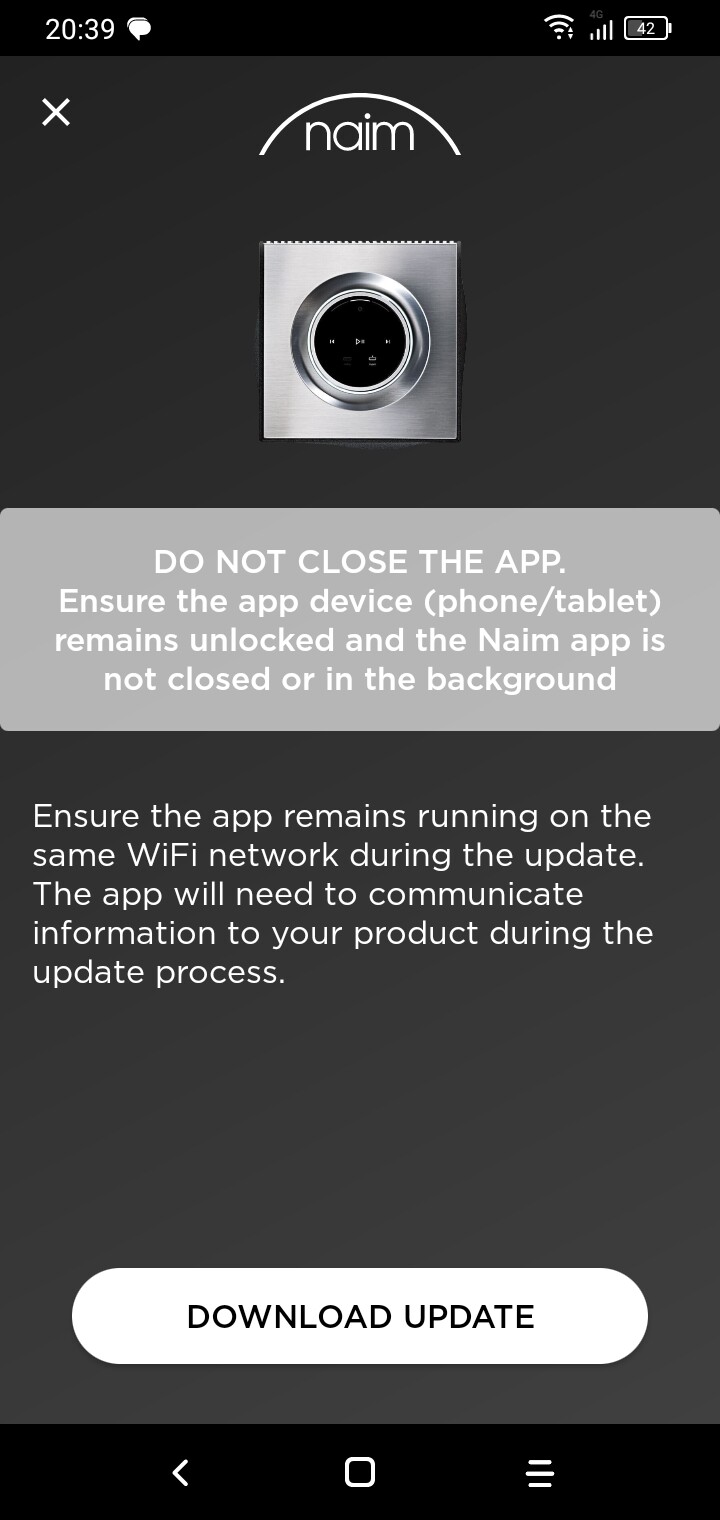
You will need to update your App, delete your existing radio presets and then update the firmware on the mu-So. You will then have access to the new in-house Naim Internet Radio service.
I carried out the update yesterday. I’ve just deleted the app and re-loaded it. Then did a reset on the muso. Once again I got the message saying an unexpected error occurred - try again.
Then out of the blue the radio began playing and I have been able to reload my favourite radio stations again.
However….the muso is still not visible in the list on the Tidal app but is on Spotify?
Thanks for the help so far
Search may not work, so find region and work your way in from there. You should find stations. If you don’t find them there is a thread to request they are added.
Rather than removing the search function on the first gen Musos I would like you to bring back this function to your legacy hardware. Finding the correct radio stations is cumbersome this way.
As I understand it, and you can probably look this up by searching the forum,
the radio search function had to be dropped in order to gain enough space to get the radio to work on older models. I’m sure you will agree the radio working is better than no radio.
After upgrading Muso mk1/gen1 to 2.1.0 about 14 days ago the internet radio has been working flawlessly, until today
Today it does not stream, global radio library does not load… The white led is on, android app is working. I have wired connection to muso.
Need help/advise!
Uros, Slovenia
It was never dropped, the older units never had it in the first place and it was going to be a lot of dev effort to wire it in. Newer products have it though.
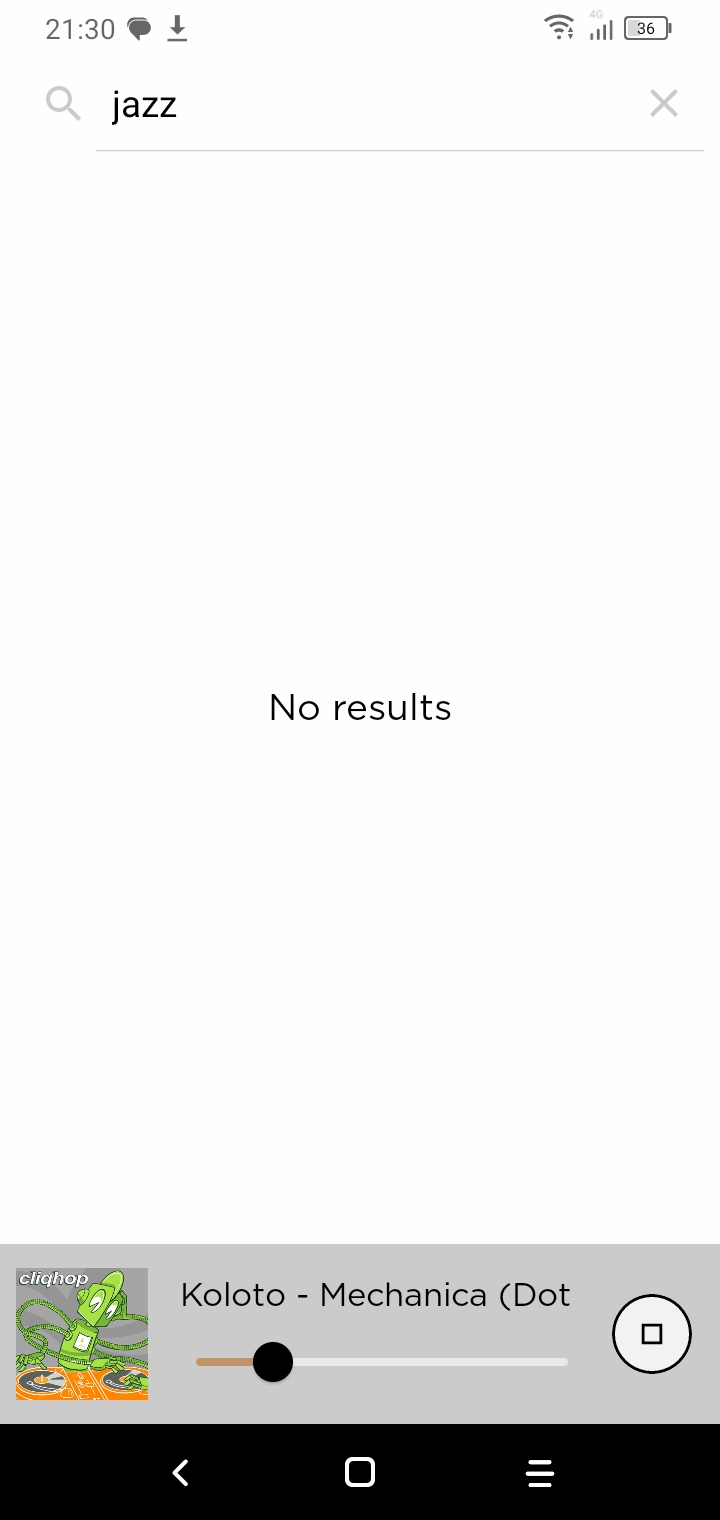
As a side note, customers often confuse the list filter option with global search. So they put a filter in the filter and get no results… as the current list doesn’t contain the thing they are looking for.
I’m having a problem with my Muso today, and would be grateful for any advice.
Following the Internet Radio issue, I updated the firmware on my Muso mk1 as advised. This resolved my the issues with access to Internet Radio. I normally use the presets on the Muso to access my favourite radio stations, but use Roon (rather than the Naim app) to stream to all of my devices (including the Muso 1) from my local NAS based music library, and from Tidal and Qobuz.
I am fairly sure that I have been able to stream from Roon to my Muso since the firmware update, but I’m not able to do so today. Roon can see the Muso and I am able to select it from my list of available devices in Roon. However, when I attempt to stream music to the Muso nothing happens. Roon attempts to play the stream for a few seconds, then stops.
In summary:
I am able to access internet radio stations on my Muso via both the Muso presets and the Naim app on my iPad.
I am able to stream Tidal to my Muso via Naim app on my iPad
I am able to stream Tidal to my Muso via the Tidal app on my iPad
However, although my Roon apps (on both my iPad and PC) can see the Muso in the list of available devices, I am not able to stream to the Muso from them.
Roon successfully streams to my other devices (Linn Klimax, sonore MicroRendu/Brooklyn+, Marants NA7004 and Sky Q televission.
Does anyone have any suggestions as to what the problem with Roon/Muso might be? I have tried a hard re-start of the Muso, but this has not resolved the problem.
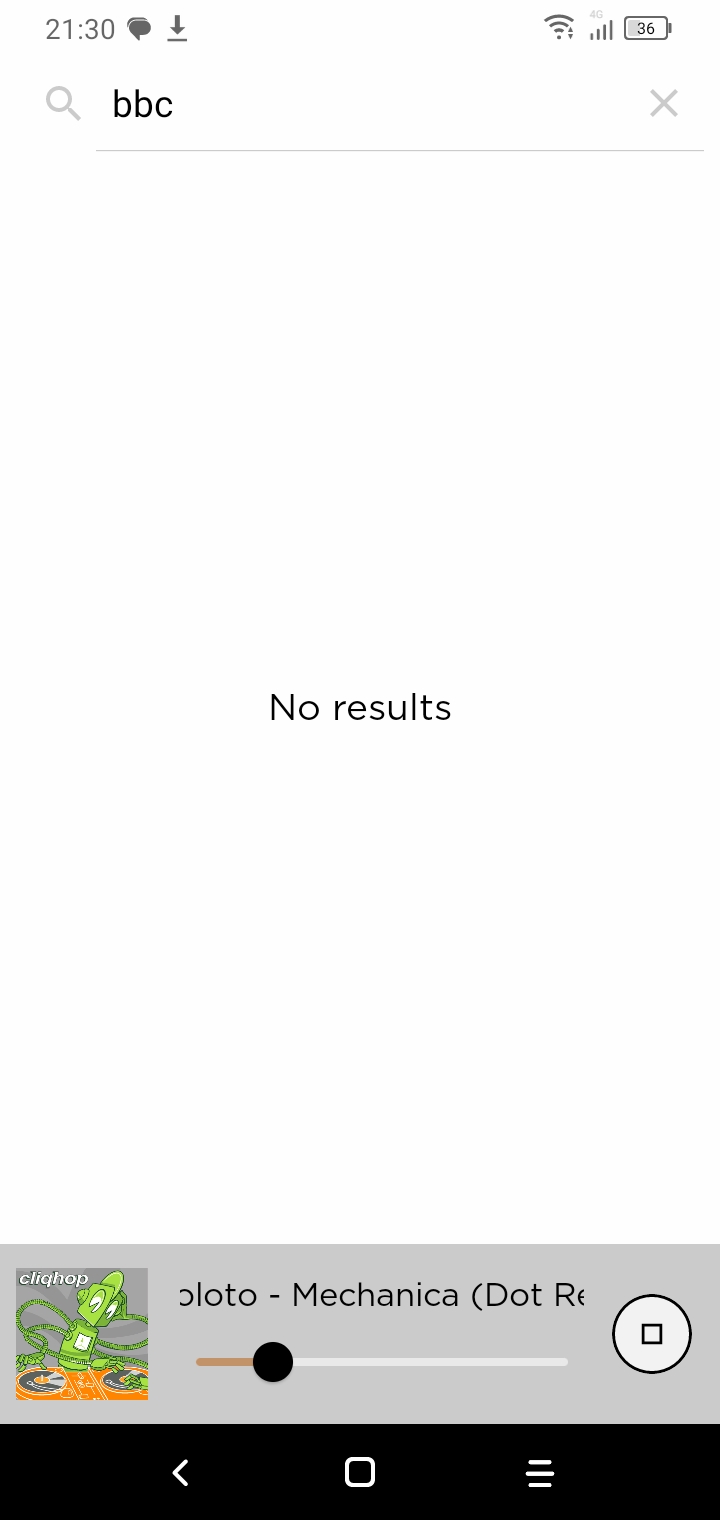
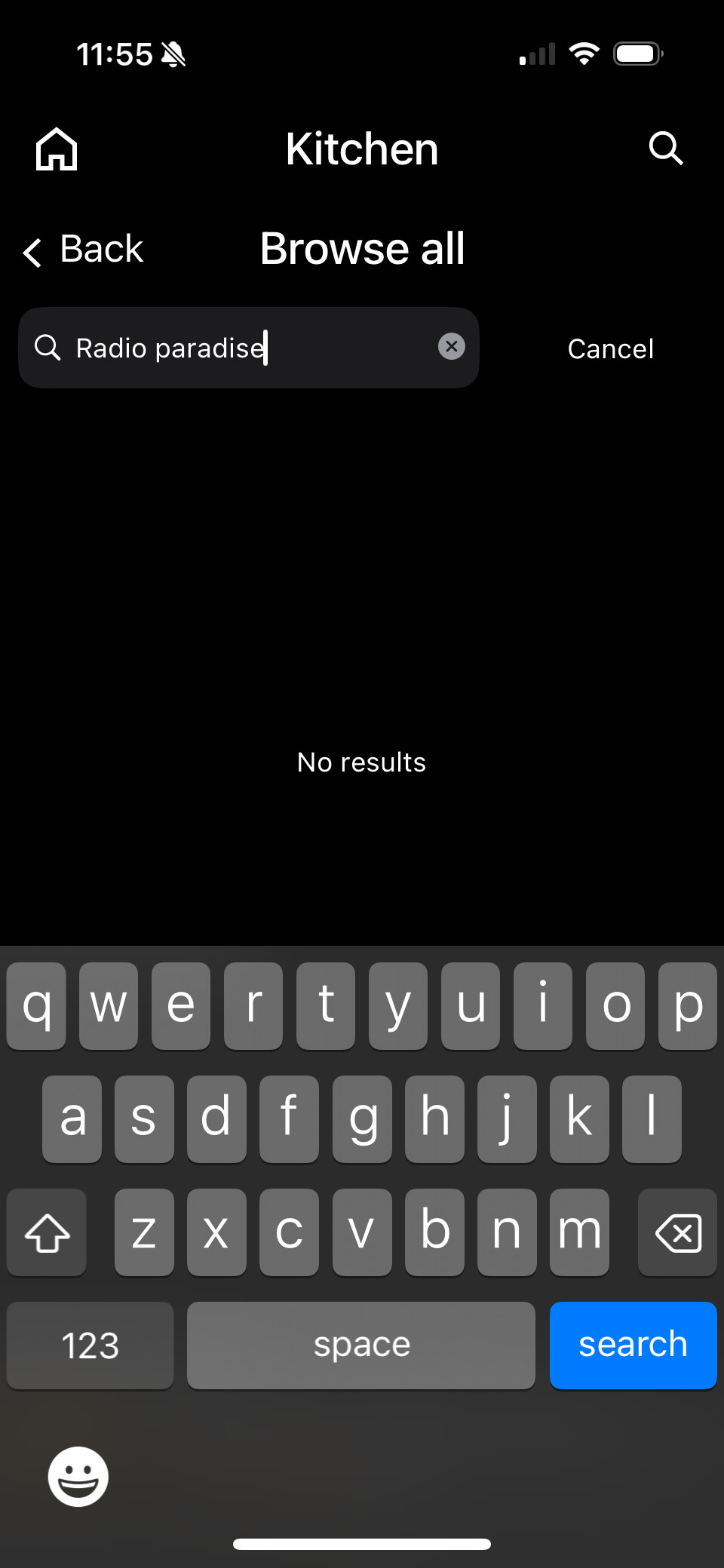
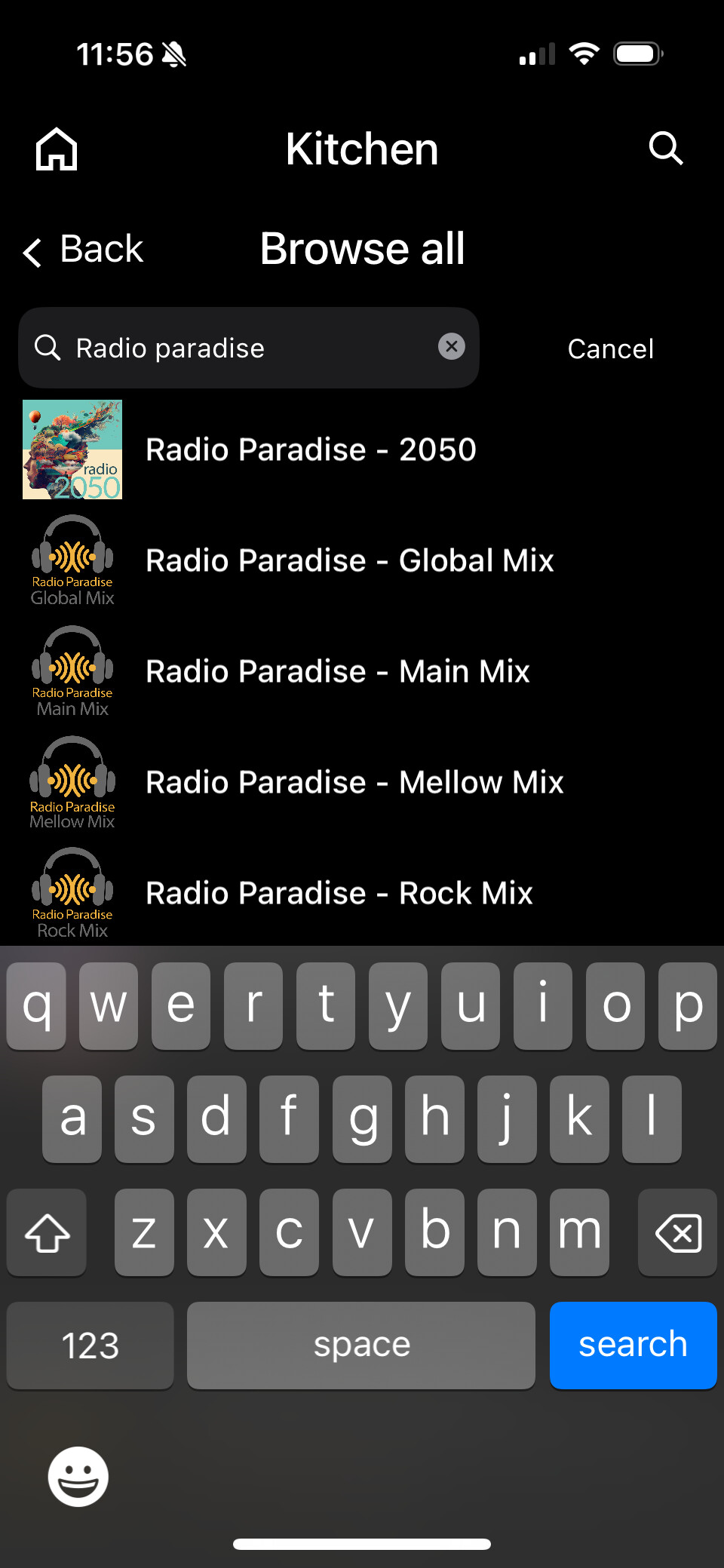
Even if the station is there, you can miss it if the list is long. For example, this is what I see if I search USA/Browse All looking for Radio Paradise:
This is misleading, because the search hasn’t finished yet. It takes a couple of minutes, but you might reasonably assume that “No results” means it’s not on the list. Much as we all hate staring at a wheel of death, it would be more appropriate here, or perhaps just change the message to Please wait. Then your patience would be rewarded with this:
Hej. Thanks for your replay. Yesterday everything worked fine again Done nothing, just turned it on… Were there any changes done to vTuner service or… ?



 Done nothing, just turned it on… Were there any changes done to vTuner service or… ?