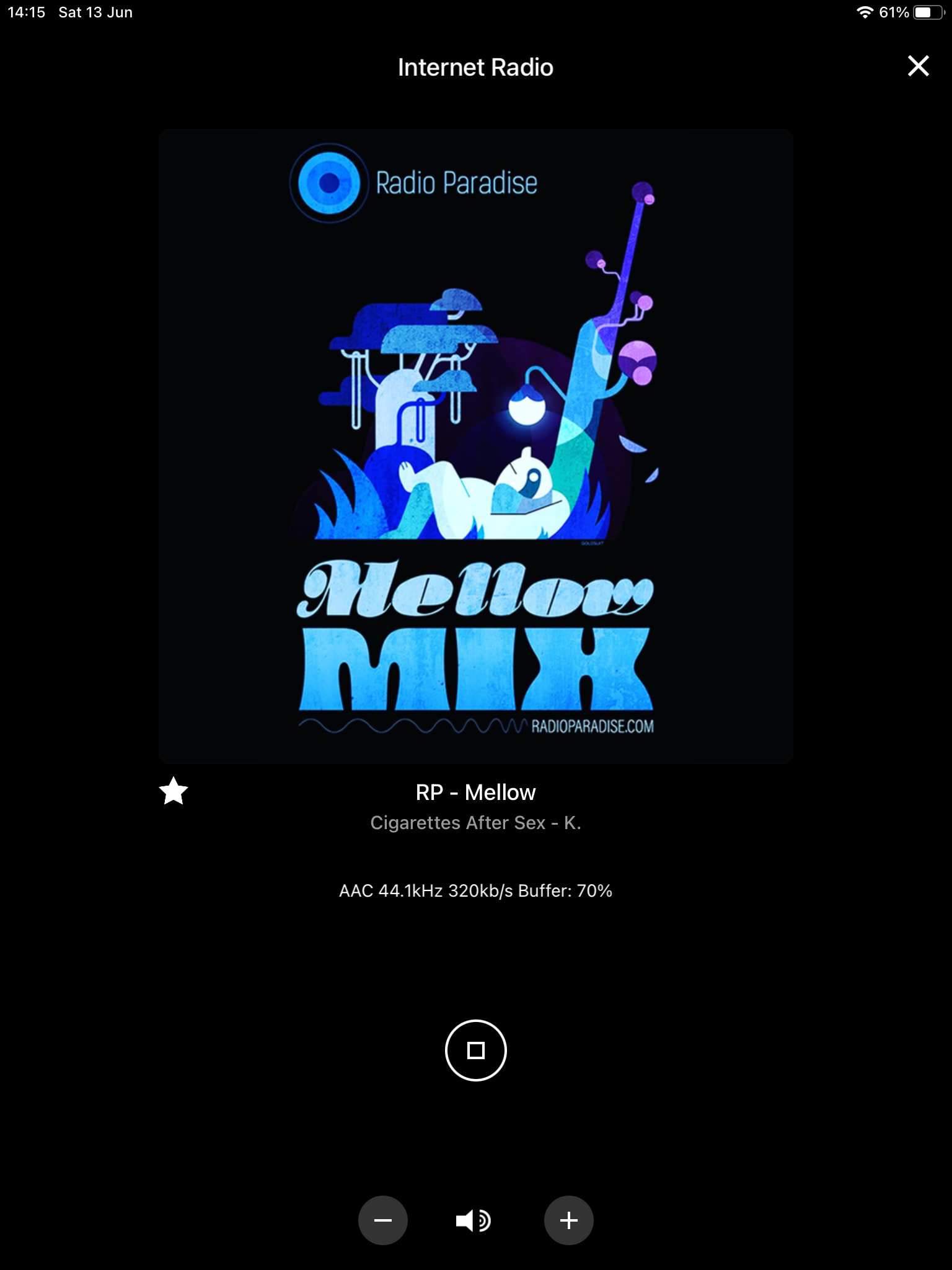
Morning all, I have finally gotten around to updating my NDX to firmware 4.9 to get the new Naim radio stations. The update went perfectly, but then the instructions tell me to factory reset the NDX using my remote control. My problem is that, like many others, my NDX screen died years ago. I only use the app now. So, I cannot use the remote and see what it’s doing.
At present, without doing the factory reset, I cannot see any iRadio stations in the app.
Is there a way to perform a factory reset of the NDX without using the remote and NDX screen?
No worries HH… as payment you can help me with my next problem, for which I have been searching but again, cannot find an answer…
So, 4.9 is installed on the NDX, radio presets done, but now I see my volume control has disappeared. I am pretty sure the factory reset has reset the NDX system automation. However, as my screen doesn’t work, I cannot go through the menus to set this up again. The NDX has the 3.5 lead connected to my 252.
Is there any way to get the volume control back in the app without having to take the NDX to Salisbury for a service and a new screen?
I believe Naim no longer offer screen replacements. If you want one, there is a French eBay seller who has them and can help with installation advice if required.
Sadly, you cannot do it without following the on screen menus, as the factory reset has switched off system automation. I see that others have recommended l’écran Française, which seems the best approach and isn’t prohibitively expensive.
My NDX has volume control on the Naim app.,
I didn’t do anything out of the ordinary to the NDX to get this and believe this is a Naim app function.
Suggest you delete and reinstall the app.
Have you reset all your iRadio presets to get the new iRadio features.
Hi Mike, yes I’ve reset the iRadio and all presets but in performing the NDX factory reset by pressing the Stop and then Play upon power up, it has reset the system automation which can only be accessed on the screen… which is dead, hence the above messages

 you can help me with my next problem, for which I have been searching but again, cannot find an answer…