I was only able to spend my Saturday evening playing with it; even Mrs. Klout immediately noticed the improvements … I was not able yet to compare to e.g. FLAC files on my NAS but overall the quality was very good and something I can easily live with.
2 Likes
That’s a very misleading claim because most of those ‘users’ are not paying subscribers. It will include me, as a paid up Qobuz subscriber, just because I occasionally dip into free Spotify too.
So what if there are a few old farts listening nothing but Dire Straits and Pink Floyd? That doesn’t stop me from listening to whatever I want, and while such bands do feature more highly in the Qobuz charts, I don’t have to listen to them, just as I don’t use Spotify to listen to endless Taylor Swift and Justin Bieber.
1 Like
Yes, Spotify Lossless sounds significantly better than Spotify at 320kbps. I did some A/B comparison against Qobuz. I only hear difference when it gets to 24/96. But my system is not super resolving.
4 Likes
Makes sense. Spotify 320kbps on my 172/155 is pretty awful - anything should be an improvement. I’m guessing when @Klout10 A/Bs vs his FLAC rips they will still come out on top. Mine definitely best the Qobuz streams I’ve tested.
2 Likes
In DE:
€6.99 students (no idea how they validate that)
€12.99 individual
€17.99 couples
€21.99 families
3 Likes
So. I signed up for 3 months premium on Sunday. I don’t seem to be able to get flac hires, yet. I’m in England.
I don’t think I’ll be using Spotify in the future, the app is an absolute mess.
HOW DO YOU STOP THE BLOOODY THING STREAMING.
1 Like
Press the stop button? You may need to explain further.
1 Like
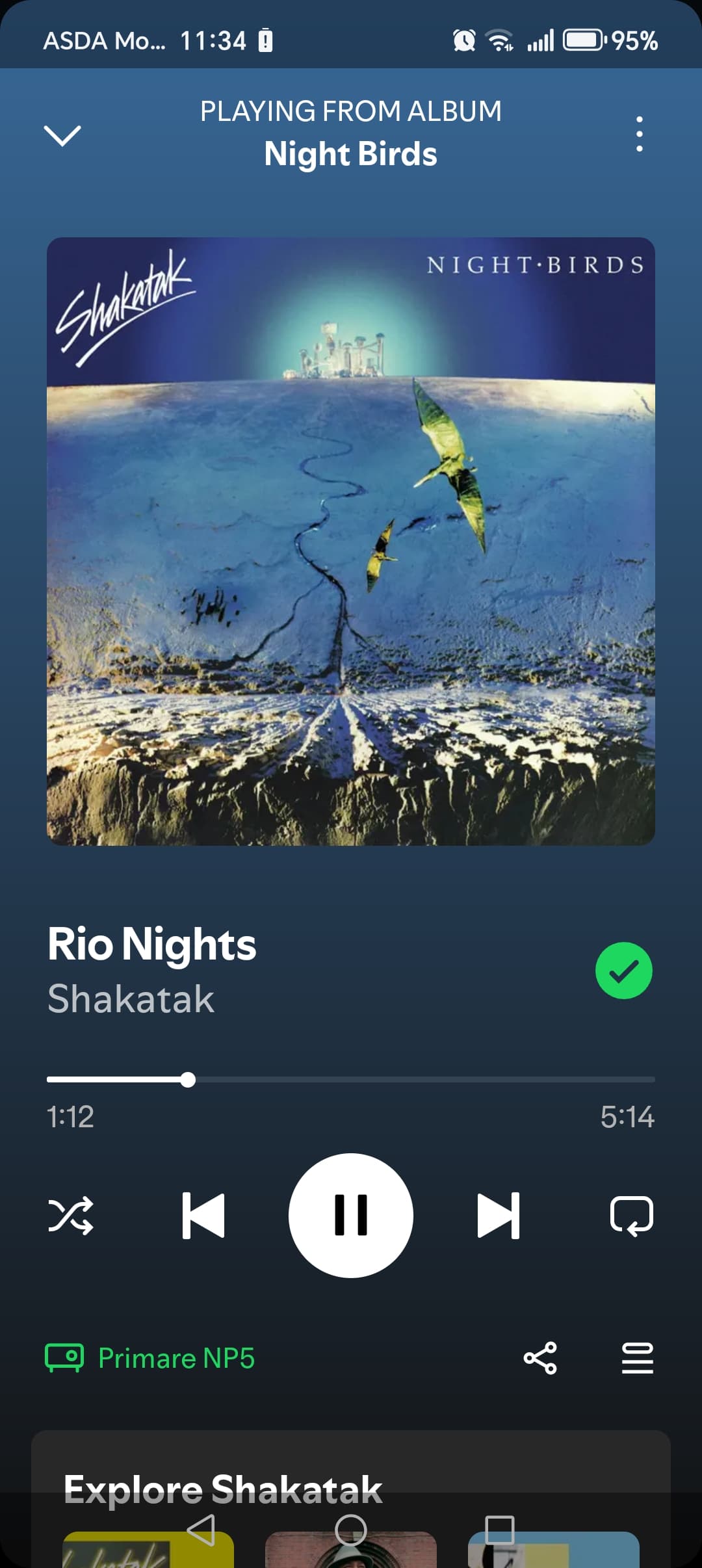

I guess then press pause and close the app?
Tidal appears to work in the same way as I believe does Qobuz (someone will correct me if I’ve got that wrong).
But I know what you mean. These apps seem to want to keep running in the background!
Perhaps your streamer doesn’t yet support lossless?
Edit: An AI search says it does, so scratch that thought.
Is there a close app button.???
I can go into settings and force stop.
1 Like
Just press pause and it will stop streaming.
1 Like
They all have same buttons. None of them have a stop or close button. Just pause and close app. This is so you can open app again and nicely continue right where you left off. Spotify is no different. It does take some getting used coming from roon or Qobuz but pretty easy to figure out. I haven’t used it too much since still waiting for lossless option to rollout. I guess that can be anytime from now until end of October.
1 Like
Just close it like any other app. Are you on Android or iPhone? Either allow you to swipe up to close the app.
1 Like
Spotify connect continues to play if you close the spotify app or turn your phone off. This is good, imho. To stop, pause in the app. Or go to naim app or remote or front panel and turn off or change source.
Qobuz in contrast stops when the app is closed but leaves the source on and the graphic up which I find really annoying! But you can restart it from the naim app. I actually think they have a bug there; it should continue as per spotify.
And I still hear no difference with qobuz. I find the android app poor in comparison too. Won’t be changing.
(Also a spotify notification said they will be “notifying me soon” when new service available for me.)
2 Likes
In the Qobuz, Tidal or Naim apps you can clear the play queue. I don’t see this option in Spotify, although I don’t have a paid account so maybe it’s one of those features that are missing.
1 Like
Definitely there in paid service. Open queue, ‘clear’ is top right of it.
Believe all three Connect setups from Tidal, Qobuz, and Spotify all continue to play even if fully close their apps. They actually hand off stream to the streamer. So this allows you to open app on different device and continue to control music.
Spotify is most seamless. If you open on another device it already knows you have a Connect playing. If you have nothing playing Spotifu will ask if want to connect to that same streamer. Also Spotify can control device even if off wireless network once you’ve connected at least once on WiFi.
2 Likes
Well, as always UI is also a matter of taste and being used to something (else).
I read the comment as well and couldn’t help but smile. Not because I thought it was ridiculous but because I personally hate the Spotify UI as well. And the Tidal UI for that matter…
But I guess that’s mainly because I am not familiar enough with it. It doesn’t make it less true for me personally though…
1 Like
I do think Qobuz now has a nice clean interface. Like it better than roon’s outdated one. Spotify interface not that great but has best recommendations and playlists. Has social aspects that allow me to easier share albums or creat group playlists all within the app. I used to listen to a few podcast, so this make it easy as well can just listen on same headphone setup and I listen to music on. And really, didn’t like having to spend on two music services and my son was never going to switch over to anything other than Spotify since that what all his friends use and can easily share their music. He’s given me some good albums as well.
4 Likes