Not with proper clotted cream. That has a much thicker consistency, on average 64% fat - minimum 54%. It is quite a stiff consistency - not as stiff as butter, but it is quite easy to spread the jam on top - at least with a proper, decent clotted cream, like what my aunts used to make.
Largest commercial producer is Rodda’s, and that is reasonably stiff, but I remember clotted creams that were less runny than theirs. I like both, TBH.
Indeed, though I still prefer a big dollop on top, rather than spread beneath - I think, not having tried! In practical terms, whipped double cream is something I can get very readily and so can have far more often!
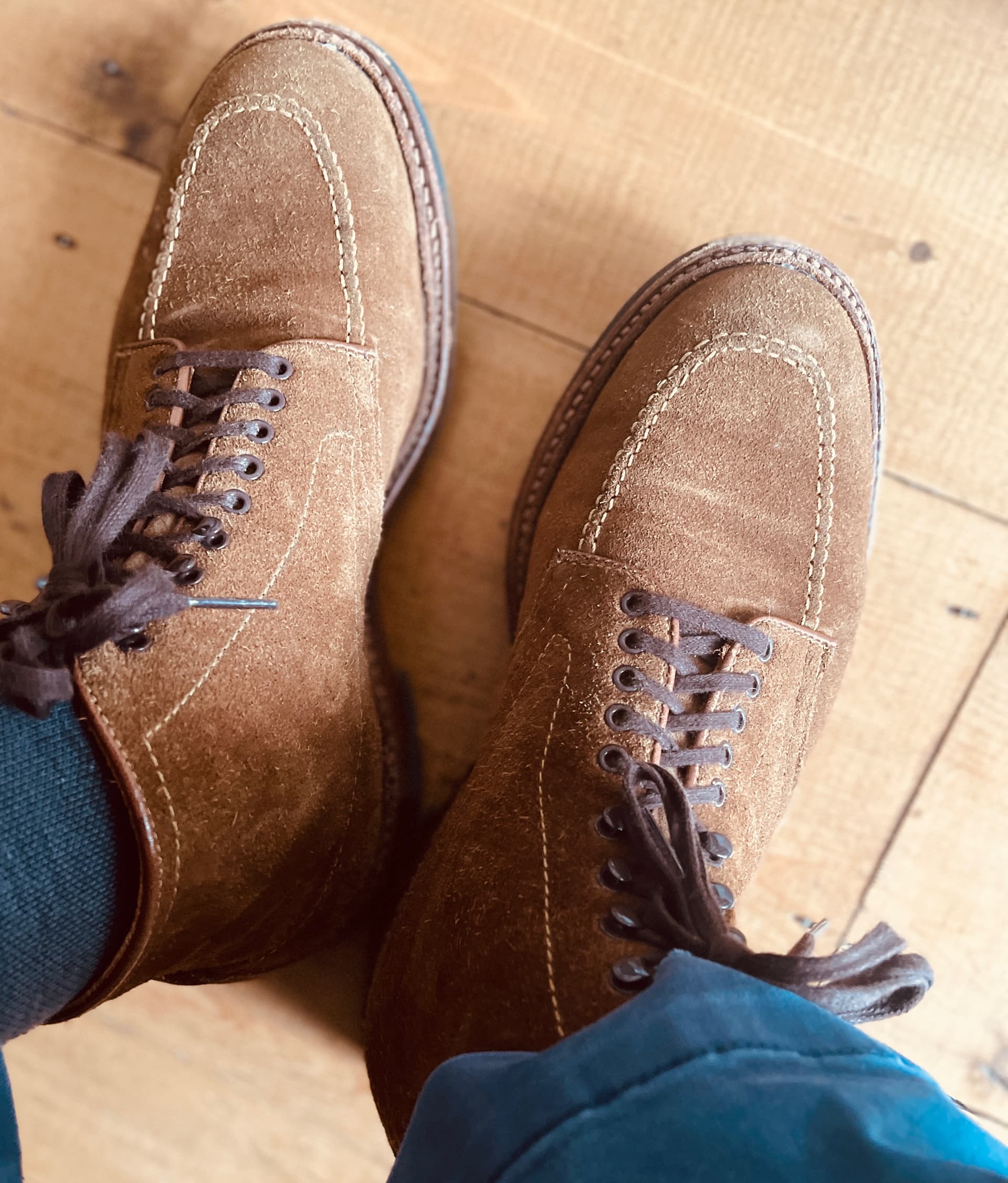
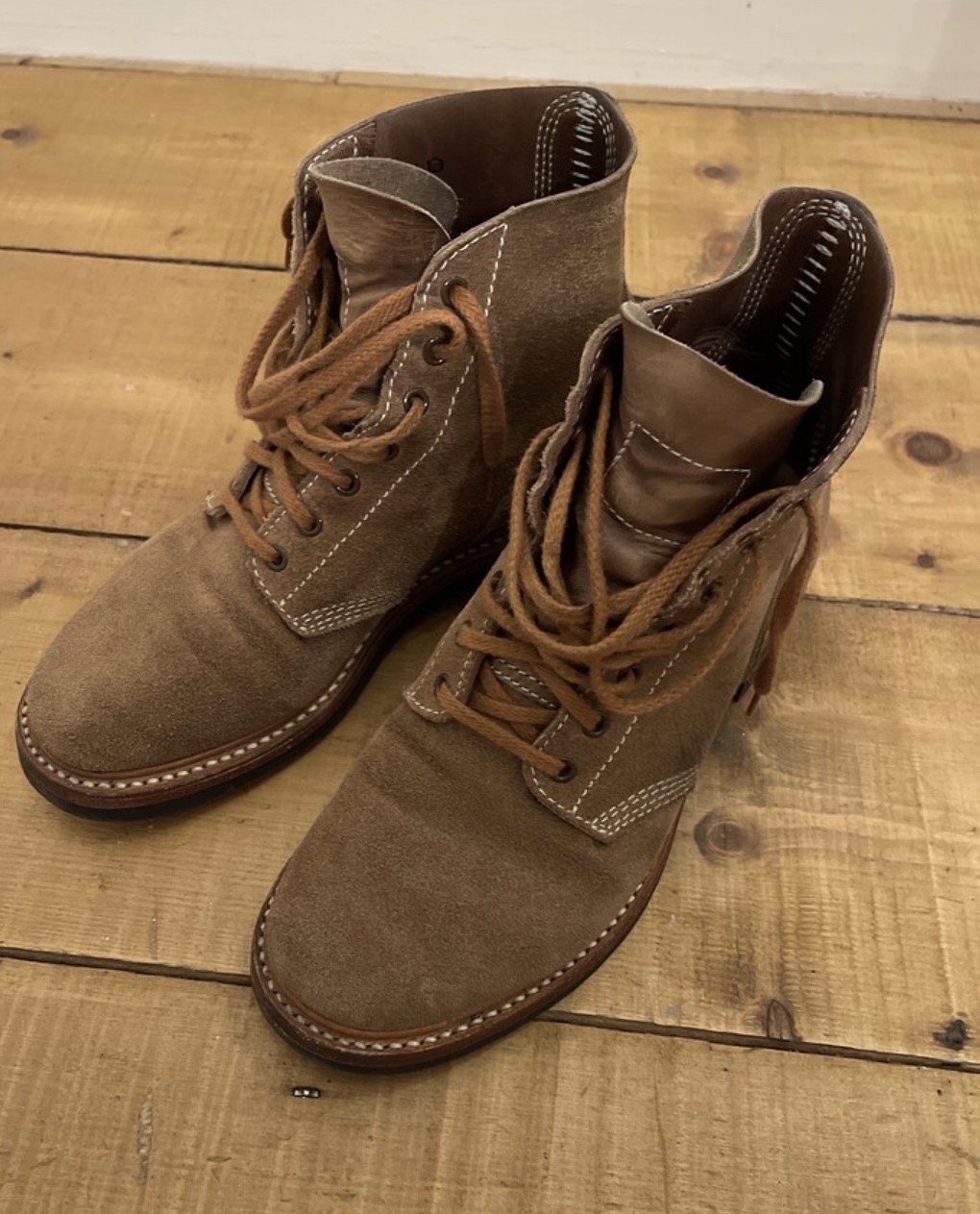
Nice boots, but Alden save money using cheaper materials. I also have a pair of these. Watch the Rose Anvil 2 video. ( $1050 and 6 months …aaand they’re falling apart (Alden Indy))
There are better boots out there for what you pay, but maybe not as cool?
The Rose Anvil issues has not been my experience with Alden and I’m overjoyed with them. Well constructed, sturdy and comfortable. The ones pictured are snuff suede with a commando sole, four years old and are not falling apart in the slightest. I tend to do a bit more research before buying and Rose Anvil is one voice in the crowd. Plenty love them and I’m one of them. Next is a pair of Shell Cordovan in colour No 8.
Since the late ’90s, I’ve used a personal domain, @mylastname.net for email. Last year, when Apple introduced support for custom domains, I migrated from Tutamail. The experience with Apple has been far superior — integration with Reminders, Calendar, and all my Apple devices has been exceptionally smooth and seamless.
I take it you are saying Apple now your web/domain host? Could you please elaborate more on what has changed with Apple to make you change and what you see as the benefit in practice? I have been using personal domains hosted by Ionos (formerly 1&1) for many years through Apple Mail on iPad & iPhone without issue.
Here’s what you’d gain in practice by moving your domain’s email to iCloud+:
Tighter Apple ecosystem integration
Your custom email behaves exactly like an @icloud.com account — seamless setup, automatic syncing across devices, access via Mail app, iCloud.com, etc., without fiddling with server settings.
Hide My Email & privacy tools
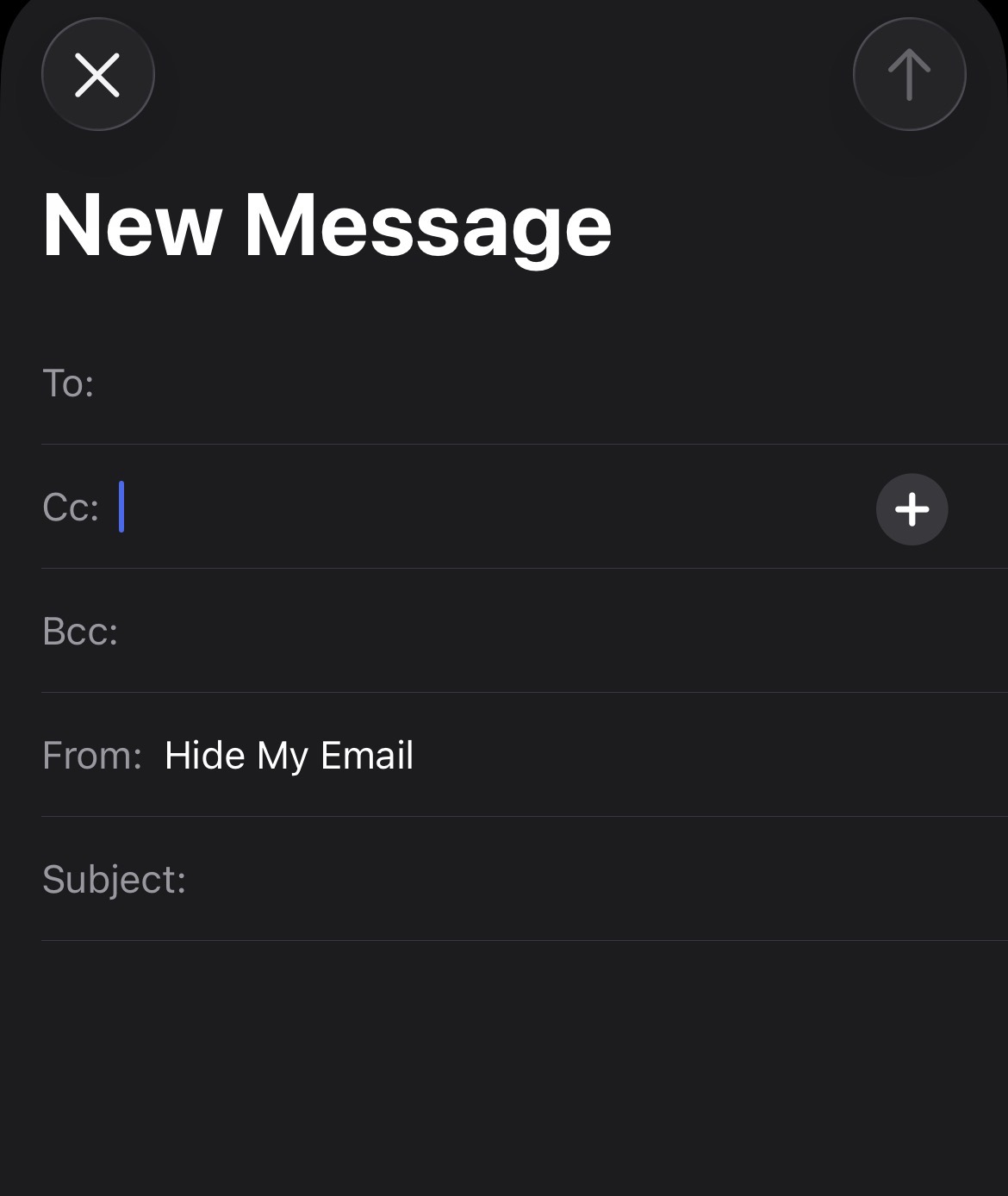
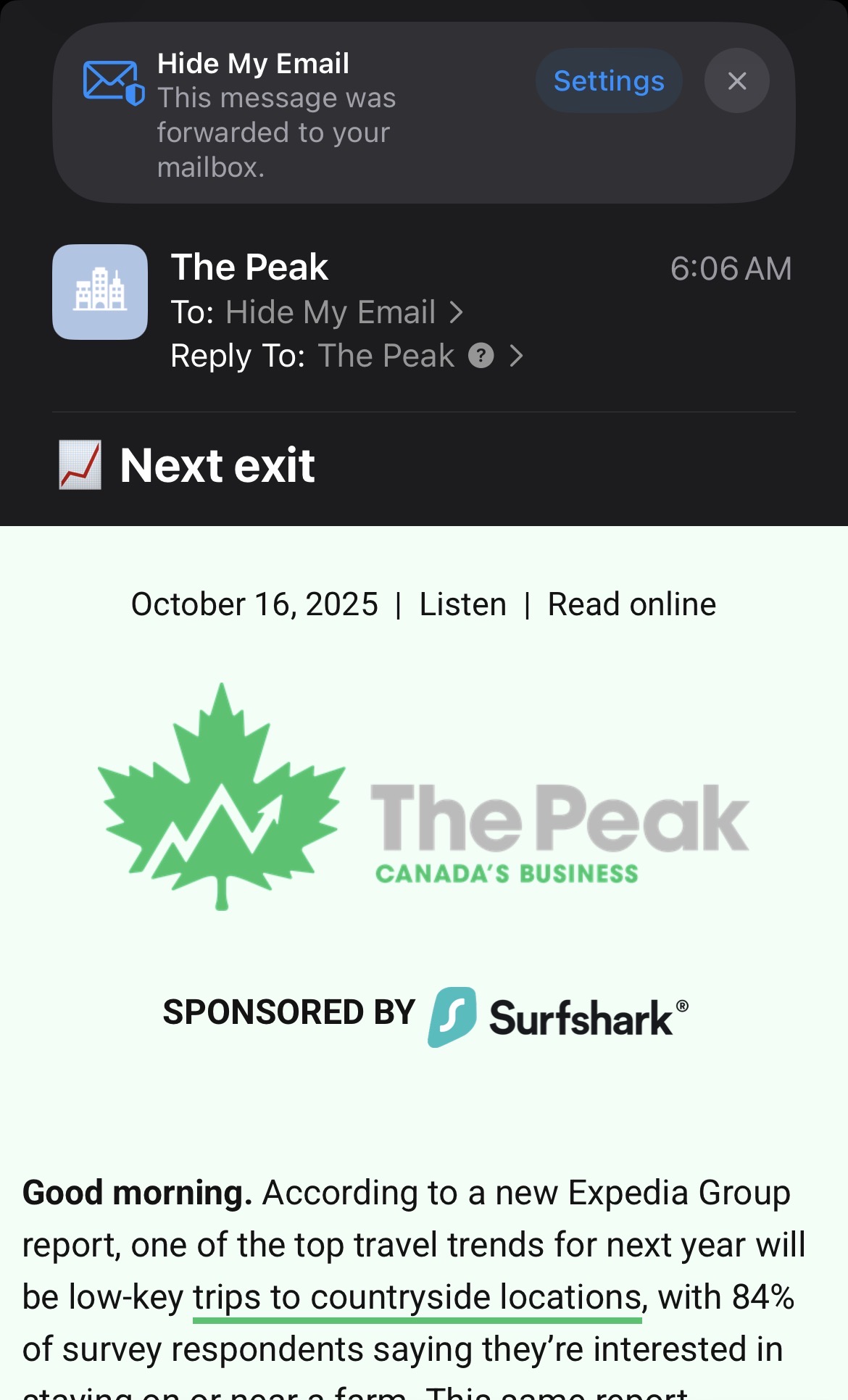
You can use “Hide My Email” aliases even with your custom domain — so you could generate addresses like shop@yourdomain.com or newsletter@yourdomain.com that forward to your real inbox, and delete them anytime.
Family sharing for domains
You can invite up to five family members to use the same custom domain (e.g., anna@yourdomain.com, john@yourdomain.com) — all managed through iCloud, not a third-party admin panel.
Reliability and continuity
Apple’s mail servers are generally fast, globally distributed, and privacy-oriented. You benefit from their spam filtering, uptime, and infrastructure.
No extra cost
If you already pay for iCloud+ storage (even the 50 GB plan), custom domain hosting for mail is included at no extra charge.
So - just like other hosting systems? I use an ISP that has mail-hosting and mail-forwarding. My email address uses .beachcomber.co.uk (my domain, of course, is beachcomber). I can use that to set up as many email addresses as I like (OK, so not limited to 5). I can have a totally different email (so not beachcomber.co.uk) and automatically forward it to my beachcomber email box.
So how is this different from any other email server service?
I think build wise there aren’t many that come close to John Lofgren. These are made in Japan and are the M43 service boots. The stitching is incredible and the roughout leather is gorgeous. Better looking than the Alden? Probably not but definitely better made.
Yes, reflecting on it this morning there seems very little difference from my existing, save the apparent zero cost idpf already using icloud 50GB: My family domain can and does have permit many more than 5 email addresses, though IIRC there may be a more basic level which limited to only a few, maybe 5. And I can and do have automatic forwarding, and and while managing (creating or amending aliases and their forwarding) is through the web host’s site not Apple (icloud), that is neither difficult nor a daily activity. Forwarding can be purely that, or can forward and have its own mailbox which enables receipt in own box and if wanted sending by going into another.
And the only benefit I can think of with the “integration” aspect is that at present simply selecting a displayed email address when browsing a website on an Apple device and saying send email automatically opens my icloud domain email address not one of my own domain ones, to do which I have to copy the address and go to the mail app.
@Andreas.ca, are more than 5 email addresses per domain available at extra cost? Can you have multiple personal domains not just one? And can you choose send from a forwarding alias without displaying your own address while in your own mailbox, or does that require you to go separately to a separate one?
Key Differences from Traditional Hosting and Forwarding
• Privacy Focus with Hide My Email: Unlike typical ISP forwarding, iCloud+’s Hide My Email creates unique, random aliases that Apple manages fully, designed specifically to prevent tracking, spam infiltration, and data leaks. These aliases are tightly integrated with Apple’s system-level privacy protections, such as masking IP addresses and blocking tracking pixels, which standard forwarding does not typically cover.
• Seamless Apple Ecosystem Integration: iCloud+ email features (including the use of custom domains) automatically sync and are manageable across all Apple devices and apps (Mail, Settings, Safari, etc.) without additional setup or external web portals. This provides a more unified experience than using a generic ISP host, especially if you primarily use Apple hardware and software.
• Selective Forwarding and Management: With iCloud+, you can create, deactivate, and manage unique forwarding addresses easily in one place and revoke any alias if it starts getting spam. While traditional forwarding allows multiple addresses, it often lacks the convenience of on-device management and the granular privacy controls that iCloud+ offers.
• Custom Domains with Family Sharing: iCloud+ supports custom domain hosting natively for Mail, plus shares this benefit with family members, integrating with Apple ID and iCloud accounts, which is uncommon for regular ISP-based domains.
• Additional Privacy Protections: Mail Privacy Protection in iCloud hides user activity details (like IP and reading status) from senders, something not standard in most ISP mail services.
Summary
While functionally iCloud+ email with custom domains and forwarding can overlap with many ISP features, the Apple advantage is its strong privacy protections, deep ecosystem integration, convenience of alias management, and family sharing support. If your priority is privacy and seamless use across Apple devices, iCloud+ offers unique value beyond basic forwarding and hosting services. However, if your current ISP setup meets your technical and privacy needs, iCloud+ may not add significant functional differences beyond Apple’s ecosystem benefits.
You can have more than five email addresses per domain in iCloud+ by creating multiple personalized addresses, but each domain is limited to up to five custom domains and up to three email addresses per domain.[apple +2]
Multiple Personal Domains
Yes, iCloud+ supports using up to five different custom domains at the same time. You can set up distinct domains for different purposes or personal brands, and each can have up to three personalized email addresses.[developers.cloudflare +2]
Sending from Aliases Without Displaying Your Address
In iCloud Mail, you can choose to send emails from any of your aliases or personalized addresses. When composing a message, you typically select the “From” address, and it can show your alias or domain-specific email instead of your primary iCloud address. This allows you to maintain privacy or professional branding, with the recipient seeing only the alias or custom domain address, not your personal or main address.
Summary
• You can set up more than five addresses per domain by creating multiple aliases within limits.
• You can have multiple personal domains (up to five).
• It is possible to send from a forwarding alias while in your mailbox, and the recipient will see only the sender address you select, not your main address, without needing separate accounts.
This setup provides flexibility similar to other hosting solutions but with tight ecosystem integration and privacy protections from Apple.
The sending from alias does seem simpler than how I can do. But for each personal domain I can have far more than 5: for my family one I have many more (it seemed wrong yo hog the family name domain emails for just my immediate family so I have offered to wider family with same surname). But as I said I have a vsgue memory that the basic package gad 5 and I had to pay for an upgrade. Can you upgrade the Apple one?
My personal email requirements are modest. iCloud+ with a personal domain provides an exceptionally seamless experience, requiring minimal management on my part.